https://github.com/minimalist-components/mn-select
A select component to desktop and mobile devices
https://github.com/minimalist-components/mn-select
agnostic-to-frameworks javascript mn-selects pure-javascript webcomponents
Last synced: 10 months ago
JSON representation
A select component to desktop and mobile devices
- Host: GitHub
- URL: https://github.com/minimalist-components/mn-select
- Owner: minimalist-components
- License: mit
- Created: 2016-12-12T10:57:20.000Z (over 9 years ago)
- Default Branch: master
- Last Pushed: 2018-12-09T21:25:45.000Z (over 7 years ago)
- Last Synced: 2025-02-03T13:07:33.002Z (over 1 year ago)
- Topics: agnostic-to-frameworks, javascript, mn-selects, pure-javascript, webcomponents
- Language: JavaScript
- Size: 2.93 MB
- Stars: 5
- Watchers: 3
- Forks: 1
- Open Issues: 4
-
Metadata Files:
- Readme: README.md
- License: LICENSE
Awesome Lists containing this project
README
[](https://badge.fury.io/js/mn-select)
[](https://gemnasium.com/github.com/minimalist-components/mn-select)
[](https://opensource.org/licenses/mit-license.php)
# mn-select
Minimalist select component, agnostic to framworks.
See the [demo](https://minimalist-components.github.io/mn-select/)
[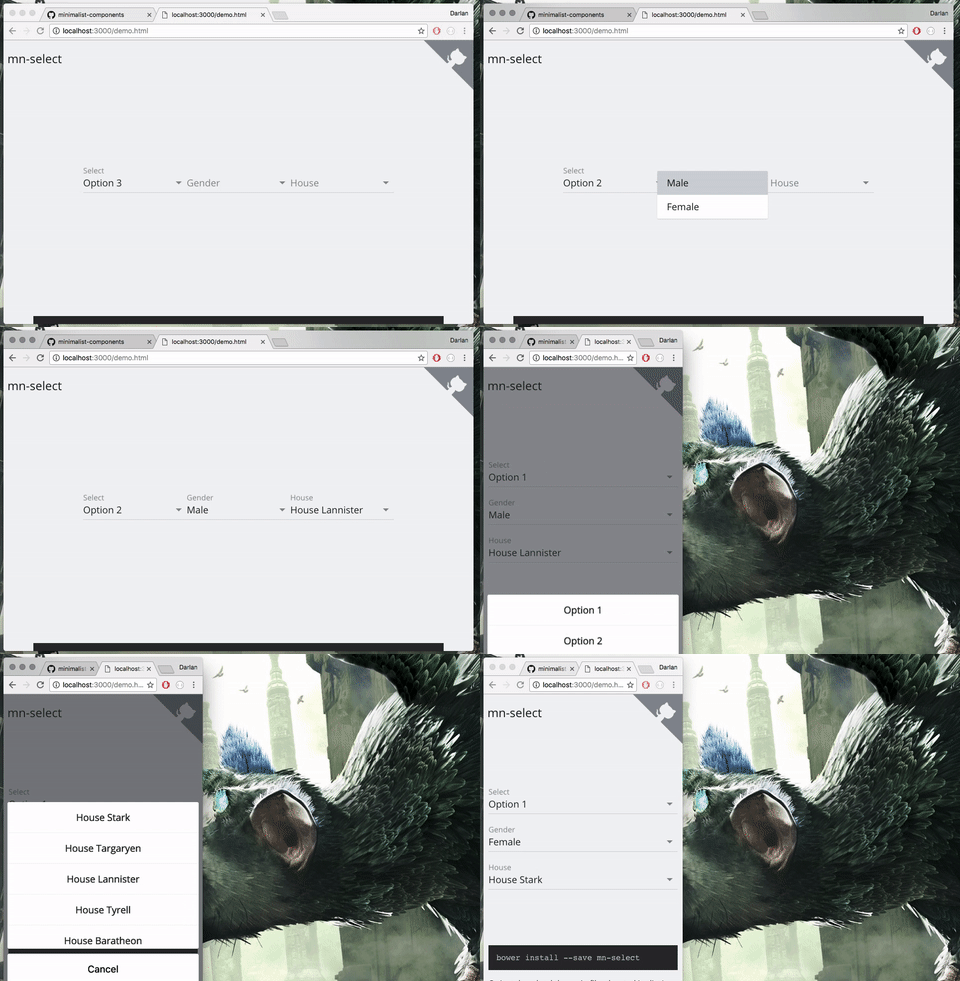](https://minimalist-components.github.io/mn-select/)
### Install
```sh
npm install --save mn-select
```
And bundle dependencies and main files in [dist/](https://github.com/minimalist-components/mn-select/tree/master/dist) with your preferred tool.
### Usage
just use the tag `mn-select` and `option`, e.g.
```html
White
Black
```
To begin with an value, you can use the attribute selected in tag option
```html
White
Black
```
Or just use the attribute value in mn-select
```html
White
Black
```
If you want set the value from javascript, just assign a value to property .value, e.g.
```js
document.querySelector('mn-select').value = '#000'
```
The following attributes from image are supported in this `mn-select`
- [value](http://www.w3schools.com/TAgs/att_input_value.asp)
- [placeholder](http://www.w3schools.com/TAgs/att_input_placeholder.asp)
- [id](http://www.w3schools.com/tags/att_global_id.asp)
- [name](http://www.w3schools.com/TAgs/att_input_name.asp)
and in option
- [value](http://www.w3schools.com/TAgs/att_input_value.asp)
- [selected](http://www.w3schools.com/tags/att_option_selected.asp)