https://github.com/minuscorp/tunisia
A local Carthage cache based on library version, toolchain, xcode and platform dependant.
https://github.com/minuscorp/tunisia
apple cache carthage command-line-tool framework ios mac package-manager swift tvos watchos
Last synced: about 1 year ago
JSON representation
A local Carthage cache based on library version, toolchain, xcode and platform dependant.
- Host: GitHub
- URL: https://github.com/minuscorp/tunisia
- Owner: minuscorp
- License: apache-2.0
- Created: 2020-04-30T12:43:51.000Z (about 6 years ago)
- Default Branch: master
- Last Pushed: 2020-08-02T15:31:11.000Z (almost 6 years ago)
- Last Synced: 2025-04-06T15:39:27.077Z (over 1 year ago)
- Topics: apple, cache, carthage, command-line-tool, framework, ios, mac, package-manager, swift, tvos, watchos
- Language: Swift
- Size: 72.3 KB
- Stars: 6
- Watchers: 2
- Forks: 0
- Open Issues: 0
-
Metadata Files:
- Readme: README.md
- License: LICENSE
Awesome Lists containing this project
README
# Tunisia





A Carthage local cache based on compiler, library and Xcode version.
## What does Tunisia?
Tunisia caches your Carthage dependencies into a local cache using a number of common parameters that allows to have several Xcode, Swift or library versions installed and restored on demand with just **one compilation** per combination.
This means:
1. ✅ No more build all dependencies with several Xcode version installed.
2. ✅ No more recompiling over and over the same library when using different versions.
3. ✅ Shared cache for all your projects! If a project already cached some dependency, it can be restored from a different one if a match is done.
## Usage
### Cache
To generate your cache with Tunisia make sure you make usage of its parameters:
```
USAGE: tunisia cache [--force] [--destination-directory ] [--working-directory ] [ ...]
ARGUMENTS:
The carthage verb to apply to Tunisia
The carthage arguments to apply to Tunisia.
OPTIONS:
--force
-d, --destination-directory
The destination directory of the cache (default: file:///Users/minuscorp/Library/Caches/)
-w, --working-directory
The working directory from where to find the Cartfile (default:
/Users/minuscorp/Documents/GitHub/Tunisia)
--version Show the version.
-h, --help Show help information.
```
For example, if we're using the following carthage command to cache all of our depenedencies:
```
carthage bootstrap --no-use-binaries --platform iOS
```
With Tunisia you would:
```
tunisia bootstrap --no-use-binaries --platform iOS
```
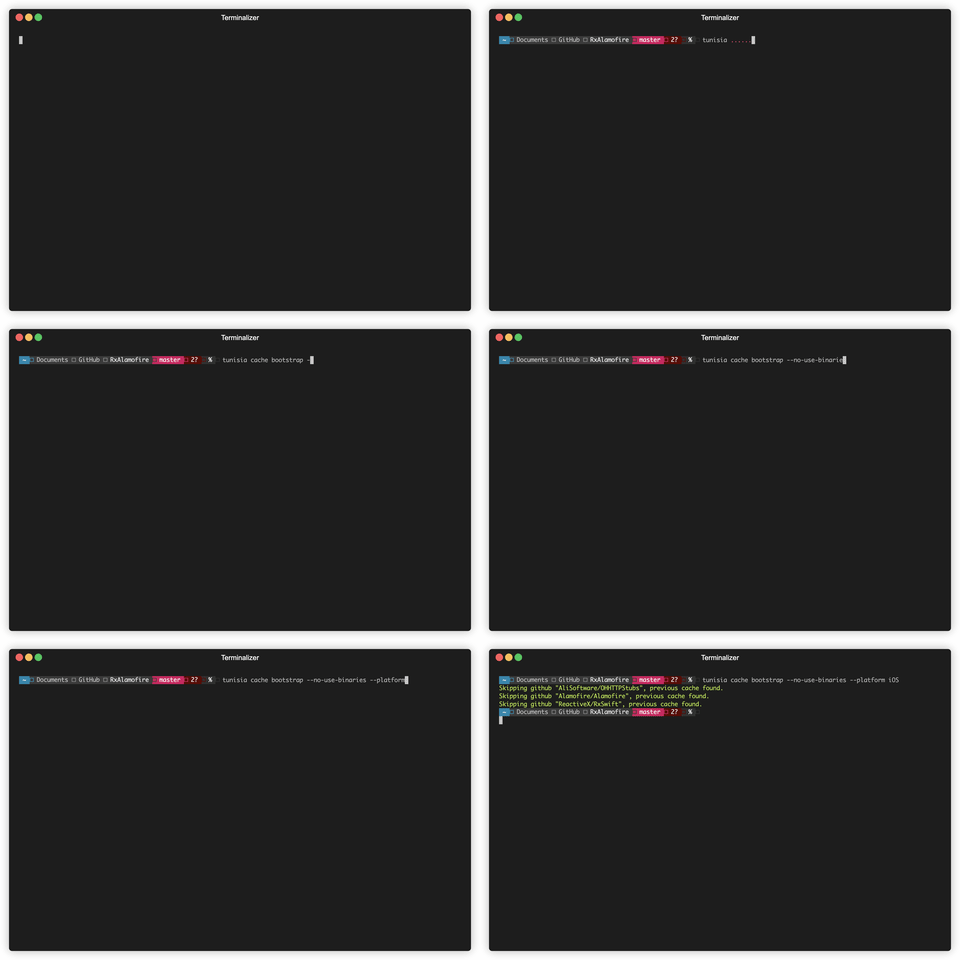
That's it. You just exchange `carthage` for `tunisia`.
You have several flags that you can prepend to the carthage verb (bootstrap, build) to configure Tunisia.
### Restore
To restore a cache for your Cartfile, you can make use of Tunisia in his `restore` command:
```
USAGE: tunisia restore [--cache-directory ] [--working-directory ] [ ...]
ARGUMENTS:
The carthage dependencies to restore, defaults to all.
OPTIONS:
-c, --cache-directory
The directory of the cache (default: file:///Users/minuscorp/Library/Caches/)
-w, --working-directory
The working directory from where to find the Cartfile (default:
/Users/minuscorp/Documents/GitHub/Tunisia)
--version Show the version.
-h, --help Show help information.
```
The usage of restore is even easier:
```
tunisia restore
```
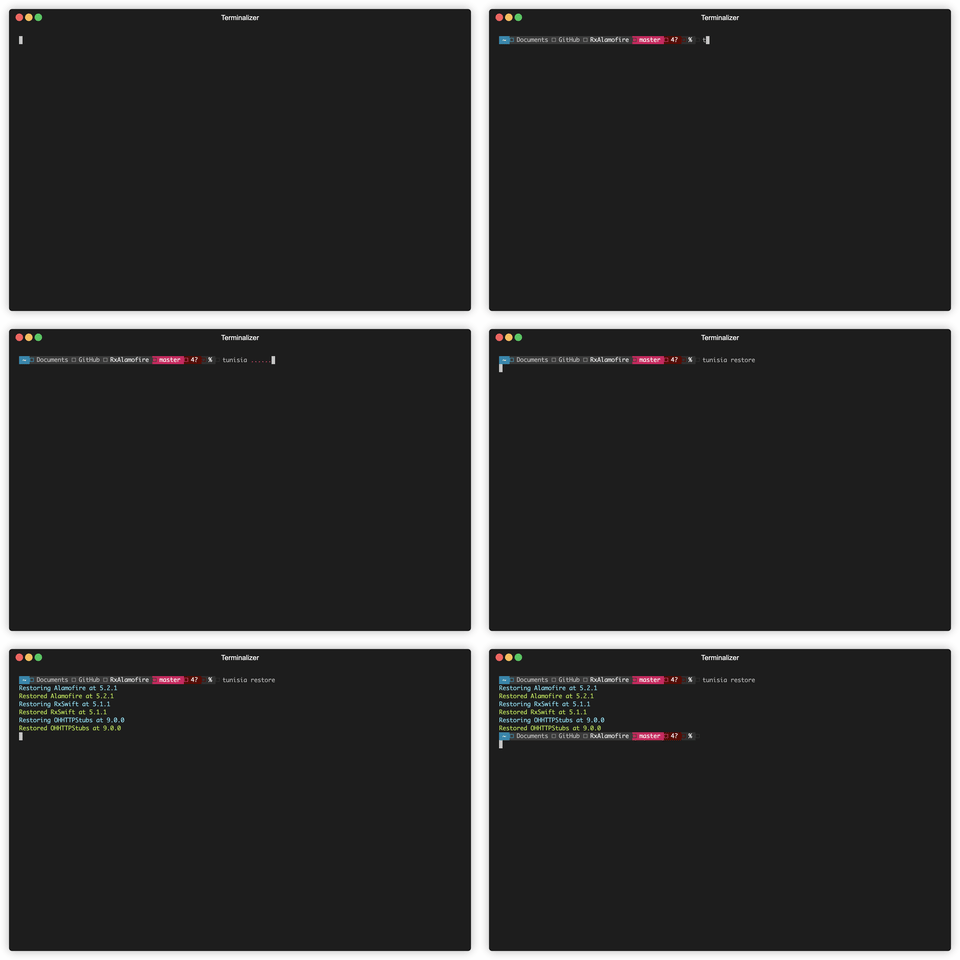
And the tool makes all the heavy lifting under the hood.
## Installation
### Download Binary
```
$ curl -Ls https://github.com/minuscorp/Tunisia/releases/download/latest/tunisia.macos.zip -o /tmp/tunisia.macos.zip
$ unzip -j -d /usr/local/bin /tmp/tunisia.macos.zip
```
### From Sources
Requirements:
Swift 5.0 runtime and Xcode installed in your computer.
### Using Homebrew
`brew tap minuscorp/tunisia`
`brew install tunisia`
### Building with Swift Package Manager
```
$ git clone https://github.com/minuscorp/Tunisia.git
$ cd Tunisia
$ make install
```
## Contact
Follow and contact me on Twitter at [@minuscorp](https://twitter.com/minuscorp).
## Contributions
If you find an issue, just [open a ticket](https://github.com/minuscorp/Tunisia/issues/new) on it. Pull requests are warmly welcome as well.
## License
ModuleInterface is licensed under the Apache 2.0. See [LICENSE](https://github.com/minuscorp/Tunisia/blob/master/LICENSE) for more info.