https://github.com/mirkorinke/developer-akademie-join
Welcome to our second group project as part of the Developer Academy! In this project, we developed Join, a simple and effective Kanban board that helps you organize tasks, track progress, and improve productivity. Manage your projects visually and keep everything on track with ease!
https://github.com/mirkorinke/developer-akademie-join
da developer-akademie frontend javascript join kanban kanban-board scss task-management teamwork web-application
Last synced: 4 months ago
JSON representation
Welcome to our second group project as part of the Developer Academy! In this project, we developed Join, a simple and effective Kanban board that helps you organize tasks, track progress, and improve productivity. Manage your projects visually and keep everything on track with ease!
- Host: GitHub
- URL: https://github.com/mirkorinke/developer-akademie-join
- Owner: MirkoRinke
- Created: 2024-10-07T15:48:26.000Z (over 1 year ago)
- Default Branch: main
- Last Pushed: 2025-02-20T20:20:49.000Z (over 1 year ago)
- Last Synced: 2025-03-28T00:44:30.758Z (about 1 year ago)
- Topics: da, developer-akademie, frontend, javascript, join, kanban, kanban-board, scss, task-management, teamwork, web-application
- Language: JavaScript
- Homepage:
- Size: 1.66 MB
- Stars: 0
- Watchers: 1
- Forks: 0
- Open Issues: 0
-
Metadata Files:
- Readme: README.md
Awesome Lists containing this project
README
# 📅 Join - Kanban Board
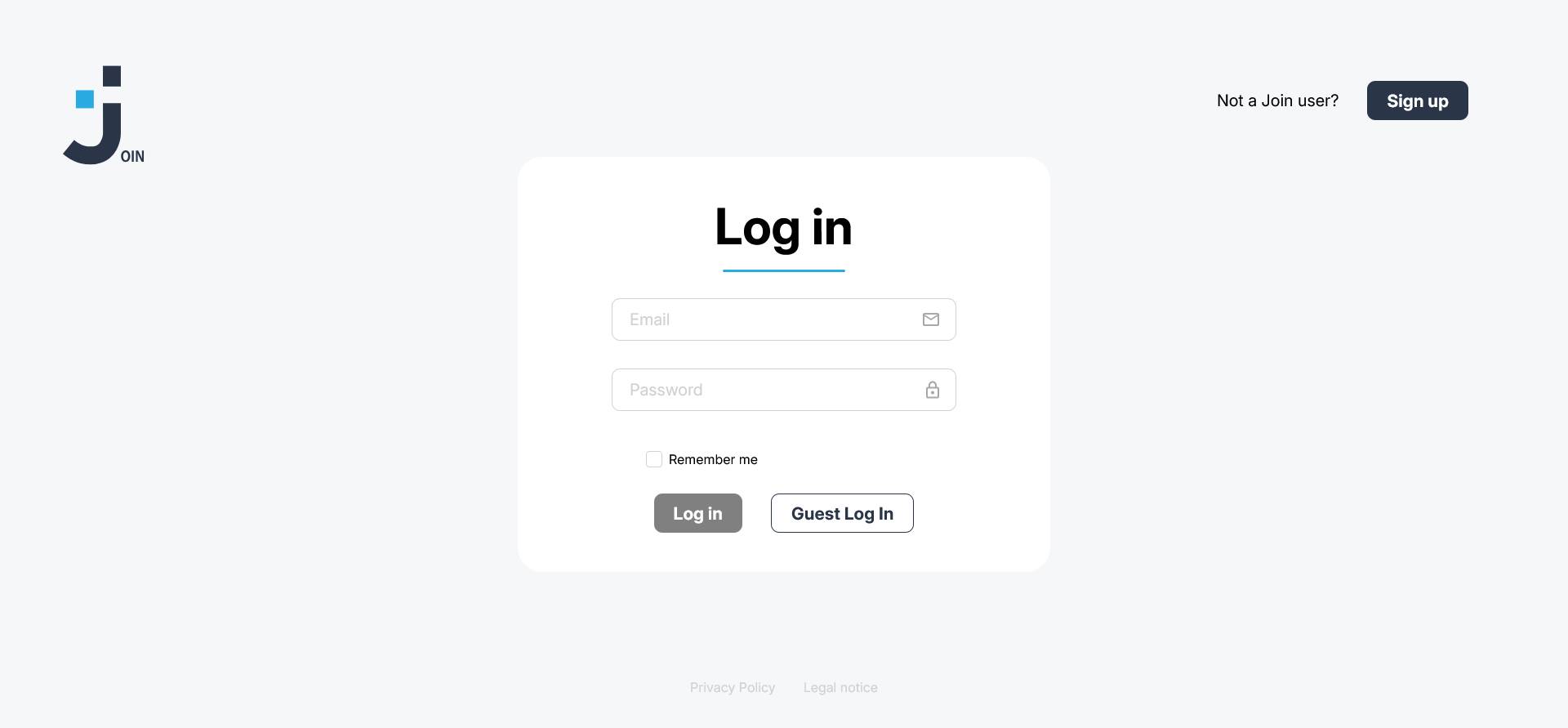
Welcome to **Join**, our second group project as part of the Developer Academy! This web-based Kanban board helps you organize tasks, manage workflows, and improve productivity. With an intuitive drag-and-drop interface, you can easily move tasks between different stages like "To-Do", "In Progress", "Await feedback" and "Done".
## 📋 Features
- **Task Management:** Create, edit, and delete tasks.
- **Kanban Workflow:** Move tasks between stages with drag-and-drop functionality.
- **User-Friendly Interface:** Simple, clean design for better project visualization.
## 🛠️ Technologies Used
- **HTML5**: Structure and content of the web application.
- **SCSS**: Preprocessed CSS for more maintainable and modular styling.
- **JavaScript**: Core logic for task management and dynamic interactions.
## 🚀 Getting Started
To run this project locally, follow these steps:
### 🔗 1. Clone the repository
```bash
git clone https://github.com/MirkoRinke/Developer-Akademie-Join.git
```
### 📂 3. Navigate to the project directory:
```bash
cd Developer-Akademie-Join
```
### 📂 4. Open the project
Open the `index.html` file in your web browser to view the application.
### 🤝 Contributing
This project is part of a learning process, but contributions and suggestions are always welcome!
### 👨💻 Contributors
- [Mirko Rinke](https://github.com/MirkoRinke)
- [David Dev](https://github.com/DavidDev25)
- [Richard Streu](https://github.com/RichardStreu)
- [Marco Lapiello](https://github.com/marcoLapiello)