https://github.com/moazam05/native-cli-home-service
A modern and accessible home service application
https://github.com/moazam05/native-cli-home-service
arabic-language async-storage english-language i18n oauth react-native reactjs redux-persist redux-toolkit supabase
Last synced: 22 days ago
JSON representation
A modern and accessible home service application
- Host: GitHub
- URL: https://github.com/moazam05/native-cli-home-service
- Owner: Moazam05
- Created: 2024-12-30T11:19:00.000Z (over 1 year ago)
- Default Branch: main
- Last Pushed: 2025-07-11T17:26:38.000Z (12 months ago)
- Last Synced: 2025-07-11T19:24:39.623Z (12 months ago)
- Topics: arabic-language, async-storage, english-language, i18n, oauth, react-native, reactjs, redux-persist, redux-toolkit, supabase
- Language: JavaScript
- Homepage:
- Size: 6.16 MB
- Stars: 3
- Watchers: 1
- Forks: 0
- Open Issues: 0
-
Metadata Files:
- Readme: README.md
Awesome Lists containing this project
README
# Home Service App
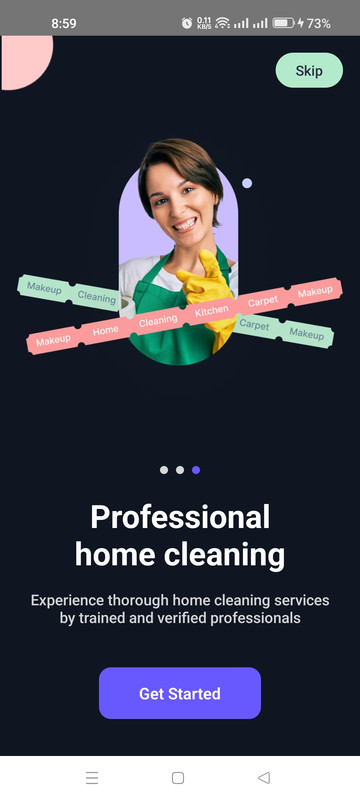
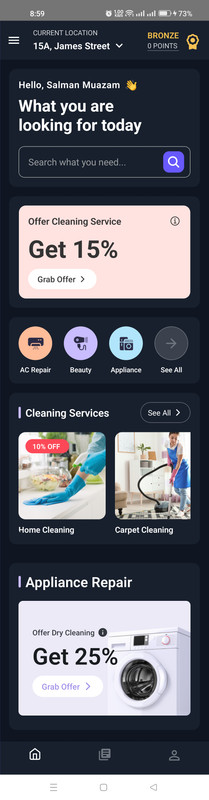
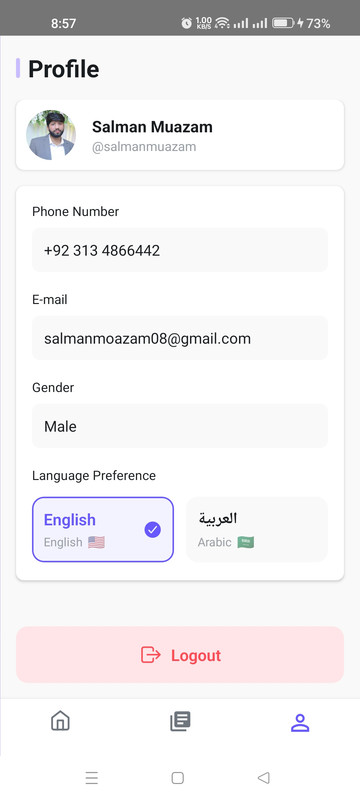
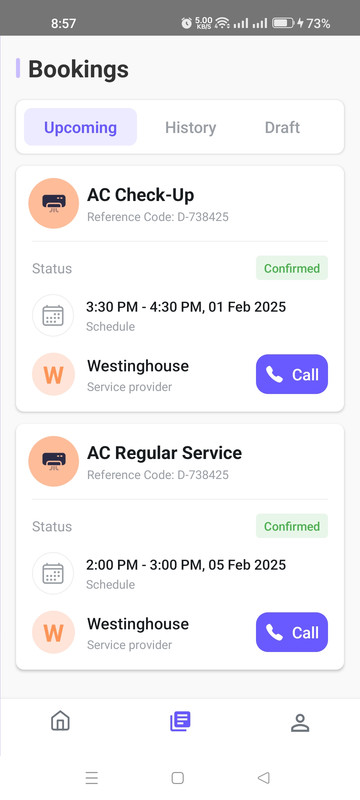
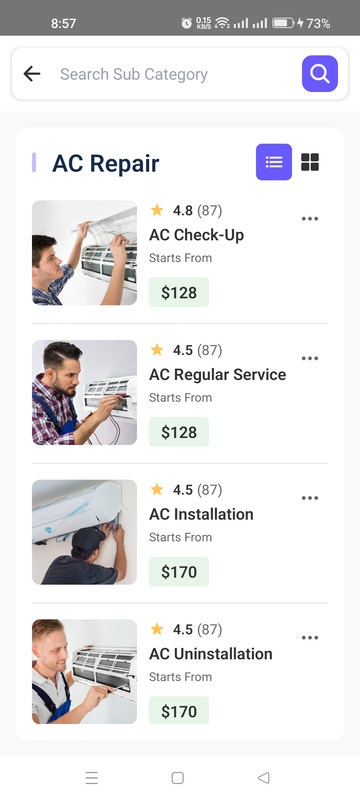
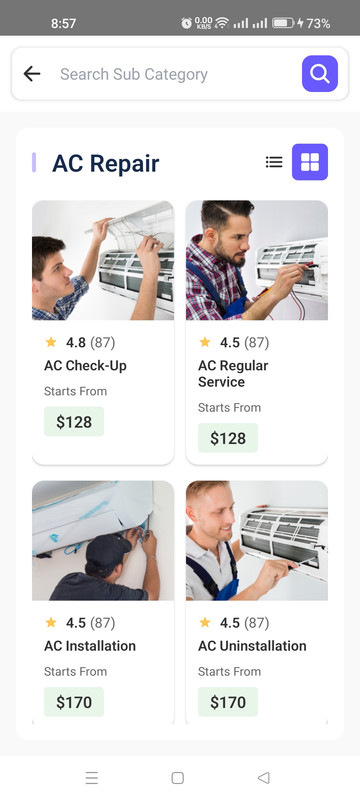
A modern and accessible home service application built with React Native CLI. This app supports both iOS and Android platforms with features like dual theme support and bilingual interface (English & Arabic).
## 🌟 Features
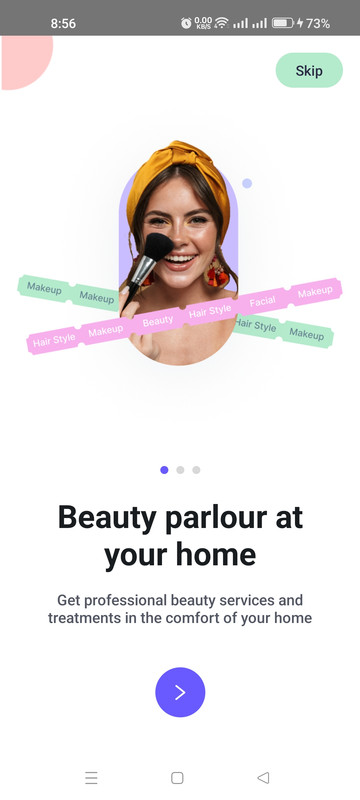
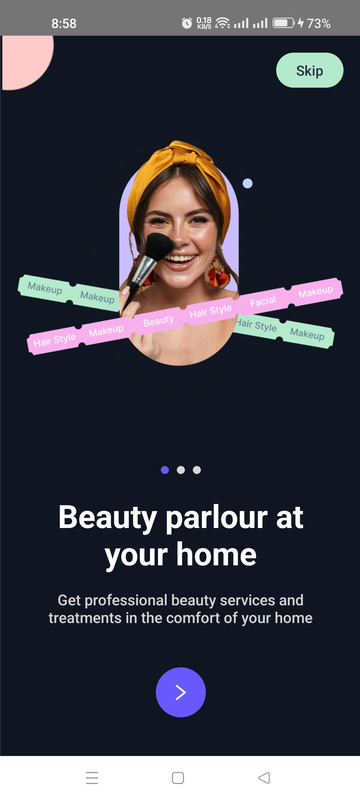
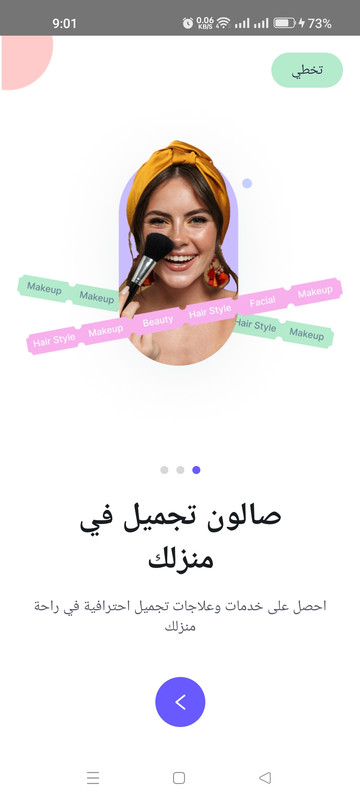
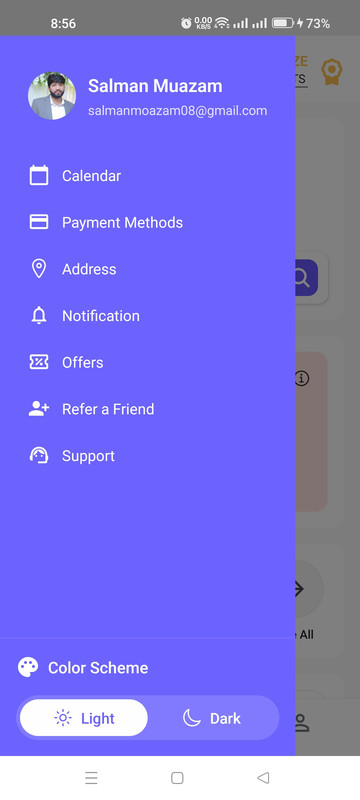
- Dual Theme Support (Light/Dark mode)
- Bilingual Support (English/Arabic)
- Modern UI/UX with smooth transitions
- Cross-platform (iOS & Android)
- Redux state management with persistence
- Form validation and handling
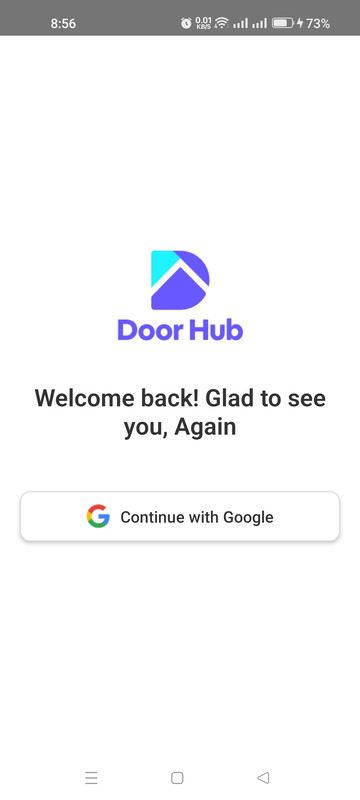
- Google Sign-in integration
- Supabase backend integration
- Toast notifications
## 🚀 Installation
1. Clone the repository:
```bash
git clone https://github.com/Moazam05/native-cli-home-service.git
cd native-cli-home-service
```
2. Install dependencies:
```bash
npm install
```
3. iOS specific setup:
```bash
cd ios
pod install
cd ..
```
4. Create a `.env` file in the root directory with the following variables:
```env
# Supabase Configuration
SUPABASE_URL="your-supabase-url"
SUPABASE_ANON_KEY="your-supabase-anon-key"
# Google Sign-in Configuration
WEB_CLIENT_ID="your-google-web-client-id"
```
Replace these values with your actual credentials:
- `SUPABASE_URL`: Your Supabase project URL
- `SUPABASE_ANON_KEY`: Your Supabase anonymous key
- `WEB_CLIENT_ID`: Google Sign-in Web Client ID from Google Cloud Console
Note: Never commit your actual .env file to version control. Add .env to your .gitignore file.
## 🏃♂️ Running the App
### iOS
```bash
# Normal run
npm run ios
# Clean build
npm run ios-clean
```
### Android
```bash
# Normal run
npm run android
# Clean build
npm run android-clean
```
### Development Server
```bash
npm start
```
## 📱 Supported Platforms
- iOS: Tested on iOS 13 and above
- Android: API level 21 (Android 5.0) and above
## 🛠️ Tech Stack
- React Native 0.76.5
- React Navigation v7
- Redux Toolkit & Redux Persist
- @react-native-google-signin/google-signin
- i18next & react-i18next
- Formik & Yup
- React Native Linear Gradient
- React Native Vector Icons
- Supabase
- TypeScript
- And more...
## 🔧 Third Party Service Setup
1. Create a Supabase account and project
2. Set up Google Cloud Console project for Google Sign-in
3. Configure your environment variables in the .env file
## 🎨 Design
The UI/UX design follows the Figma template available at:
[DoorHub Home Service UI Kit](https://www.figma.com/design/1ka6LQySfHSXe7WSNQJTjY/Home-Service-UI-KIt--DoorHub)
## Author
Salman Muazam
## Screenshots