https://github.com/modelstar-labs/querystar
Build event-trigger based automation across your SaaS tools
https://github.com/modelstar-labs/querystar
automation-framework event-driven python saas-api workflow-automation
Last synced: 5 months ago
JSON representation
Build event-trigger based automation across your SaaS tools
- Host: GitHub
- URL: https://github.com/modelstar-labs/querystar
- Owner: modelstar-labs
- License: apache-2.0
- Created: 2023-08-23T20:04:06.000Z (almost 3 years ago)
- Default Branch: main
- Last Pushed: 2023-10-03T09:58:27.000Z (over 2 years ago)
- Last Synced: 2025-07-31T21:49:12.759Z (10 months ago)
- Topics: automation-framework, event-driven, python, saas-api, workflow-automation
- Language: Python
- Homepage: https://querystar.io/
- Size: 3.65 MB
- Stars: 15
- Watchers: 4
- Forks: 1
- Open Issues: 0
-
Metadata Files:
- Readme: README.md
- License: LICENSE
Awesome Lists containing this project
README
# 👋 Hi there, this is  QueryStar
### Python-First Solution to Develop Bots
QueryStar lets you easily set up triggers and actions to automate workflows.
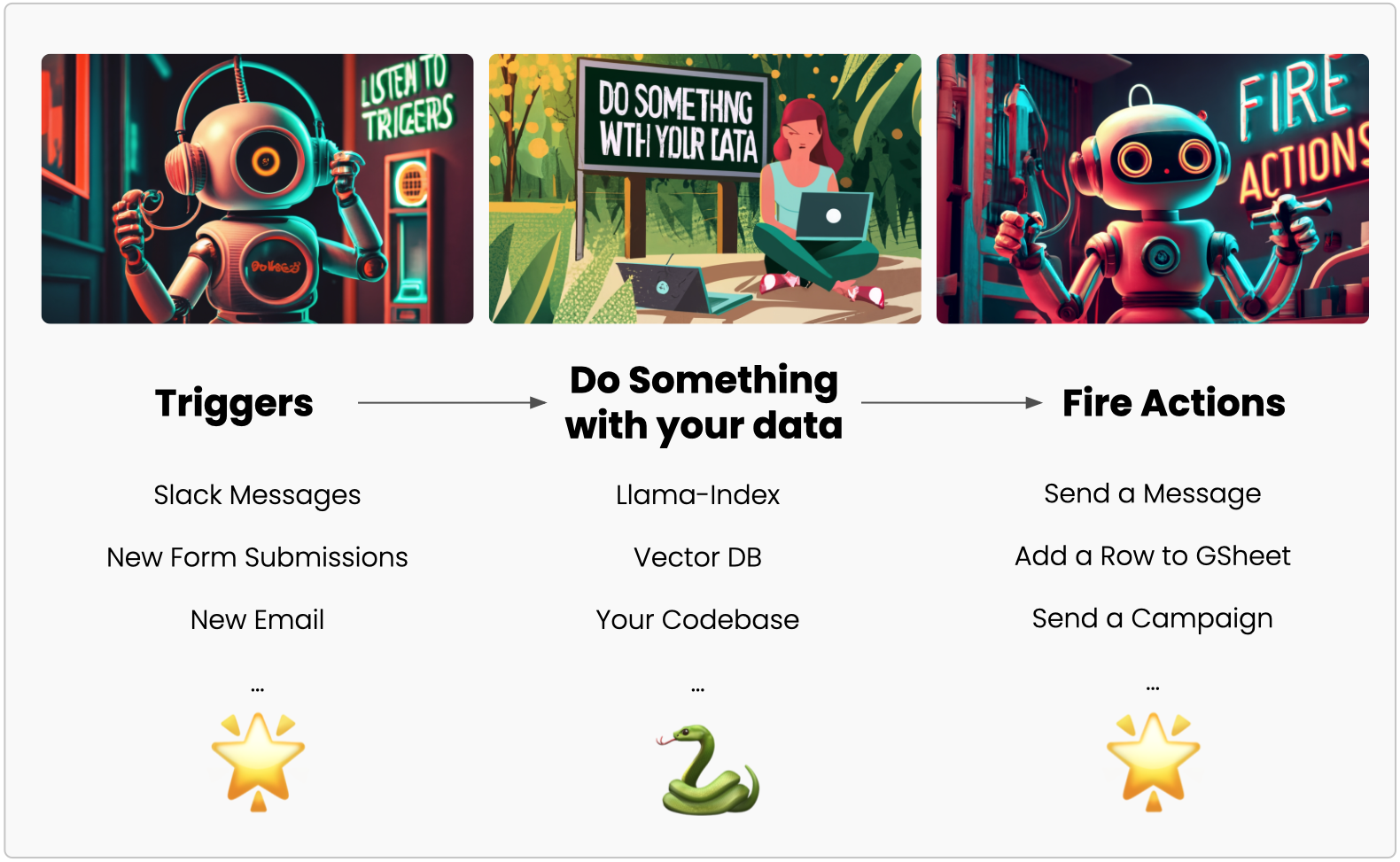
Something like
> Saving Slack new messages that must contain 'hello' to a Google sheet
can be easily done:
```python
# bot.py
import querystar as qs
data = qs.triggers.slack.new_message(channel_id='MyChannelID',
trigger_string='hello')
qs.actions.slack.new_message(
spreadsheet_id='MySheetID',
worksheet_id='Sheet1',
data=[[data['user'], data['text']]])
```
QueryStar can help you:
- automate workflows
- develop Slack bots
- integrate SaaS data to your own apps
- run background jobs
- schedule tasks
- ...

## Get Started
### Installation
```
pip install querystar
```
### Setup Slack (or other apps) Connection
This step takes 3-5 mins:
- Crete a free account at [querystar.io](https://querystar.io)
- Add any SaaS tools that you want to automate in your QueryStar workspace. (Head over to [quickstart](https://querystar.io/docs/quickstart/token/#step-2-connect-to-slack) in our docs for instructions.)
- Get a QueryStar token. ([Instruction](https://querystar.io/docs/quickstart/token/#step-3-get-querystar-token))
- Add the token as an environment variable on your dev machine.
> [!IMPORTANT]
> Your Data is Safe on QueryStar backend:
> QueryStar takes care of 3rd party API integration. It only monitors trigger events and passes action data back to the apps of your choice. Your data is **NOT** stored or logged in any form or capacity. Please see [Privacy Policy](https://querystar.io/Privacy) for more details.
### Build and Run a Bot
- Create a new file `app.py` and add this code:
```py
# app.py
import querystar as qs
message = qs.triggers.slack.new_message(channel_id='MyChannelID')
print(message)
```
- Add QueryStar app to your Slack channel, and copy the channel ID ([Instruction](https://querystar.io/docs/quickstart/coding/#step-2-add-querystar-app-to-the-channel))
- Replace `MyChannelID` with the channel id.
- Run the bot:
```bash
$ querystar run app.py
```
## Get Inspired
Because you use Python, there's much more you can build.
- A LLM-powered (Large Language Model) Slack bot: [tutorial](https://querystar.io/docs/tutorials/llamaindex-doc-bot/).