https://github.com/mohitm15/my-notebook
my-notebook is a web application that is used to keep your notes securely.
https://github.com/mohitm15/my-notebook
expressjs jwt-authentication mern-stack mongodb multi-theme nodejs reactjs
Last synced: 3 months ago
JSON representation
my-notebook is a web application that is used to keep your notes securely.
- Host: GitHub
- URL: https://github.com/mohitm15/my-notebook
- Owner: mohitm15
- License: other
- Created: 2021-09-12T00:50:02.000Z (almost 5 years ago)
- Default Branch: master
- Last Pushed: 2022-07-26T11:19:41.000Z (almost 4 years ago)
- Last Synced: 2025-01-13T01:13:19.348Z (over 1 year ago)
- Topics: expressjs, jwt-authentication, mern-stack, mongodb, multi-theme, nodejs, reactjs
- Language: JavaScript
- Homepage: https://my-notebook-mohit.netlify.app/
- Size: 973 KB
- Stars: 0
- Watchers: 2
- Forks: 0
- Open Issues: 0
-
Metadata Files:
- Readme: README.md
- License: LICENSE
- Security: SECURITY.md
Awesome Lists containing this project
README
my-notebook
Handy tool to make your notes
Explore the docs »
View Demo
## About The Project
my-notebook is a web application that is used to keep your notes securly. Each user can create, edit and delete its own notes. It also authenticates the user before performing any CRUD operation.
### Built With
* [NodeJS](https://nodejs.org/en/)
* [ReactJS](https://reactjs.org/)
* [ExpressJS](https://expressjs.com/)
* [MongoDB](https://www.mongodb.com/)
## Preview
### Live site
[Link here](https://my-notebook-mohit.netlify.app/)
### ScreenShots
#### _SignUp Page_
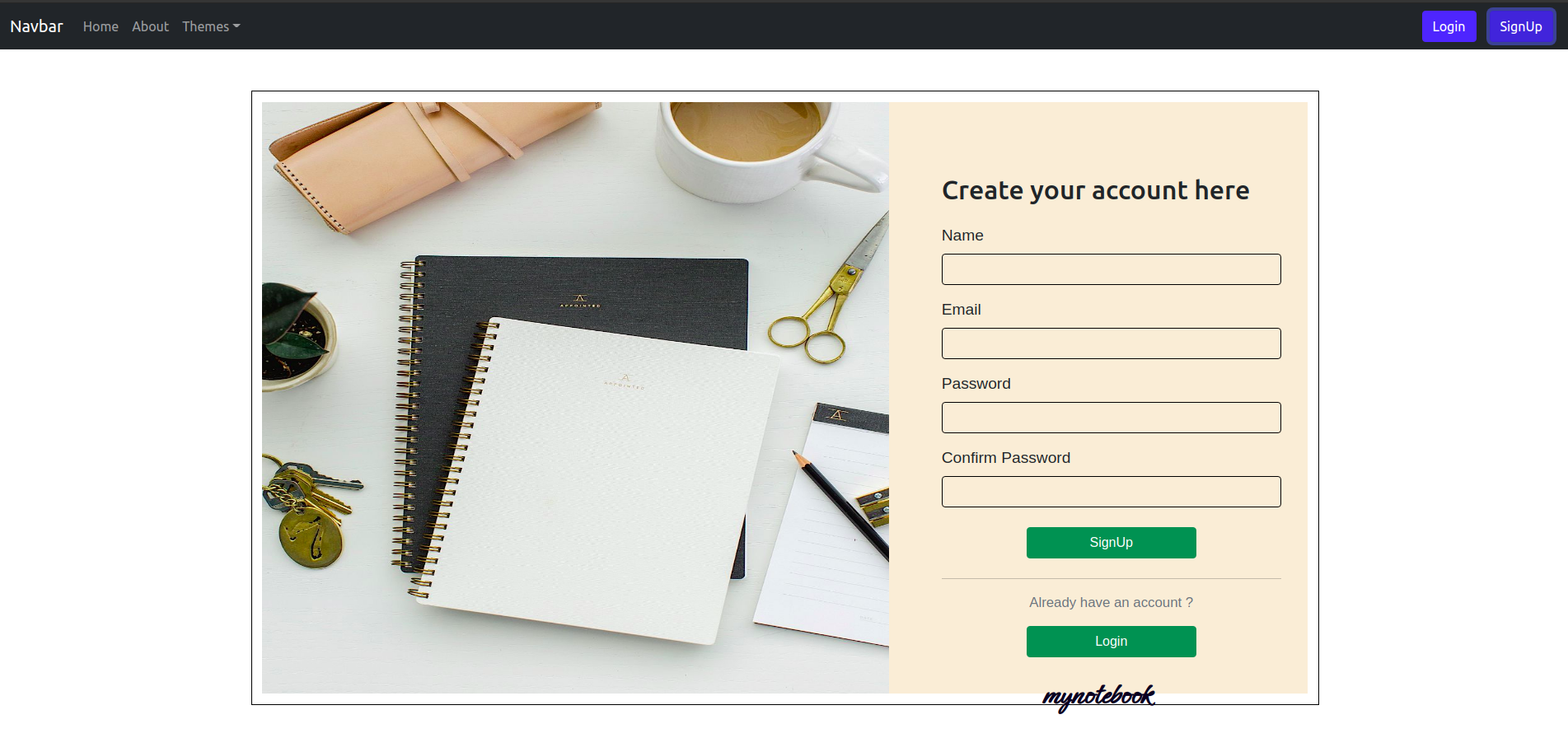
#### _Login Page_

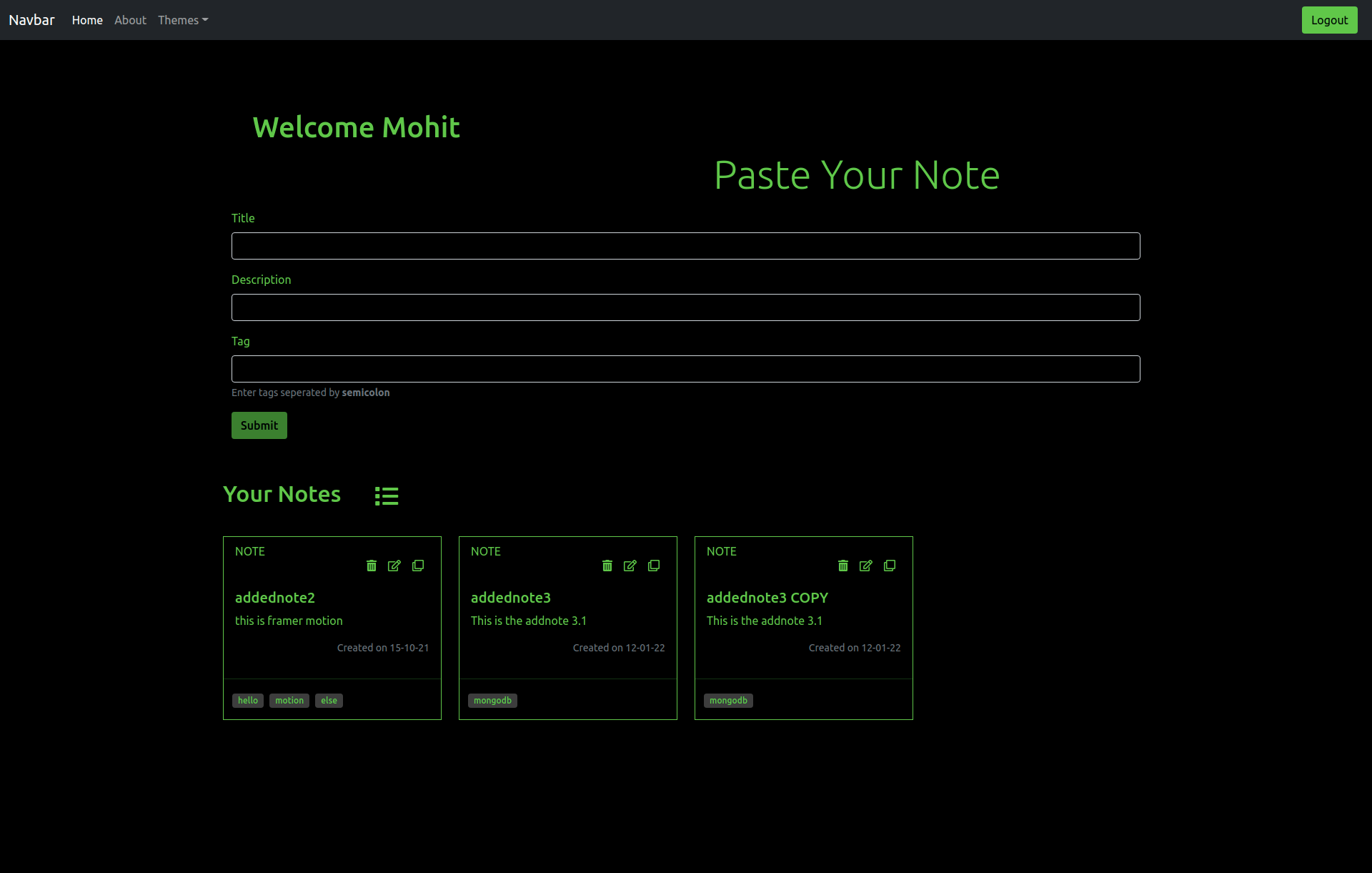
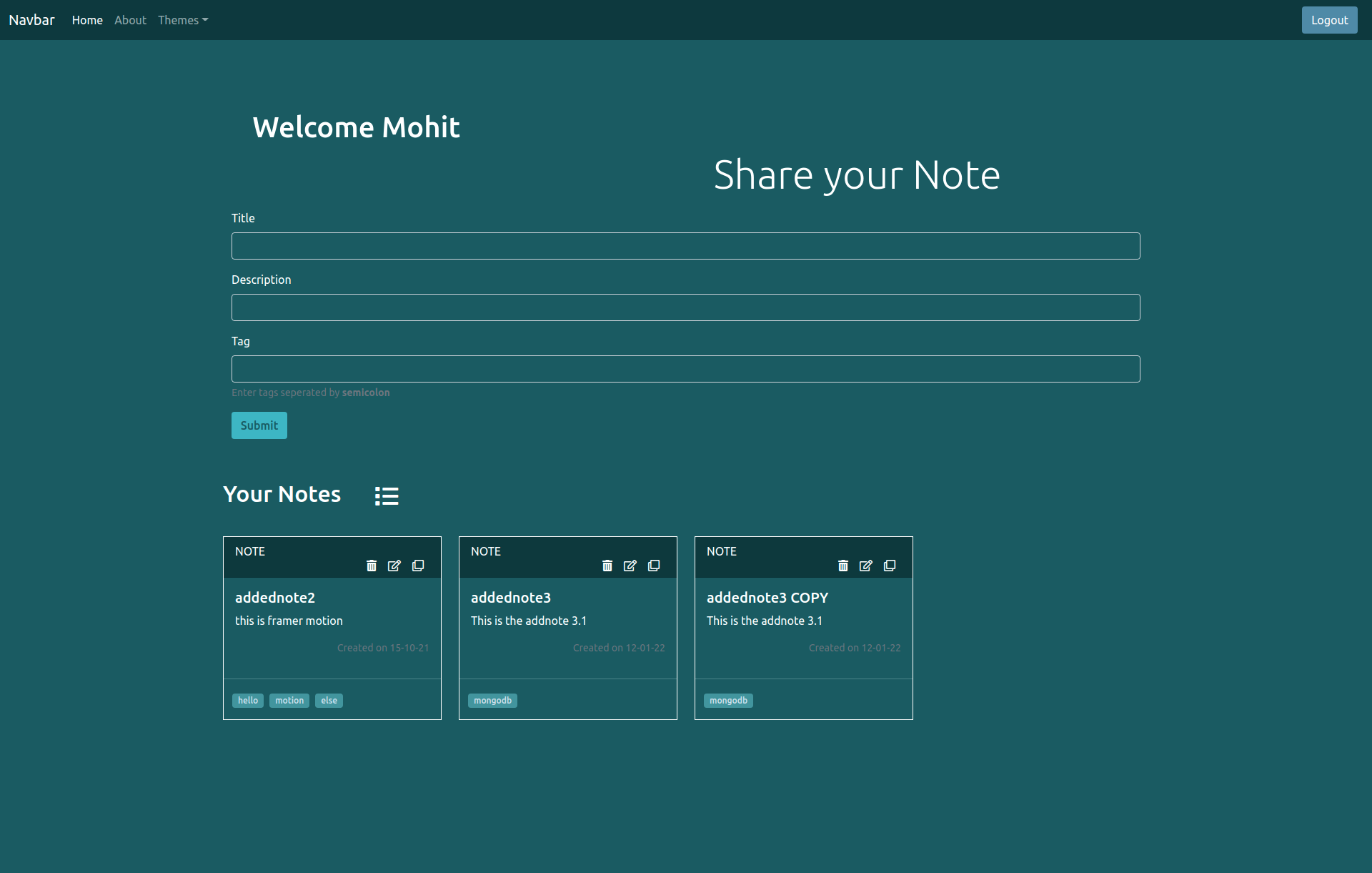
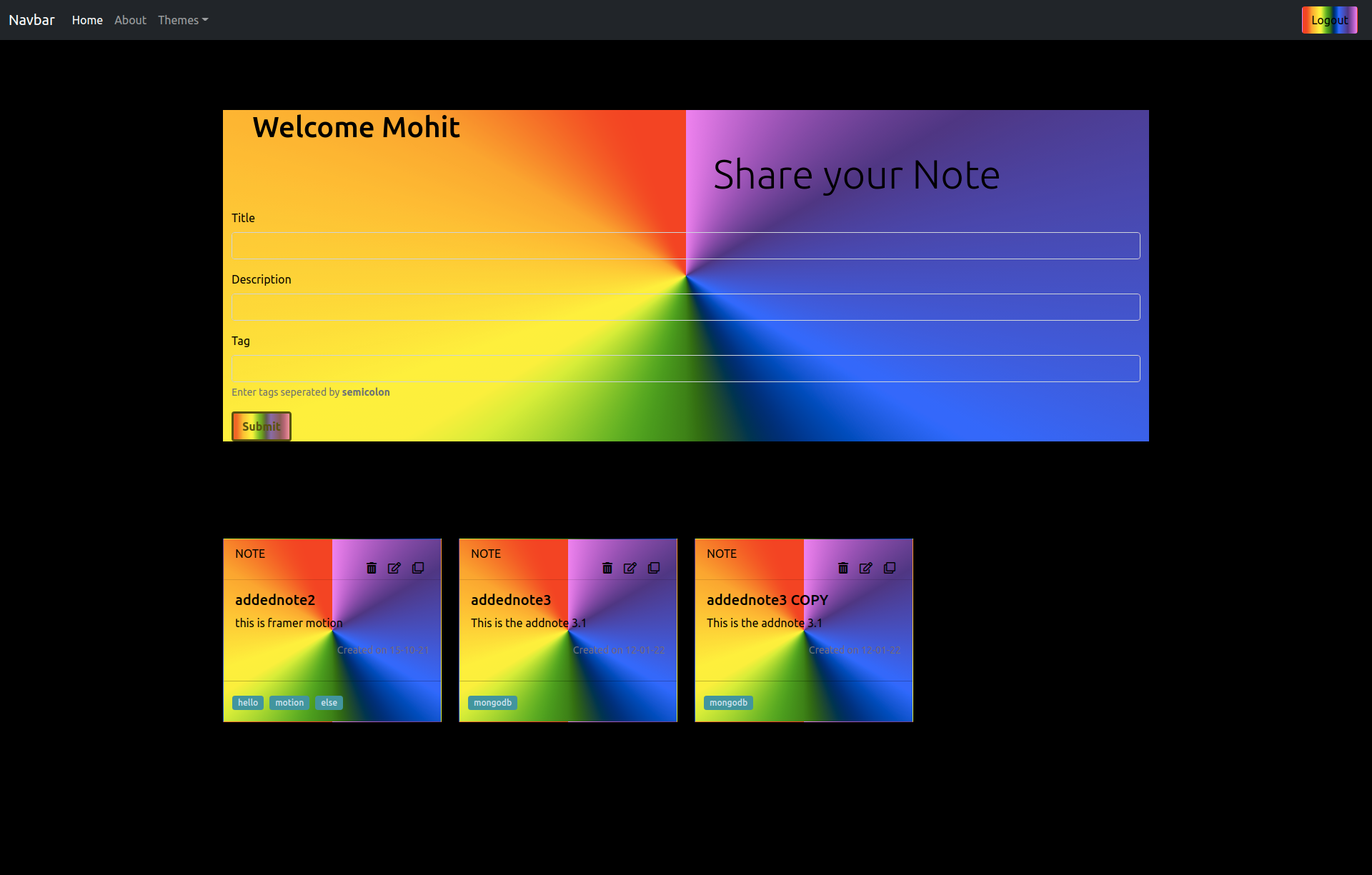
#### _Home Page_
- Theme : **Dark**

- Theme : **High Contrast**
- Theme : **Dark Teal**
- Theme : **Rainbow**
#### Demo video
[video](https://kapwi.ng/c/VdweXzAmR-)
## Getting Started
To get a local copy up and running follow these simple steps.
### Prerequisites
Package.json file mentioned the requirements you need to use the software and how to install them.
* npm
```sh
npm install npm@latest -g
```
* Any code editor of your choice (VScode preferable )
### Installation
1. Clone the repo
```sh
git clone https://github.com/mohitm15/my-notebook.git
```
2. Install NPM packages and requirements
```sh
npm install
```
### Running the code
1. To run the frontend server , go to terminal and run
```sh
cd frontend
```
and then
```sh
npm start
```
The frontend server will run on `localhost:/3000`
2. To run the backend server , go to terminal and run
```sh
cd backend
```
and then
```sh
npm start
```
The backend server will run on `localhost:/5000`
## Contributing
Contributions are what makes the open source community such an amazing place to learn, inspire, and create. Any contributions you make are **greatly appreciated**.
1. Fork the Project
2. Create your Feature Branch (`git checkout -b feature/AmazingFeature`)
3. Commit your Changes (`git commit -m 'Add some AmazingFeature'`)
4. Push to the Branch (`git push origin feature/AmazingFeature`)
5. Open a Pull Request
## Contact
Your Name -Mohit Maroliya
Project Link: [https://github.com/mohitm15/my-notebook](https://github.com/mohitm15/my-notebook)