https://github.com/morriar/missions
https://github.com/morriar/missions
docker
Last synced: about 1 year ago
JSON representation
- Host: GitHub
- URL: https://github.com/morriar/missions
- Owner: Morriar
- Created: 2016-08-11T15:13:15.000Z (almost 10 years ago)
- Default Branch: master
- Last Pushed: 2018-05-14T18:14:05.000Z (about 8 years ago)
- Last Synced: 2025-03-31T18:03:52.492Z (over 1 year ago)
- Topics: docker
- Language: Nit
- Size: 561 KB
- Stars: 7
- Watchers: 5
- Forks: 5
- Open Issues: 28
-
Metadata Files:
- Readme: README.md
Awesome Lists containing this project
README
# Missions
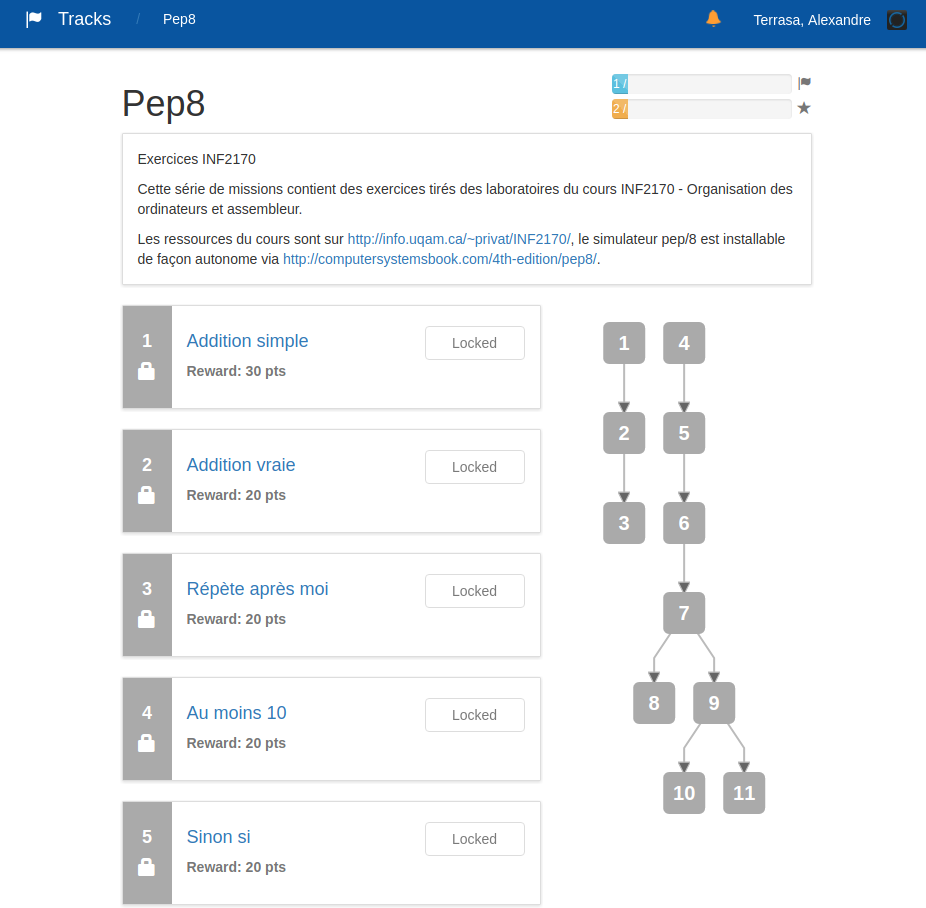
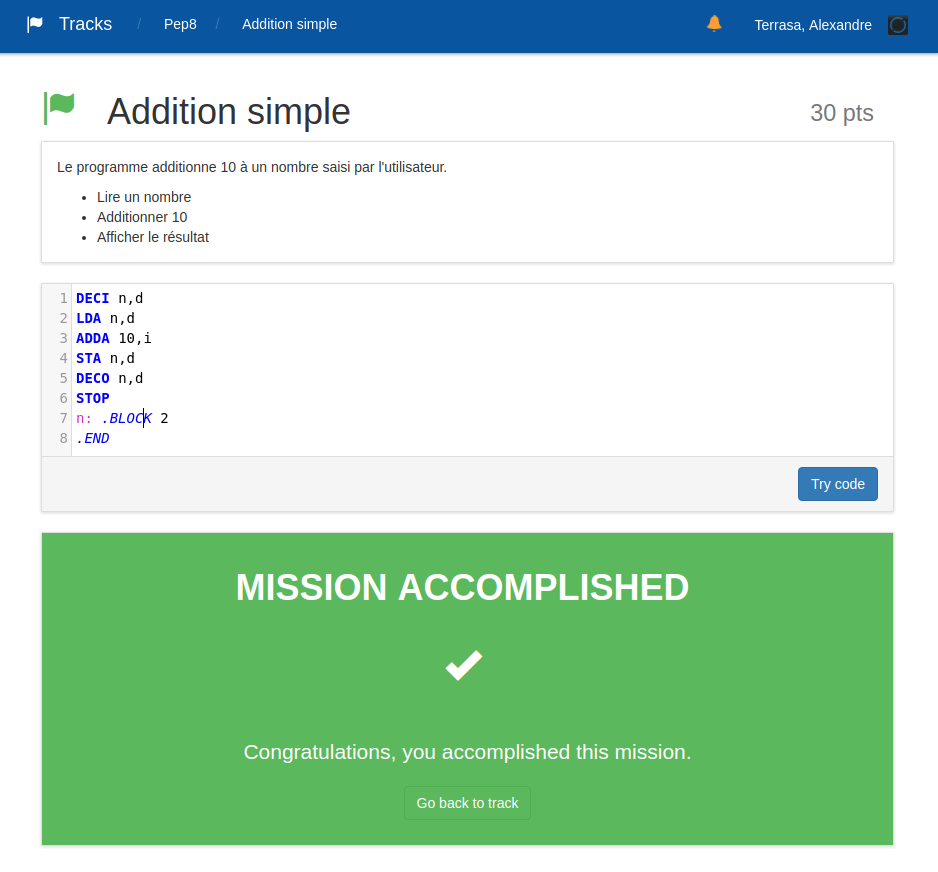
A *hacker-rank* like platform for e-learning.
## Building
Run in console:
~~~bash
make
~~~
## Configuring
See the `app.ini` file to configure the popcorn app:
* `app.host`: app hostname
* `app.port`: app port
* `app.root_url`: used for redirect/call back from 3rd-party authentications.
To use if behind a reverse proxy or if host is 0.0.0.0
## Running
Run in console:
~~~bash
make run
~~~
## Testing
Use `db_loader` to populate the database with test data.
~~~bash
make populate
~~~
## Docker
1. install docker. https://docs.docker.com/engine/installation/
2. install docker-compose. https://docs.docker.com/compose/install/
3. run `docker-compose up` in the root directory; (ctrl-C to close)
4. open http://localhost:3000
By default, a localhost server with shib authentication is used.
Specific configuration should be provided in `app.ini`.
Unless such a specific file, `app.docker.ini` is used.
See `Dockerfile`, `docker-compose.yml` and `app.docker.ini` for details.
## Contributing
The `Missions` team is happy to receive contributions and suggestions.
Give a look at the Github repo
[https://github.com/Morriar/Missions](https://github.com/Morriar/Missions).
### Code style
Mission enforces the following code style rules:
* All the Nit coding standards
* The `do` is on the same line as the function declaration