https://github.com/mozilla-ai/clawbolt
The AI Assistant that actually does things for the trades
https://github.com/mozilla-ai/clawbolt
assistant construction contractor electrician mechanic openclaw plumber trades
Last synced: 2 months ago
JSON representation
The AI Assistant that actually does things for the trades
- Host: GitHub
- URL: https://github.com/mozilla-ai/clawbolt
- Owner: mozilla-ai
- License: apache-2.0
- Created: 2026-02-28T00:29:52.000Z (5 months ago)
- Default Branch: main
- Last Pushed: 2026-05-26T18:33:23.000Z (2 months ago)
- Last Synced: 2026-05-26T19:25:06.331Z (2 months ago)
- Topics: assistant, construction, contractor, electrician, mechanic, openclaw, plumber, trades
- Language: Python
- Homepage: http://clawbolt.ai/
- Size: 19.3 MB
- Stars: 88
- Watchers: 3
- Forks: 8
- Open Issues: 17
-
Metadata Files:
- Readme: README.md
- Contributing: CONTRIBUTING.md
- License: LICENSE
- Agents: AGENTS.md
Awesome Lists containing this project
README

AI assistant for the trades





---
Clawbolt is a messaging-first AI assistant that helps users manage their business: estimates, client records, job photos, and more. Text your assistant from iMessage, RCS, SMS, or Telegram. No app to install, no dashboard to learn. Just text.
**[User guide: clawbolt.ai/docs](https://clawbolt.ai/docs)**
## Demo
[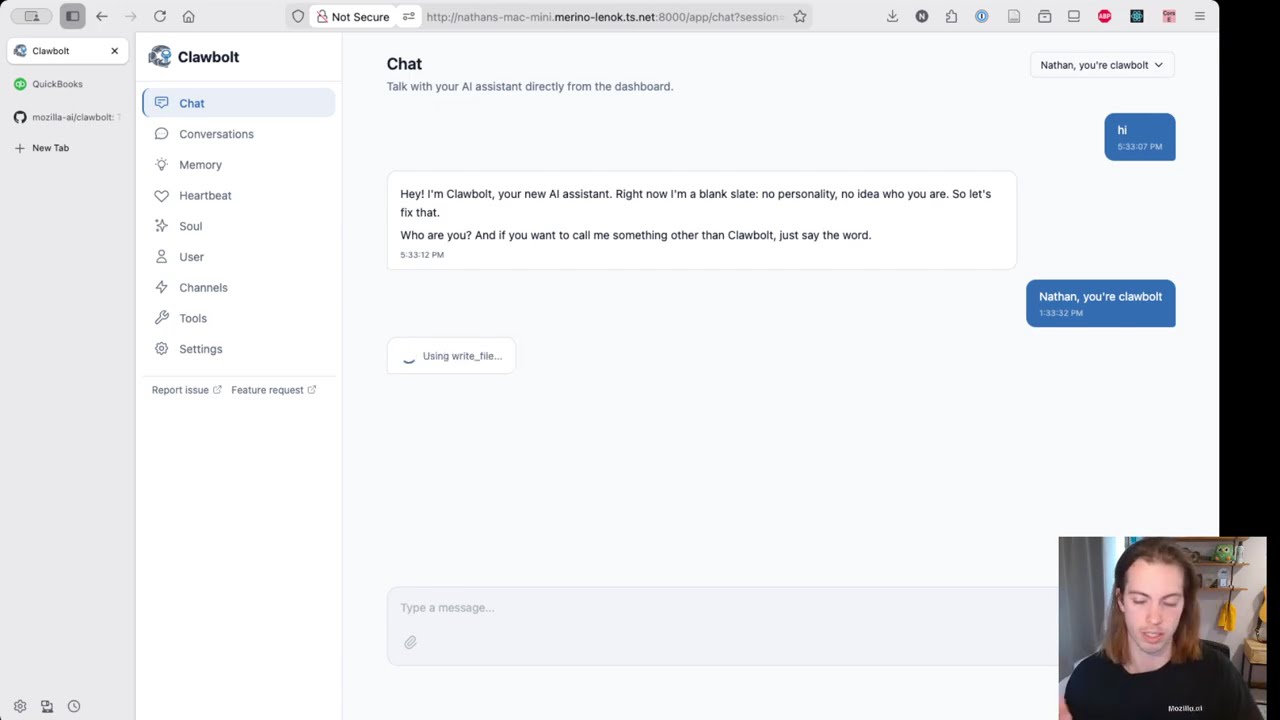](https://www.youtube.com/watch?v=YJcnij0SYiY)
## Features
- **Memory** -- Clawbolt remembers your rates, clients, preferences, and past conversations
- **Photo analysis** -- Send a job site photo and get an AI description for documentation
- **File cataloging** -- Photos and documents auto-organized in your Google Drive
- **Proactive heartbeat** -- Clawbolt checks in periodically with reminders and follow-ups
- **QuickBooks Online** -- Query, create, and send invoices and estimates via QuickBooks (experimental)
- **Google Calendar** -- Check availability, schedule jobs, and manage events from chat (experimental)
- **Onboarding** -- First-time users get a friendly conversation to set up their profile
## Quick Start
```bash
git clone https://github.com/mozilla-ai/clawbolt.git
cd clawbolt
cp .env.example .env
# Edit .env with your LLM API key and messaging channel credentials
docker compose up --build
```
Verify it's running:
```bash
curl http://localhost:8000/api/health
# {"status":"ok"}
```
Webhooks are registered automatically via a Cloudflare Tunnel. Text the Linq phone number or message your Telegram bot and Clawbolt will respond.
## Documentation
| Audience | Where |
|---|---|
| **End users** (people using Clawbolt to run their business) | [clawbolt.ai/docs](https://clawbolt.ai/docs) |
| **Self-hosters** (running your own instance) | [docs/self-host/](./docs/self-host/) |
| **Contributors** (hacking on Clawbolt itself) | [CONTRIBUTING.md](./CONTRIBUTING.md) |
### Self-hosting
- [Self-hosting overview](./docs/self-host/README.md) -- quickstart and index
- [Configuration](./docs/self-host/configuration.md) -- full environment variable reference
- [Docker](./docs/self-host/docker.md) -- Docker Compose setup and troubleshooting
- [Google Drive Setup](./docs/self-host/google-drive-setup.md) -- file storage integration, per-user OAuth
- Messaging channels: [Linq](./docs/self-host/linq-setup.md), [BlueBubbles](./docs/self-host/bluebubbles-setup.md), [Telegram](./docs/self-host/telegram-setup.md)
### Development
- [CONTRIBUTING.md](./CONTRIBUTING.md) -- local dev setup, tests, code standards, PR guidelines
## Contributing
See [CONTRIBUTING.md](./CONTRIBUTING.md) for local development setup, tests, and PR guidelines.