https://github.com/mprojectscode/obsidian-focus-theme
https://github.com/mprojectscode/obsidian-focus-theme
Last synced: over 1 year ago
JSON representation
- Host: GitHub
- URL: https://github.com/mprojectscode/obsidian-focus-theme
- Owner: mProjectsCode
- License: gpl-3.0
- Created: 2024-03-10T19:38:17.000Z (over 2 years ago)
- Default Branch: main
- Last Pushed: 2024-04-20T15:36:29.000Z (over 2 years ago)
- Last Synced: 2025-03-19T22:56:19.845Z (over 1 year ago)
- Language: SCSS
- Size: 11.1 MB
- Stars: 5
- Watchers: 1
- Forks: 1
- Open Issues: 2
-
Metadata Files:
- Readme: README.md
- Funding: .github/FUNDING.yml
- License: LICENSE.txt
Awesome Lists containing this project
README
# Obsidian Focus Theme
This is a dark only theme for [Obsidian](https://obsidian.md/), focusing on the important parts of your notes.
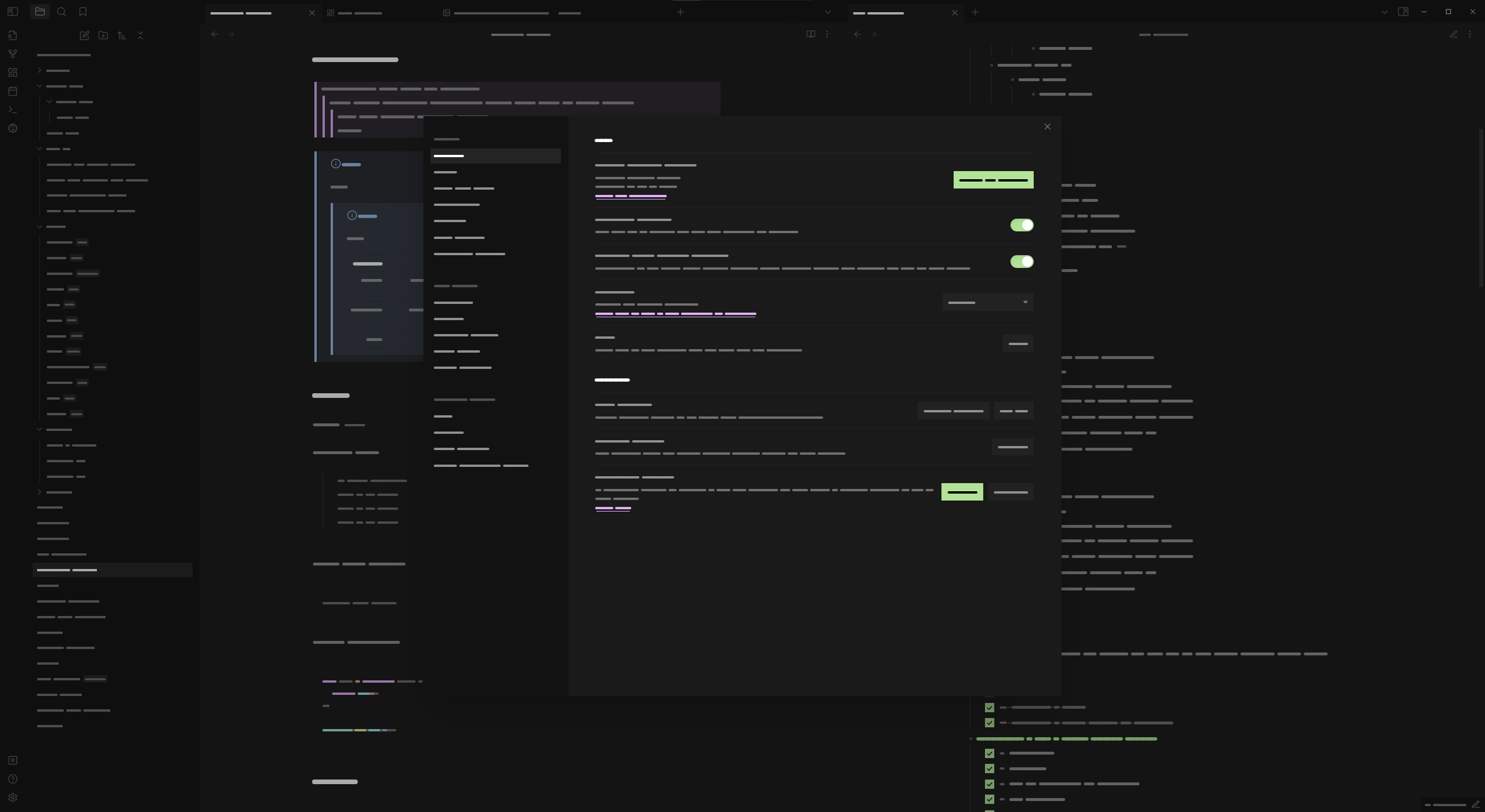
If you use custom fonts set in Obsidian's settings, you may need to add `JetBrains Mono` to those settings to get the desired look.
## Installation
### Obsidian Marketplace (Recommended)
1. Open `Settings -> Appearance` in your vault
2. Click on the `Manage` button in the Themes section
3. Search for `Focus` (maks sure you have `Light themes only` unchecked)
4. Select `Focus` and click `Install and use`
### Manual Download
1. Download `manifest.json` and `theme.css` from the latest release
2. Create a folder called `Focus` in your vaults `/.obsidian/themes/` folder
3. Move the `manifest.json` and `theme.css` files into the `Focus` folder
4. Open `Settings -> Appearance` in your vault
5. Select `Focus` from the dropdown in the Themes section
## License
[GPL-3.0](https://choosealicense.com/licenses/gpl-3.0/)
## Credits
- FireIsGood for Readme tips
- sailKite for CSS help and testing the theme