https://github.com/mr-destructive/anonymous-chatgpt
Use ChatGPT without authenticating (with limitations)
https://github.com/mr-destructive/anonymous-chatgpt
Last synced: 11 months ago
JSON representation
Use ChatGPT without authenticating (with limitations)
- Host: GitHub
- URL: https://github.com/mr-destructive/anonymous-chatgpt
- Owner: Mr-Destructive
- Created: 2024-04-06T11:24:14.000Z (about 2 years ago)
- Default Branch: main
- Last Pushed: 2024-04-12T16:48:01.000Z (about 2 years ago)
- Last Synced: 2024-10-29T03:49:42.578Z (over 1 year ago)
- Language: Python
- Size: 31.3 KB
- Stars: 6
- Watchers: 2
- Forks: 2
- Open Issues: 2
-
Metadata Files:
- Readme: README.md
- Changelog: CHANGELOG.md
Awesome Lists containing this project
README
# Anonymous ChatGPT Client
> THIS PACKAGE/REPOSITORY IS NO LONGER MAINTAINED AS ITS CORE FUNCTIONALITY IS BLOCKED FROM OPENAI API (CAN'T BYPASS THE SECURITY CHECKS AND AUTHENTICATION WITHOUT CAPTCHA)
- Access basic ChatGPT model without authentication
OpenAI recently made the ChatGPT model accessible anonymously. You can access it without authentication.
Read more about it in the [official docs](https://openai.com/blog/start-using-chatgpt-instantly)
## Installation
- Install the package/cli
```bash
pip install anonymous-chatgpt
```
## Usage
### CLI
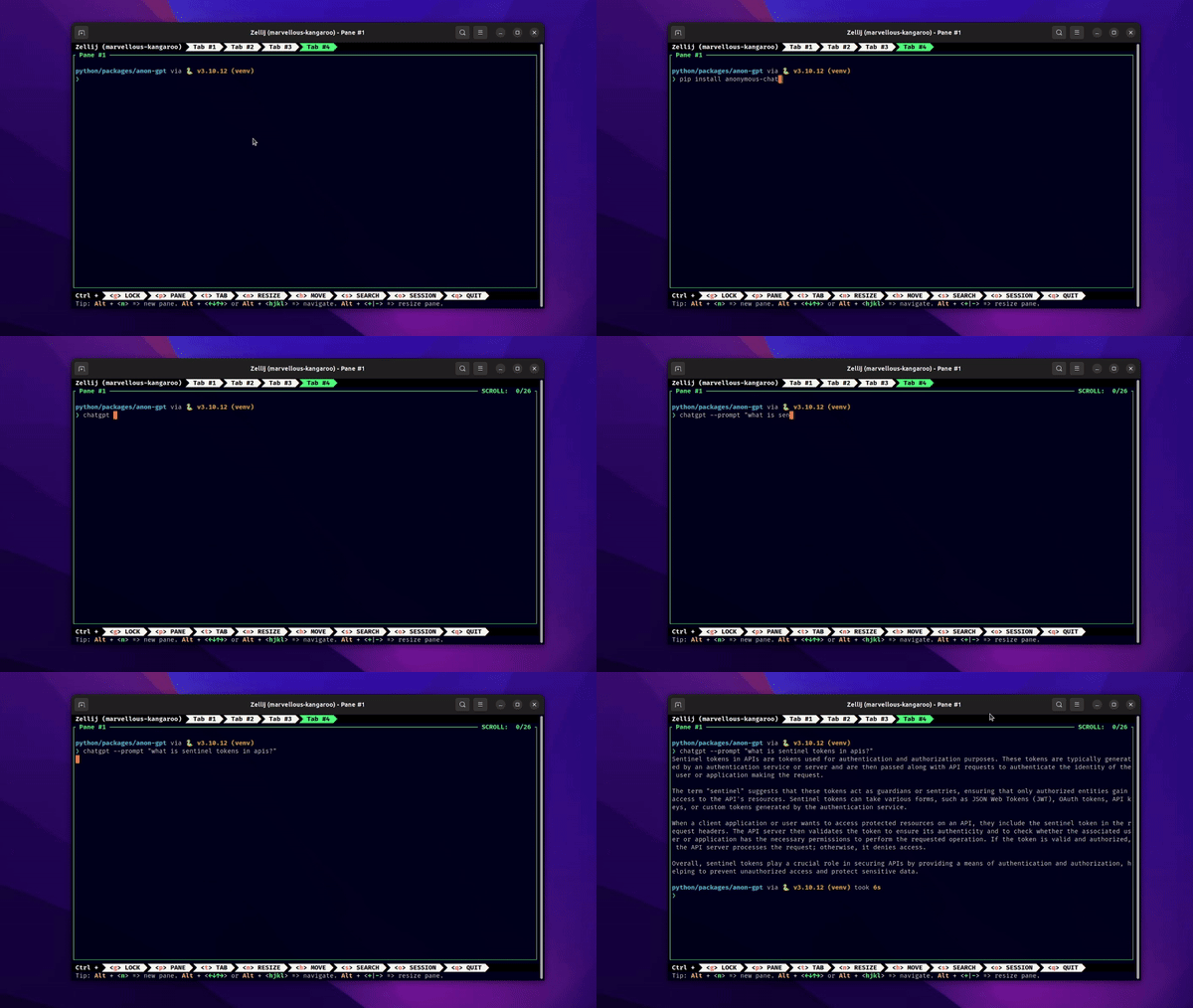
```bash
chatgpt --prompt "hello world"
OR
chatgpt --chat
```
#### CLI Demonstration
### Package
```python
from anonymous_chatgpt import chat_prompt, ChatGPT
message = chat_promt(prompt="hello world")
print(message)
# For chat
chatgpt = ChatGPT()
resp1 = chatgpt.chat(prompt="hello, my name is John")
resp2 = chatgpt.chat(prompt="what is my name?")
```
## Process of creating a authentication-less client
1. Send the first request to the ChatGPT API i.e. `chat.openai.com`
2. The response of that request has cookies for authentication(not user just user-agent and csrf tokens)
3. Those cookies are carried in all the upcoming requests
4. Send the second request to the [Sential API](https://techcommunity.microsoft.com/t5/manufacturing/introduction-to-openai-and-microsoft-sentinel/ba-p/3761907) i.e. `/backend-anon/sentinel/chat-requirements`
5. This request gives us the `sentinel-token` which is the token used for authentication and authorization of the requests (not users).
6. We use this token in all the subsequent requests
7. The third request is the actual request to the **Anonymous Conversation** endpoint i.e. `/backend-anon/conversation`
8. This is a streamed request which returns the response in the form of chunks