https://github.com/mrnegativetw/justdrinkit
Drink reminder, built with Raspberry Pi, Firebase and Android app.
https://github.com/mrnegativetw/justdrinkit
android firebase firestore raspberry-pi raspberrypi
Last synced: 3 months ago
JSON representation
Drink reminder, built with Raspberry Pi, Firebase and Android app.
- Host: GitHub
- URL: https://github.com/mrnegativetw/justdrinkit
- Owner: MrNegativeTW
- Created: 2021-06-19T07:14:17.000Z (about 5 years ago)
- Default Branch: main
- Last Pushed: 2021-06-23T09:12:55.000Z (about 5 years ago)
- Last Synced: 2025-03-01T15:44:35.219Z (over 1 year ago)
- Topics: android, firebase, firestore, raspberry-pi, raspberrypi
- Language: Kotlin
- Homepage:
- Size: 319 KB
- Stars: 0
- Watchers: 2
- Forks: 0
- Open Issues: 0
-
Metadata Files:
- Readme: README.md
Awesome Lists containing this project
README

Just Drink It
他會提醒你喝水,包含 Server 端和 Android 客戶端原始碼。






Preview •
Features •
Requirements •
Installation •
License
## Preview
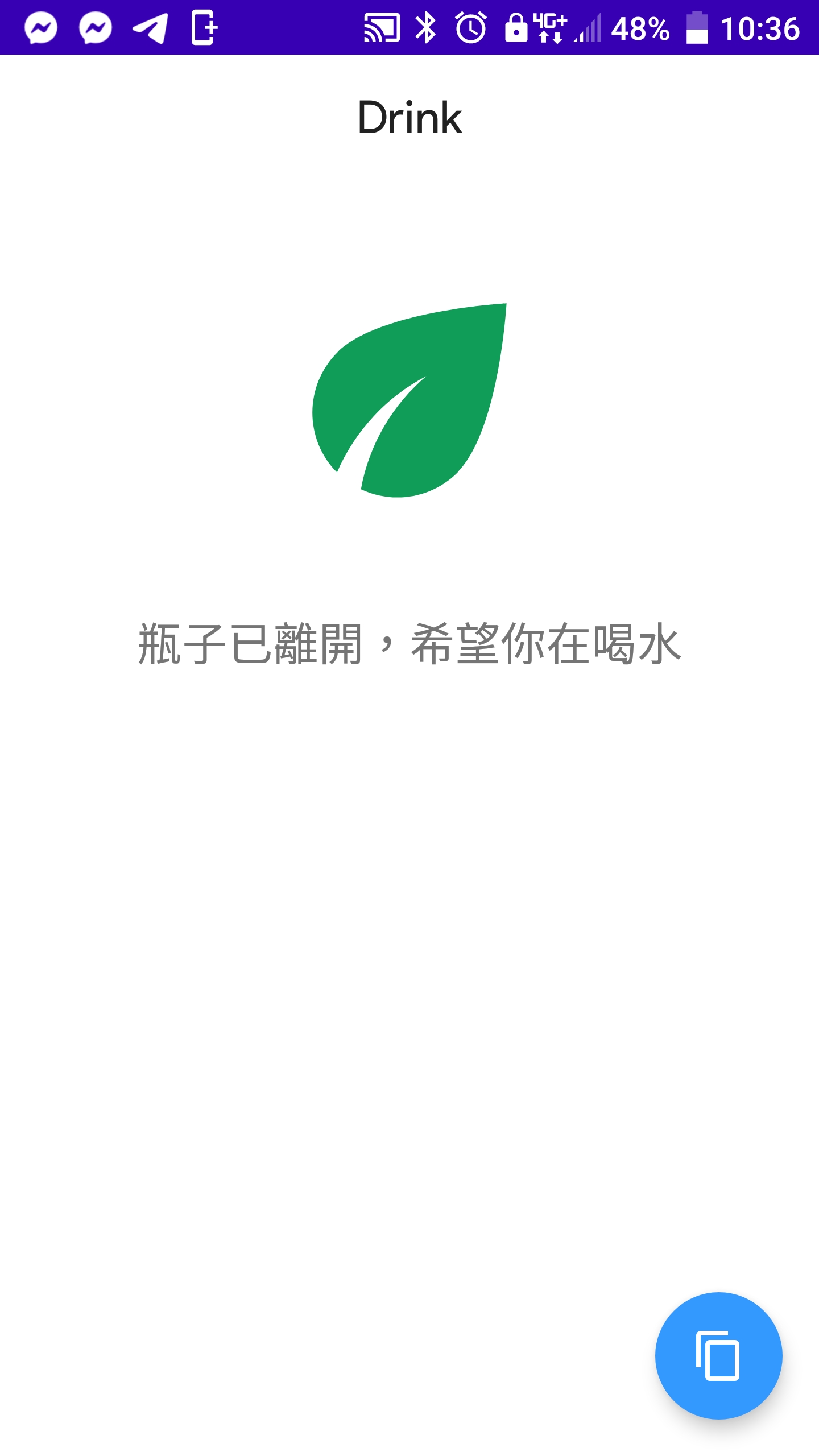
## Features
- Drink reminder
## Requirements
### Server
- Raspberry Pi
- Fast as fuck internet connection
- HCSR04
- HCSR501
### Android Client
- Android Studio 4.1.2+
- Android 6.0+
### Others
- Firebase Firestore
- Firebase Cloud Message
## Architecture

## Installation
### Firebase
1. Create a firebase project
2. [Get your Admin SDK credentials](https://console.firebase.google.com/u/1/project/_/settings/serviceaccounts/adminsdk),
looks like `YOUR_PROJECT-firebase-adminsdk-RANDOM_STRING.json`
3. [Get your Cloud Mesaage API Key](https://console.firebase.google.com/project/_/settings/cloudmessaging)
4. In Firestore, Create a `collection` called `bottleStatus`, than create a `document` with random id.
5. Copy that random id.
### Android Client
1. Get your `google-services.json` from Firebase when adding app, put it in to `./DrinkInClient/app`
2. Modify `FirestoreManager.py` line 12, replace with your random document id.
```kotlin
return db.collection("bottleStatus").document("RANDOM_ID")
```
3. Click `RUN`.
3. Get your `device token` by pressing the float action button, which will looks like this:
```
fWo6-TFJSVCDAV8h8DPRaQ:APA91bELNaBgKduEAWACJN-tIB8CkpDSkbloGIluxaCeMFLDjmpiz26UZqU4L-cW5VeYGK1GiMFywdcaalav8zNWCHurKu10ZnPUlH_w9YYm1WwftXrDv7X58YJNUwtdk60n6ebQWX1r
```
### Server Side
1. Modify `firestore.py` line 6, replace with your Admin SDK credentials path.
```python
cred = credentials.Certificate(
"YOUR_PROJECT-firebase-adminsdk-RANDOM_STRING.json")
```
2. Modify `fcm.py` line 5, replace with your `Cloud Mesaage API Key`.
```python
api_key = "API_KEY_HERE"
```
3. Modify `firestore.py` line 10, replace with your random document id.
```python
doc_ref = db.collection(u'bottleStatus').document(u'RANDOM_ID')
```
4. Modify `fcm.py` line 8, replace with your `android device token`.
```python
device_token = "DEVICE_TOKEN_HERE"
```
5. Install dependences than start the server.
```bash
pip3 install -r requirements.txt
python3 index.txt
```
## Typo
I know. DrinkItClient become DrinkInClient.
## License
```
No idea.
```