https://github.com/mtcextendee/mautic-custom-tags-bundle
Custom tags for Mautic
https://github.com/mtcextendee/mautic-custom-tags-bundle
bundle extendee mautic mautic-plugin plugin
Last synced: 5 months ago
JSON representation
Custom tags for Mautic
- Host: GitHub
- URL: https://github.com/mtcextendee/mautic-custom-tags-bundle
- Owner: mtcextendee
- License: gpl-3.0
- Created: 2018-02-22T23:54:46.000Z (over 8 years ago)
- Default Branch: master
- Last Pushed: 2021-11-20T11:07:58.000Z (over 4 years ago)
- Last Synced: 2024-05-21T05:20:46.996Z (about 2 years ago)
- Topics: bundle, extendee, mautic, mautic-plugin, plugin
- Language: PHP
- Homepage: https://mtcextendee.com/
- Size: 38.1 KB
- Stars: 25
- Watchers: 7
- Forks: 9
- Open Issues: 5
-
Metadata Files:
- Readme: README.md
- License: LICENSE
Awesome Lists containing this project
README
# MauticCustomTags
Custom tags for Mautic
## Installation
### Composer from Mautic root directory
composer require kuzmany/mautic-custom-tags-bundle
### Then:
1. Go to Mautic > Plugins and click to the button Install/Upgrade plugins

2. New plugin should be added
3. Then create email or page and you can use these tags:
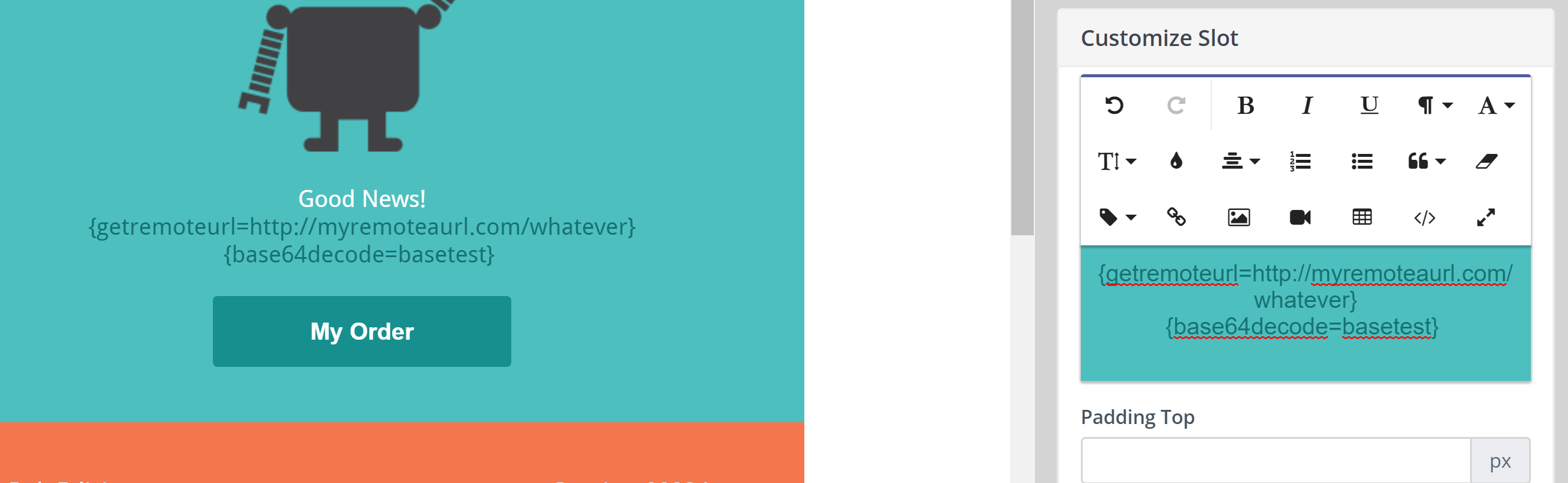
#### getremoteurl
`{getremoteurl=http://yourremote.url}`
The tag get content from your remote url.
You can display remote content from external site in your email or page.
You are able to use contact field in url. Contact field use in format `[contactfield=alias]`. Your token will looks like:
`{getremoteurl=http://yourremote.url?firstname=[contactfield=firstname]}`
You are able to use `|decode` modifier to urldecode URL. Your token will looks like
`{getremoteurl=http://yourremote.url?test=1&test=1|decode}`
#### base64decode
`{base64decode=customtextareafield}`
The tag decode base64 encoded content from contacts custom textarea field.
You can pass base64 encode data to contact from API and then display in email or page.