https://github.com/musabdev/roomgenerator
Creating your own unique rooms is a breeze – all it takes is a handful of straightforward steps.
https://github.com/musabdev/roomgenerator
ai convex nextjs replicate-api
Last synced: about 1 year ago
JSON representation
Creating your own unique rooms is a breeze – all it takes is a handful of straightforward steps.
- Host: GitHub
- URL: https://github.com/musabdev/roomgenerator
- Owner: MusabDev
- Created: 2023-09-09T11:39:46.000Z (almost 3 years ago)
- Default Branch: main
- Last Pushed: 2023-10-03T05:24:35.000Z (almost 3 years ago)
- Last Synced: 2025-03-29T05:51:19.615Z (over 1 year ago)
- Topics: ai, convex, nextjs, replicate-api
- Language: TypeScript
- Homepage: https://roomgenerator.vercel.app
- Size: 14.3 MB
- Stars: 32
- Watchers: 1
- Forks: 7
- Open Issues: 0
-
Metadata Files:
- Readme: README.md
Awesome Lists containing this project
README
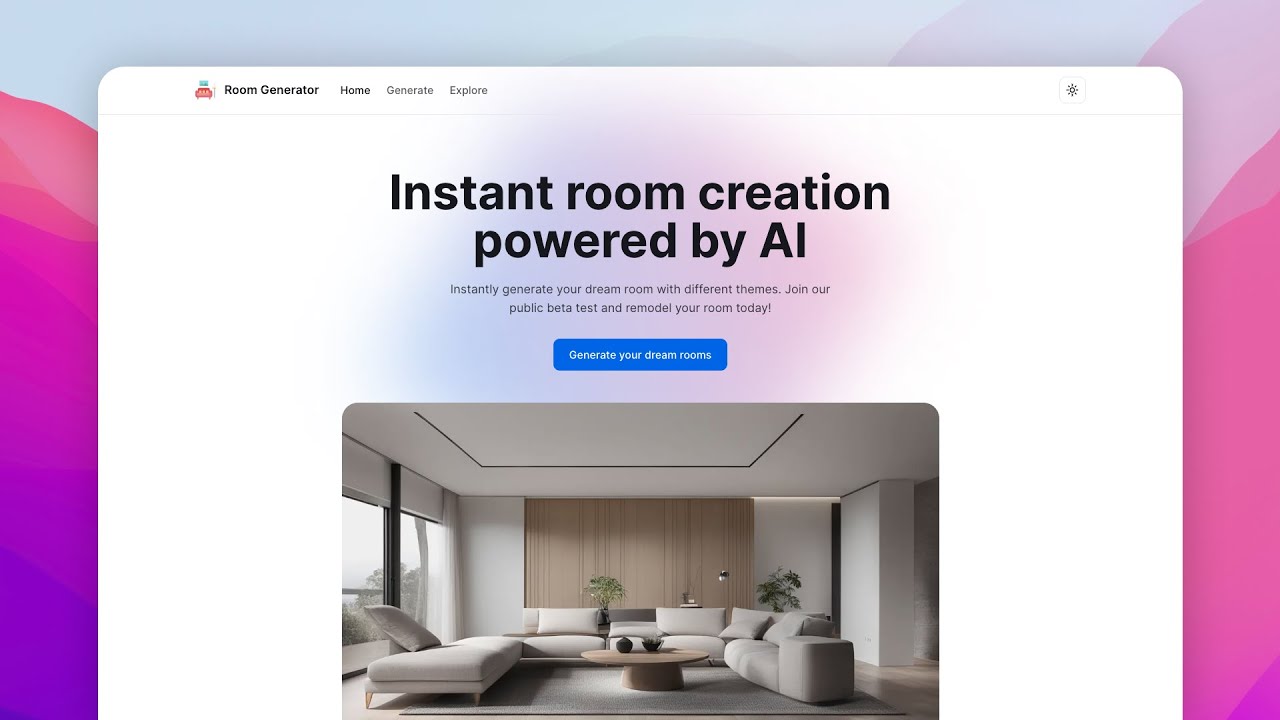
# [Room Generator](https://roomgenerator.vercel.app) - Create your unique rooms using AI
This is a simple room generator application powered by AI. I am using [Replicate](https://replicate.com) for the API and stability-ai/sdxl model. This application uses [Convex](https://convex.dev) as a backend service and I built this as a fun project.
[](https://www.youtube.com/watch?v=h-8QpqYG6EI)
## Running Locally
### Cloning the repository
```bash
git clone https://github.com/musabdev/roomgenerator
```
### Setting up environment variables (`.env`)
```
CONVEX_DEPLOYMENT="" # Required for development
CONVEX_DEPLOY_KEY="" # Required for production
NEXT_PUBLIC_CONVEX_URL=""
```
### Installing the dependencies
```
npm install
```
### Setting up Convex
You have to add Replicate API key as an environment variable in the [Convex](https://convex.dev) dashboard. You can check their guide at [https://docs.convex.dev/production/environment-variables](https://docs.convex.dev/production/environment-variables)
```
REPLICATE_API_TOKEN=""
```
## Running the project
First, run the development server for Next.js:
```bash
npm run dev
```
Then, run the development server for Convex:
```bash
npx run convex
```
### Changing configuration
You can change the configuration in `src/config/site.ts` file. The 'enable' feature is the most important option that ensures whether the app will work or not.
Open [http://localhost:3000](http://localhost:3000) with your browser to see the result. Finally, you have successfully set up the project on your local machine.