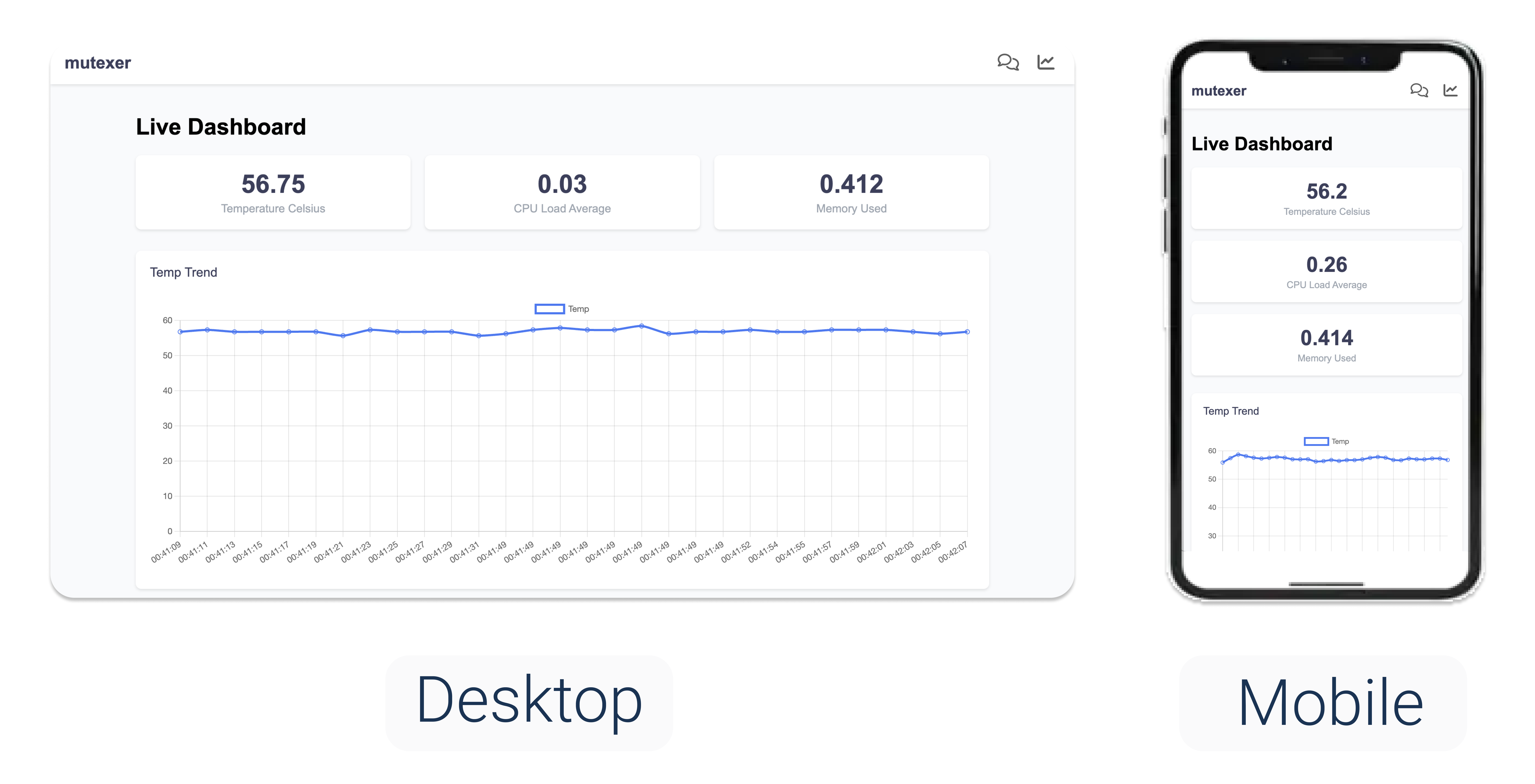
https://github.com/mutexer/mutexer-flask-live-dashboard
Sample repository demonstrating the live updating dashboard using flask and a Raspberry Pi
https://github.com/mutexer/mutexer-flask-live-dashboard
dashboard flask livedata mutexer python raspberry-pi raspberrypi
Last synced: 3 months ago
JSON representation
Sample repository demonstrating the live updating dashboard using flask and a Raspberry Pi
- Host: GitHub
- URL: https://github.com/mutexer/mutexer-flask-live-dashboard
- Owner: mutexer
- License: apache-2.0
- Created: 2025-01-13T00:10:03.000Z (over 1 year ago)
- Default Branch: main
- Last Pushed: 2025-01-13T01:01:20.000Z (over 1 year ago)
- Last Synced: 2025-01-13T01:26:12.151Z (over 1 year ago)
- Topics: dashboard, flask, livedata, mutexer, python, raspberry-pi, raspberrypi
- Language: JavaScript
- Homepage: https://www.mutexer.com/
- Size: 14.6 KB
- Stars: 0
- Watchers: 1
- Forks: 0
- Open Issues: 0
-
Metadata Files:
- Readme: README.md
- License: LICENSE
Awesome Lists containing this project
README
# mutexer-flask-live-dashboard

[](#)


This project aims to make building and deploying your own live updating dashboard on a raspberry pi (or any computer) really easy.
The purpose of this project is to provide boilerplate code and handy infrastructure. This way you can build live updating functionality into your apps.
This is a sample project that uses a combination of python, flask and mutexer to build a modern interface.
Python and flask are used to create a responsive frontend that works on desktop and mobile. While mutexer is used as the IDE and VPN remote access tool so you can use your dashboard remotely.
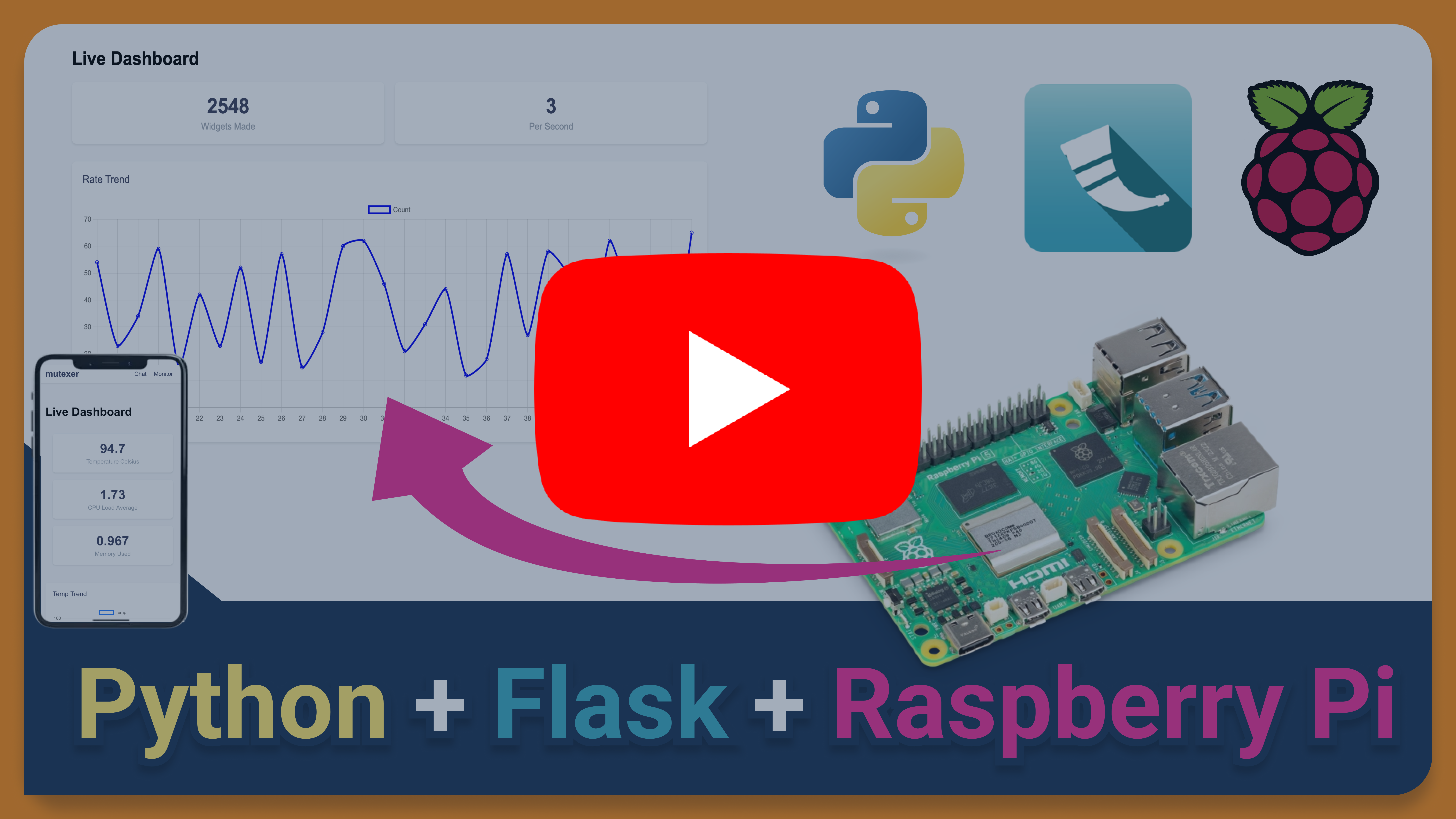
## Features
- Logs device temperature, cpu load average and memory usage
- Live updating tiles and trend graphs
- (Optional) Add llama 3.2 chatbot from another project [mutexer-llama-ai-chatbot](https://github.com/mutexer/mutexer-llama-ai-chatbot)
## Interface