https://github.com/mviereck/microscopy-tools
Tools for microscopic captures and focus stackshots (beta)
https://github.com/mviereck/microscopy-tools
alignment arduino camera camera-configuration camera-control enfuse focus-stackshots fuse-stackshot-images imagemagick micrometer microscopy stacking stackshot stepper-motor tethered-shooting
Last synced: 12 months ago
JSON representation
Tools for microscopic captures and focus stackshots (beta)
- Host: GitHub
- URL: https://github.com/mviereck/microscopy-tools
- Owner: mviereck
- License: gpl-2.0
- Created: 2018-11-11T18:35:55.000Z (over 7 years ago)
- Default Branch: master
- Last Pushed: 2024-11-17T18:25:54.000Z (over 1 year ago)
- Last Synced: 2025-04-21T04:43:45.921Z (about 1 year ago)
- Topics: alignment, arduino, camera, camera-configuration, camera-control, enfuse, focus-stackshots, fuse-stackshot-images, imagemagick, micrometer, microscopy, stacking, stackshot, stepper-motor, tethered-shooting
- Language: Shell
- Homepage:
- Size: 288 MB
- Stars: 28
- Watchers: 6
- Forks: 2
- Open Issues: 6
-
Metadata Files:
- Readme: README.md
- License: LICENSE
Awesome Lists containing this project
README
# microscopy-tools
Tools for microscopy and image focus stacking.
- Tools already useful, in active development:
- [`imfuse`](#imfuse): Fuse focus stackshot images with ImageMagick. (Terminal)
- [`stackprepare`](#stackprepare): Batch processing of image stack for contrast, crop, gamma etc.
- Tools considered to be (mostly) stable and ready for use:
- [`stackalign`](#stackalign): Align image stack with the help of [focus-stack]((https://github.com/PetteriAimonen/focus-stack)) and ImageMagick.
- [`imgruler`](#imgruler): Draw a ruler or micrometer into an image. (Terminal)
- Tools awaiting further development, currently less useful:
- [`camcfg`](#camcfg): Terminal dialog frontend for camera configuration. (Terminal)
- Deprecated, stored for partial code reuse:
- [`stackfuser`](#stackfuser): Align, prepare and fuse focus stack images. (GUI)
- [`stackshooter`](#stackshooter): Shoot focus stackshots with stepper motor and camera. (GUI)
`stackfuser` and `stackshooter` need some further development and documentation before they can be recommended for general use.
Especially they need a new GUI backend because the currently used `kaptain` GUI is outdated and does not run on up-to-date systems.
## imfuse
Combines focus stackshot images to an overall sharp image.
- For all of (many) options see `imfuse --help`.
- For an overview of imfuse workflow see [wiki: How imfuse works](https://github.com/mviereck/microscopy-tools/wiki/How-imfuse-works)
- For some examples see [wiki: Examples](https://github.com/mviereck/microscopy-tools/wiki/Examples)
Dependencies:
- `imagemagick` version 7 (command `magick`)
- `geeqie` and `feh` (optional image viewers)
- `exiftool` (optional to preserve exif meta data)
- [`PetteriAimonen/focus-stack`](https://github.com/PetteriAimonen/focus-stack) (optional for option `--align`)
- `enfuse` (optional, needed for some options)
Much thanks to the developers and supporters of ImageMagick!
- Most image processing of imfuse is done by [`ImageMagick`](https://imagemagick.org).
- imfuse contains code written by [Fred Weinhaus](http://www.fmwconcepts.com/imagemagick) with his friendly permission.
- imfuse was inspired by [Alan Gibson](https://im.snibgo.com/)'s [focStack.bat](https://im.snibgo.com/focstack.htm).
## stackalign
Aligns image stack.
Dependencies:
- [`PetteriAimonen/focus-stack`](https://github.com/PetteriAimonen/focus-stack)
- `imagemagick`
The core work is done by `focus-stack`, this tool helps to crop the images to the usable common area.
## stackprepare
Batch processing of image stack for contrast, crop, gamma etc.
Dependencies:
- `imagemagick`
## imgruler
Draws a ruler into an image.
Intended to draw micrometers into micoscopic captures.
Contains a calibration instruction in english and german.
Runs on Linux, macOS and (in Cygwin) on MS Windows.
Considered to be ready for general use.
Dependencies:
- `imagemagick`
## camcfg
`dialog` frontend for `gphoto2` camera configuration. Reads possible configurations of a camera and provides a dialog in terminal to choose desired settings. Beta stage, already useable.
- `camcfg` shows all available configurations.
- `camcfg ENTRY` shows configuration of entry ENTRY. Example: `camcfg iso`
Dependencies:
- `dialog`
- `gphoto2`
## stackfuser
GUI frontend for image foto stacking with enfuse.
Deprecated, will be replaced by multiple single tools.
Provides:
- Image preprocessing with `imagemagick` to enhance contrast and sharpness.
- Image alignment with `ffmpeg`/[vidstab](https://github.com/georgmartius/vid.stab) or `align_image_stack`.
- Generating multiple overall sharp images from stackshot with `enfuse`. Further combining of these results with `imagemagick`.
- Animated videos of focus stackshots.
Dependencies, most essentiell:
- `align_image_stack` (hugin tools)
- `enfuse`
- `geeqie`
- `imagemagick`
- [`imfuse`](#imfuse)
- [`kaptain`](https://github.com/mviereck/kaptain)
- `viewnior`
Dependencies, also recommended:
- `ffmpeg`
- `exiftool`
- [`imgruler`](#imgruler)
- `ufraw`
## stackshooter
GUI for foto stacking with a stepper motor controlled by an Arduino and a camera connected on USB.
Note: The user must be in group `dialout` to access the Arduino.
Deprecated, will be replaced.
Features:
- Camera control with `gphoto2` for preview videos and tethered shooting.
- Stepper motor control for focus adjustment.
- Automated focus stackshots combining camera and stepper motor.
`pololu_a4988.ino` is my code to control my stepper motor driver with an Arduino. The control commands send by `stackshooter` to Arduino can be customized in `stackshooter` configuration dialog.
Dependencies:
- `ffmpeg`
- `geeqie`
- `gphoto2`
- `align_image_stack` (hugin tools)
- [`kaptain`](https://github.com/mviereck/kaptain)
- `xinput`
- `xdotool`
## Example
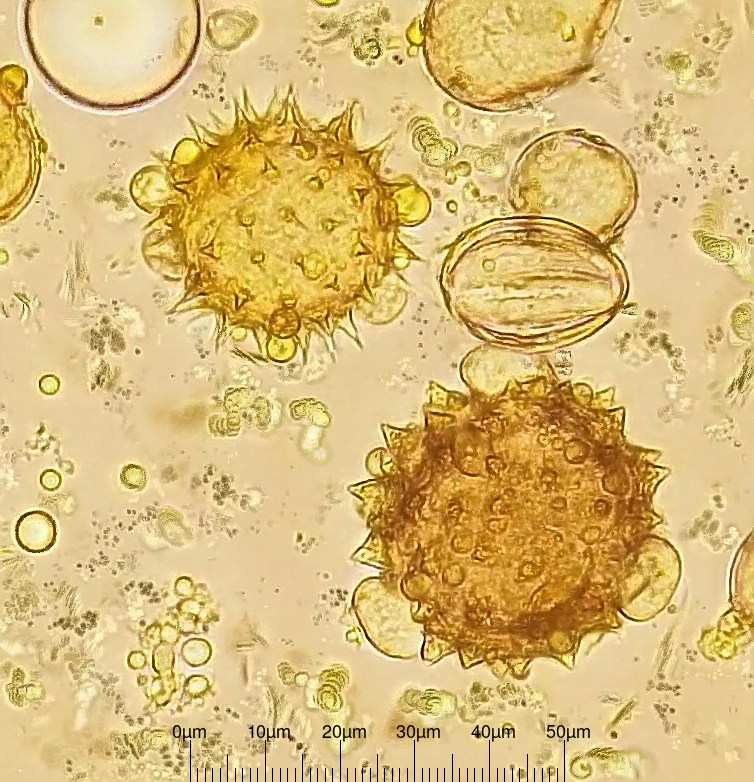
Image of some flower pollen. Generated with `stackshooter` and `stackfuser`.
Technic: Microscope from [Hund/Wetzlar](https://www.hund.de/en/) with a stepper motor and an arduino.
Camera: Canon EOS 1000D.
Stackshot result of 240 single captures with slightly different focus:
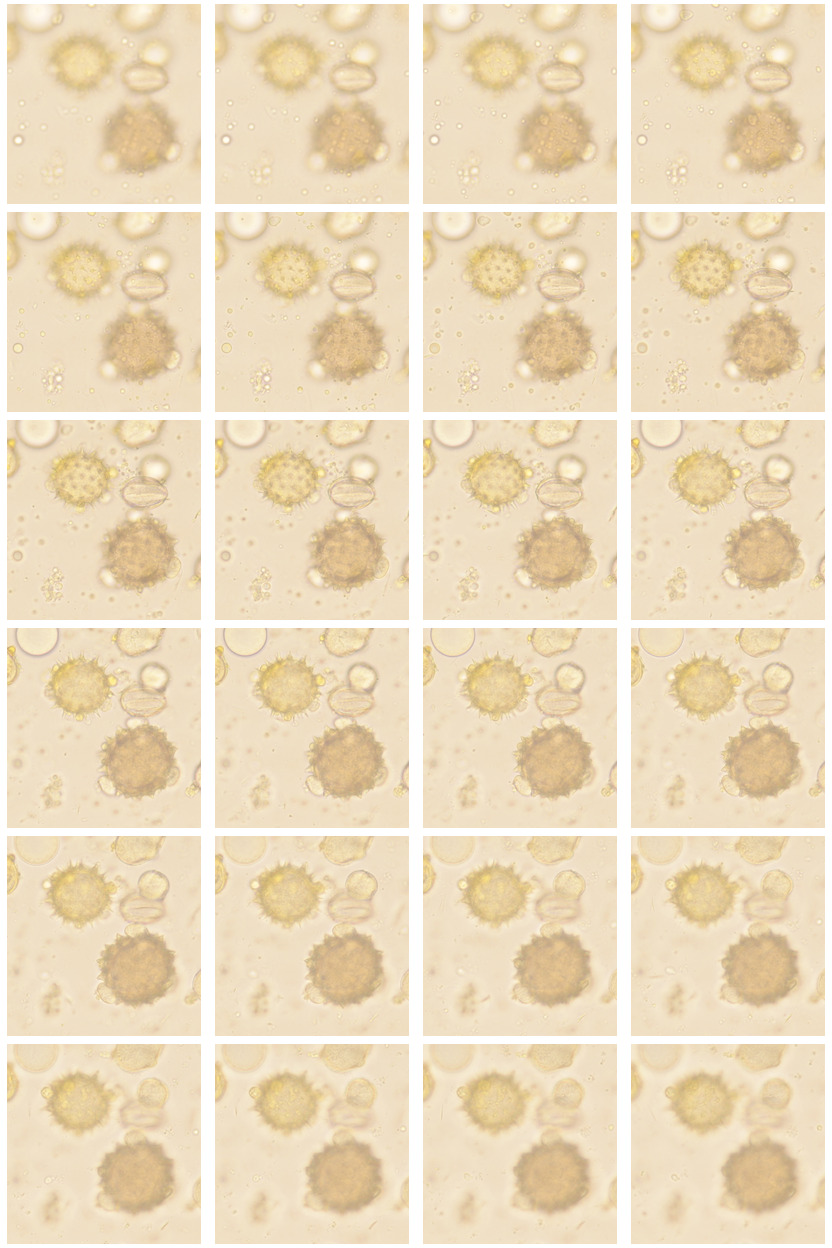
Iconified excerpt of source stackshot:
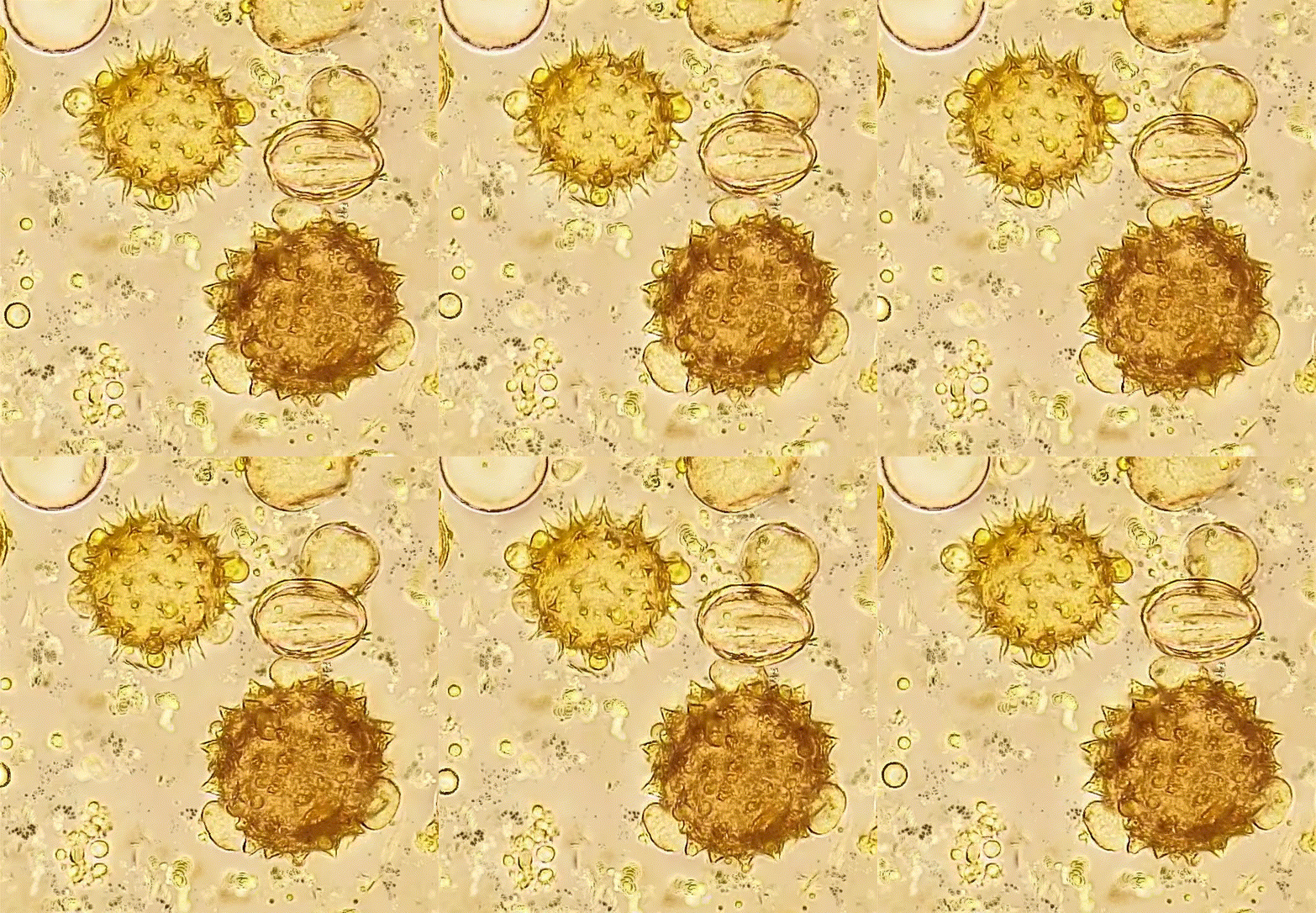
Animated video:
## Related tools
### Free and Open Source
- [CombineZP](https://github.com/mviereck/CombineZP):
Stacker for MS Windows. Works with wine on Linux, too. Good but unfortunately not maintained.
- [`enfuse`](https://enblend.sourceforge.net/):
Enfuse blends differently exposed images of the same scene into a nice output image.
Command line tool, used by `stackfuser`.
- [`Entangle`](https://entangle-photo.org/):
Entangle provides a graphical interface for "tethered shooting", aka taking photographs with a digital camera completely controlled from the computer.
- [`PetteriAimonen/focus-stack`](https://github.com/PetteriAimonen/focus-stack):
A cross-platform tool for focus stacking images based on wavelet algorithms.
- [`pulsar123/Macro-scripts`](https://github.com/pulsar123/Macro-scripts):
A set of BASH scripts and C++ programs representing a complete workflow for processing macro focus stacking photographs.
- [`gphoto2`](http://www.gphoto.org/):
The gphoto2 library allows access and control of various digital camera models.
Command line tool, used by `stackshooter` and `camcfg`.
- [`hugin`](https://hugin.sourceforge.io/):
Hugin is a panorama photo stitching program for several overlapping photos taken from the same location, transforming the photos to one larger image.
- [`ImageMagick`](https://imagemagick.org):
ImageMagick is a powerful software suite to create, edit, and compose bitmap images.
Command line tool, used by almost all tools in this repo.
- [`mfkter`](https://github.com/hqhoang/mftker):
GUI for enfuse. Replaces former MacroFusion.
- [`RawTherapee`](https://www.rawtherapee.com/):
RawTherapee is an advanced program for developing raw photos and for processing non-raw photos.
- ImageMagick scripts:
- [Snibgo's ImageMagick pages](https://im.snibgo.com/) (Windows batch scripts.)
- [Fred's ImageMagick Scripts](http://www.fmwconcepts.com/imagemagick) (Linux bash scripts.)
### Closed Source freeware
- [Picolay](http://www.picolay.de/):
Stacker for MS Windows. Works with wine on Linux, too.
- [stacky](https://www.bewie.de/stacky.php):
Stacker for MS Windows. Works with wine on Linux, too.
### Closed Source commercial
- [Helicon Focus](https://www.heliconsoft.com/heliconsoft-products/helicon-focus/):
30 days trial version. Available for Mac and Windows.
- [ZereneStacker](https://zerenesystems.com/cms/stacker):
30 days trial version. Available for Linux, Mac and Windows.