https://github.com/myshell-ai/shellagent
https://github.com/myshell-ai/shellagent
Last synced: 10 months ago
JSON representation
- Host: GitHub
- URL: https://github.com/myshell-ai/shellagent
- Owner: myshell-ai
- Created: 2025-06-19T08:10:13.000Z (about 1 year ago)
- Default Branch: main
- Last Pushed: 2025-06-19T08:10:37.000Z (about 1 year ago)
- Last Synced: 2025-06-25T23:35:35.070Z (about 1 year ago)
- Size: 1.95 KB
- Stars: 1
- Watchers: 0
- Forks: 0
- Open Issues: 0
-
Metadata Files:
- Readme: README.md
Awesome Lists containing this project
README
# 🚀 ShellAgent
**By Intelligent-Creation Team, MyShell**
---
## 🚀 Installation : Download and install ShellAgent.
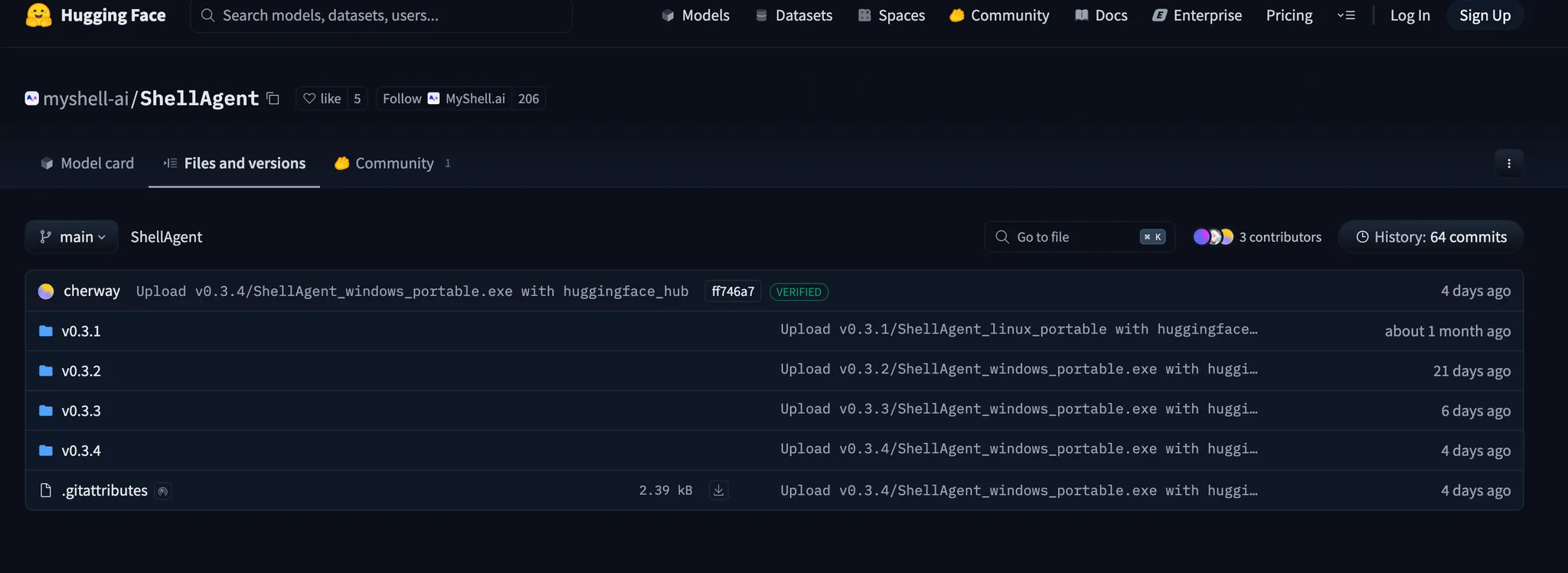
- Download the updated [ShellAgent](https://huggingface.co/myshell-ai/ShellAgent/tree/main) locally: https: https://huggingface.co/myshell-ai/ShellAgent/tree/main
- Please download the latest version of ShellAgent. Once the project is downloaded, you can run it directly with one click!
- If you don't want to use local Shellagent you can also use our [cloud version of ShellAgent](https://shellagent.myshell.ai/app) to build workflow online using Workflow board. https://shellagent.myshell.ai/app
- ps: You need to be logged in on the main site to use Shellagent in the cloud.
## **👉 A no-code editor that supports the creation of Workflow as well as apps:**
- Currently the main support for image flow Workflow and Chatbot's App, and can be combined with each other to form multi-dimensional intelligent applications, we also support publishing the created App to MyShell to get profits.
- In the simplest terms, it is possible to package the comfyui port as a myshell app marketplace app, which can be used as an intelligent app through simple dialog interactions.
## ☀️ Works with ComfyUI
🙌 Launch ComfyUI and install the ShellAgent-Plugin
- Download or `git clone` the contents of the https://github.com/myshell-ai/ComfyUI-ShellAgent-Plugin repository to the `ComfyUI/custom_nodes/` directory.
- The custom_nodes directory is installed using the `git clone https://github.com/myshell-ai/ComfyUI-ShellAgent-Plugin.git` command
- Use `pip install -r requirements.txt` in the ShellAgent-Plugin directory to install dependencies
## 😁 Why ShellAgent?
- ✅ Code-free operation, GUI interface
- ✅ Multi-modal workflow support, any text-to-graph, graph-to-graph, video, character, game workflow.
- ✅ One-click application uploading, no more tedious operation.
## 🤝 Get Help
- [ShellAgent 快速开始](https://www.notion.so/ShellAgent-1f83f81ff51e80e29b08e77376e85a1a?pvs=21)
- [ShellAgent Quick Start](https://www.notion.so/ShellAgent-Quick-Start-1fb3f81ff51e804c8413de74671303b7?pvs=21)
**Contact Us:**
- X : https://x.com/myshell_ai
- Discord : https://discord.gg/myshell
- instagram : https://www.instagram.com/myshell.ai/