https://github.com/mzilinassim/wiki-react
Simple Wikipedia Search By "React JS"
https://github.com/mzilinassim/wiki-react
bootstrap-icons netlify-deployment react react-bootstrap wikipedia-api
Last synced: 8 months ago
JSON representation
Simple Wikipedia Search By "React JS"
- Host: GitHub
- URL: https://github.com/mzilinassim/wiki-react
- Owner: mziliNassim
- Created: 2024-11-01T00:11:01.000Z (about 1 year ago)
- Default Branch: main
- Last Pushed: 2024-12-11T13:12:49.000Z (about 1 year ago)
- Last Synced: 2025-03-27T00:12:04.764Z (9 months ago)
- Topics: bootstrap-icons, netlify-deployment, react, react-bootstrap, wikipedia-api
- Language: JavaScript
- Homepage: https://wikipedia.nassim.online/
- Size: 725 KB
- Stars: 1
- Watchers: 1
- Forks: 0
- Open Issues: 0
-
Metadata Files:
- Readme: README.md
Awesome Lists containing this project
README
# Simple Wikipedia Search `Web Application`
[Website Preview](https://wikipedia.nassim.online/)
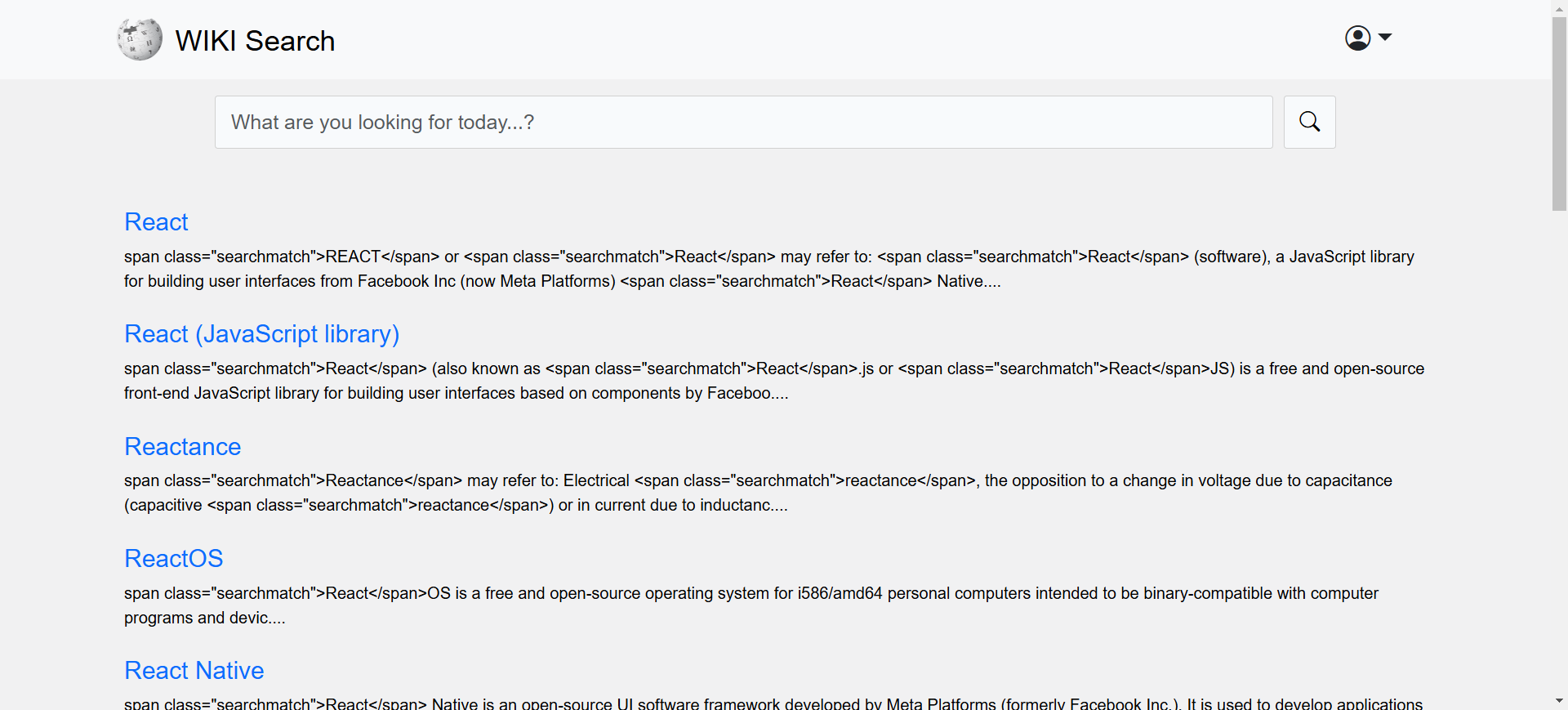
This is a simple search website that allows users to search for articles and retrieve relevant information. It is built using React JS. The website provides a user-friendly interface for searching and displaying search results.
## Features
- **Search Functionality**:
>Users can enter keywords and search for articles.
- **Responsive Design**:
>The website is responsive and can be used on various devices.
- **Article Display**:
>Display search results with titles and brief descriptions.
- **Clickable Links**:
>Users can click on the search results to view full articles.
- **Simple and Intuitive**:
>Designed for easy navigation and use.
## Technologies Used
- **React JS**: JavaScript library created by Facebook for building user interfaces, specifically for single-page applications.
- **Wikipedia API**: Used for retrieving search results and article content from Wikipedia.
## How to Use
1 - Final Rusult from web :
``` git
https://nassimwikisearch.netlify.app/
```
2 - Clone this repository to your local machine:
``` bash
git clone https://github.com/mziliNassim/wiki-react.git
```
3 - Open dirictory and install dependecise
``` bash
cd wiki-react
git install
```
4 - Start the project
``` bash
npm run start
```
5 - the app in the development mode
``` bash
http://localhost:3000
```
> The page will reload when you make changes
>
> You may also see any lint errors in the console.