https://github.com/nasirkhan/laravel-starter
A CMS like modular starter application project built with Laravel 12.x. and Livewire
https://github.com/nasirkhan/laravel-starter
admin-dashboard coreui-laravel dashboard hacktoberfest laravel laravel-admin-panel laravel-boilerplate laravel-starter php-starter starter-kit starter-project starter-template
Last synced: 6 months ago
JSON representation
A CMS like modular starter application project built with Laravel 12.x. and Livewire
- Host: GitHub
- URL: https://github.com/nasirkhan/laravel-starter
- Owner: nasirkhan
- License: gpl-3.0
- Created: 2017-10-03T10:23:56.000Z (almost 9 years ago)
- Default Branch: main
- Last Pushed: 2025-12-24T17:52:31.000Z (7 months ago)
- Last Synced: 2025-12-30T22:48:43.450Z (7 months ago)
- Topics: admin-dashboard, coreui-laravel, dashboard, hacktoberfest, laravel, laravel-admin-panel, laravel-boilerplate, laravel-starter, php-starter, starter-kit, starter-project, starter-template
- Language: PHP
- Homepage: https://laravel.nasirkhn.com
- Size: 51.1 MB
- Stars: 1,364
- Watchers: 46
- Forks: 457
- Open Issues: 2
-
Metadata Files:
- Readme: README.md
- License: LICENSE.md
- Security: SECURITY.md
Awesome Lists containing this project
README

# Laravel Starter (based on Laravel 12.x)
**Laravel Starter** is a Laravel 12.x based simple starter project. Most of the commonly needed features of an application like `Authentication`, `Authorisation`, `Users` and `Role management`, `Application Backend`, `Backup`, `Log viewer` are available here. It is modular, so you may use this project as a base and build your own modules. A module can be used in any `Laravel Starter` based project.
Here Frontend and Backend are completely separated with separate routes, controllers, and themes as well.
***Please let me know your feedback and comments.***
[](https://packagist.org/packages/nasirkhan/laravel-starter) [](https://packagist.org/packages/nasirkhan/laravel-starter) [](https://packagist.org/packages/nasirkhan/laravel-starter) [](https://packagist.org/packages/nasirkhan/laravel-starter)
# Reporting a Vulnerability
If you discover any security-related issues, please send an e-mail to Nasir Khan Saikat via nasir8891@gmail.com instead of using the issue tracker.
# Appplication Demo
Check the following demo project. It is just a straight installation of the project without any modification.
Demo URL: https://laravel.nasirkhn.com
You may use the following account credentials to access the application backend.
```
User: super@admin.com
Pass: secret
User: user@user.com
Pass: secret
```
## Demo Data
For detailed information about seeding options and demo data management, see the [Database Seeding](#database-seeding) section above.
Quick command to add demo data:
```bash
php artisan laravel-starter:insert-demo-data
```
Use `--fresh` to truncate existing data first:
```bash
php artisan laravel-starter:insert-demo-data --fresh
```
# Custom Commands
We have created a number of custom commands for the project. The commands are listed below with a brief about their use of it.
## Create New module
To create a project use the following command, you have to replace the MODULE_NAME with the name of the module.
```php
php artisan module:build MODULE_NAME
```
You may want to use `--force` option to overwrite the existing module. if you use this option, it will replace all the existing files with the default stub files.
```php
php artisan module:build MODULE_NAME --force
```
## Clear All Cache
```bash
composer clear-all
```
this is a shortcut command to clear all cache including config, route, and more
## Code Style Fix
We are now using `Laravel Pint` to make the code style stay as clean and consistent as the Laravel Framework. Use the following command to apply CS-Fix.
```bash
composer pint
```
Along with Laravel Pint, we are using `prettier` to format the blade templates. You can install the `prettier` extension in your favorite editor.
The following command will format the blade templates.
```bash
npm run format
```
or if you are using `yarn` then you can use the following command.
```bash
yarn format
```
## Role - Permissions
Several custom commands are available to add and update `role-permissions`. Please read the [Role - Permission Wiki page](https://github.com/nasirkhan/laravel-starter/wiki/Role-Permission), where you will find the list of commands with examples.
# Features
The `Laravel Starter` comes with several features which are the most common in almost all applications. It is a template project which means it is intended to be built in a way that it can be used for other projects.
It is a modular application, and some modules are installed by default. It will be helpful to use it as a base for future applications.
* Admin feature and public views are completely separated as `Backend` and `Frontend` namespace.
* Major features are developed as `Modules`. A module like Posts, Comments, and Tags are separated from the core features like User, Role, Permission
## Core Features
* User Authentication
* Social Login
* Google
* Facebook
* Github
* Build in a way adding more is much easier now
* User Profile with Avatar
* Role-Permissions for Users
* Dynamic Menu System
* Language Switcher
* Localization enabled across the project
* Backend Theme
* Bootstrap 5, CoreUI
* Fontawesome 6
* Dark Mode
* Frontend Theme
* Tailwind
* Fontawesome 6
* Dark Mode
* Article Module
* Posts
* Categories
* Tags
* Comments
* wysiwyg editor
* File browser
* Application Settings
* External Libraries
* Bootstrap 5
* Fontawesome 6
* CoreUI
* Tailwind
* Datatables
* Select2
* Date Time Picker
* Backup (Source, Files, Database as Zip)
* Log Viewer
* Notification
* Dashboard and details view
# User Guide
## Installation
Follow the steps mentioned below to install and run the project. You may find more details about the installation in [Installation Wiki](https://github.com/nasirkhan/laravel-starter/wiki/Installation).
1. Open the terminal and run the following command, this will download and install the `Laravel Starter` and run the post-installation commands.
```bash
composer create-project nasirkhan/laravel-starter
```
2. The default database is `sqlite`, if you want to change please update the database settings at `.env` file
3. To create a link from the storage directory, run the following command from the project root:
```php
php artisan storage:link
```
4. If you run the `create-project` command from `Laravel Hard` then the site will be available at [http://laravel-starter.test](http://laravel-starter.test). You may create a virtualhost entry to access the application or run `php artisan serve` from the project root and visit `http://127.0.0.1:8000`
*After creating the new permissions use the following commands to update cashed permissions.*
`php artisan cache:forget spatie.permission.cache`
## Database Seeding
This Laravel application provides flexible database seeding options to accommodate different development scenarios.
### Types of Seeders
#### Essential Seeders (Always Run)
- **Users, Roles & Permissions** (`AuthTableSeeder`)
- **Menu & Navigation** (`MenuDatabaseSeeder`)
These seeders create the core data required for the application to function properly.
#### Dummy Data Seeders (Optional)
- **Posts** (`PostDatabaseSeeder`)
- **Categories** (`CategoryDatabaseSeeder`)
- **Tags** (`TagDatabaseSeeder`)
These seeders create sample content for development and testing purposes.
### Seeding Options
#### 1. Full Seeding (Default)
Seeds both essential data and dummy data:
```bash
php artisan migrate:fresh --seed
```
#### 2. Essential Data Only
**Option A: Environment Variable**
Set in your `.env` file:
```env
SEED_DUMMY_DATA=false
```
Then run:
```bash
php artisan migrate:fresh --seed
```
**Option B: Custom Command**
```bash
# Seed only essential data
php artisan db:seed-essential
# Fresh migration + essential data only
php artisan db:seed-essential --fresh
```
**Option C: Runtime Environment Variable (PowerShell)**
```powershell
$env:SEED_DUMMY_DATA="false"; php artisan migrate:fresh --seed
```
#### 3. Dummy Data Only
If you already have essential data and only want to add dummy content:
```bash
php artisan db:seed --class="Modules\Post\database\seeders\PostDatabaseSeeder"
php artisan db:seed --class="Modules\Category\database\seeders\CategoryDatabaseSeeder"
php artisan db:seed --class="Modules\Tag\database\seeders\TagDatabaseSeeder"
```
#### 4. On-Demand Demo Data Insertion
If you need to add or refresh demo data after initial setup:
```bash
php artisan laravel-starter:insert-demo-data
```
This command inserts demo data for posts, categories, tags, and comments. Use the `--fresh` option to truncate existing data first:
```bash
php artisan laravel-starter:insert-demo-data --fresh
```
This is separate from the seeding process and can be used anytime to populate or refresh demo content.
### Environment Configuration
#### .env Variables
```env
# Control dummy data seeding (default: true)
SEED_DUMMY_DATA=true
```
#### Production Considerations
- Essential seeders are safe for production (users, roles, menus)
- Dummy data seeders should typically be disabled in production
- Use `--force` flag for production environments:
```bash
php artisan db:seed-essential --fresh --force
```
#### Module Status Control
Individual modules can be enabled/disabled via `modules_statuses.json`:
```json
{
"Post": true, // Dummy data module
"Category": true, // Dummy data module
"Tag": true, // Dummy data module
"Menu": true // Essential module
}
```
### Testing Environment
During automated testing:
- Seeder output is suppressed to keep test logs clean
- Both essential and dummy data are seeded by default
- Override with `SEED_DUMMY_DATA=false` for faster test execution
### Examples
**Development Setup**
```bash
# Full development environment with sample content
php artisan migrate:fresh --seed
```
**Production Deployment**
```bash
# Production with only essential data
SEED_DUMMY_DATA=false php artisan migrate:fresh --seed --force
```
**Quick Development Reset**
```bash
# Reset with only essential data for clean slate
php artisan db:seed-essential --fresh
```
**Staging Environment**
```bash
# Add sample content to existing essential data
SEED_DUMMY_DATA=true php artisan db:seed
```
## Docker and Laravel Sail
This project is configured with Laravel Sail (https://laravel.com/docs/sail). You can use all the docker functionalities here. To install using docker and sail:
1. Clone or download the repository
2. Go to the project directory and run `composer install`
3. Create `.env` file by copying the `.env-sail`. You may use the command to do that `cp .env-sail .env`
4. Update the database name and credentials in `.env` file
5. Run the command `sail up` (consider adding this to your alias: `alias sail='[ -f sail ] && sh sail || sh vendor/bin/sail'`)
6. Run the command `sail artisan migrate --seed`
7. Link storage directory: `sail artisan storage:link`
8. Since Sail is already up, you can just visit http://localhost:80
# Screenshots
__Home Page__
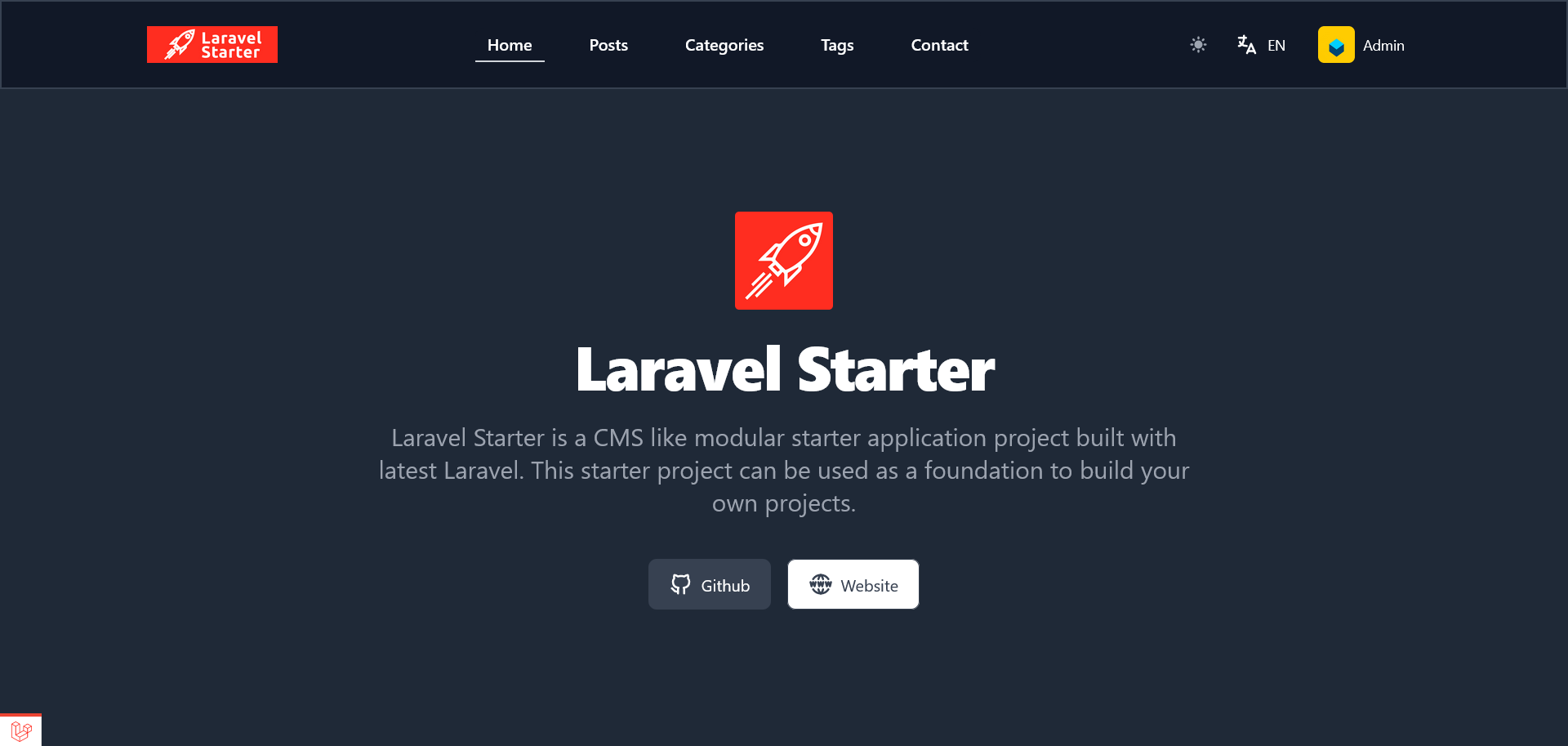
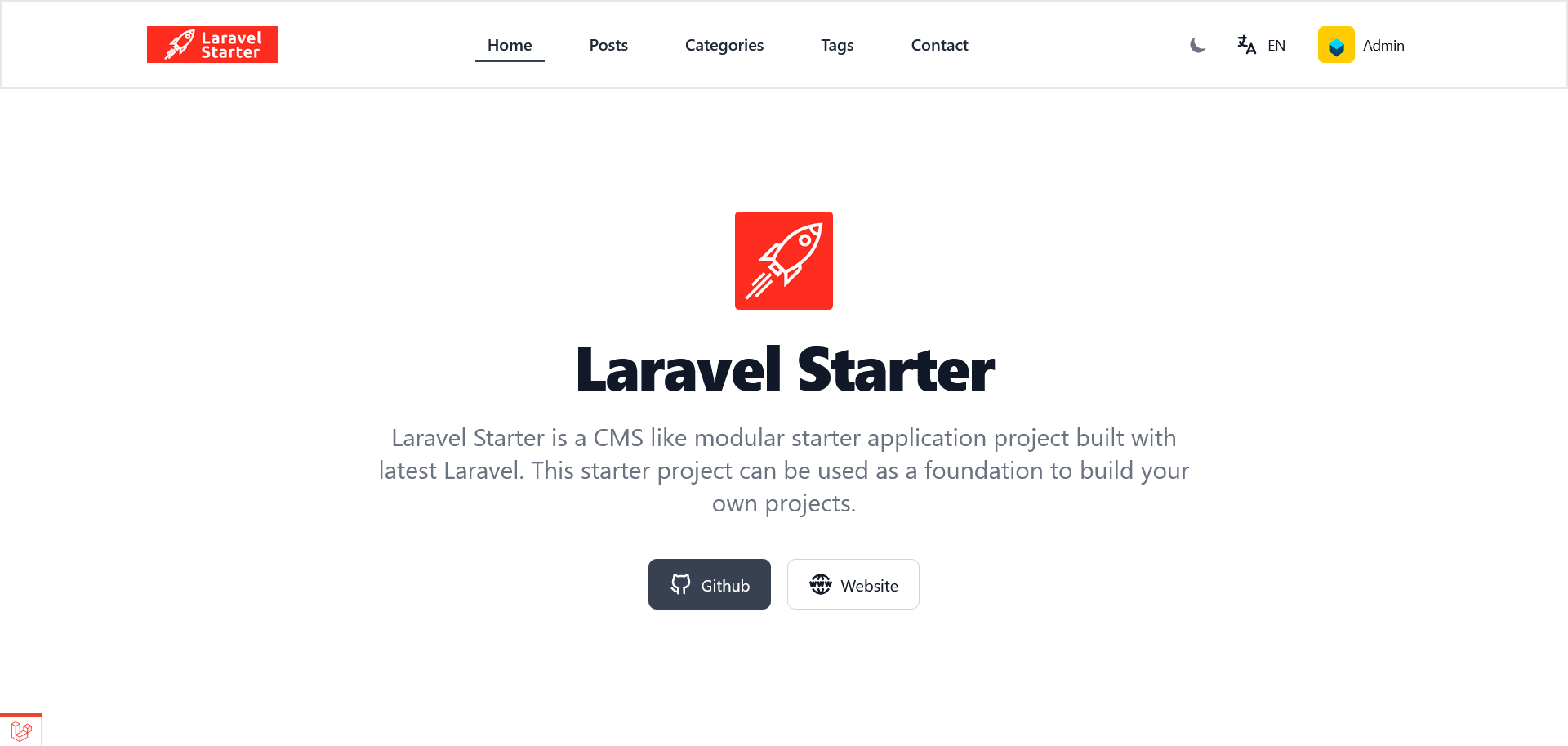
__Login Page__

__Posts Page__

__Backend Dashboard__
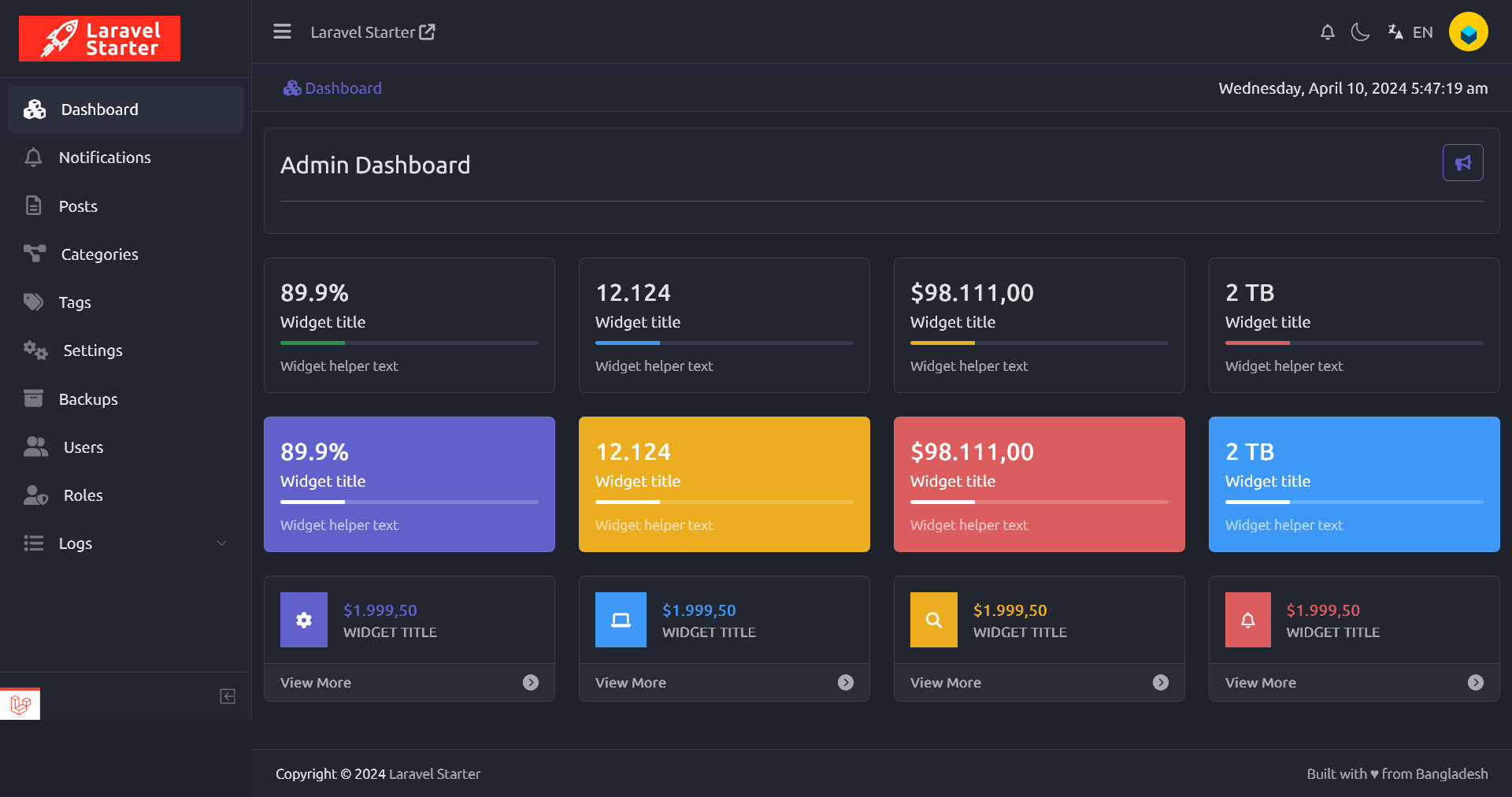
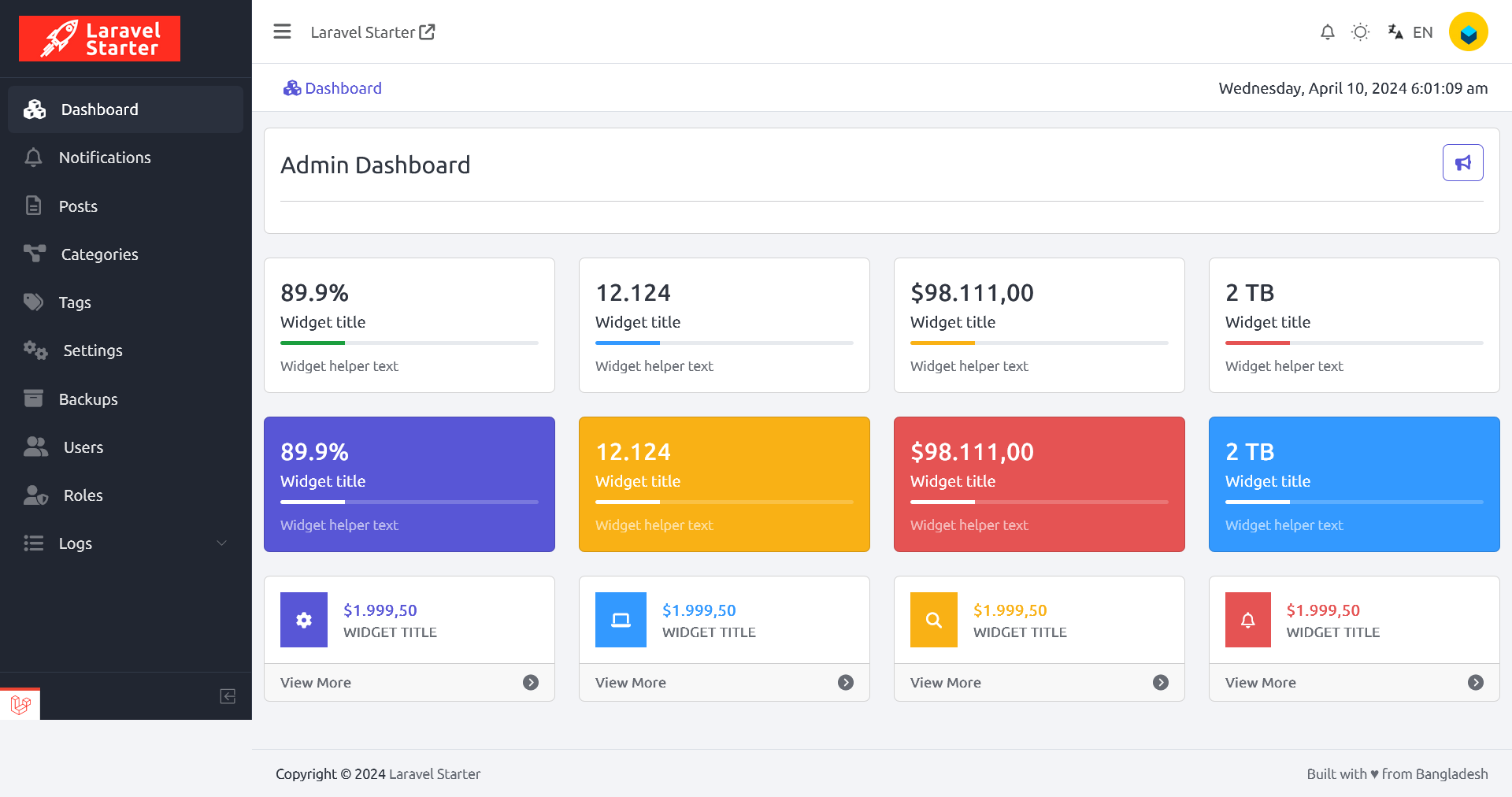
---

---
