https://github.com/navideck/gesturedeck-android
Gesturedeck SDK - Android
https://github.com/navideck/gesturedeck-android
Last synced: 14 days ago
JSON representation
Gesturedeck SDK - Android
- Host: GitHub
- URL: https://github.com/navideck/gesturedeck-android
- Owner: Navideck
- Created: 2023-01-03T10:41:24.000Z (over 3 years ago)
- Default Branch: main
- Last Pushed: 2023-11-13T13:51:17.000Z (over 2 years ago)
- Last Synced: 2025-02-23T00:39:19.293Z (over 1 year ago)
- Language: Kotlin
- Homepage: https://navideck.github.io/Gesturedeck-Android/
- Size: 50.8 MB
- Stars: 1
- Watchers: 2
- Forks: 0
- Open Issues: 0
-
Metadata Files:
- Readme: README.md
- Changelog: CHANGELOG.md
Awesome Lists containing this project
README
# Gesturedeck SDK - Android
[](https://jitpack.io/#Navideck/Gesturedeck-Android)

## Overview
Revolutionize your Android app's user experience with the extraordinary power of Gesturedeck! Seamlessly integrated into your Android application, Gesturedeck empowers users to effortlessly control their devices through intuitive touch gestures, without even needing to look at the screen.

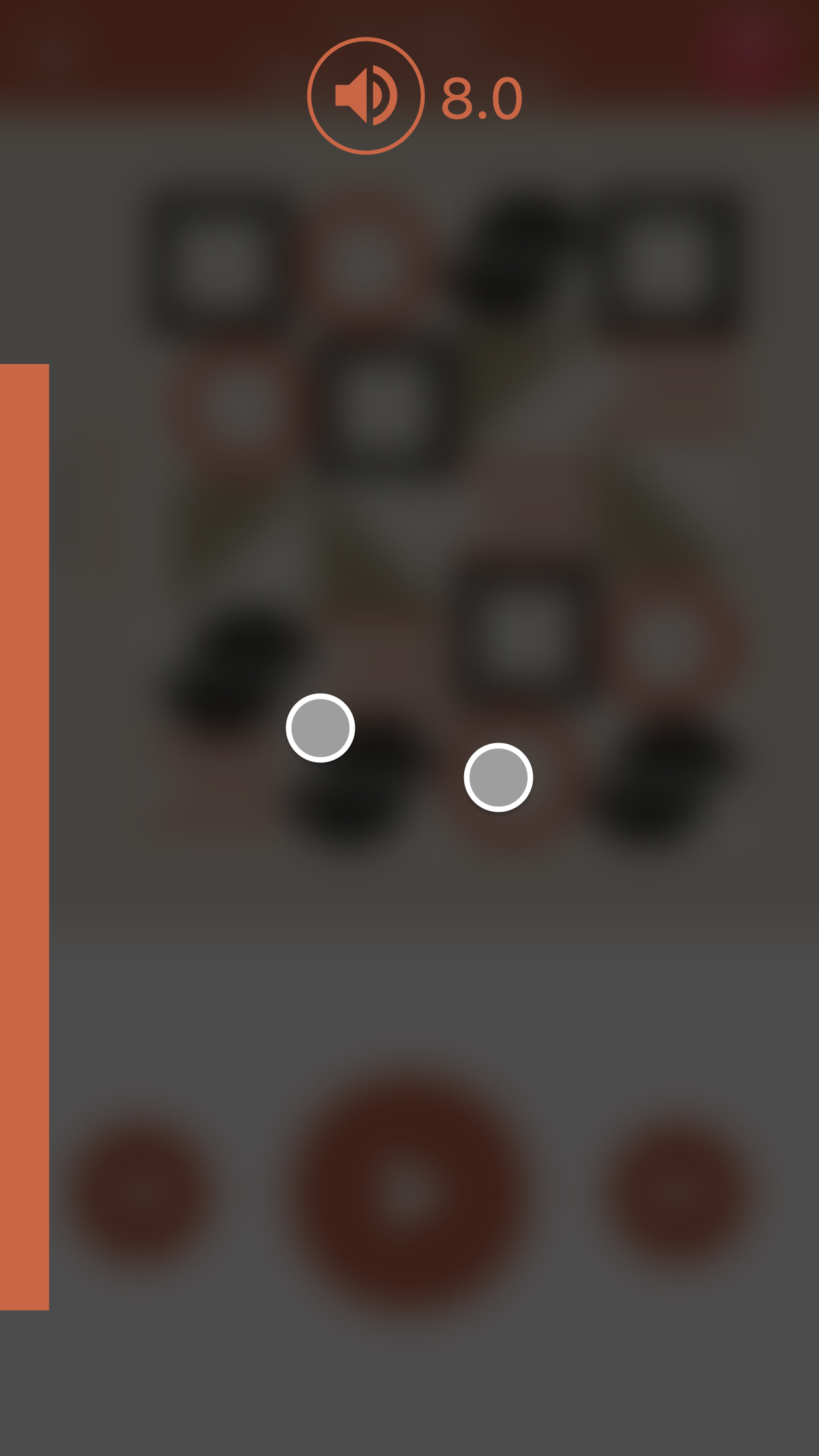

Imagine enhancing your app with the ability to adjust volume, skip tracks, and perform various actions effortlessly, making interactions smoother and more natural than ever before. Whether users are driving, biking, or engaged in any activity that demands their full attention, Gesturedeck ensures a seamless experience that enhances productivity and safety.
## Key Features
- Intuitive touch gestures for seamless device control.
- Customizable gesture actions for enhanced user interactions.
- Integrated GesturedeckMedia for media app controls with overlay UI support.
- Support for volume key actions with GesturedeckMedia.
- Sensitivity settings for fine-tuning gesture responsiveness.
- Easy integration with UniversalVolume for unified volume control.
- Does not require internet connectivity
- Jetpack Compose / XML layout / Kotlin & Java support
## Gesturedeck
Gesturedeck is the low-level API that allows you to build custom functionalities on top of Gesturedeck's gestures. Without introducing any additional UI, your app gains access to powerful gesture controls that redefine user interactions.
## Getting Started with Gesturedeck
### Add Gesturedeck SDK to your project
Gesturedeck SDK can be easily added to your Android project using Jitpack. Jitpack is a package repository service that allows you to use Git repositories as dependencies in your projects.
To add Gesturedeck SDK to your project, follow these steps:
1. Open your project's `build.gradle` file.
2. Add the Jitpack repository to the list of repositories:
```groovy
allprojects {
repositories {
// ... other repositories ...
maven { url 'https://jitpack.io' }
}
}
```
3. Open your app module's `build.gradle` file.
4. Add the Gesturedeck SDK dependency:
```groovy
dependencies {
implementation 'com.github.Navideck:Gesturedeck-Android:1.8.0'
}
```
5. Make sure to add `appcompat` if it is missing. It should be added by default in new projects but might be missing in Jetpack Compose projects.
```groovy
implementation 'androidx.appcompat:appcompat:1.6.1'
```
6. Sync your project with Gradle by clicking on "Sync Now" in Android Studio.
Now, Gesturedeck SDK is successfully added to your project via Jitpack. You can start using the Gesturedeck API in your app as described in the previous sections.
Please note that Jitpack fetches the library directly from the GitHub repository, so you need an active internet connection while building your project. Also, ensure that you are using a version that is compatible with your app's requirements.
### Import Gesturedeck
```kotlin
import com.navideck.gesturedeck_android.Gesturedeck
```
### Initialize Gesturedeck
To have Gesturedeck working in your Android app, you have two options:
#### Option 1: Subclass GesturedeckActivity
You can make your `MainActivity` subclass `GesturedeckActivity` to gain access to Gesturedeck functionality.
```kotlin
class MainActivity : GesturedeckActivity()
```
#### Option 2: Manually initialize Gesturedeck
If you prefer manual control, you can manually initialize Gesturedeck. Follow these steps:
1. Initialize Gesturedeck manually by passing the activity or context in the constructor:
```kotlin
class MainActivity : AppCompatActivity() {
private lateinit var gesturedeck: Gesturedeck
override fun onCreate(savedInstanceState: Bundle?) {
super.onCreate(savedInstanceState)
setContentView(R.layout.activity_main)
gesturedeck = Gesturedeck(
this,
tapAction = { /* Handle tap gesture here */ },
swipeLeftAction = { /* Handle swipe left gesture here */ },
swipeRightAction = { /* Handle swipe right gesture here */ },
panAction = { /* Handle pan gesture here */ },
longPressAction = { /* Handle long press gesture here */ }
)
}
}
```
To feed touch events from specific view or activity use `observingRootView` parameter like this
```kotlin
gesturedeck = Gesturedeck(
observingRootView = false
)
override fun dispatchTouchEvent(event: MotionEvent): Boolean {
// Feed all touchEvents to Gesturedeck
gesturedeck.onTouchEvent(event)
return super.dispatchTouchEvent(event)
}
```
Alternatively, you can add this tag in the Manifest file:
```xml
```
and initialize without passing the activity:
```kotlin
gesturedeck = Gesturedeck(
tapAction = { /* Handle tap gesture here */ },
swipeLeftAction = { /* Handle swipe left gesture here */ },
swipeRightAction = { /* Handle swipe right gesture here */ },
panAction = { /* Handle pan gesture here */ },
longPressAction = { /* Handle long press gesture here */ }
)
```
### Start and Stop Gesturedeck
To start and stop Gesturedeck's gesture detection, you can call the `start()` and `stop()` methods respectively.
```kotlin
// Start gesture detection
gesturedeck.start()
// Stop gesture detection
gesturedeck.stop()
```
## Listen to Individual Gestures
To listen to individual gestures, you can use the properties `tapAction`, `swipeLeftAction`, `swipeRightAction`, `panAction`, and `longPressAction` in GesturedeckMedia's constructor.
```kotlin
gesturedeckMedia.tapAction = { /* Handle tap gesture here */ }
gesturedeckMedia.swipeLeftAction = { /* Handle swipe left gesture here */ }
gesturedeckMedia.swipeRightAction = { /* Handle swipe right gesture here */ }
gesturedeckMedia.panAction = { /* Handle pan gesture here */ }
gesturedeckMedia.longPressAction = { /* Handle long press gesture here */ }
```
For detailed API reference, visit [Gesturedeck API Reference](https://navideck.github.io/Gesturedeck-Android/gesturedeck-android/com.navideck.gesturedeck_android/-gesturedeck/index.html).
## Customize Sensitivity
To manage the sensitivity of the pan gesture, you can pass the `PanSensitivity` enum to the constructor. The default sensitivity level is `PanSensitivity.MEDIUM`.
```kotlin
gesturedeck = Gesturedeck(
this,
panSensitivity = PanSensitivity.MEDIUM,
tapAction = { /* Handle tap gesture here */ },
swipeLeftAction = { /* Handle swipe left gesture here */ },
swipeRightAction = { /* Handle swipe right gesture here */ },
panAction = { /* Handle pan gesture here */ },
longPressAction = { /* Handle long press gesture here */ }
)
```
## GesturedeckMedia - Media Controls
GesturedeckMedia is a specialized implementation built on top of Gesturedeck, tailored specifically for media apps. It provides default gesture actions that can be customized to suit your app's requirements.
If your app is a media app, you can use GesturedeckMedia instead of Gesturedeck.
### Getting Started with GesturedeckMedia
To use GesturedeckMedia for showing media controls UI, follow these steps:
1. Import GesturedeckMedia
```kotlin
import com.navideck.gesturedeck_android.GesturedeckMedia
import com.navideck.gesturedeck_android.GesturedeckMediaOverlay
```
2. Initialize `GesturedeckMedia` with `GesturedeckMediaOverlay`:
```kotlin
val gesturedeckMedia = GesturedeckMedia(
context = this,
gesturedeckMediaOverlay = GesturedeckMediaOverlay(
activity = this@MainActivity,
),
tapAction = { /* Handle tap gesture here */ },
swipeLeftAction = { /* Handle swipe left gesture here */ },
swipeRightAction = { /* Handle swipe right gesture here */ },
panAction = { /* Handle pan gesture here */ },
longPressAction = { /* Handle long press gesture here */ }
)
```
#### Customize Overlay Background
By default, GesturedeckMedia will render UI elements with a blur background. If you want to customize the GesturedeckMedia overlay background, you can pass your root view (`YOUR_VIEW_GROUP`) in `GesturedeckMediaOverlay`. The SDK will only render the relevant UI elements (e.g., volume bar and icons) without any background color on top of your own view. It is generally a good idea to set a semi-transparent color as the background.
```kotlin
val gesturedeckMedia = GesturedeckMedia(
context = this,
gesturedeckMediaOverlay = Gesturedeck
MediaOverlay(
activity = this@MainActivity,
rootView = YOUR_VIEW_GROUP,
),
tapAction = { /* Handle tap gesture here */ },
swipeLeftAction = { /* Handle swipe left gesture here */ },
swipeRightAction = { /* Handle swipe right gesture here */ },
panAction = { /* Handle pan gesture here */ },
longPressAction = { /* Handle long press gesture here */ }
)
```
### Handling Volume Key Action
To handle the device's volume key action with GesturedeckMedia, feed key events as well:
```kotlin
class MainActivity : AppCompatActivity() {
override fun dispatchKeyEvent(event: KeyEvent): Boolean {
// To hide the device's native volume Dialog and show only Gesturedeck UI
return gesturedeckMedia?.onKeyEvents(event) ?: false
// To show both the device's native dialog and Gesturedeck UI
// gesturedeck?.onKeyEvents(event)
// return false
}
}
```
For detailed API reference, visit [GesturedeckMedia API Reference](https://navideck.github.io/Gesturedeck-Android/gesturedeck-android/com.navideck.gesturedeck_android/-gesturedeck-media/index.html).
## Java
Gesturedeck is fully compatible with `Java`. When using Java you can initialize Gesturedeck or GesturedeckMedia using:
```java
Gesturedeck gesturedeck = new Gesturedeck(context);
```
You need to pass touch events to Gesturedeck using:
```java
@Override
public boolean onTouchEvent(MotionEvent event) {
if (event != null) gesturedeck.onTouchEvent(event);
return super.onTouchEvent(event);
}
```
## UniversalVolume - Unified Volume Control
An Android library for easy volume control on different devices. Integrates smoothly with GesturedeckMedia for intuitive volume adjustment across all devices.
You can use [UniversalVolume](https://github.com/Navideck/Universal-Volume) with GesturedeckMedia. Simply import UniversalVolume, and GesturedeckMedia will automatically use UniversalVolume for changing volume on pan gestures.
## Free to Use
Gesturedeck SDK is free to use, providing you with the full functionality of the SDK without any time limitations. You are welcome to integrate it into both personal and commercial projects. When using Gesturedeck SDK for free, a watermark will be presented during runtime. It is strictly prohibited to hide, remove, or alter in any way the watermark from the free version of Gesturedeck SDK.
### Activation Key and Watermark Removal
For those who wish to remove the watermark from their app, we offer an activation key that allows you to use the SDK without any watermarks. However, please be aware that the watermark-free version is not available for free and requires a purchase.
To inquire about purchasing an activation key or if you have any other questions related to licensing and usage, please contact us at team@navideck.com. We will be happy to assist you with the process and provide you with the necessary information.
## Contact
For questions or support, please contact us at team@navideck.com. Thank you for choosing Gesturedeck SDK!