https://github.com/naztar0/ucodeextension
Google Chrome extension that allows to get access to Ucode Lms additional features
https://github.com/naztar0/ucodeextension
chrome-extension extension theme-customizer ucode ucode-connect ucode-lms
Last synced: 9 months ago
JSON representation
Google Chrome extension that allows to get access to Ucode Lms additional features
- Host: GitHub
- URL: https://github.com/naztar0/ucodeextension
- Owner: naztar0
- License: mpl-2.0
- Created: 2021-03-10T21:48:43.000Z (over 5 years ago)
- Default Branch: master
- Last Pushed: 2021-06-08T05:26:01.000Z (about 5 years ago)
- Last Synced: 2023-03-06T05:30:50.140Z (over 3 years ago)
- Topics: chrome-extension, extension, theme-customizer, ucode, ucode-connect, ucode-lms
- Language: JavaScript
- Homepage:
- Size: 106 KB
- Stars: 0
- Watchers: 1
- Forks: 1
- Open Issues: 0
-
Metadata Files:
- Readme: README.md
- License: LICENSE
Awesome Lists containing this project
README
# [Ucode Lms Features](https://chrome.google.com/webstore/detail/ucode-lms-features/emocipeedbgmompcgkijplhlmhjefhmj)
#### This extension is created to extend the functionality of Ucode LMS and is not official, it is developed by enthusiastic students (the single one) at no cost, so be patient with some bugs. Enjoy your use (^-^)
## First setup
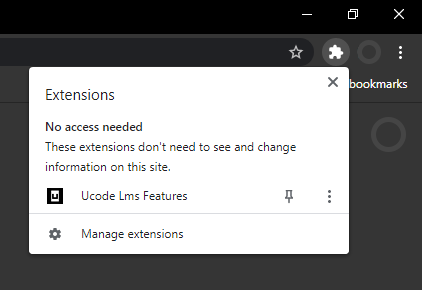
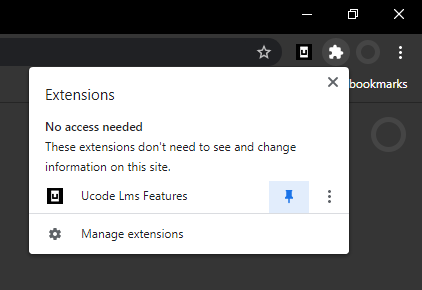
After downloading an extension, you should click on the extensions icon and pin the ULF. Without this action, it will be impossible to use some functions.
## Download PDF
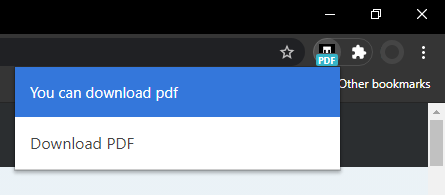
When you're on the PDF viewer page, just click on the ULF icon and click on the «Download PDF» button.
## Change your user profile status
A very interesting extension to the LMS functionality that everyone should try (☞゚ヮ゚)☞
1. Go to the LMS settings.

2. Find an input field called status.
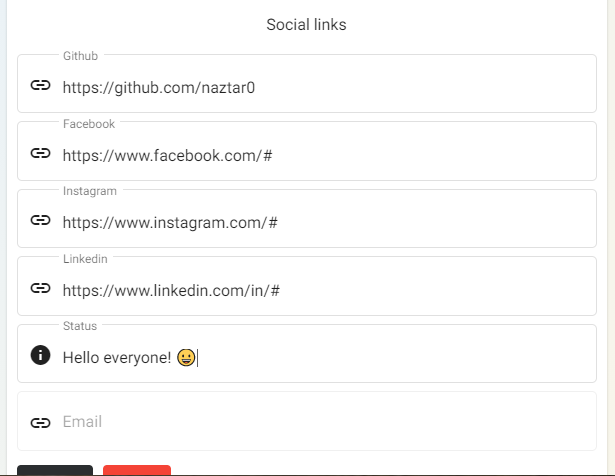
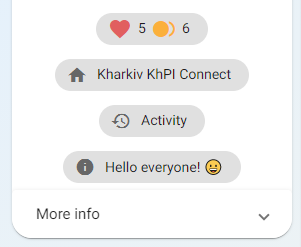
3. Now you can observe this status on the main page.
### Status special features
Type the following lines into the status field to get special features. Recommend using a link shortener, e.g. bit.ly.
* Image in status
* `img;http://link_to_image`
* `img;http://link_to_image;link_on_click`
* GitHub's stats card. Based on the following [web application](https://github.com/anuraghazra/github-readme-stats/). [Themes list.](https://github.com/anuraghazra/github-readme-stats/blob/master/themes/README.md)
* `githubstats;your_github_username`
* `githubstats;your_github_username;theme`
* Audio in status. It will be played when your page is loaded by you or other users. This option can be turned off in the settings. Can be used in combination with other tags or plain text, after the separator «`;`».
* `audio;http://link_to_audiofile`
* `audio;http://link_to_audiofile;img;http://link_to_image`
* `audio;http://link_to_audiofile;whatever…`
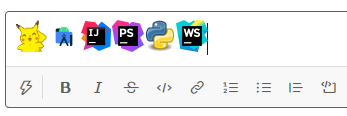
* Slack emojis. Just search for your favorite emoji in the slack, copy and paste into the status field. Or write them manually in the format `:emoji:`
1. 
2. 
3. 
4. 
5. 
## Profile page additional info
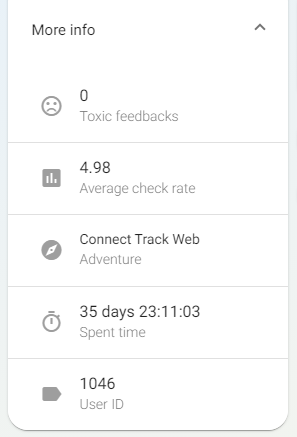
Click on «More info» on the main page, and you **will really see more info \\^o^/**
## Show all feedback comments
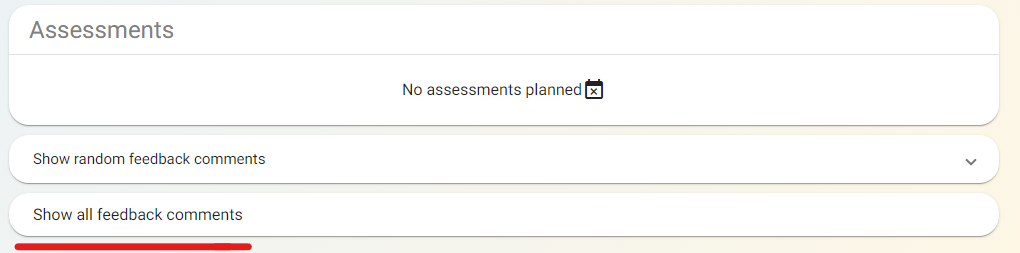
Clicking on this button displays all feedback comments.
## Additional info about challenges
Each challenge adds a certain amount of experience to the profile, which affects the overall skills.

## View your assessor previously
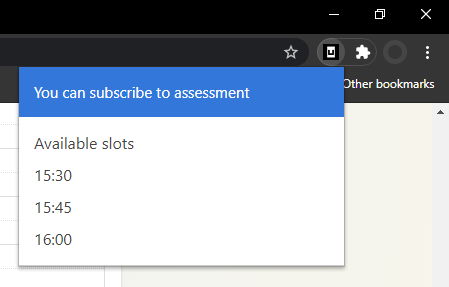
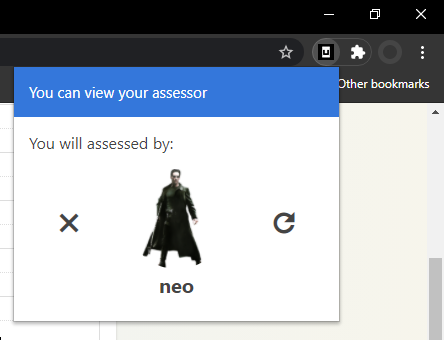
After clicking on «Subscribe to assessment» button as usual and the slot selection window appears, open an ULF popup. **Do not click on slots in the usual LMS interface, forget about them.** The available slots will appear in the pop-up window after a small load. Choose a specific time and click on that slot. After that, a preview of your assessor will appear.
## Dark mode
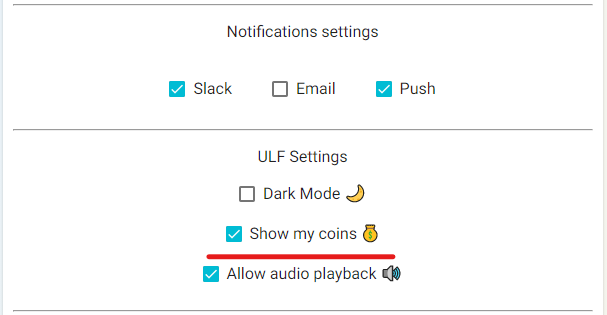
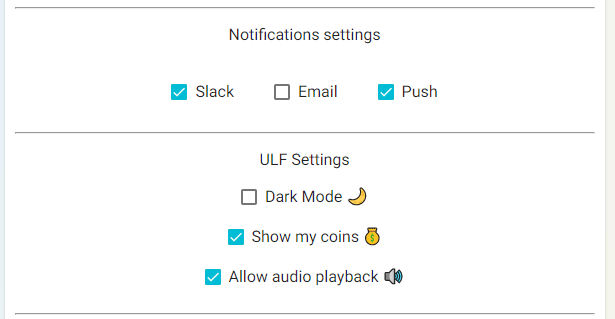
Go to the LMS settings and find there a «Dark mode 🌙» checkbox. Check it and the whole LMS
will dive into the night theme.

## View coins of other users
You can view the number of coins from other users who have allowed to view their number of coins, as well as if you yourself allow viewing your coins. You can change the display settings of your coins in the ULF settings field.