https://github.com/neelanjan00/colorize
Colorize is a computer vision algorithm that is implemented as a feed-forward pass in a CNN at test time, that has been trained on a million images from the Imagenet dataset. The algorithm is able to fill vibrant and realistic colors to the black and white images to recreate a plausible colorized image. Based on the 2016 research paper by Zhang et al. "Colorful Image Colorization".
https://github.com/neelanjan00/colorize
computer-vision deep-learning flask
Last synced: 8 months ago
JSON representation
Colorize is a computer vision algorithm that is implemented as a feed-forward pass in a CNN at test time, that has been trained on a million images from the Imagenet dataset. The algorithm is able to fill vibrant and realistic colors to the black and white images to recreate a plausible colorized image. Based on the 2016 research paper by Zhang et al. "Colorful Image Colorization".
- Host: GitHub
- URL: https://github.com/neelanjan00/colorize
- Owner: neelanjan00
- Created: 2020-05-05T06:52:10.000Z (about 6 years ago)
- Default Branch: master
- Last Pushed: 2022-12-08T09:46:47.000Z (over 3 years ago)
- Last Synced: 2024-04-17T23:09:07.039Z (about 2 years ago)
- Topics: computer-vision, deep-learning, flask
- Language: HTML
- Homepage: https://colorizeapp.herokuapp.com/
- Size: 10.8 MB
- Stars: 1
- Watchers: 3
- Forks: 3
- Open Issues: 4
-
Metadata Files:
- Readme: README.md
Awesome Lists containing this project
README
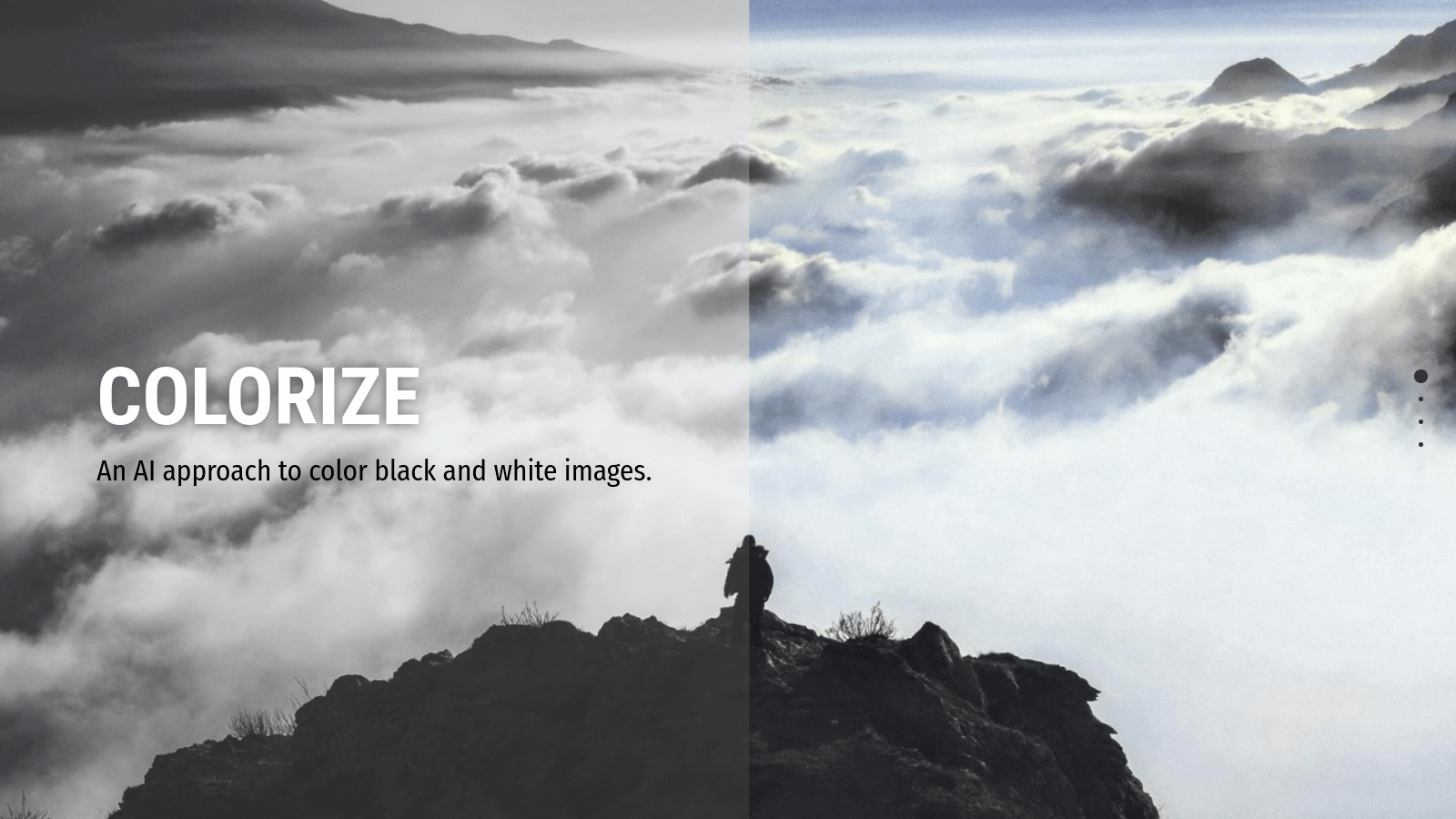
Welcome to Colorize: An AI approach to color black and white images 👋


> Colorize is a computer vision algorithm which is implemented as a feed-forward pass in a CNN at test time, that has been trained on a million images from the Imagenet dataset. The algorithm is able to fill vibrant and realistic colors to the black and white images to recreate a plausible colorized image. Based on the 2016 research paper by Zhang et al. "Colorful Image Colorization".
### 🏠 [Homepage](http://colorizeapp.herokuapp.com/)
### ✨ [Demo](http://colorizeapp.herokuapp.com/)
## Install
```sh
pip install - r requirements.txt
```
## Usage
```sh
python app.py
```
## Author
👤 **Neelanjan Manna**
* Website: https://neelanjanmanna.ml/
* Twitter: [@NeelanjanManna](https://twitter.com/NeelanjanManna)
* Github: [@neelanjan00](https://github.com/neelanjan00)
* LinkedIn: [@neelanjan00](https://linkedin.com/in/neelanjan00)
## Show your support
Give a ⭐️ if this project helped you!