https://github.com/nelsonweze/nravepay
Nravepay is a package that makes accepting card payments in a flutter project easier using Flutterwave
https://github.com/nelsonweze/nravepay
card-payments flutter flutterwave
Last synced: 5 months ago
JSON representation
Nravepay is a package that makes accepting card payments in a flutter project easier using Flutterwave
- Host: GitHub
- URL: https://github.com/nelsonweze/nravepay
- Owner: nelsonweze
- License: mit
- Created: 2021-03-11T15:52:16.000Z (over 5 years ago)
- Default Branch: main
- Last Pushed: 2022-05-08T17:52:08.000Z (about 4 years ago)
- Last Synced: 2026-01-11T16:23:10.135Z (6 months ago)
- Topics: card-payments, flutter, flutterwave
- Language: Dart
- Homepage: https://pub.dev/packages/nravepay
- Size: 1.84 MB
- Stars: 3
- Watchers: 1
- Forks: 2
- Open Issues: 2
-
Metadata Files:
- Readme: README.md
- Changelog: CHANGELOG.md
- License: LICENSE
Awesome Lists containing this project
README
# nravepay
Nravepay is a package that makes accepting card payments in a flutter project easier using [Flutterwave](https://rave.flutterwave.com).
This work is motivated and influenced by [rave_flutter](https://pub.dev/packages/rave_flutter)
## Features
* Custom Flutter native UI
* Save card and pay with token
* Card payments only
* Split payments
## Initialize at Startup
```dart
void main(){
NRavePayRepository.setup(Setup(
publicKey: PaymentKeys.publicKey,
encryptionKey: PaymentKeys.encryptionKey,
secKey: PaymentKeys.secretKey,
staging: true,
version: Version.v3,
allowSaveCard: true,
logging: true))
...//other codes
}
```
## Usage
```dart
var initializer = PayInitializer(
amount: 450,
email: 'email@email.com',
txRef: 'TXREF-${DateTime.now().microsecondsSinceEpoch}',
narration: 'New payment',
country: 'NG',
currency: 'NGN',
firstname: 'Nelson',
lastname: 'Eze',
phoneNumber: '09092343432',
metadata: {'paymentType': 'card', 'platform': 'android'},
onComplete: (result) {
if (result.status == HttpStatus.success) {
if (result.card != null) {
print(result.card);
// saveCard(card);
}
}
print(result.message);
});
return PayManager().prompt(context: context, initializer: initializer);
}
```
## Customization
You can customize all the texts in this package. This is particulary useful when your app supports more than one language.
To customize texts include override using the setup function
```dart
NRavePayRepository.setup(Setup(
// other params
payText: 'Pay Now',
chooseCardHeaderText: 'Payment Cards',
addCardHeaderText: 'Add Card',
addNewCardText: 'Add New Card',
strings: Strings().copyWith()))
```
To customize the pay button you can include a custom buttonBuilder in the payment Initializer
```dart
var initializer = PayInitializer(
//..other params,
buttonBuilder: (amout, onPress) {
return TextButton(
child: Text(amout.toString()),
onPressed: onPress,
);
}),
```
### Services
This package also exposes some useful methods incase you want to call
them somewhere else.
You can access any method in the TransactionService, HttpService and BankService
For example, to perform a charge request using a Payload object;
```dart
var payload = Payload(...)
ChargeResponse response = await TransactionService.instance.charge(payload)
```
For example if you wanted to get the list of banks supported
```dart
var banks = await BankService.instance.fetchBanks
```
In the case that you want to perform a custom method operation you can make use of the HttpService.
Here is an example that verifies if an account number is correct
```dart
Future verifyAccount(String acctNo, String bankCode) async {
var data = {
'recipientaccount': acctNo,
'destbankcode': bankCode,
'PBFPubKey': Setup.instance.publicKey
};
try {
final res = await HttpService()
.dio
.post('/flwv3-pug/getpaidx/api/resolve_account', data: data);
if (res.statusCode == 200) {
print(res.data);
}
} catch (e) {
print(e);
}
}
```
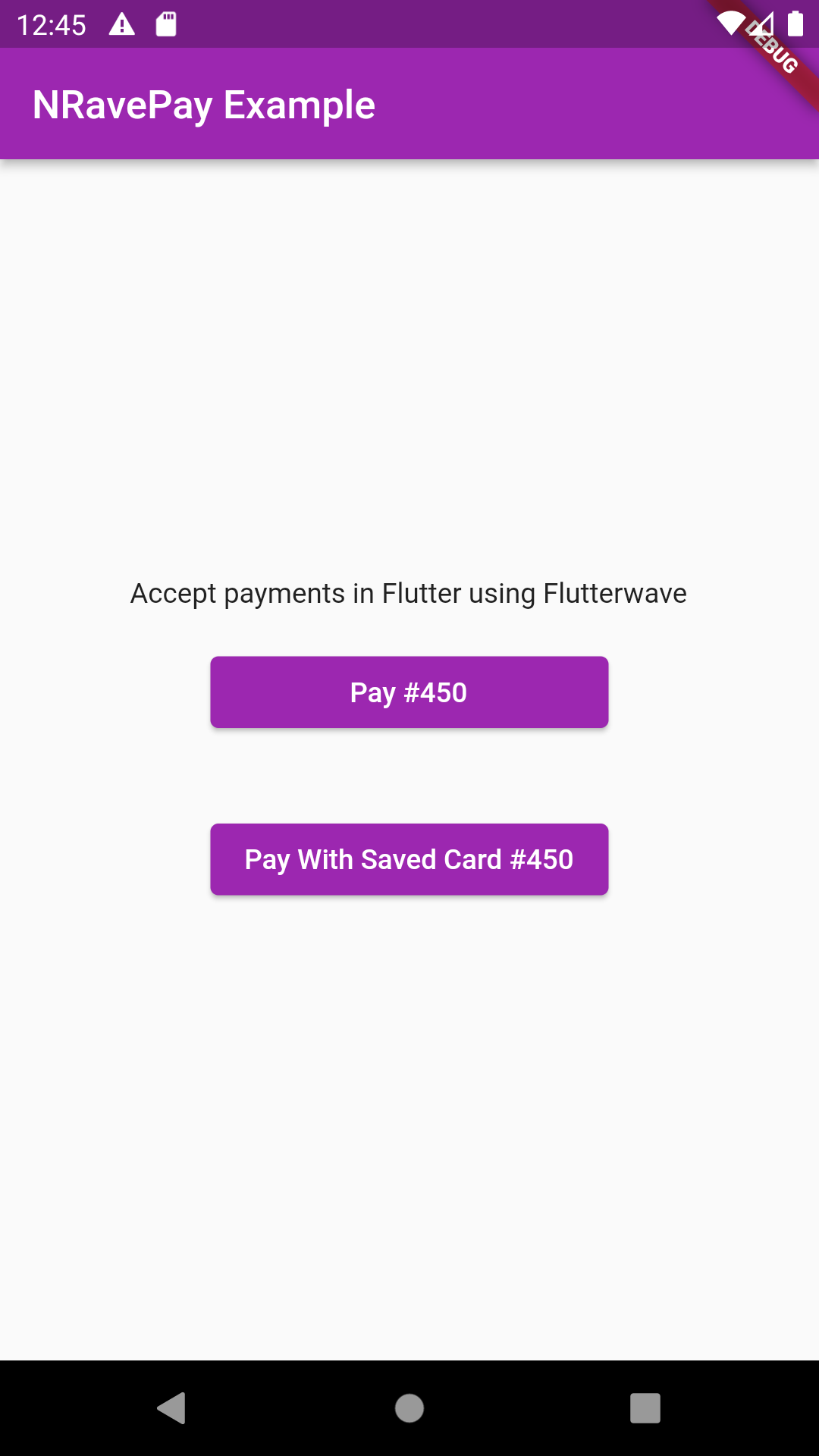
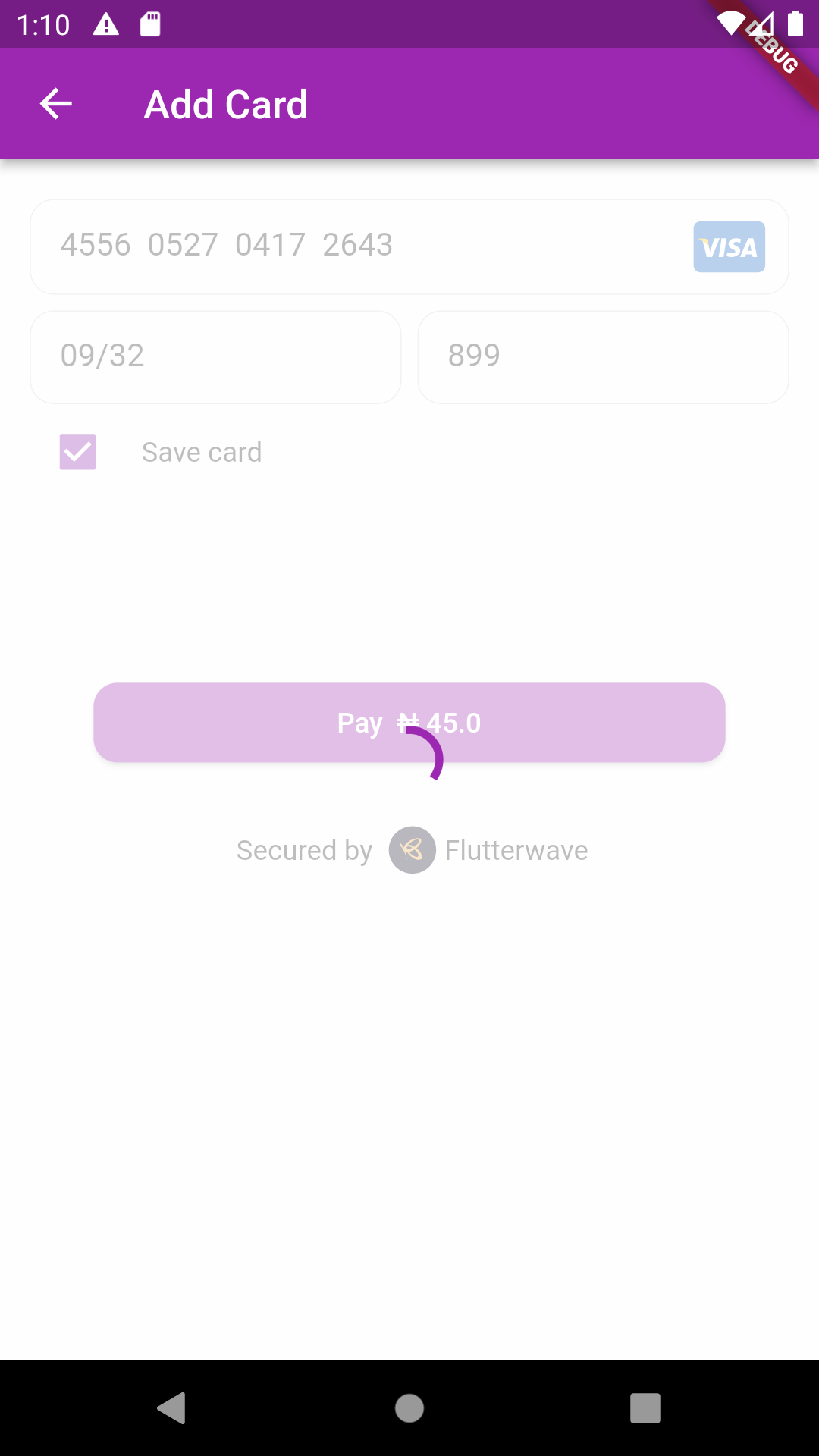
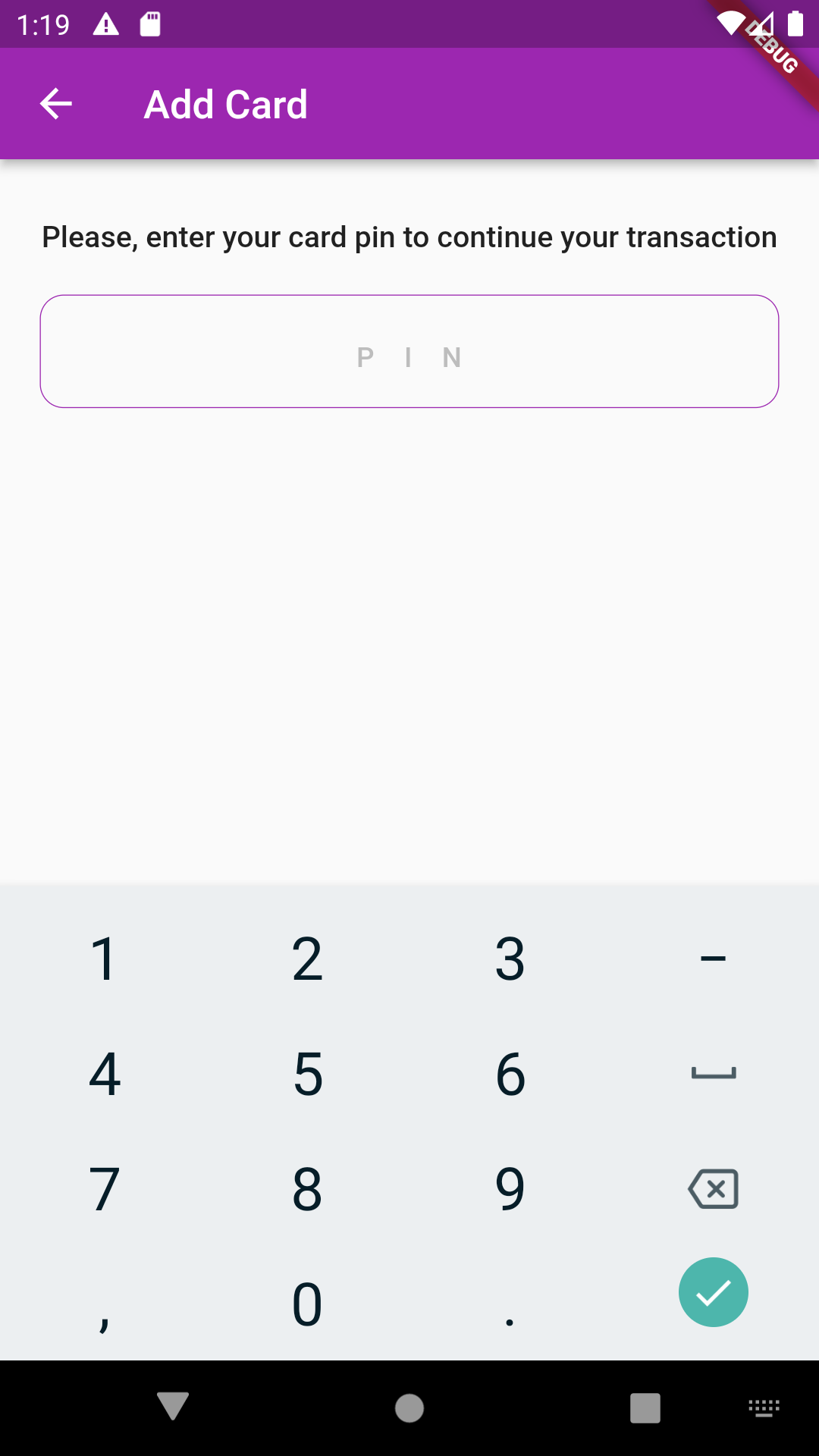
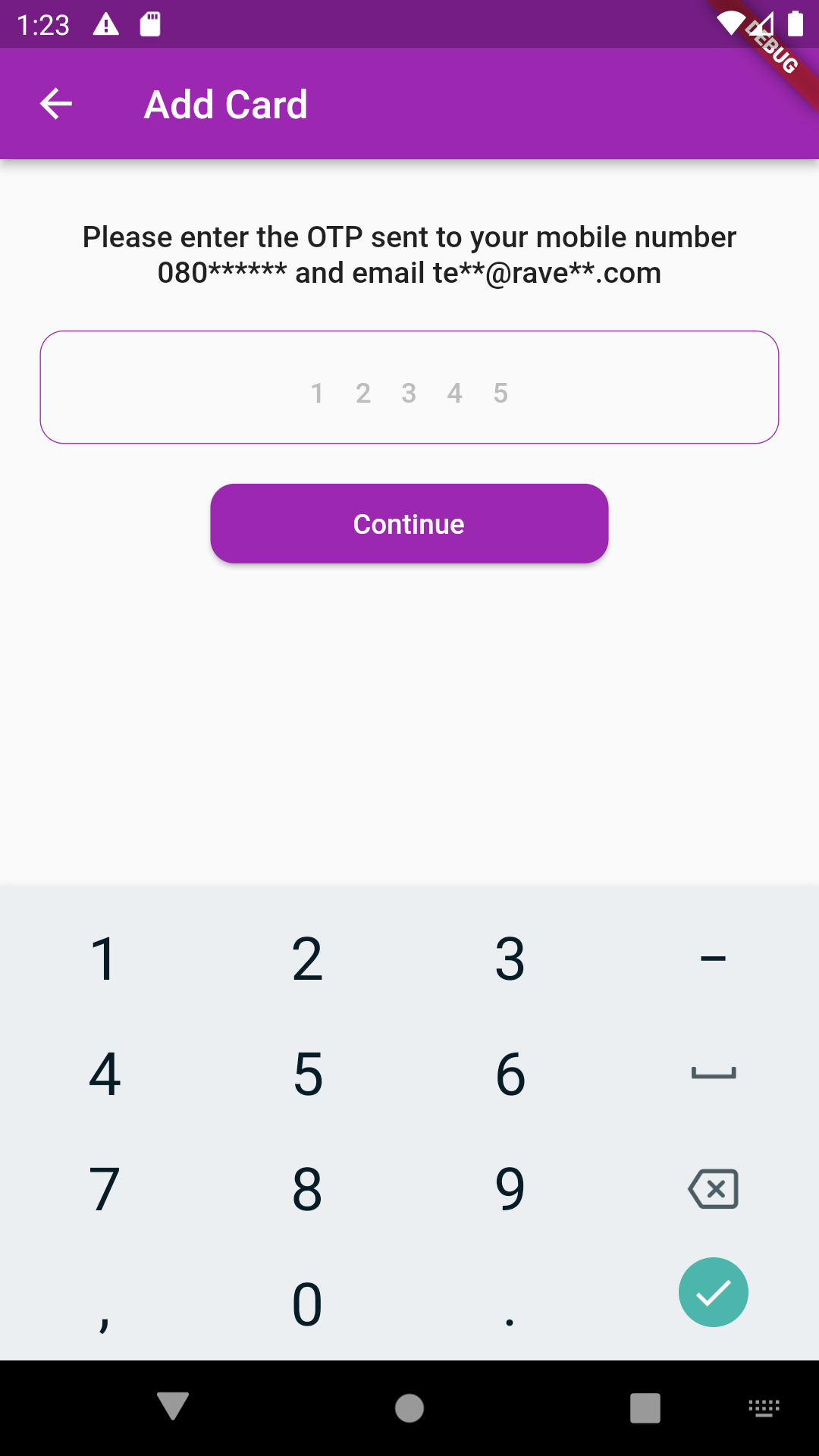
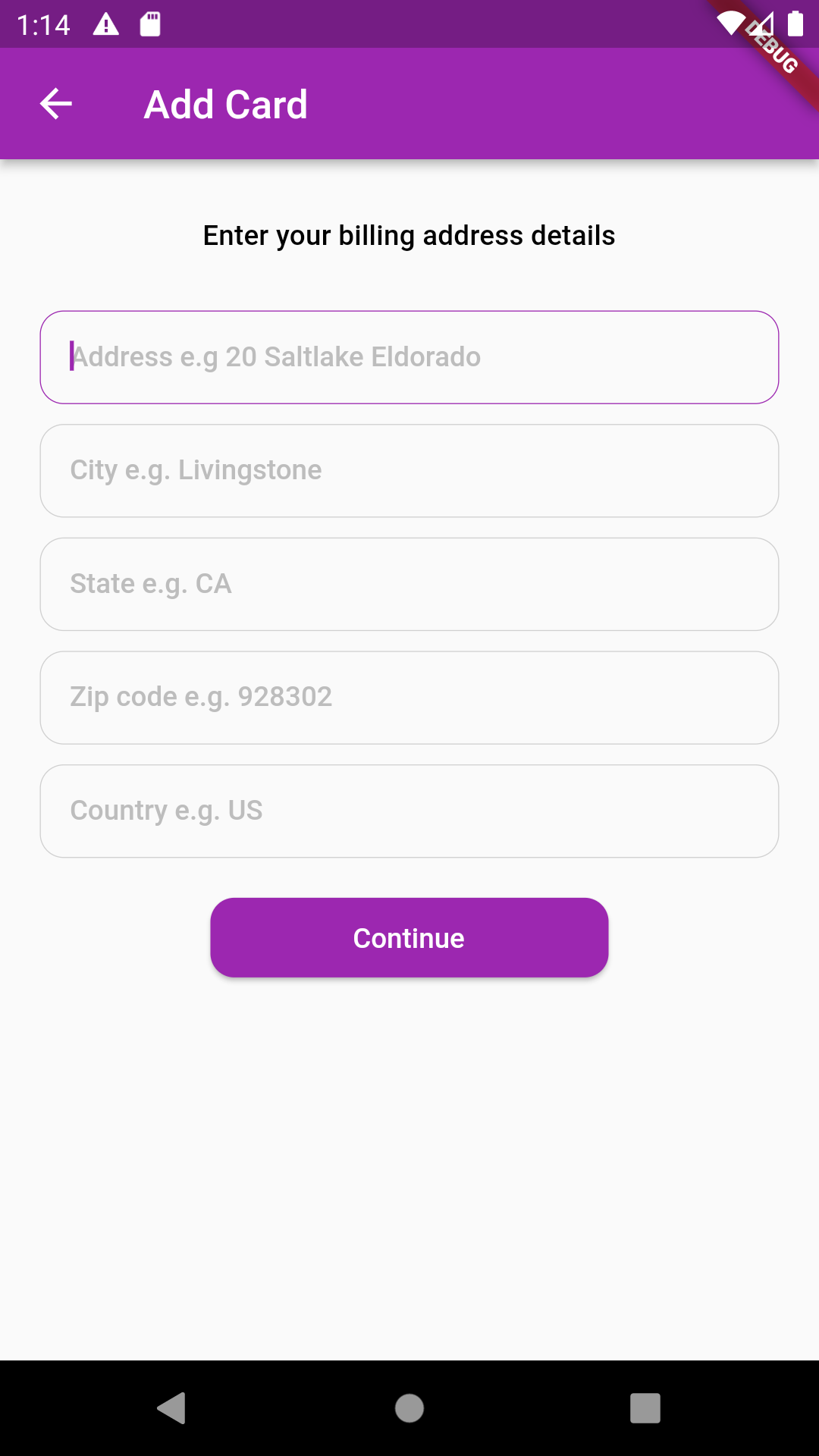
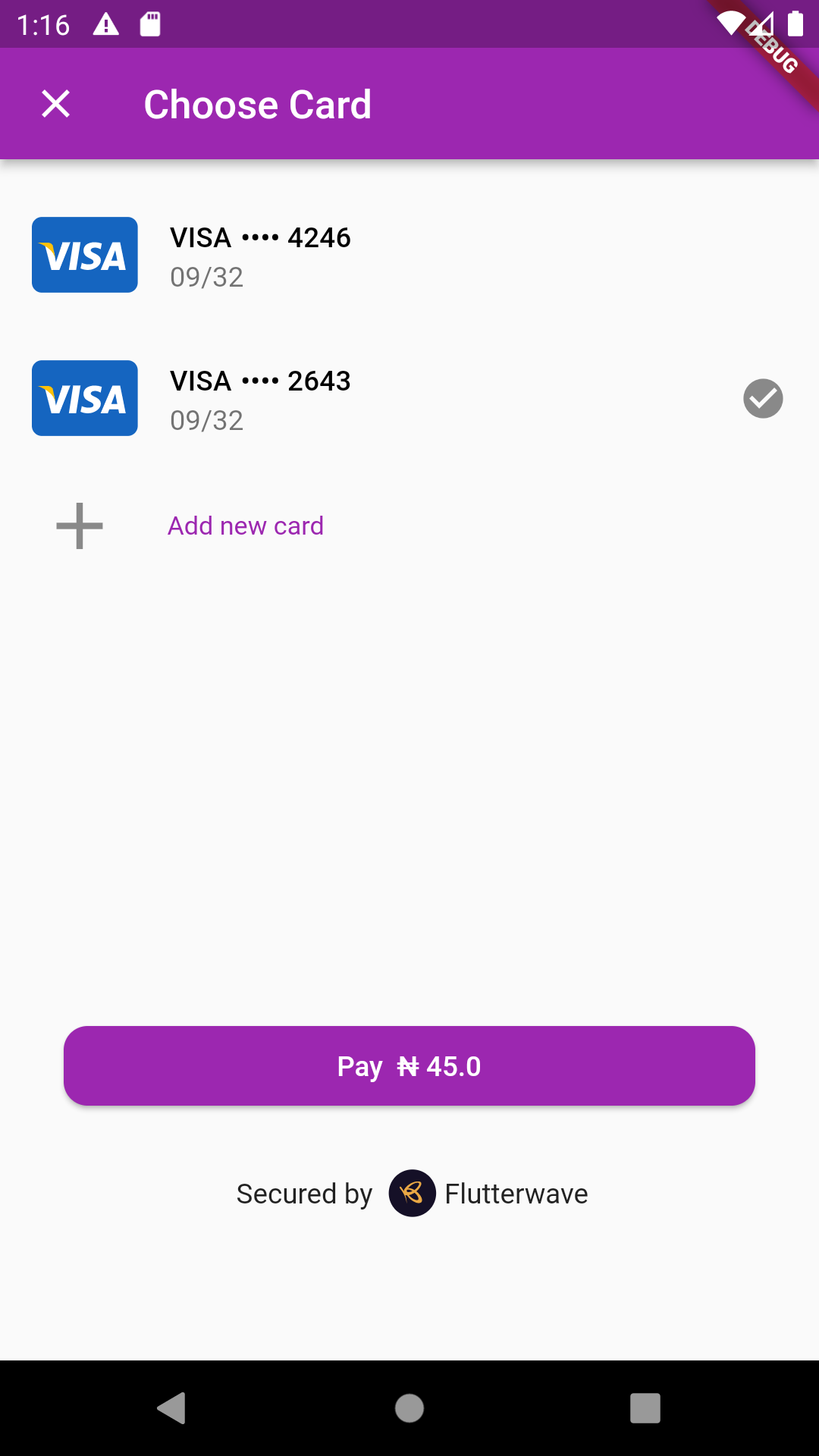
## Screenshots
## Bugs/Requests
If you encounter any problems feel free to open an [issue](https://github.com/nelstein/nravepay/issues) feature suggestions and Pull requests are also welcome.