https://github.com/nelsonyong/react-echarts-json
🔌 Visualization of online debugging based on Echarts
https://github.com/nelsonyong/react-echarts-json
chart echarts react typescript
Last synced: 12 months ago
JSON representation
🔌 Visualization of online debugging based on Echarts
- Host: GitHub
- URL: https://github.com/nelsonyong/react-echarts-json
- Owner: NelsonYong
- Created: 2022-04-22T08:23:07.000Z (about 4 years ago)
- Default Branch: master
- Last Pushed: 2022-10-27T06:28:36.000Z (over 3 years ago)
- Last Synced: 2024-11-20T16:45:59.531Z (over 1 year ago)
- Topics: chart, echarts, react, typescript
- Language: TypeScript
- Homepage:
- Size: 14.6 MB
- Stars: 25
- Watchers: 1
- Forks: 3
- Open Issues: 0
-
Metadata Files:
- Readme: README.md
Awesome Lists containing this project
README
# react-echarts-json
No-invasive debugging based on Echarts
## 💻 Live
[Docs Live](http://43.138.187.142:9000/react-echarts-json/live/)
## ✨ Features
- Easy to learn and use
- No-invasive
- Dependent on updates
- Log view monitoring
- Visual debugging echarts options
- Support multi-chart
- Can customize the combination views
## 📦 Install
```
$ npm install --save react-echarts-json
# or
$ yarn add react-echarts-json
```
## 🔨 Usage
Use the container that displays the view
renderable can control asynchronous loading without worrying about importing resources
```typescript
import { ViewContainer } from 'react-echarts-json'
import 'react-echarts-json/dist/style.css'
// view
// EchartDefaultView --- Default view component
;
```
You need to inject messages in the components using echarts(jsx or tsx)
```typescript
import { InjectView } from 'react-echarts-json'
;
```
## 👨💻👩🏻💻 Custom view
You can customize your view through the components and hooks provided
```typescript
import {
useMedia,
useDarkMode,
useEcharts,
useInjection,
useChartSelect,
useChartEventEmitter,
useCreateEditor,
ViewContainer,
Editor,
LogView,
InjectView,
ReactEchartsJson,
} from 'react-echarts-json'
```
### ViewContainer
Display container
### Components
- Editor --- code Editor Copomponent
- LogView --- echart log
- ReactEchartsJson --- echart option json view
- InjectView --- inject chart
### Hooks
- useDarkMode --- dark theme
- useMedia --- media
- useEcharts --- for fast create demo
- useChartSelect --- select active chart
- useCreateEditor --- createEditor and run code # If you don t use the Editor component then you need to use this hook
- useChartEventEmitter --- chart eventBus
#### Can you use hook and component to customize the components you want.The EchartDefaultView component is made up of them.
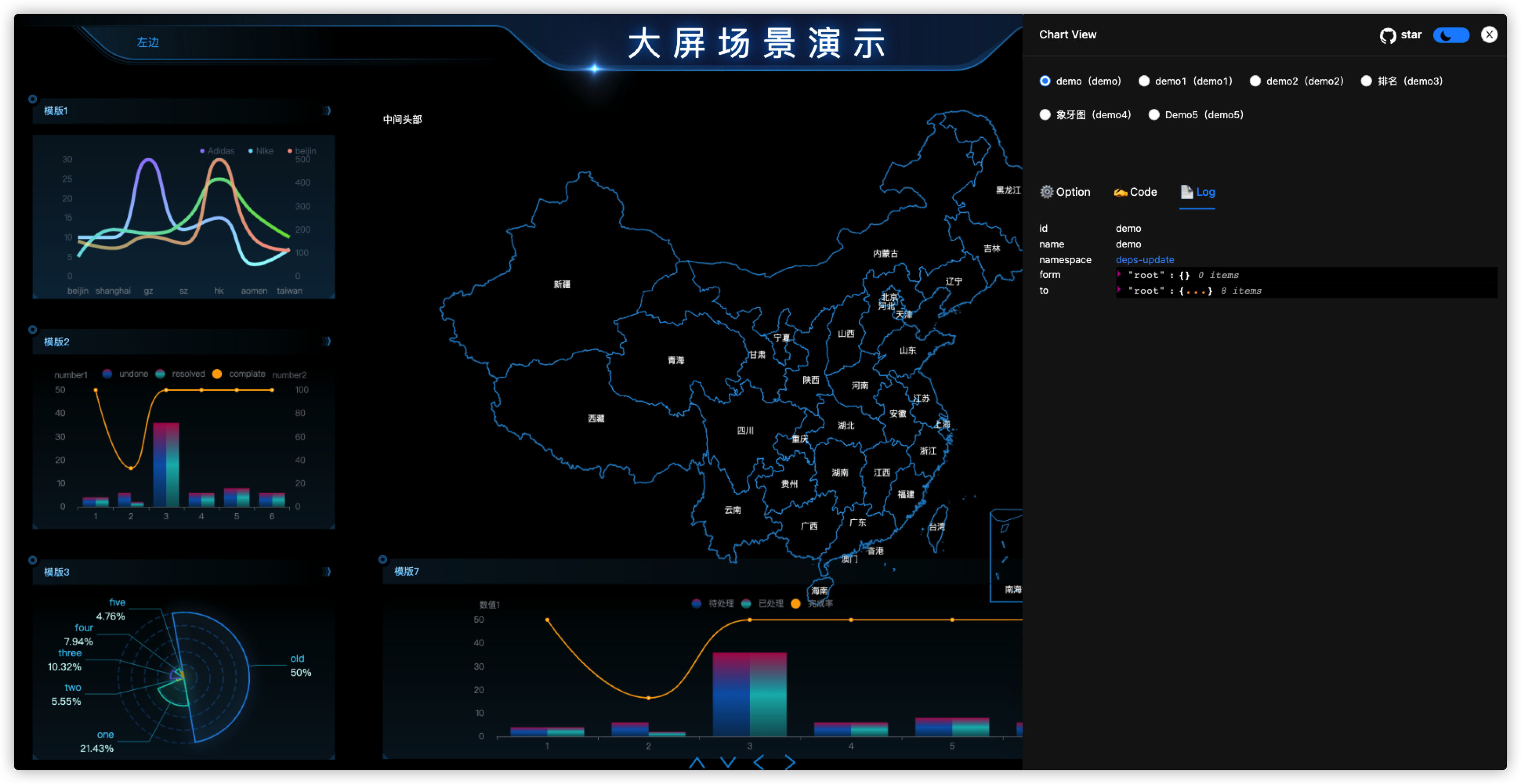
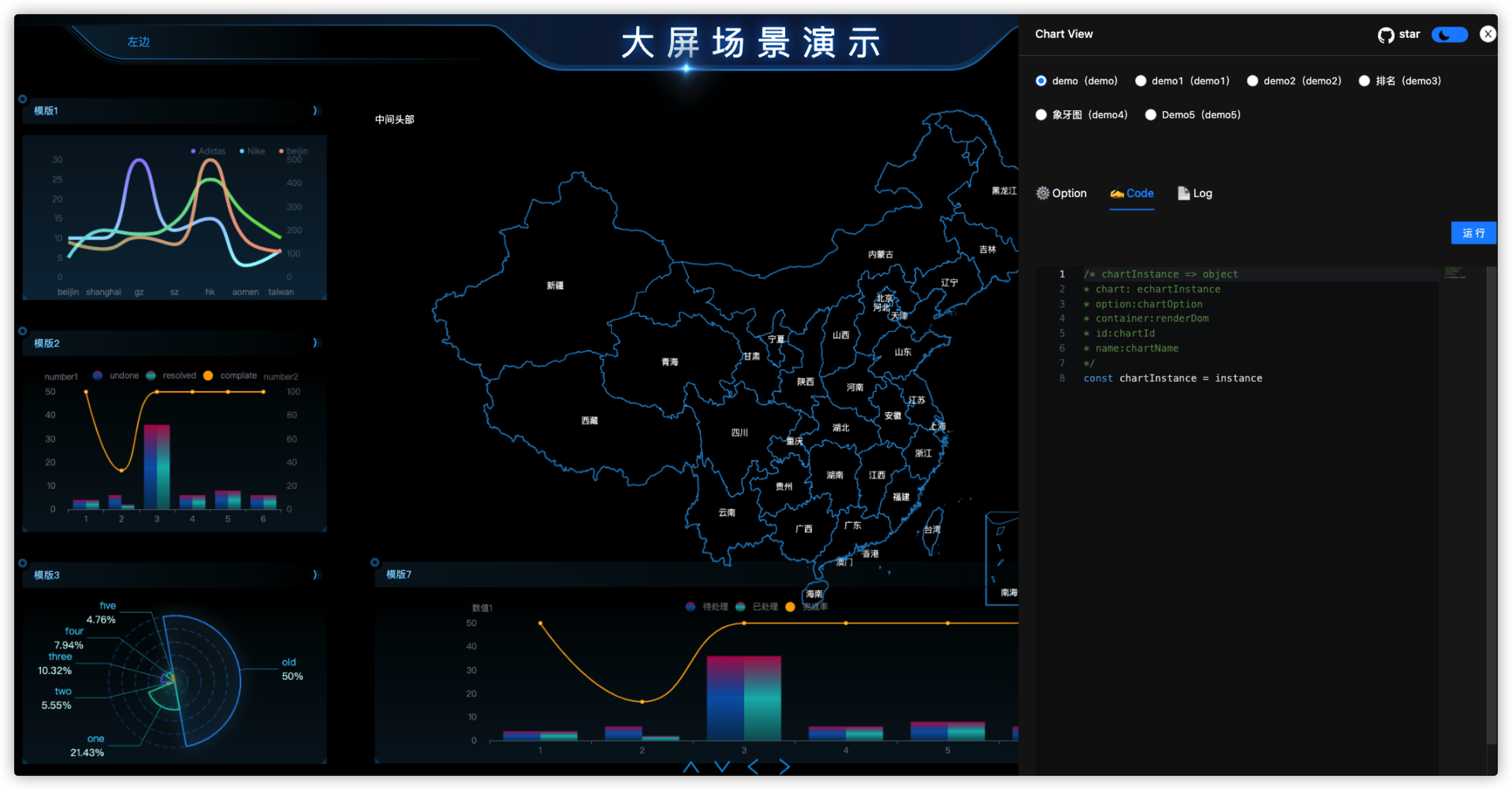
## 🖼 View