https://github.com/neos/neos-ui-testing-distribution
Distribution for end to end testing of the neos ui
https://github.com/neos/neos-ui-testing-distribution
acceptance-testing neoscms testcafe
Last synced: 6 months ago
JSON representation
Distribution for end to end testing of the neos ui
- Host: GitHub
- URL: https://github.com/neos/neos-ui-testing-distribution
- Owner: neos
- License: gpl-3.0
- Created: 2019-06-28T13:09:25.000Z (about 7 years ago)
- Default Branch: master
- Last Pushed: 2019-06-30T22:20:14.000Z (about 7 years ago)
- Last Synced: 2025-06-17T09:11:37.772Z (about 1 year ago)
- Topics: acceptance-testing, neoscms, testcafe
- Homepage: https://neos.io
- Size: 26.4 KB
- Stars: 0
- Watchers: 2
- Forks: 0
- Open Issues: 0
-
Metadata Files:
- Readme: README.md
- License: LICENSE
Awesome Lists containing this project
README
# Neos-ui testing distribution
This repository provides a neos-cms distribution for testing the neos-ui.
The neos-ui is using [testcafe](https://github.com/DevExpress/testcafe) for acceptance testing and needs fixure data
for the test cases.
The distribution is used for the CircleCI pipeline and you can also use it for your
local environment. The distribution is currently based on neos 3.3 because the lowest maintained
branch for the Ui is 2.x and is for neos 3.3.
## Installation and usage
1. Clone distribution
```
git clone git@github.com:neos/neos-ui-testing-distribution.git
```
2. Run composer install with sources:
```
cd neos-ui-testing-distribution
composer install --prefer-source
```
3. Create Database and configure Settings.yaml
```
Neos:
Flow:
persistence:
backendOptions:
driver: pdo_mysql
dbname: neosuitesting
user: user
host: 127.0.0.1
password: password
```
4. Run the following commands
```
./flow flow:cache:flush
./flow flow:cache:warmup
./flow doctrine:migrate
./flow user:create --username=admin --password=password --first-name=John --last-name=Doe --roles=Administrator
```
5. Checkout Neos-Ui branch
We want so test a particular branch or a PR. So we need to checkout
the code we want to test. In the example we just use the 2.x branch.
The 2.x branch is neos 3.3 compatible and the lowest maintained branch.
```
cd Packages/Application/Neos.Neos.Ui
git checkout 2.x && git pull
make clean && make setup
./flow user:create --username=admin --password=password --first-name=John --last-name=Doe --roles=Administrator
```
6. Run your first acceptance tests
After all that your instance is able to run the fixtures of the neos-ui.
This distribution has only a testing purpose!
```
make test-e2e
```
[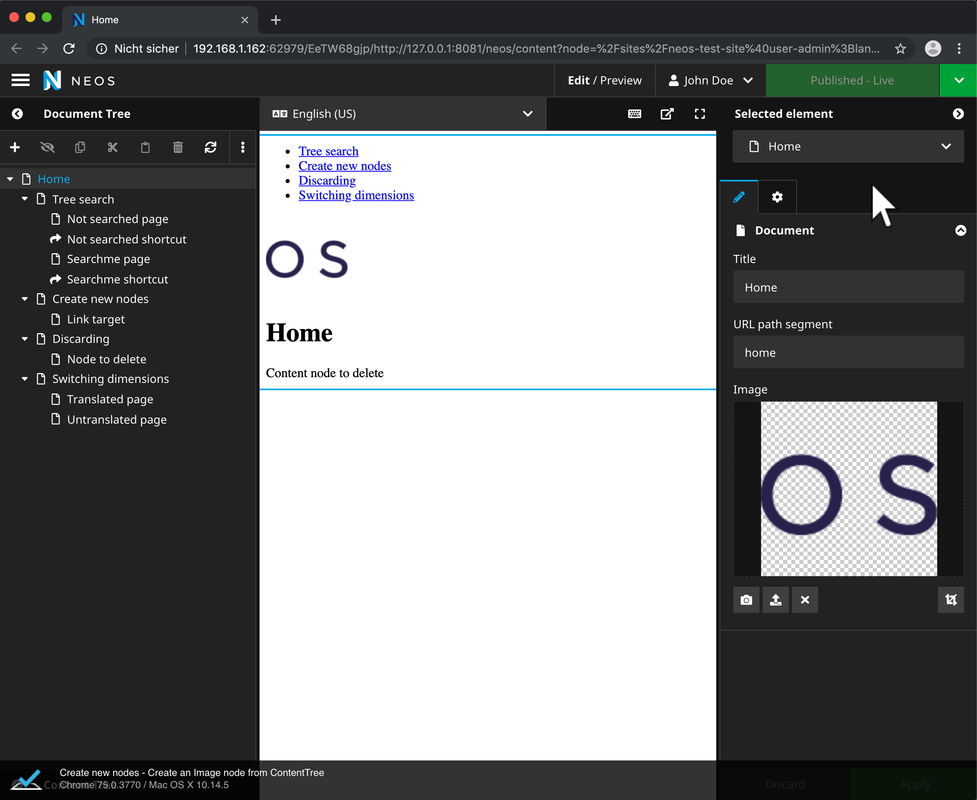](https://postimg.cc/MXjjcG08)
## Using saucelabs locally
We are providing command `make test-e2e-saucelabs`, but this only works when you own a saucelabs account.
You need to provide the username and authentication key to use saucelabs.
```
export SAUCE_USERNAME=your_username
export SAUCE_ACCESS_KEY=fffff-ssss-4aa6-a4f3-xxxxxeb2f59
make test-e2e-saucelabs
```
## Available commands for testing
| Command | Description |
| --------------- | ------------------------------ |
| `make lint` | Executes `make lint-js` and `make lint-editorconfig`. |
| `make lint-js` | Runs test in all subpackages via lerna. |
| `make lint-editorconfig` | Tests if all files respect the `.editorconfig`. |
| `make test` | Executes the test on all source files. |
| `make test-e2e` | Executes integration tests. |
| `make test-e2e-saucelabs` | Executes integration tests against saucelabs. |