https://github.com/nerdingitout/secure-mongodb
https://github.com/nerdingitout/secure-mongodb
Last synced: 5 months ago
JSON representation
- Host: GitHub
- URL: https://github.com/nerdingitout/secure-mongodb
- Owner: nerdingitout
- Created: 2021-03-14T18:45:24.000Z (over 5 years ago)
- Default Branch: main
- Last Pushed: 2021-03-22T08:13:41.000Z (over 5 years ago)
- Last Synced: 2025-05-14T10:32:11.399Z (about 1 year ago)
- Size: 5.86 KB
- Stars: 0
- Watchers: 1
- Forks: 1
- Open Issues: 0
-
Metadata Files:
- Readme: README.md
Awesome Lists containing this project
README
# Setting up your Red Hat Marketplace Account and Registering your cluster
This github repo is dedicated to show step-by-step prequisites for the tutorial: Secure MongoDB Enterprise on Red Hat OpenShift. Before joining the workshop, make sure to create your Red Hat Marketplace account and to register your cluster in the Red Hat Marketplace to be able to follow along with the speakers.
## Preqrequisites
- Sign up for your IBM Cloud account – https://ibm.biz/BdfsMb
- Register for the live stream and access the replay – https://www.crowdcast.io/e/secure-mongodb
- Red Hat OpenShift Cluster 4.4 on IBM Cloud. You can get it from
- URL: https://oc-mongodb.mybluemix.net
- Key: oslab
- oc CLI (can be downloaded from here or you can use it at http://shell.cloud.ibm.com/.
## Create your Red Hat Marketplace Account
- Go to https://marketplace.redhat.com/ and click create account if you don't have one already.
- Select the country where your business is located. If your country isn't available, you can select any of the supportd countries for now.
- Login with your Red Hat account.
## Register your cluster in the Red Hat Marketplace
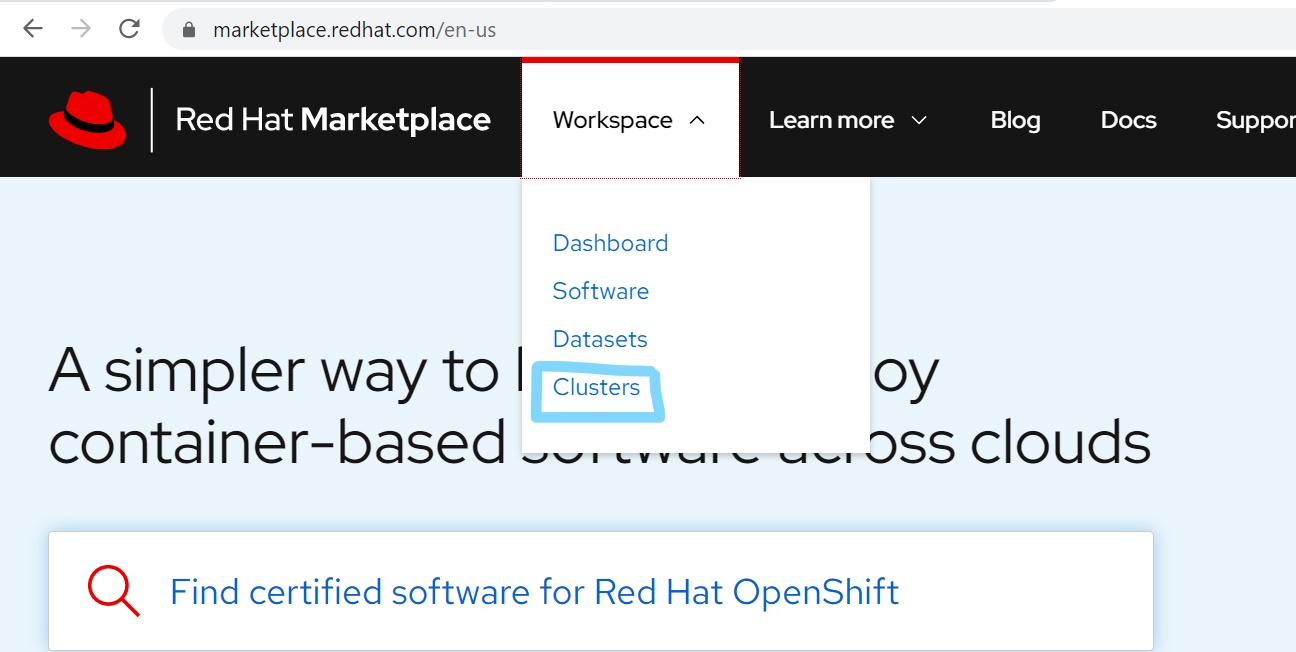
- From the main page, go to Workspace > Clusters
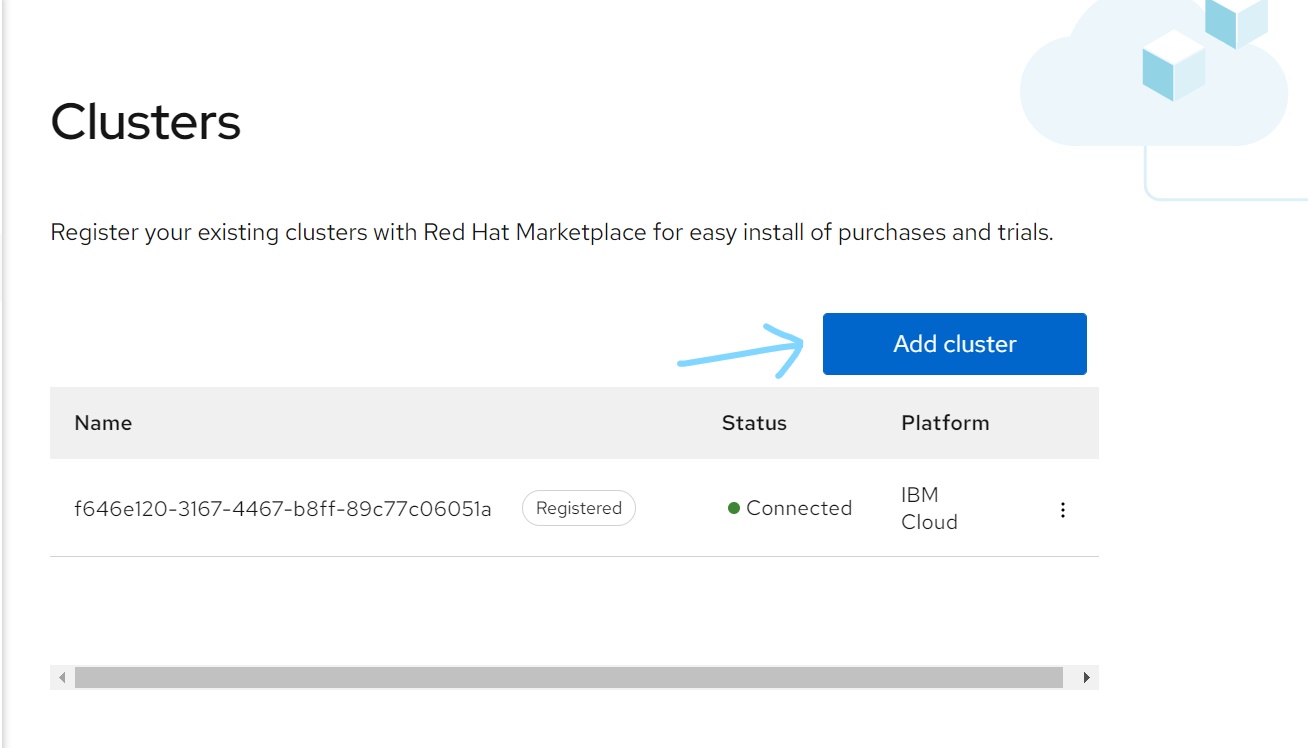
- Click 'Add Cluster'
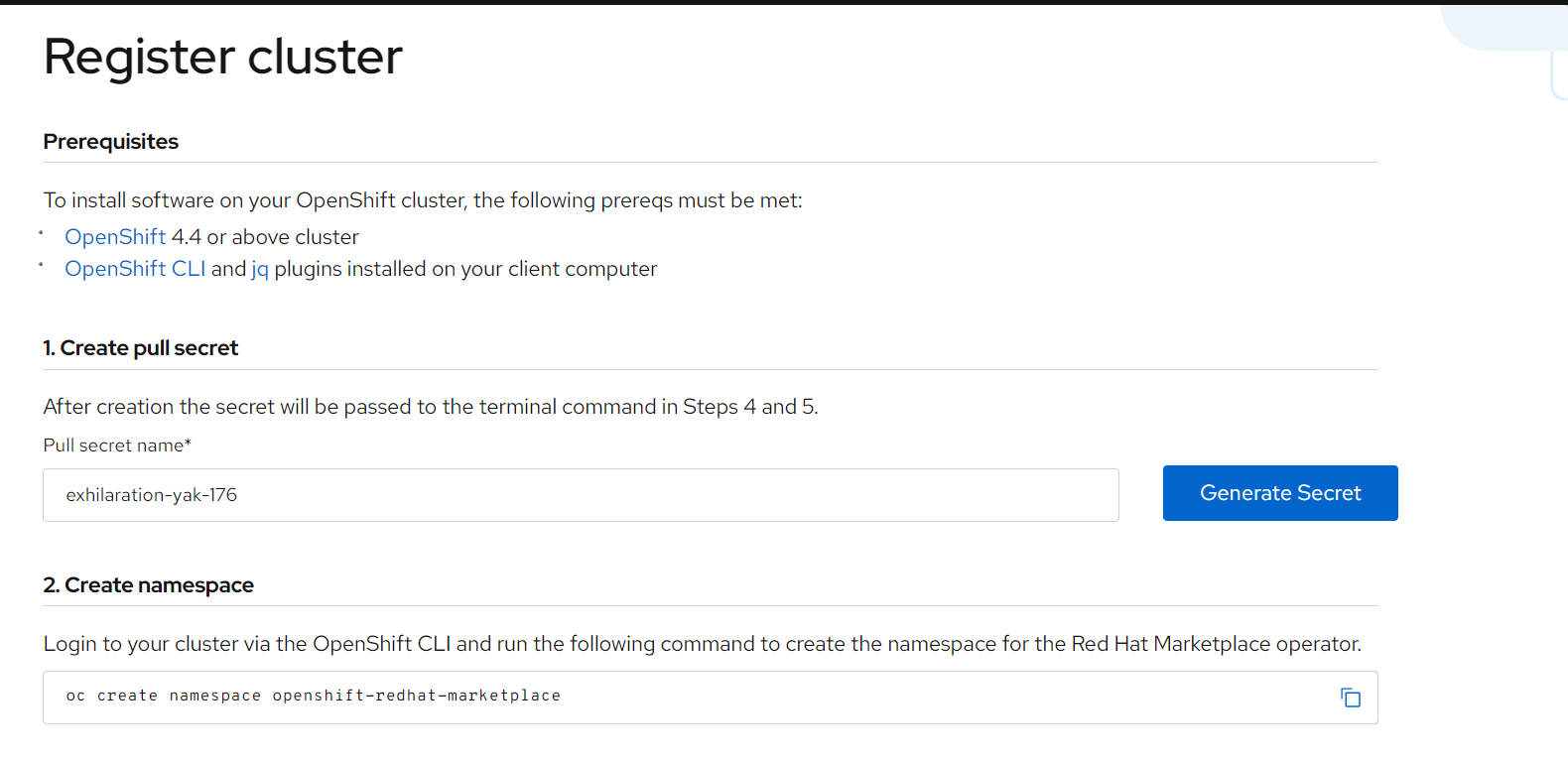
- Generate pull secret and copy the commands to your terminal as shown in the page, follow the steps.
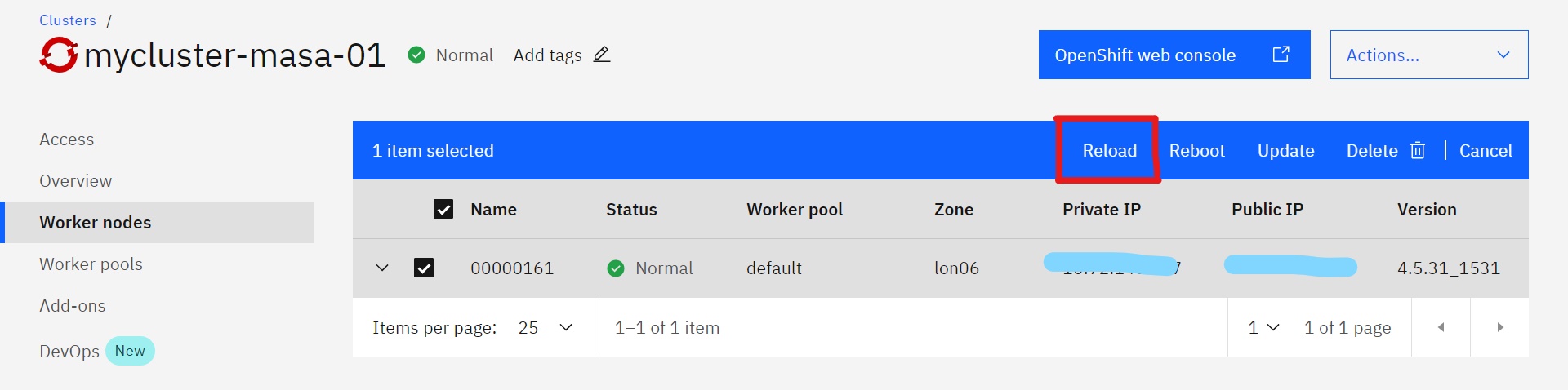
- If you are using Red Hat OpenShift on IBM Cloud, make sure to reload your worker nodes, and that's by going to Worker nodes page, select all worker nodes and click on Reload as shown below. This step might take a while.
## Next Steps
Now you are set to perform the steps in Secure MongoDB Enterprise on Red Hat OpenShift