https://github.com/netlify-templates/ts-mui-nextjs-starter
A simple starting point for a Netlify Create project that includes support for MUI
https://github.com/netlify-templates/ts-mui-nextjs-starter
material-ui nextjs typescript visual-editor
Last synced: about 1 year ago
JSON representation
A simple starting point for a Netlify Create project that includes support for MUI
- Host: GitHub
- URL: https://github.com/netlify-templates/ts-mui-nextjs-starter
- Owner: netlify-templates
- Created: 2022-05-01T16:29:22.000Z (about 4 years ago)
- Default Branch: main
- Last Pushed: 2025-05-12T05:55:02.000Z (about 1 year ago)
- Last Synced: 2025-05-12T06:38:02.045Z (about 1 year ago)
- Topics: material-ui, nextjs, typescript, visual-editor
- Language: TypeScript
- Homepage: https://ts-mui-starter.netlify.app/
- Size: 2.78 MB
- Stars: 20
- Watchers: 4
- Forks: 28
- Open Issues: 4
-
Metadata Files:
- Readme: README.md
Awesome Lists containing this project
README
# Netlify Next.js + TypeScript + MUI Starter
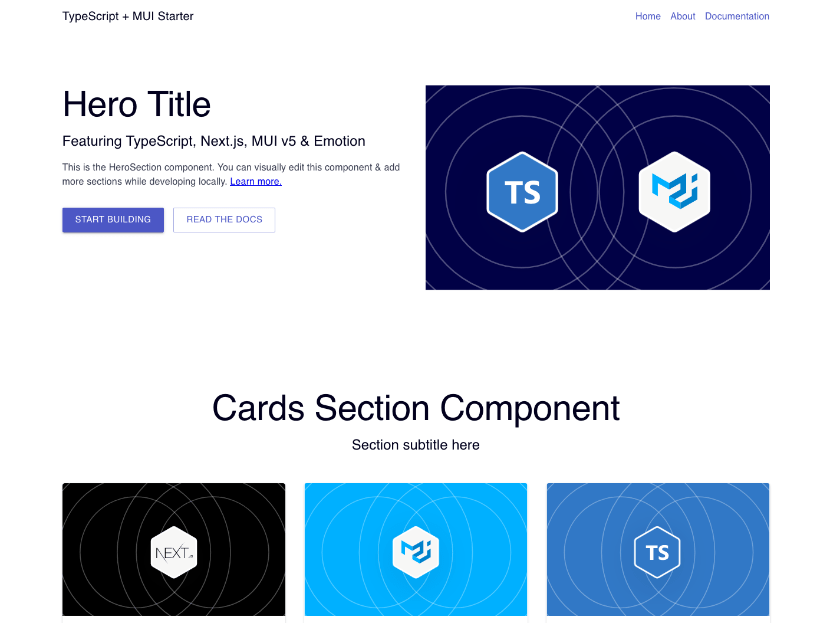
This is a minimal starting point for new Netlify projects with visual editing. It is built with Next.js, TypeScript, and [MUI](https://mui.com/), and is equipped with [visual editing capabilities](https://docs.netlify.com/visual-editor/visual-editing/). It uses markdown files as the the [Git Content Source](https://docs.netlify.com/create/content-sources/git/).
**⚡ View demo:** [ts-mui-starter.netlify.app](https://ts-mui-starter.netlify.app/)
## Deploying to Netlify
If you click "Deploy to Netlify" button, it will create a new repo for you that looks exactly like this one, and sets that repo up immediately for deployment on Netlify.
[](https://app.netlify.com/start/deploy?repository=https://github.com/netlify-templates/ts-mui-nextjs-starter)
## Features
This is meant to be a simple starting point that demonstrates the use of bringing your own component library, such as MUI.
In addition to MUI support, this project contains the following:
- **Flexible Pages:** Simple and flexible page model that lets editors add new pages.
- **Basic Components:** A few basic components to add to new pages.
- **Layout Elements:** Header and footer elements automatically added to pages.
- **Component & Template Presets:** Predefined arrangements of content and components for faster editing. [Learn more](https://docs.netlify.com/create/content-presets/).
- **TypeScript Support:** Components and content are type-safe. (See `types` directory for definitions.)
## Getting Started
The typical development process is to begin by working locally. Clone this repository, then run `npm install` in its root directory.
Run the Next.js development server:
```txt
cd ts-mui-nextjs-starter
npm run dev
```
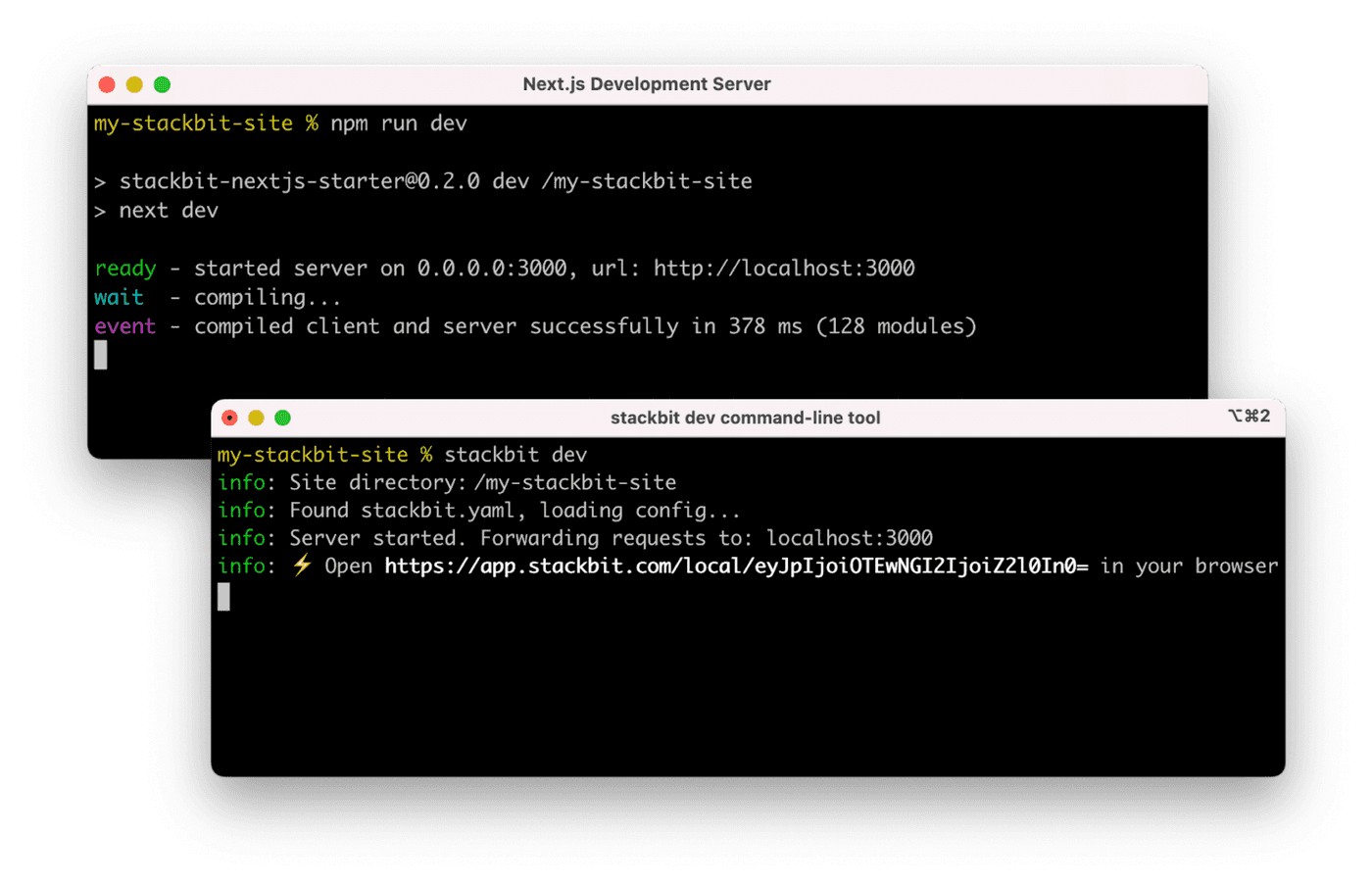
Install the [Netlify Create CLI](https://www.npmjs.com/package/@stackbit/cli). Then open a new terminal window in the same project directory and run the Netlify Create Dev server:
```txt
npm install -g @stackbit/cli
stackbit dev
```
This outputs your own Netlify visual editor URL. Open this, register, or sign in, and you will be directed to the Netlify visual editor for your new project.
## Next Steps
Here are a few suggestions on what to do next if you're new to Netlify visual editor:
- Learn [how Netlify visual editor works](https://docs.netlify.com/visual-editor/overview/)
- Check [Netlify visual editor reference documentation](https://visual-editor-reference.netlify.com/)
## Support
If you get stuck along the way, get help in our [support forums](https://answers.netlify.com/).