https://github.com/newton-physics/newton
An open-source, GPU-accelerated physics simulation engine built upon NVIDIA Warp, specifically targeting roboticists and simulation researchers.
https://github.com/newton-physics/newton
newton-physics nvidia-warp physics-simulation robotics
Last synced: 2 months ago
JSON representation
An open-source, GPU-accelerated physics simulation engine built upon NVIDIA Warp, specifically targeting roboticists and simulation researchers.
- Host: GitHub
- URL: https://github.com/newton-physics/newton
- Owner: newton-physics
- License: apache-2.0
- Created: 2025-04-22T04:12:07.000Z (over 1 year ago)
- Default Branch: main
- Last Pushed: 2026-04-03T12:36:44.000Z (4 months ago)
- Last Synced: 2026-04-03T17:20:03.415Z (4 months ago)
- Topics: newton-physics, nvidia-warp, physics-simulation, robotics
- Language: Python
- Homepage: https://newton-physics.github.io/newton/
- Size: 389 MB
- Stars: 3,787
- Watchers: 38
- Forks: 390
- Open Issues: 170
-
Metadata Files:
- Readme: README.md
- Changelog: CHANGELOG.md
- Contributing: CONTRIBUTING.md
- License: LICENSE.md
- Code of conduct: CODE_OF_CONDUCT.md
- Citation: CITATION.cff
- Security: SECURITY.md
- Agents: AGENTS.md
Awesome Lists containing this project
- awesome-ai-for-science - Newton - GPU-accelerated differentiable physics simulation engine built on NVIDIA Warp, supporting rigid/soft body, cloth, and gradient-based optimization for scientific ML, initiated by Disney Research, DeepMind, and NVIDIA (Linux Foundation, Apache 2.0, 2025) (💻 Computing Frameworks / Specialized Frameworks)
- AiTreasureBox - newton-physics/newton - 03-23_3654_32](https://img.shields.io/github/stars/newton-physics/newton.svg)|An open-source, GPU-accelerated physics simulation engine built upon NVIDIA Warp, specifically targeting roboticists and simulation researchers.| (Repos)
- awesome-github-projects - newton - An open-source, GPU-accelerated physics simulation engine built upon NVIDIA Warp, specifically targeting roboticists and simulation researchers. ⭐5,236 `Python` 🔥 (🌐 Web Development - Frontend)
README
[](https://opensource.org/licenses/Apache-2.0)

[](https://codecov.io/gh/newton-physics/newton)
[](https://github.com/newton-physics/newton/actions/workflows/push_aws_gpu.yml)
# Newton
Newton is a GPU-accelerated physics simulation engine built upon [NVIDIA Warp](https://github.com/NVIDIA/warp), specifically targeting roboticists and simulation researchers.
Newton extends and generalizes Warp's ([deprecated](https://github.com/NVIDIA/warp/discussions/735)) `warp.sim` module, and integrates
[MuJoCo Warp](https://github.com/google-deepmind/mujoco_warp) as its primary backend. Newton emphasizes GPU-based computation, [OpenUSD](https://openusd.org/) support, differentiability, and user-defined extensibility, facilitating rapid iteration and scalable robotics simulation.
Newton is a [Linux Foundation](https://www.linuxfoundation.org/) project that is community-built and maintained. Code is licensed under [Apache-2.0](https://github.com/newton-physics/newton/blob/main/LICENSE.md). Documentation is licensed under [CC-BY-4.0](https://creativecommons.org/licenses/by/4.0/). Additional and third-party license texts are available in [`newton/licenses`](https://github.com/newton-physics/newton/tree/main/newton/licenses).
Newton was initiated by [Disney Research](https://www.disneyresearch.com/), [Google DeepMind](https://deepmind.google/), and [NVIDIA](https://www.nvidia.com/).
## Requirements
- **Python** 3.10+
- **OS:** Linux (x86-64, aarch64), Windows (x86-64), or macOS (CPU only)
- **GPU:** NVIDIA GPU (Maxwell or newer), driver 545 or newer (CUDA 12). No local CUDA Toolkit installation required. macOS runs on CPU.
For detailed system requirements and tested configurations, see the [installation guide](https://newton-physics.github.io/newton/latest/guide/installation.html).
## Quickstart
```bash
pip install "newton[examples]"
python -m newton.examples
```
To install from source with [uv](https://docs.astral.sh/uv/), see the [installation guide](https://newton-physics.github.io/newton/latest/guide/installation.html).
## Examples
Before running the examples below, install Newton with the examples extra:
```bash
pip install "newton[examples]"
```
If you installed from source with uv, substitute `uv run` for `python` in the commands below.
Basic Examples
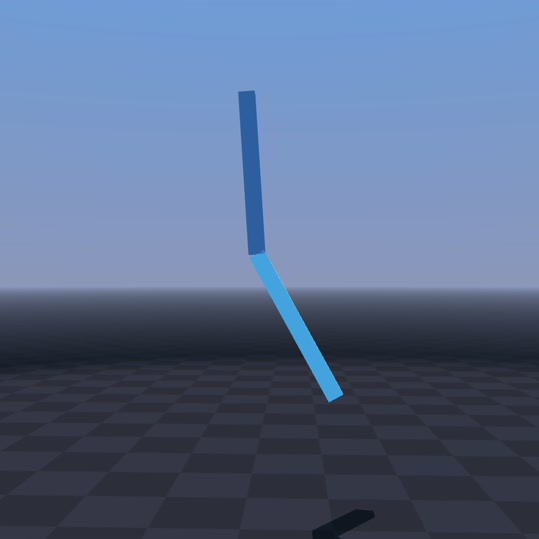
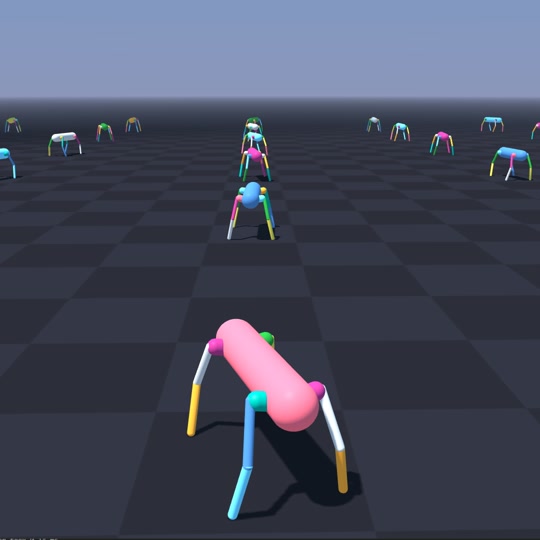
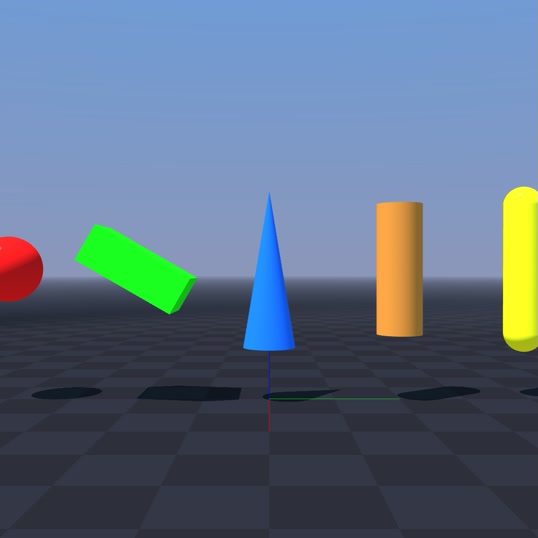
python -m newton.examples basic_pendulum
python -m newton.examples basic_urdf
python -m newton.examples basic_viewer
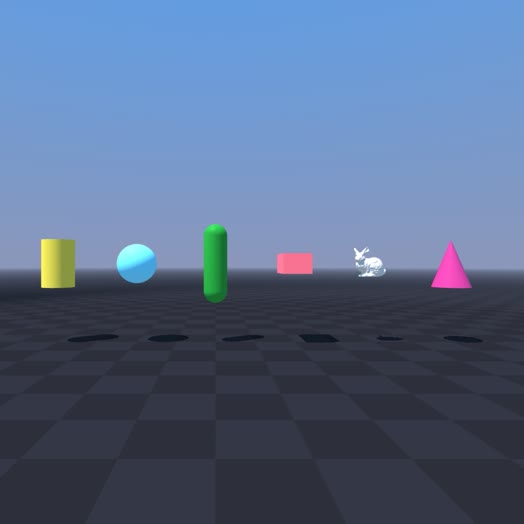
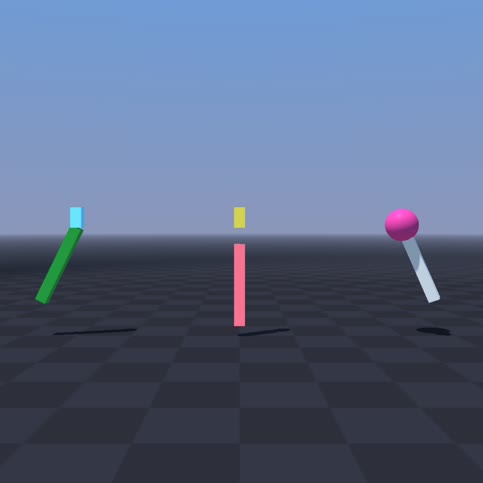
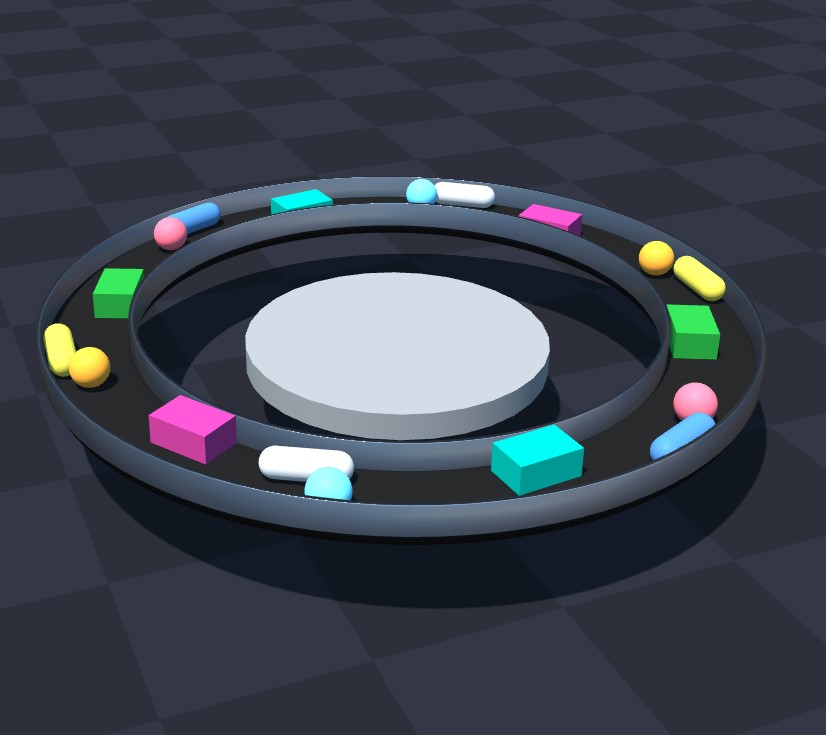
python -m newton.examples basic_shapes
python -m newton.examples basic_joints
python -m newton.examples basic_conveyor
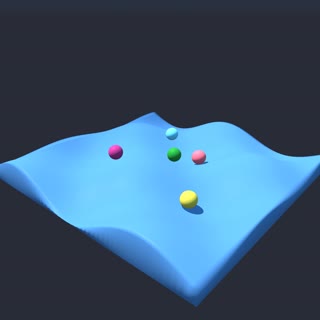
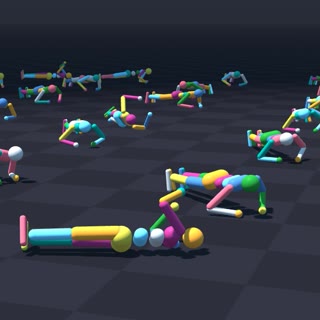
python -m newton.examples basic_heightfield
python -m newton.examples recording
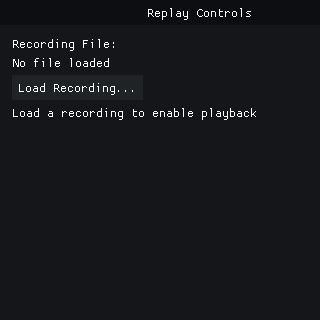
python -m newton.examples replay_viewer
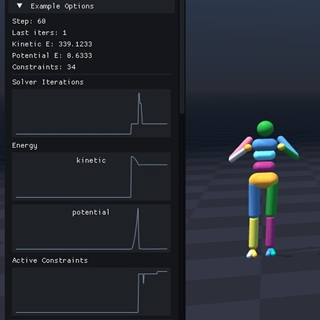
python -m newton.examples basic_plotting
Robot Examples
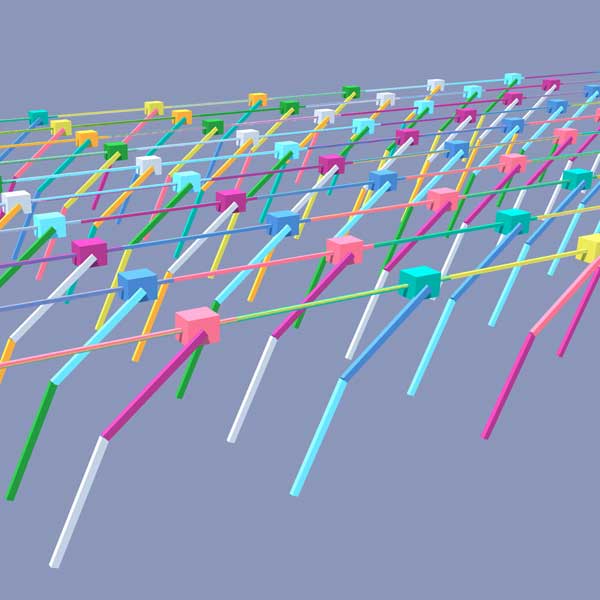
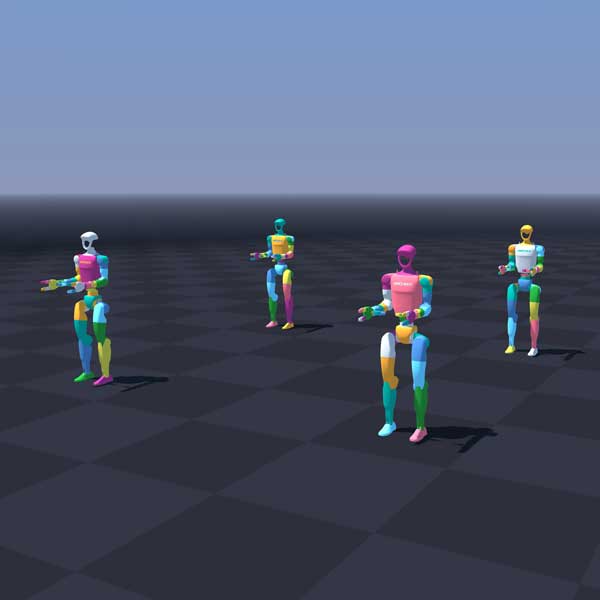
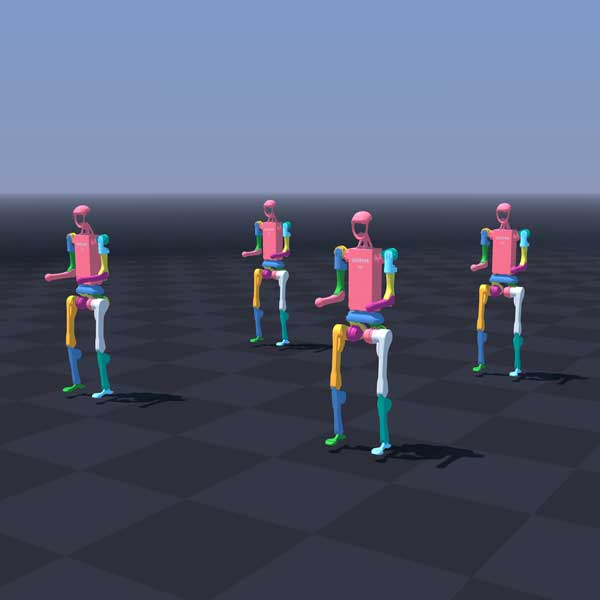
python -m newton.examples robot_cartpole
python -m newton.examples robot_g1
python -m newton.examples robot_h1
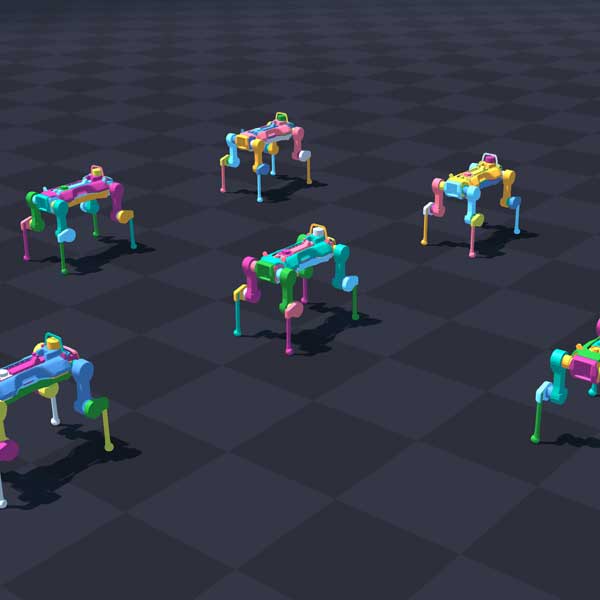
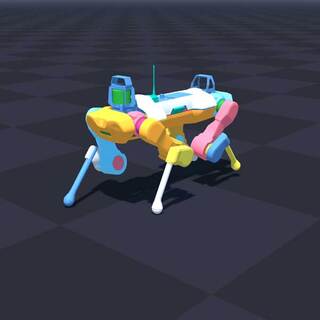
python -m newton.examples robot_anymal_d
python -m newton.examples robot_anymal_c_walk
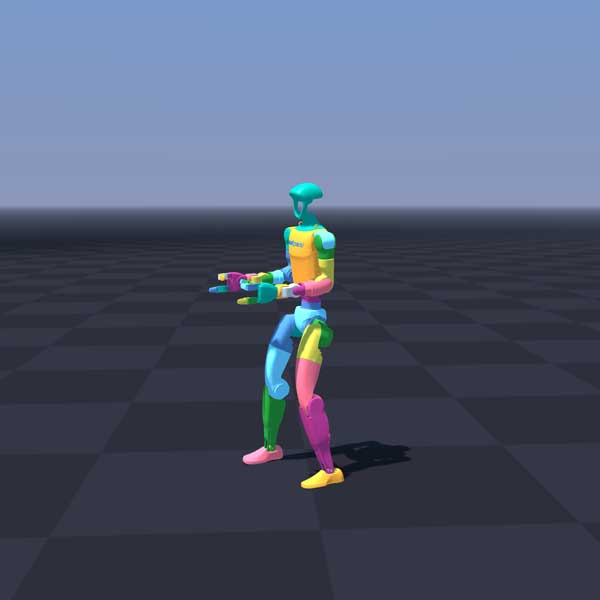
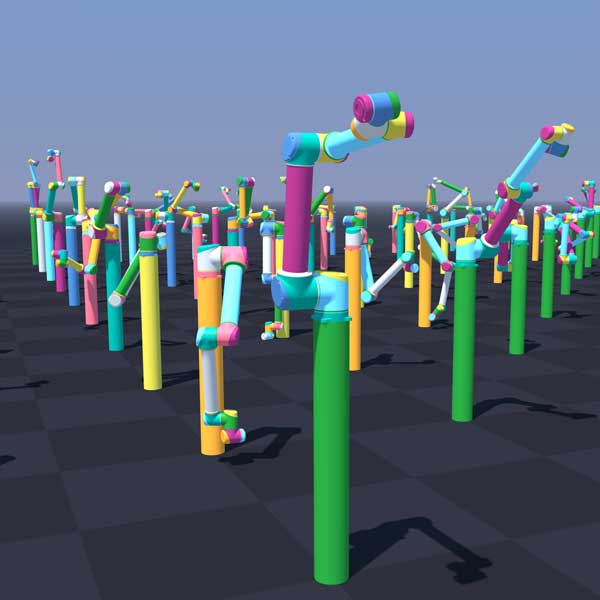
python -m newton.examples robot_policy
python -m newton.examples robot_ur10
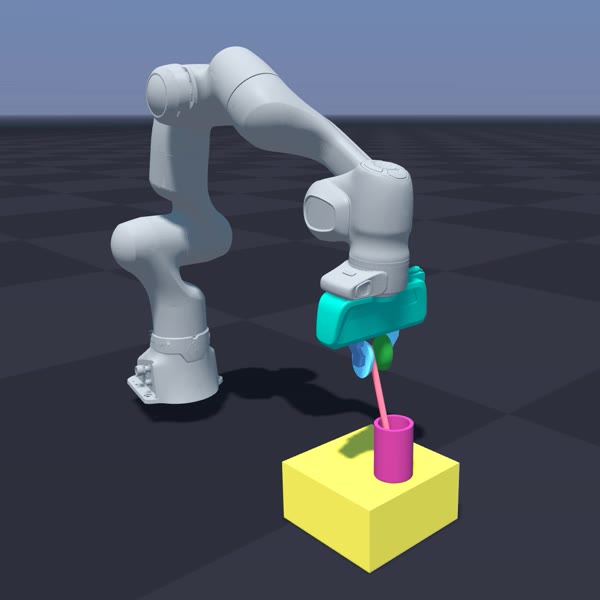
python -m newton.examples robot_panda_hydro
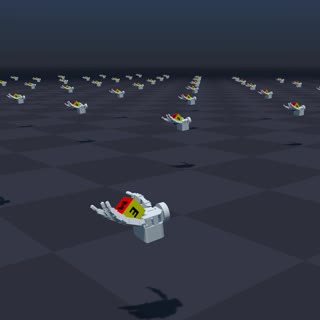
python -m newton.examples robot_allegro_hand
Cable Examples
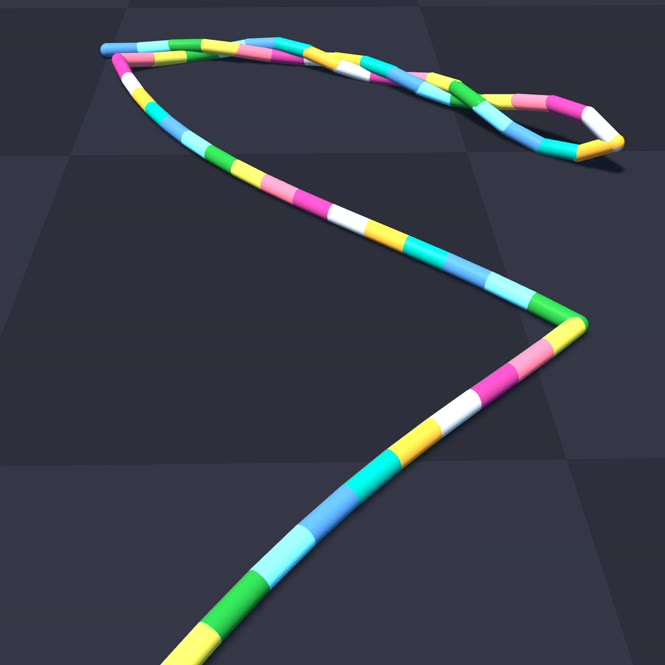
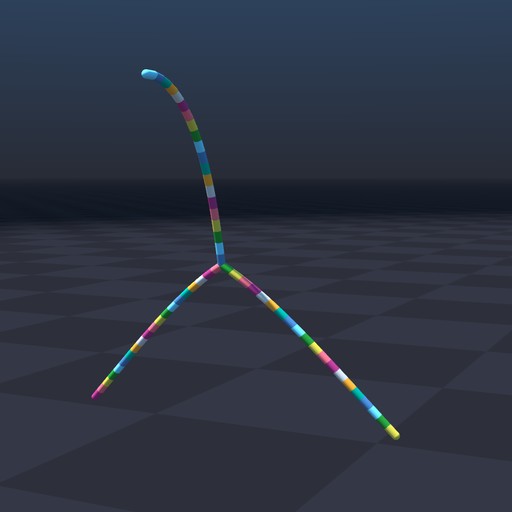
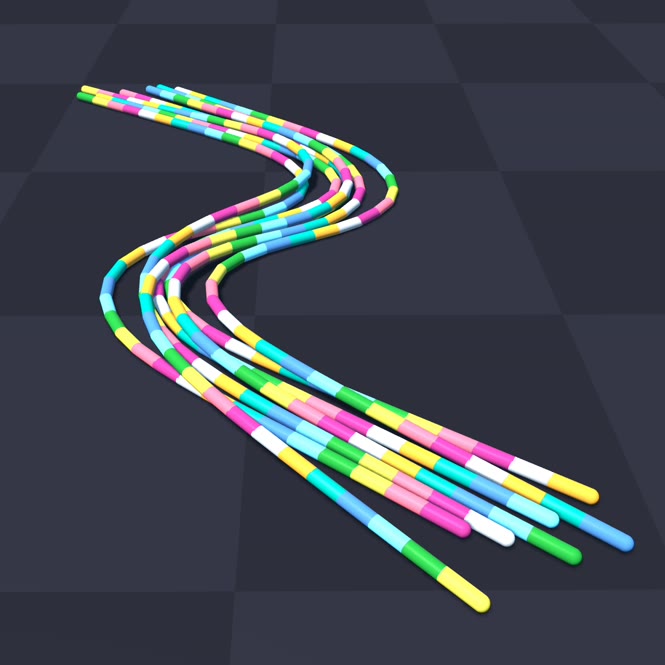
python -m newton.examples cable_twist
python -m newton.examples cable_y_junction
python -m newton.examples cable_bundle_hysteresis
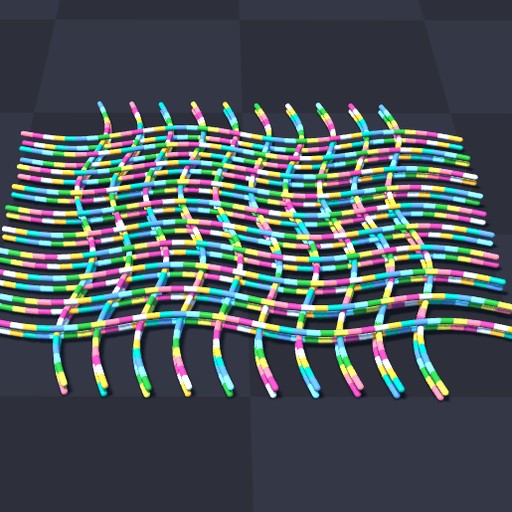
python -m newton.examples cable_pile
Cloth Examples
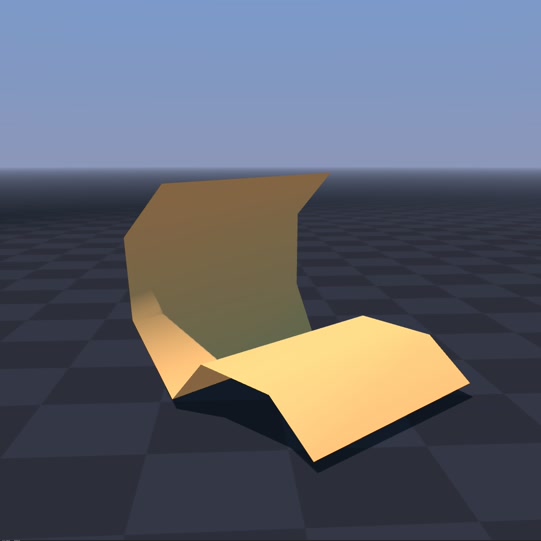
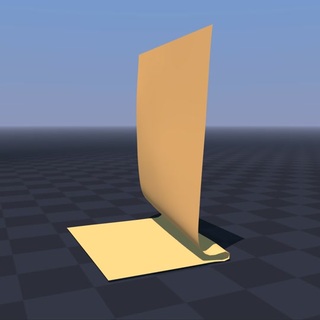
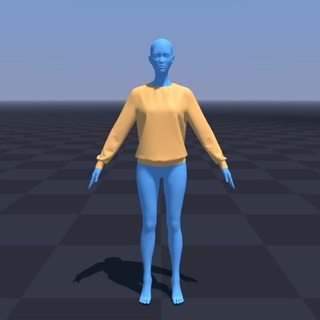
python -m newton.examples cloth_bending
python -m newton.examples cloth_hanging
python -m newton.examples cloth_style3d
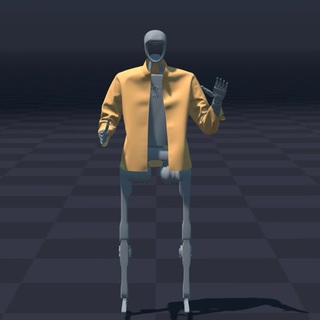
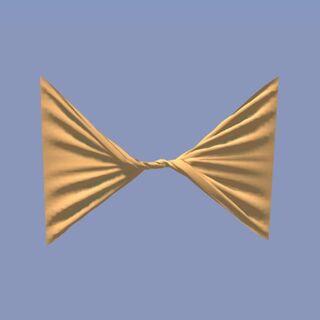
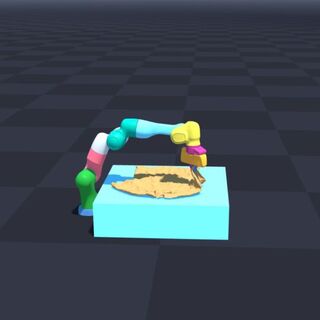
python -m newton.examples cloth_h1
python -m newton.examples cloth_twist
python -m newton.examples cloth_franka
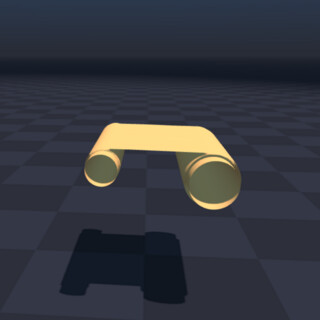
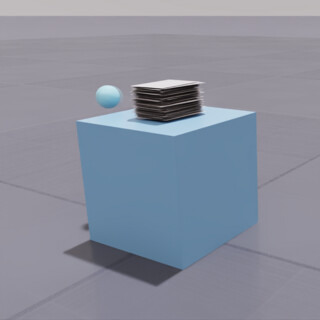
python -m newton.examples cloth_rollers
python -m newton.examples cloth_poker_cards
Inverse Kinematics Examples
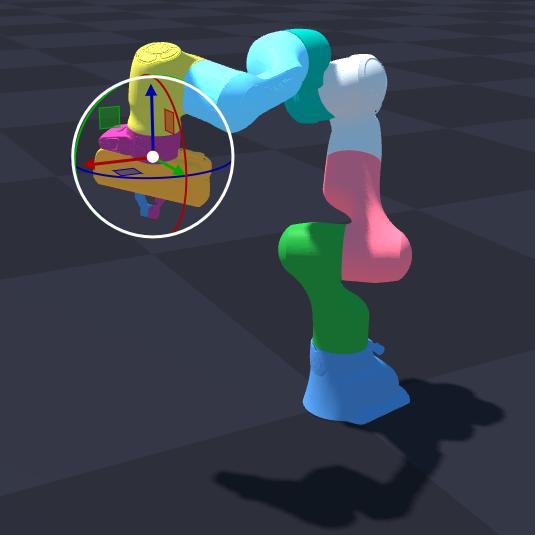
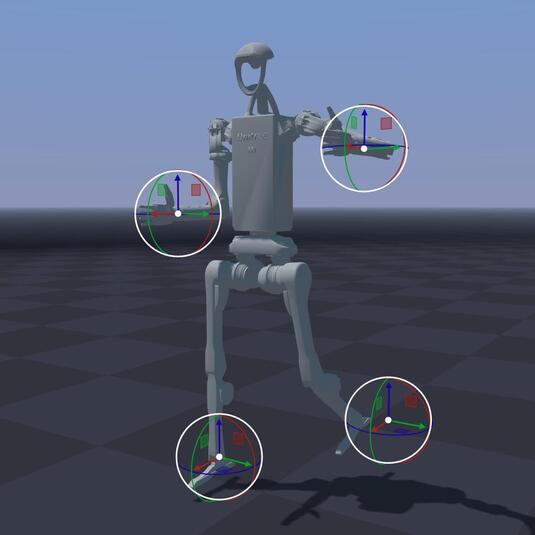
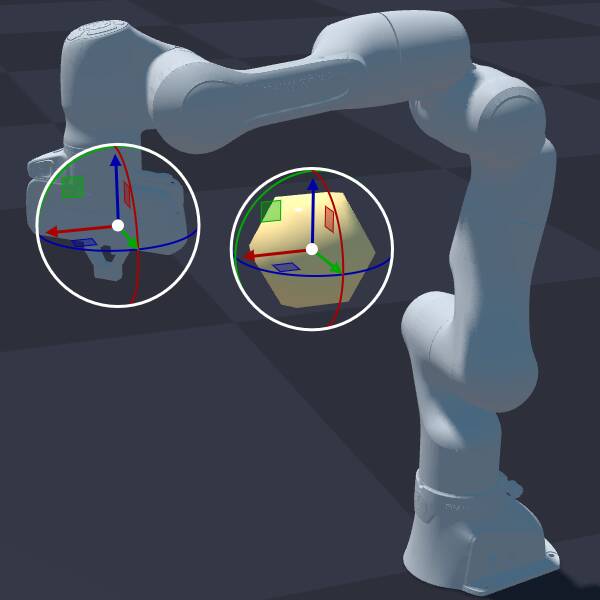
python -m newton.examples ik_franka
python -m newton.examples ik_h1
python -m newton.examples ik_custom
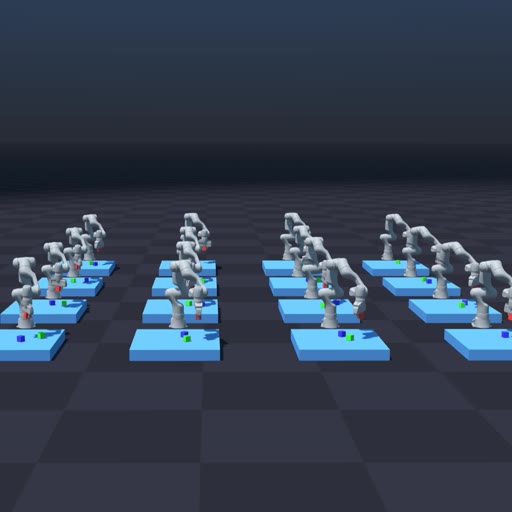
python -m newton.examples ik_cube_stacking
MPM Examples
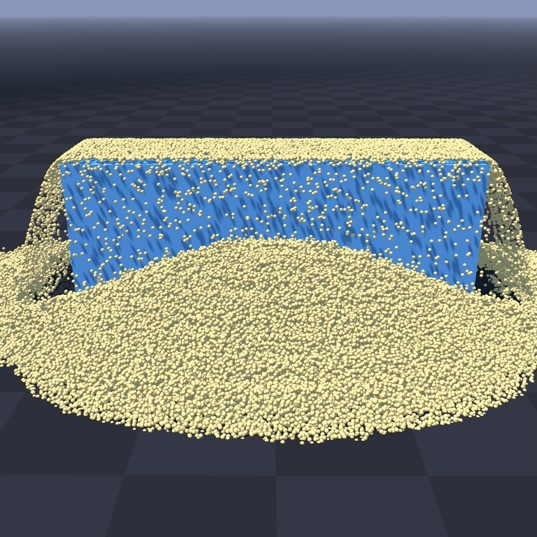
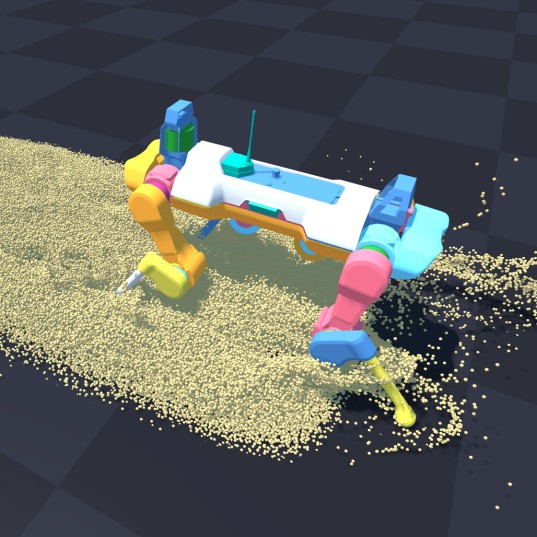
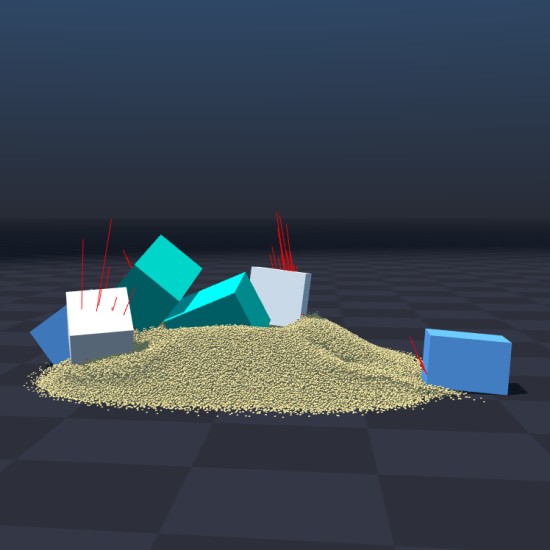
python -m newton.examples mpm_granular
python -m newton.examples mpm_anymal
python -m newton.examples mpm_twoway_coupling
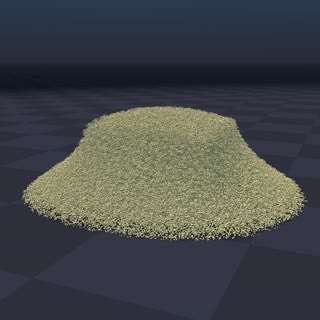
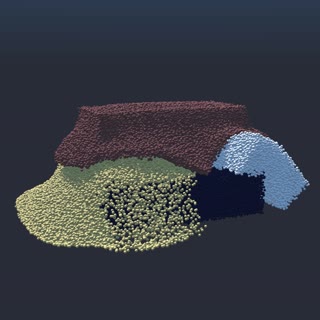
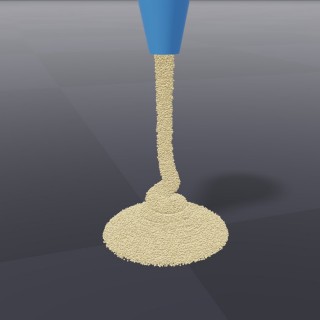
python -m newton.examples mpm_grain_rendering
python -m newton.examples mpm_multi_material
python -m newton.examples mpm_viscous
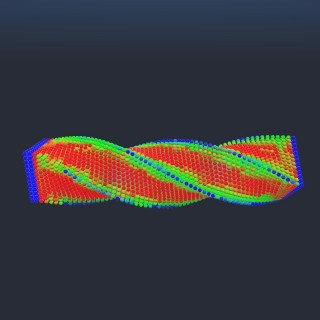
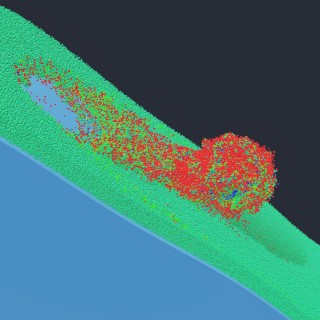
python -m newton.examples mpm_beam_twist
python -m newton.examples mpm_snow_ball
Sensor Examples
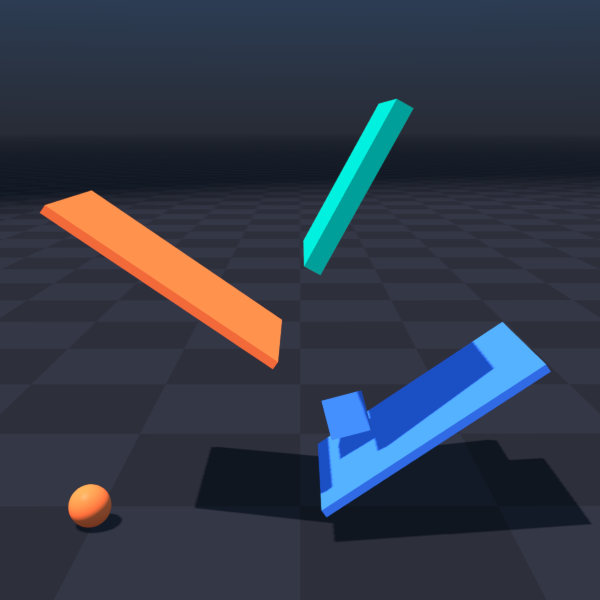
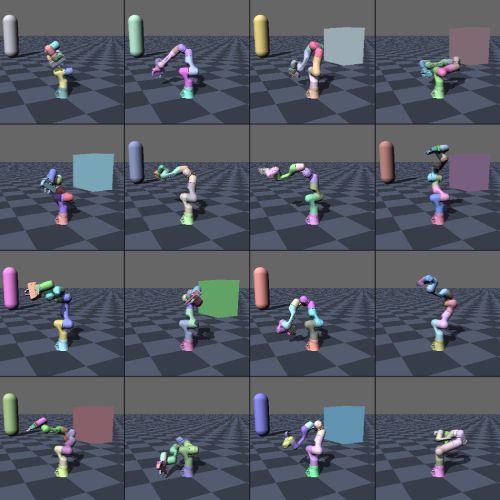
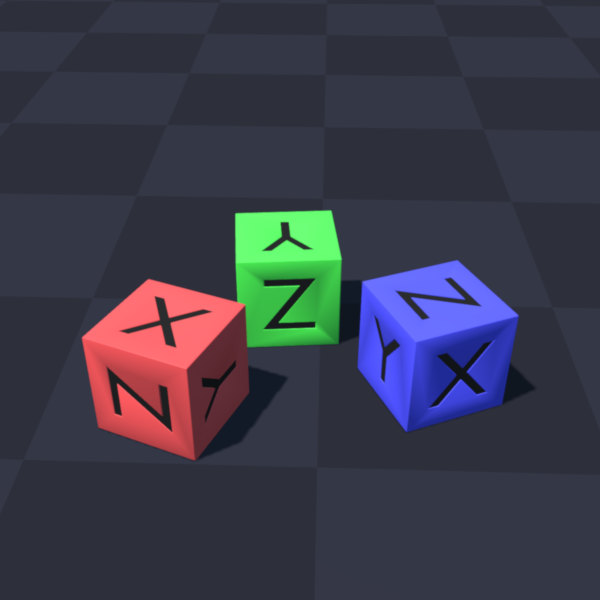
python -m newton.examples sensor_contact
python -m newton.examples sensor_tiled_camera
python -m newton.examples sensor_imu
Selection Examples
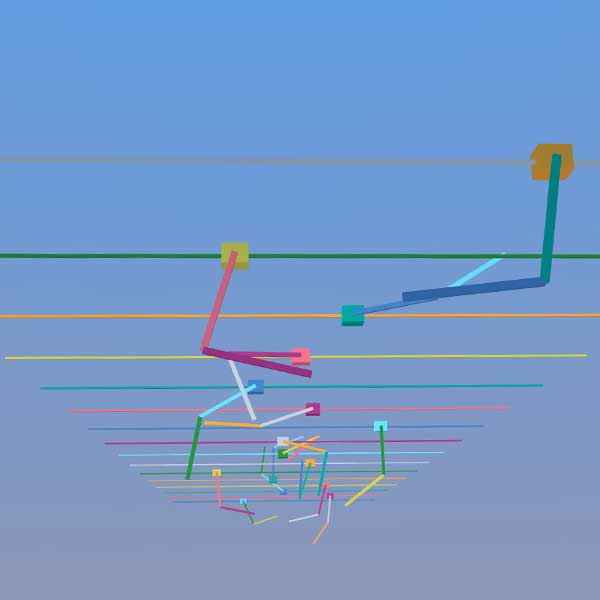
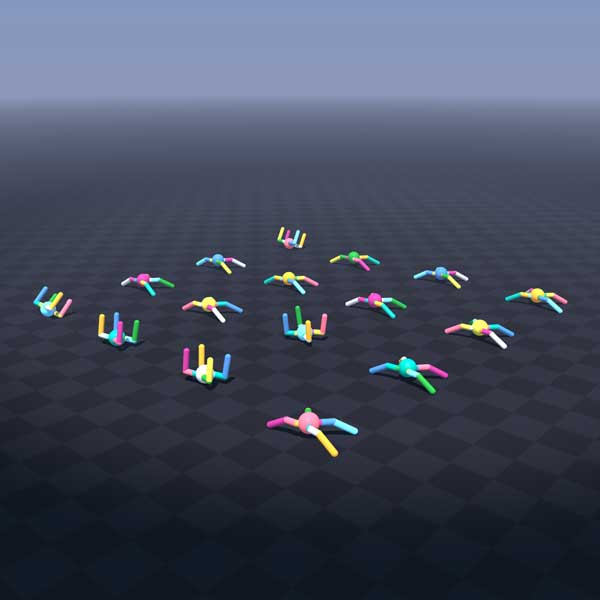
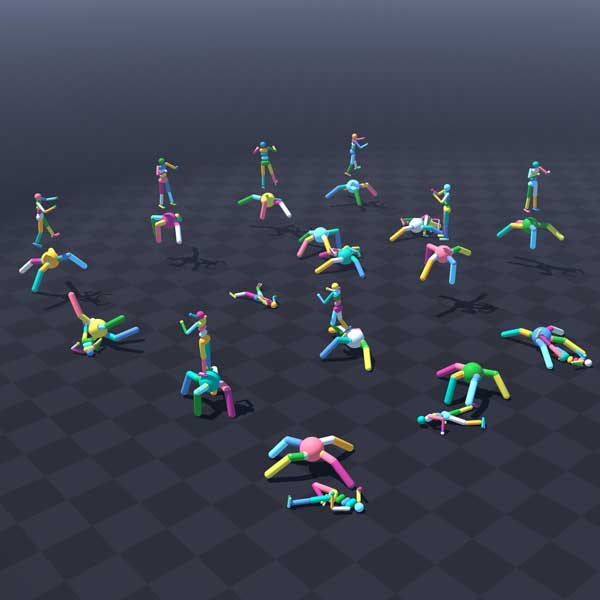
python -m newton.examples selection_cartpole
python -m newton.examples selection_materials
python -m newton.examples selection_articulations
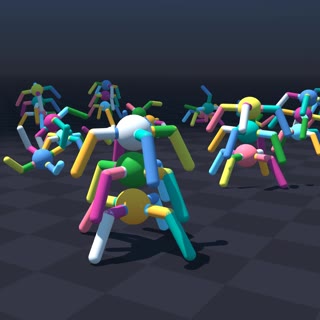
python -m newton.examples selection_multiple
DiffSim Examples
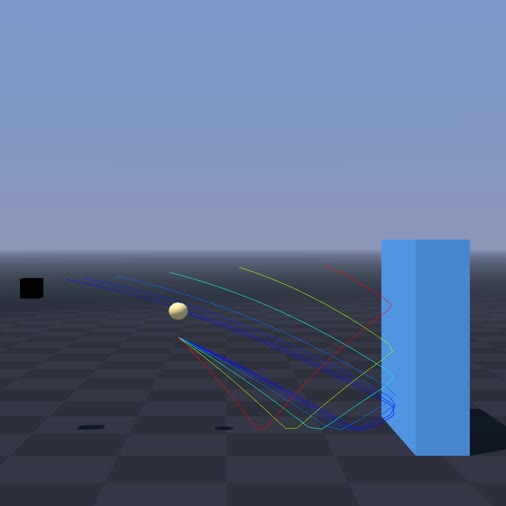
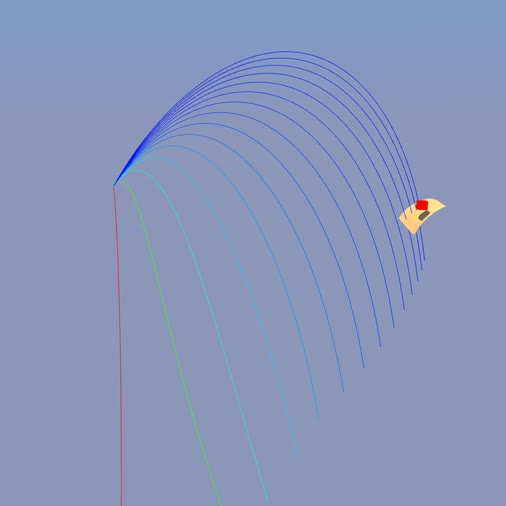
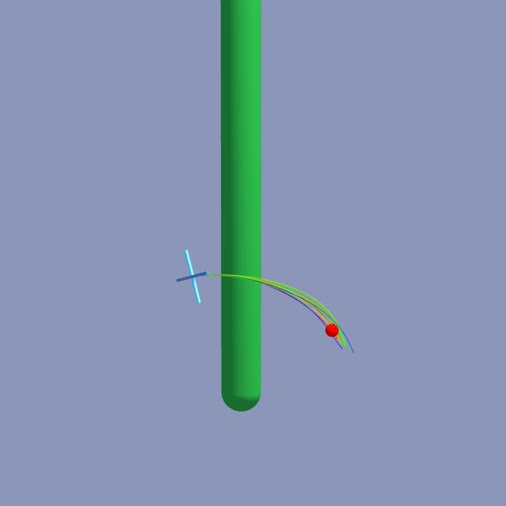
python -m newton.examples diffsim_ball
python -m newton.examples diffsim_cloth
python -m newton.examples diffsim_drone
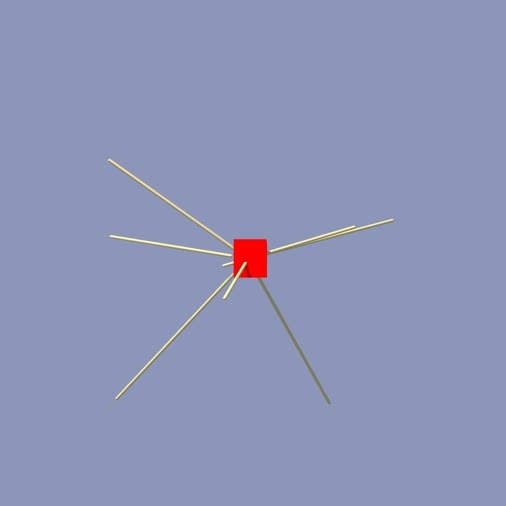
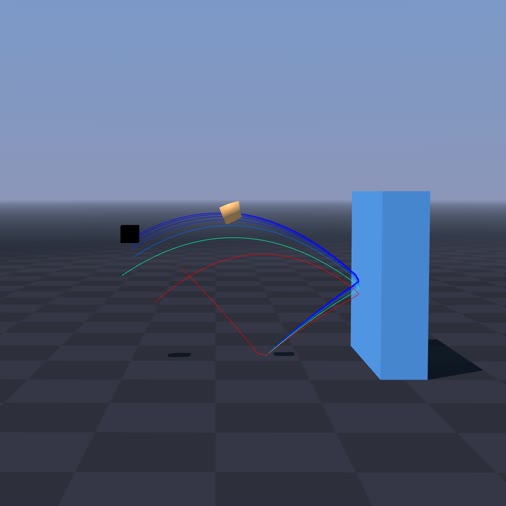
python -m newton.examples diffsim_spring_cage
python -m newton.examples diffsim_soft_body
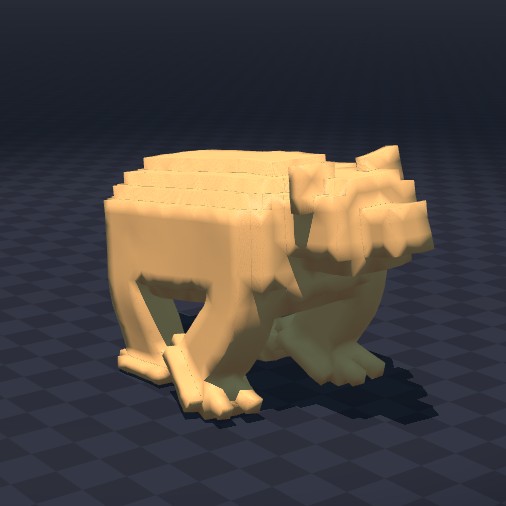
python -m newton.examples diffsim_bear
Multi-Physics Examples
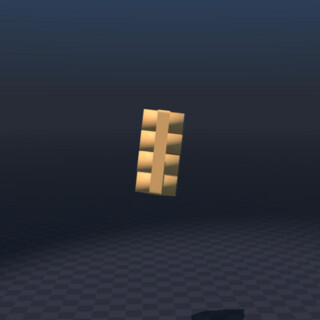
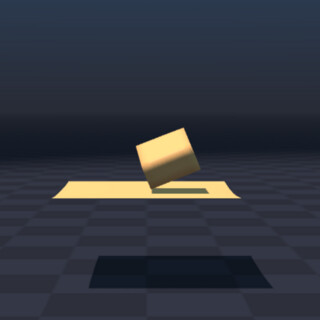
python -m newton.examples softbody_gift
python -m newton.examples softbody_dropping_to_cloth
Contacts Examples
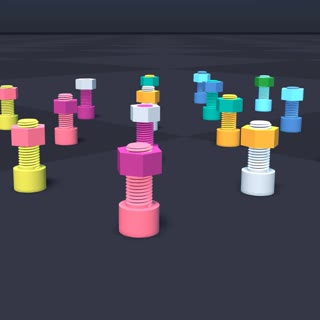
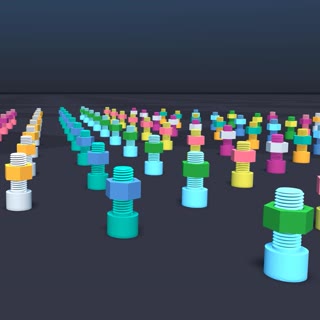
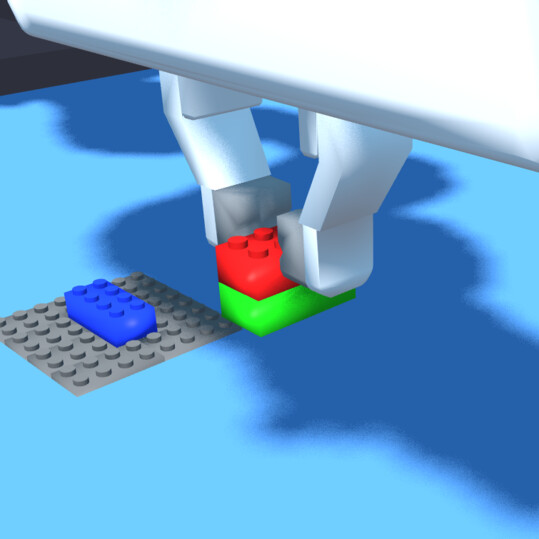
python -m newton.examples nut_bolt_hydro
python -m newton.examples nut_bolt_sdf
python -m newton.examples brick_stacking
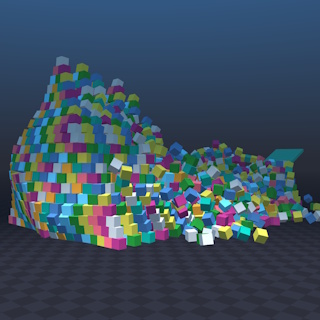
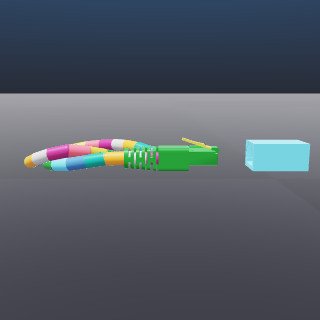
python -m newton.examples pyramid
python -m newton.examples contacts_rj45_plug
Softbody Examples
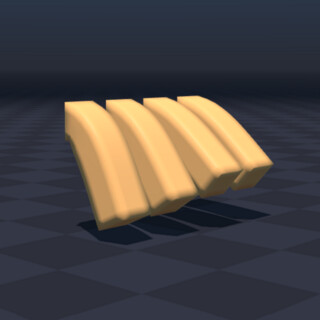
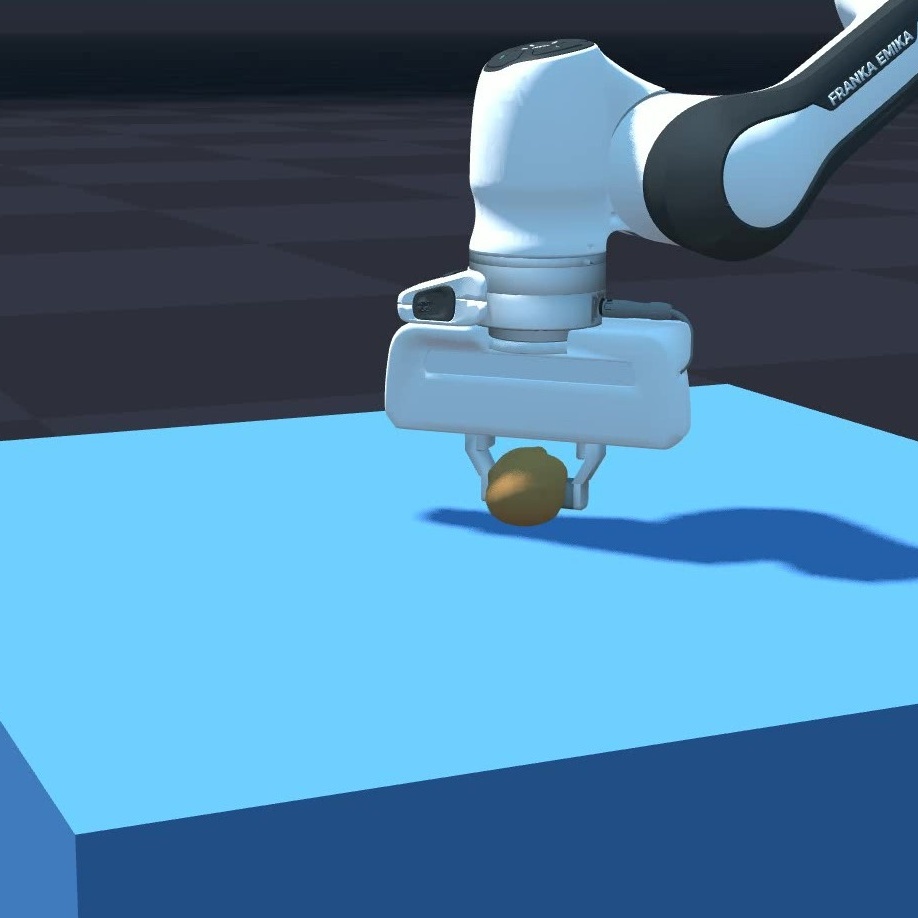
python -m newton.examples softbody_hanging
python -m newton.examples softbody_franka
Kamino Examples
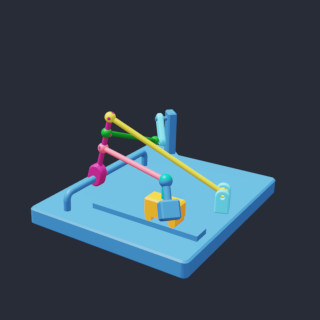
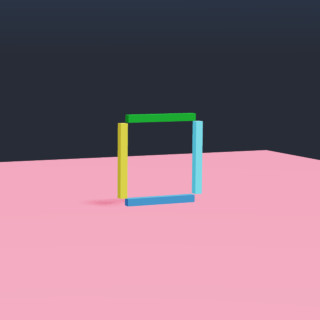
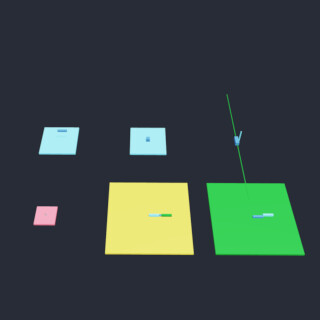
python -m newton.examples kamino_basic_dr_testmech
python -m newton.examples kamino_basic_fourbar
python -m newton.examples kamino_basic_heterogeneous
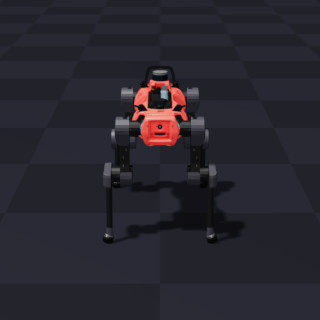
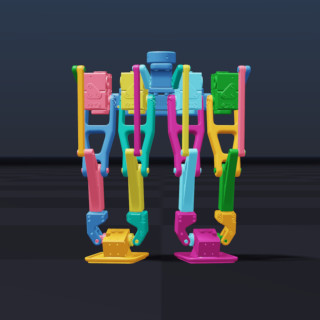
python -m newton.examples kamino_robot_anymal_d
python -m newton.examples kamino_robot_dr_legs
### Example Options
The examples support the following command-line arguments:
| Argument | Description | Default |
| --------------- | --------------------------------------------------------------------------------------------------- | ---------------------------- |
| `--viewer` | Viewer type: `gl` (OpenGL window), `usd` (USD file output), `rerun` (ReRun), or `null` (no viewer). | `gl` |
| `--device` | Compute device to use, e.g., `cpu`, `cuda:0`, etc. | `None` (default Warp device) |
| `--num-frames` | Number of frames to simulate (for USD output). | `100` |
| `--output-path` | Output path for USD files (required if `--viewer usd` is used). | `None` |
Some examples may add additional arguments (see their respective source files for details).
### Example Usage
```bash
# List available examples
python -m newton.examples --list
# Run with the USD viewer and save to my_output.usd
python -m newton.examples basic_viewer --viewer usd --output-path my_output.usd
# Run on a selected device
python -m newton.examples basic_urdf --device cuda:0
# Combine options
python -m newton.examples basic_viewer --viewer gl --num-frames 500 --device cpu
```
## Contributing and Development
See the [contribution guidelines](https://github.com/newton-physics/newton-governance/blob/main/CONTRIBUTING.md) and the [development guide](https://newton-physics.github.io/newton/latest/guide/development.html) for instructions on how to contribute to Newton.
## Support and Community Discussion
For questions, please consult the [Newton documentation](https://newton-physics.github.io/newton/latest/guide/overview.html) first before creating [a discussion in the main repository](https://github.com/newton-physics/newton/discussions).
## Code of Conduct
By participating in this community, you agree to abide by the Linux Foundation [Code of Conduct](https://lfprojects.org/policies/code-of-conduct/).
## Project Governance, Legal, and Members
Please see the [newton-governance repository](https://github.com/newton-physics/newton-governance) for more information about project governance.