https://github.com/nextcloud/files_mindmap
This application enables Nextcloud users to open, save and edit mind map files in the web browser.
https://github.com/nextcloud/files_mindmap
Last synced: over 1 year ago
JSON representation
This application enables Nextcloud users to open, save and edit mind map files in the web browser.
- Host: GitHub
- URL: https://github.com/nextcloud/files_mindmap
- Owner: nextcloud
- License: agpl-3.0
- Created: 2018-09-29T02:46:51.000Z (almost 8 years ago)
- Default Branch: master
- Last Pushed: 2025-03-16T15:33:55.000Z (over 1 year ago)
- Last Synced: 2025-03-29T11:02:11.917Z (over 1 year ago)
- Language: JavaScript
- Homepage: https://apps.nextcloud.com/apps/files_mindmap
- Size: 5.27 MB
- Stars: 178
- Watchers: 24
- Forks: 47
- Open Issues: 75
-
Metadata Files:
- Readme: README.md
- License: LICENSE
Awesome Lists containing this project
README
# Mind map for Nextcloud
This application enables Nextcloud users to open, save and edit mind map files in the web browser.
App icon by [Icons8](https://icons8.com) and mind map powered by [KityMinder Editor](https://github.com/nextcloud/kityminder-editor).
## How to use
1. Install app
2. Click New button in Nextcloud file page
3. Choose "New mind map file"
You can also click a .km file to edit.
## Contribute
translations will be added to https://www.transifex.com/nextcloud/nextcloud/
~~translate: Go to [https://github.com/ACTom/kityminder-editor](https://github.com/ACTom/kityminder-editor), and translate strings in l10n directory.~~
## Support Format
| Format Name | File Extension | Read | Save |
|------------|----------------|------|-------|
| kityminder | *.km | ✓ | ✓ |
| xmind | *.xmind | ✓(only first page root node) | ✗ |
| freemind | *.mm | ✓ | ✗ |
---
# 中文说明
这是Nextcloud的一个思维导图应用,它可以让用户在浏览器中打开、编辑、保存思维导图文件,应用的图标来自于[Icons8](https://icons8.com),应用核心显示模块采用[KityMinder Editor](https://github.com/nextcloud/kityminder-editor)。
## 如何使用
1. 安装应用
2. 点击 Nextcloud 文件界面的新建按钮
3. 选择"新建思维导图文件"
你也可以直接点击一个.km文件来编辑。
## 应用截图
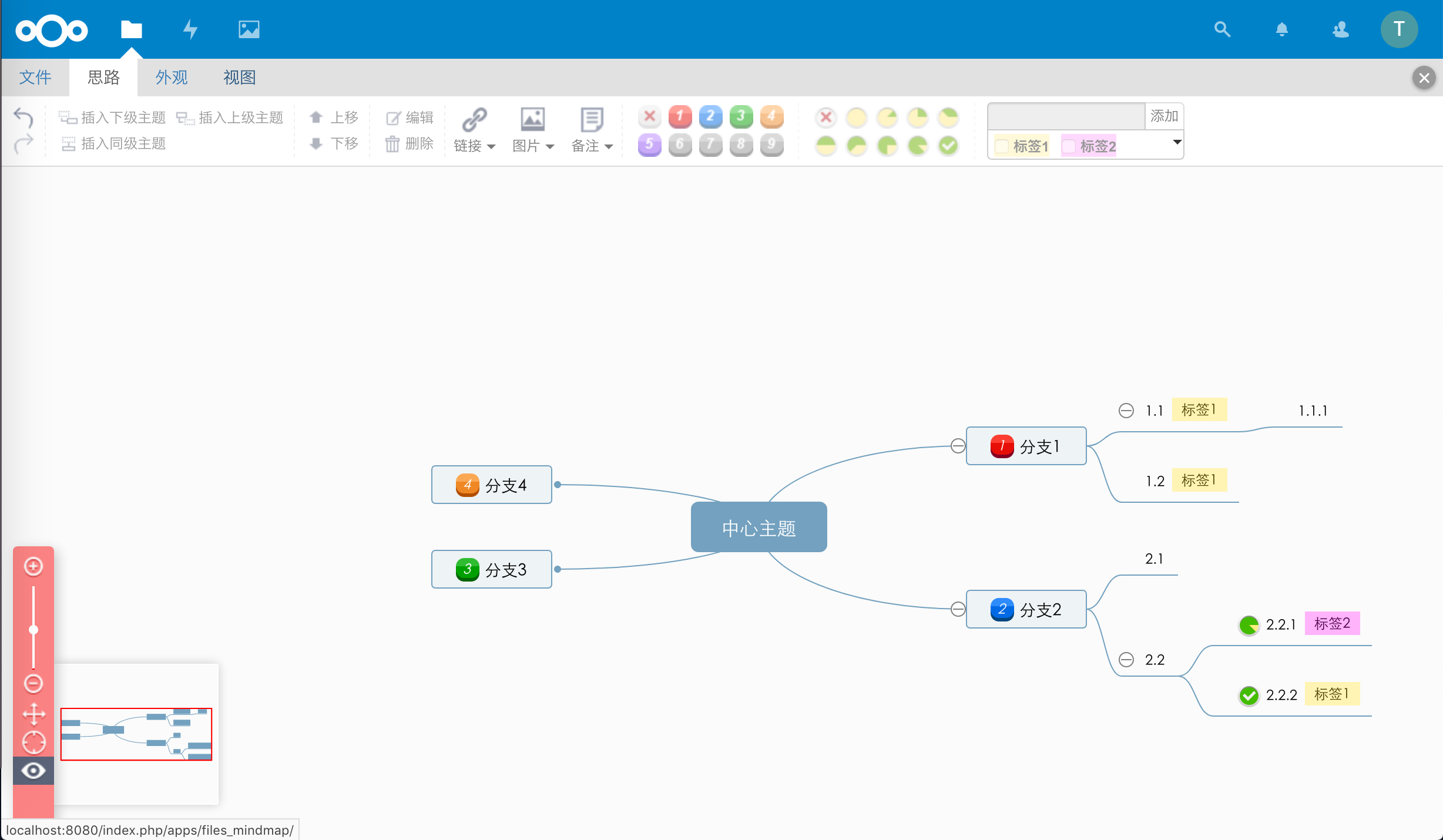
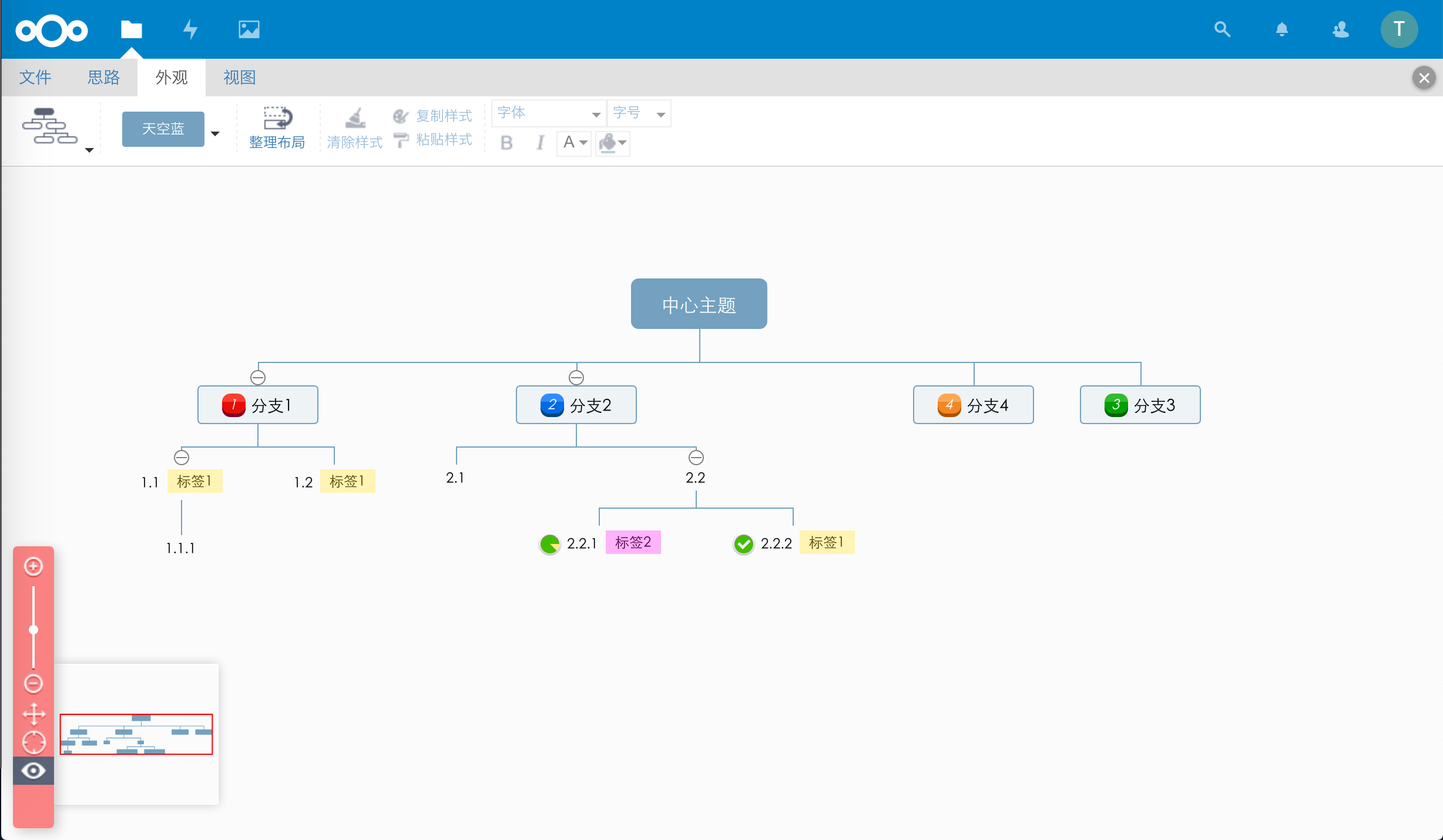
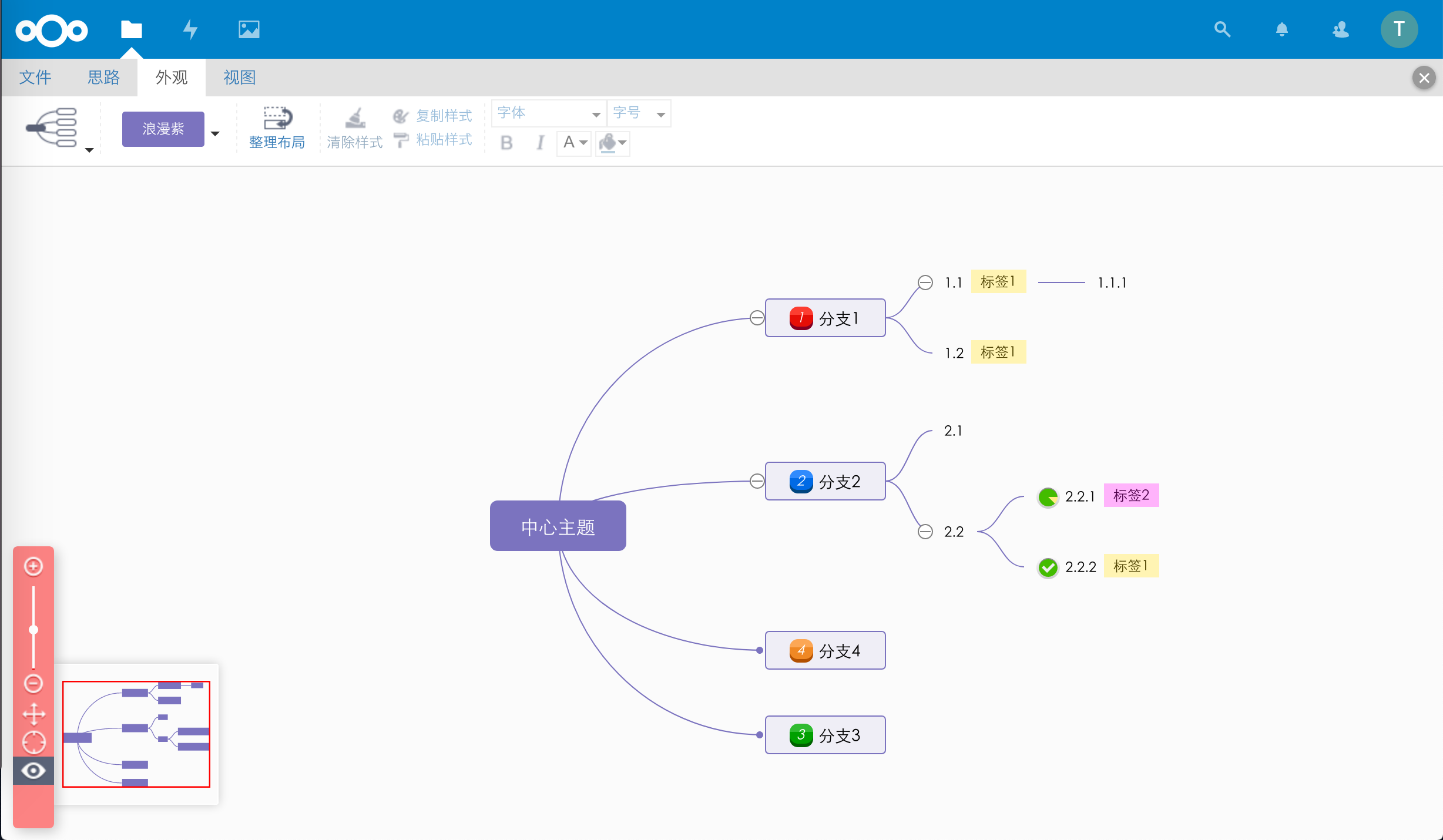
## 支持的格式
| 格式名称 | 文件扩展名 | 读取 | 保存 |
|------------|----------------|------|-------|
| kityminder | *.km | ✓ | ✓ |
| xmind | *.xmind | ✓(仅第一个页面根节点) | ✗ |
| freemind | *.mm | ✓ | ✗ |