https://github.com/ng-milk/angular-sticky-navigation-directive
Angular directive to make a sticky element, quick demo here: http://ng-milk.github.io/angular-sticky-navigation-directive/
https://github.com/ng-milk/angular-sticky-navigation-directive
angularjs javascript navigation
Last synced: about 1 year ago
JSON representation
Angular directive to make a sticky element, quick demo here: http://ng-milk.github.io/angular-sticky-navigation-directive/
- Host: GitHub
- URL: https://github.com/ng-milk/angular-sticky-navigation-directive
- Owner: ng-milk
- License: mit
- Created: 2015-09-14T11:45:54.000Z (almost 11 years ago)
- Default Branch: master
- Last Pushed: 2017-06-08T10:55:24.000Z (about 9 years ago)
- Last Synced: 2024-09-28T09:03:22.854Z (over 1 year ago)
- Topics: angularjs, javascript, navigation
- Language: HTML
- Homepage:
- Size: 21.5 KB
- Stars: 20
- Watchers: 2
- Forks: 15
- Open Issues: 1
-
Metadata Files:
- Readme: README.md
- License: LICENSE
Awesome Lists containing this project
README
# Angular sticky navigation directive
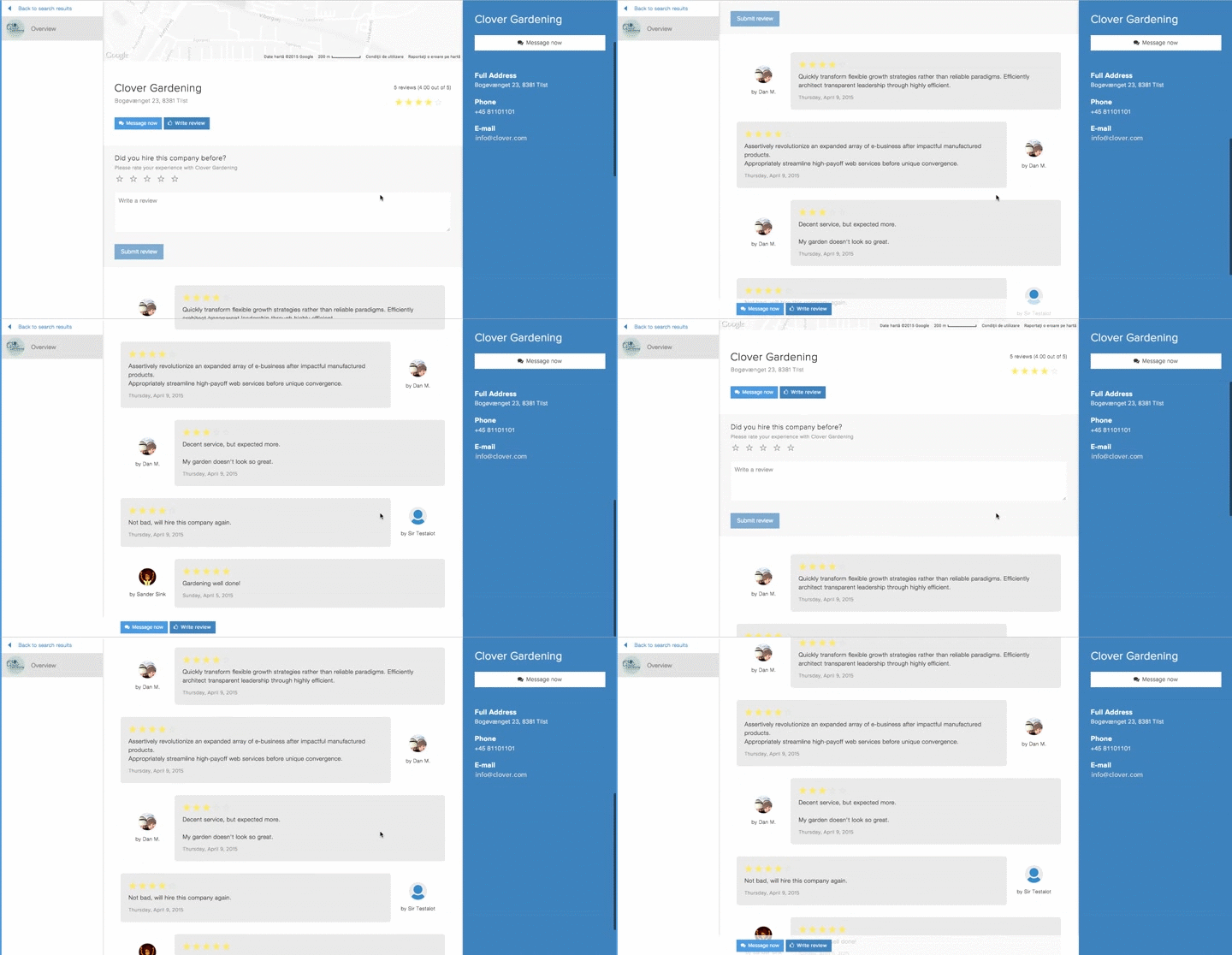
### [Quick Demo](http://ng-milk.github.io/angular-sticky-navigation-directive/)
Angular directive to make a sticky element, read about it on [here](https://ngmilk.rocks/2015/04/09/angularjs-sticky-navigation-directive/).
It will add a `ng-sticky-fixed` class whenever your navigation is not visible on the viewport (therefore it will make it visible & sticky).
It's up to you to style the class properly, see the example for more.
## Usage
1. Include `ng-sticky.js`.
2. Add `dm.stickyNav` as a dependency to your app.
3. Profit!
## Bower
Installable via `bower`:
```bash
bower install ng-sticky
```
## Example
See [index.html](https://github.com/ng-milk/angular-sticky-navigation-directive/blob/master/index.html) for an example.
```html
angular.module('app', ['dm.stickyNav']);
.ng-sticky-fixed{
background-color:rgba(0, 0, 0, 0.1);
bottom:0;
left:0;
padding:10px 15px;
position:fixed;
top:auto;
width:100%;
}
Review
Delete
[...] Lots of text
```
## Custom sticky class
By default `ng-sticky-fixed` will be appended to the element's class. By providing a value to the `sticky-nav` attribute you can use any other class:
```html
[...]
.custom-class{
/* ... */
}
[...]
[...]
```
## Additional directive attributes
By default, the directive will attempt a 100 milliseconds $timeout call to wait for the DOM to load. You can provide different values for retrying until DOM is ready using `max-tries` and `ms-retry-delay`:
```html
```
When you don't want to use the height of your sticky element as part of the threshold for applying the sticky class, you can add the `ignore-element-size` directive attribute. It is useful for 'tall' elements like sidebars or side menus.
```html
```
## About ngmilk

**ngmilk** is the place to go for fresh front-end articles, with a focus on AngularJS.
See more on [ngmilk.rocks](https://ngmilk.rocks)
Follow [@ngmilkrocks](http://twitter.com/ngmilkrocks) on Twitter to stay ahead of the game.