https://github.com/nibinpsreenivas/cec_connect
https://github.com/nibinpsreenivas/cec_connect
dialogflow firebase firebase-auth firebase-database firestore flutter flutter-apps googlecloud nosql
Last synced: 2 months ago
JSON representation
- Host: GitHub
- URL: https://github.com/nibinpsreenivas/cec_connect
- Owner: nibinpsreenivas
- Created: 2023-03-09T14:06:44.000Z (over 3 years ago)
- Default Branch: master
- Last Pushed: 2024-08-05T16:43:29.000Z (almost 2 years ago)
- Last Synced: 2025-10-10T18:17:04.152Z (9 months ago)
- Topics: dialogflow, firebase, firebase-auth, firebase-database, firestore, flutter, flutter-apps, googlecloud, nosql
- Language: Dart
- Homepage:
- Size: 11.9 MB
- Stars: 1
- Watchers: 1
- Forks: 0
- Open Issues: 0
-
Metadata Files:
- Readme: README.md
Awesome Lists containing this project
README
# CEC CONNECT APP IN FLUTTER
CEC CONNECT is a fully functional social media app with multiple features built with flutter and dart.
Star⭐ the repo if you like what you see😉.
## ✨ Requirements
* Any Operating System (ie. MacOS X, Linux, Windows)
* Any IDE with Flutter SDK installed (ie. IntelliJ, Android Studio, VSCode etc)
* A little knowledge of Dart and Flutter
* A brain to modify it
## Features
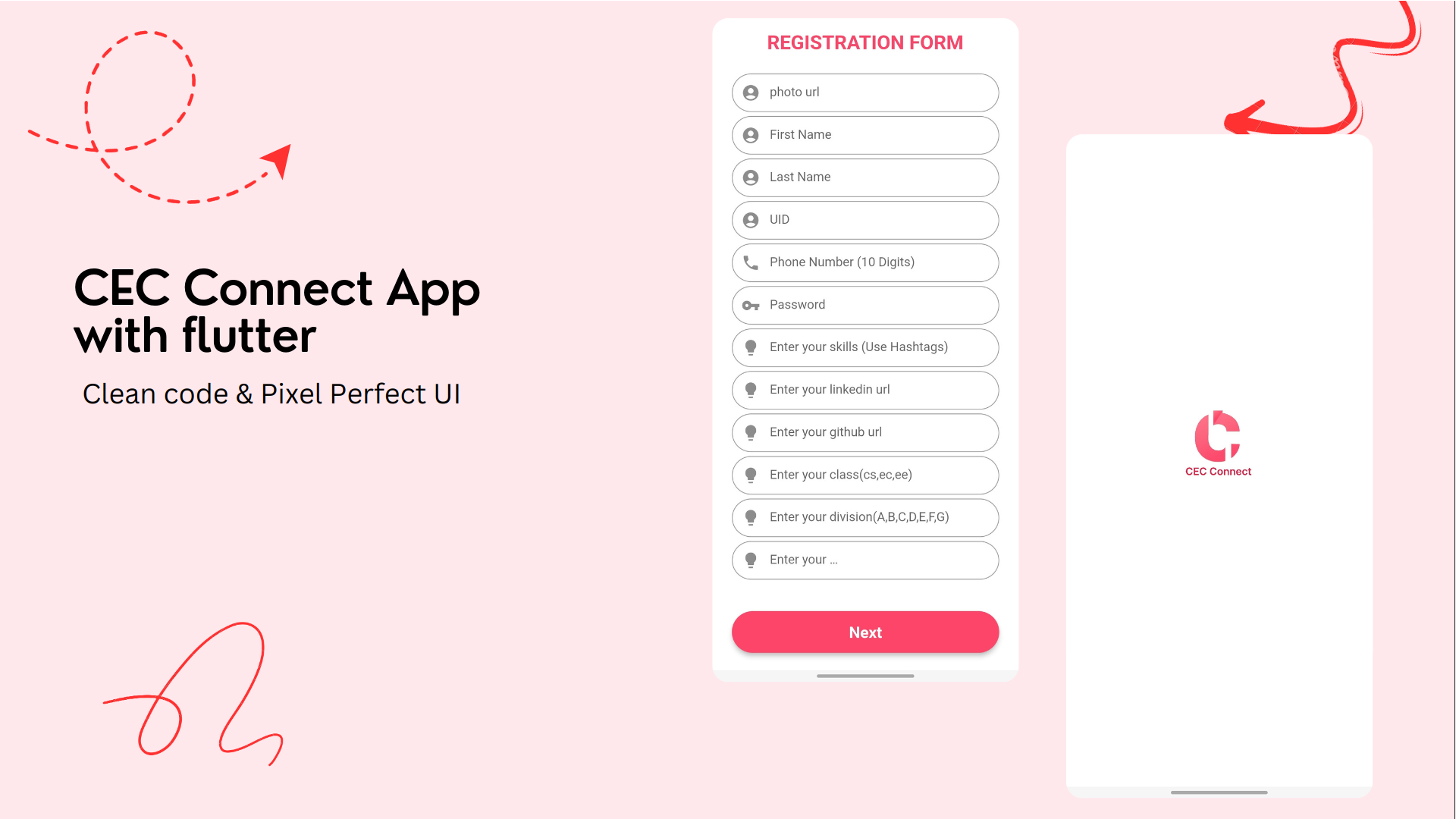
* student and teachers can register in the app
* Post photo posts from camera or gallery
* View all comments on a post
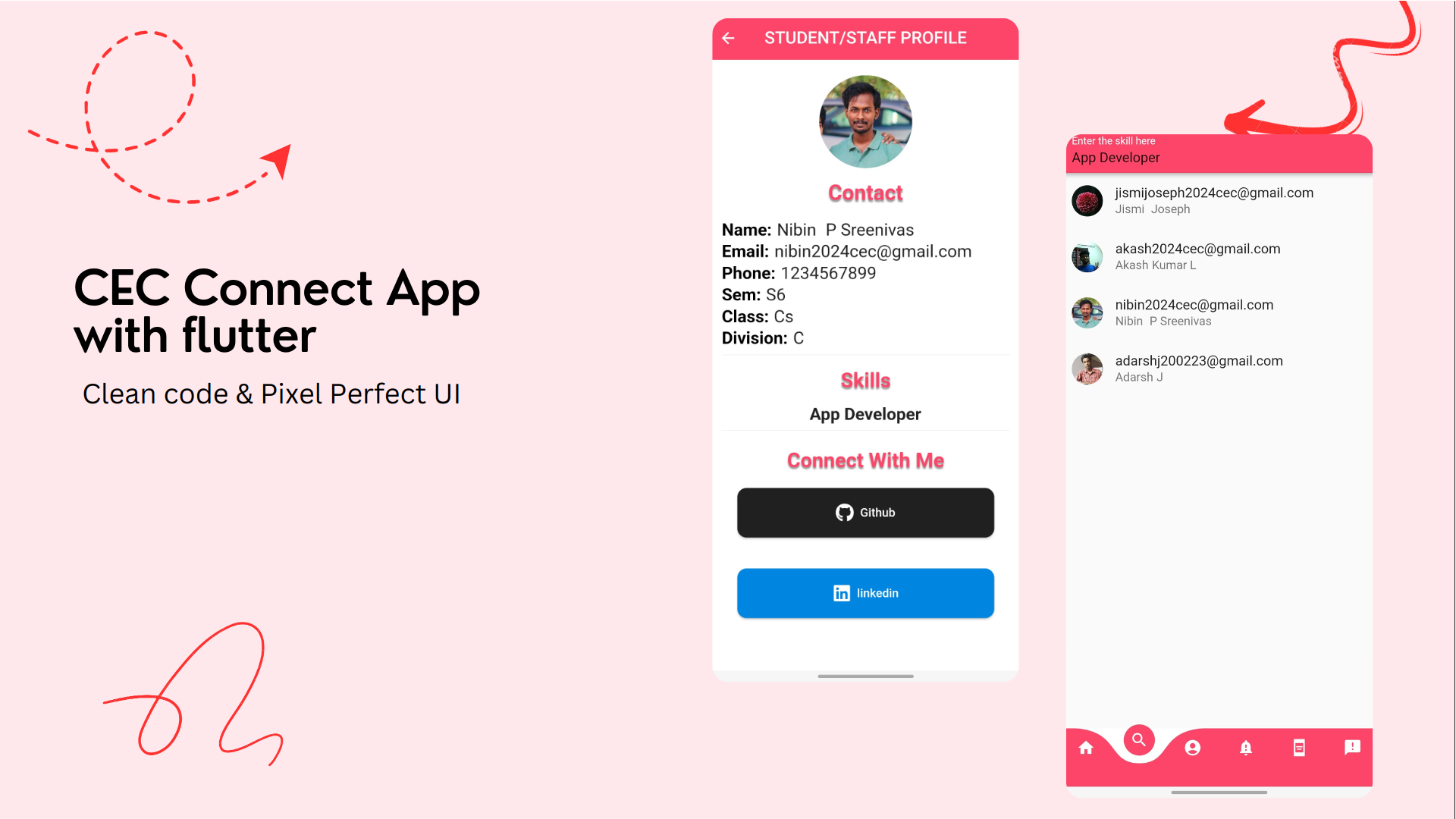
* Search for users using skill keywords
* Realtime posting and Sending images
* Deleting Posts
* Profile Pages
* profile picture
* username
* Notifications Feed showing recent posts
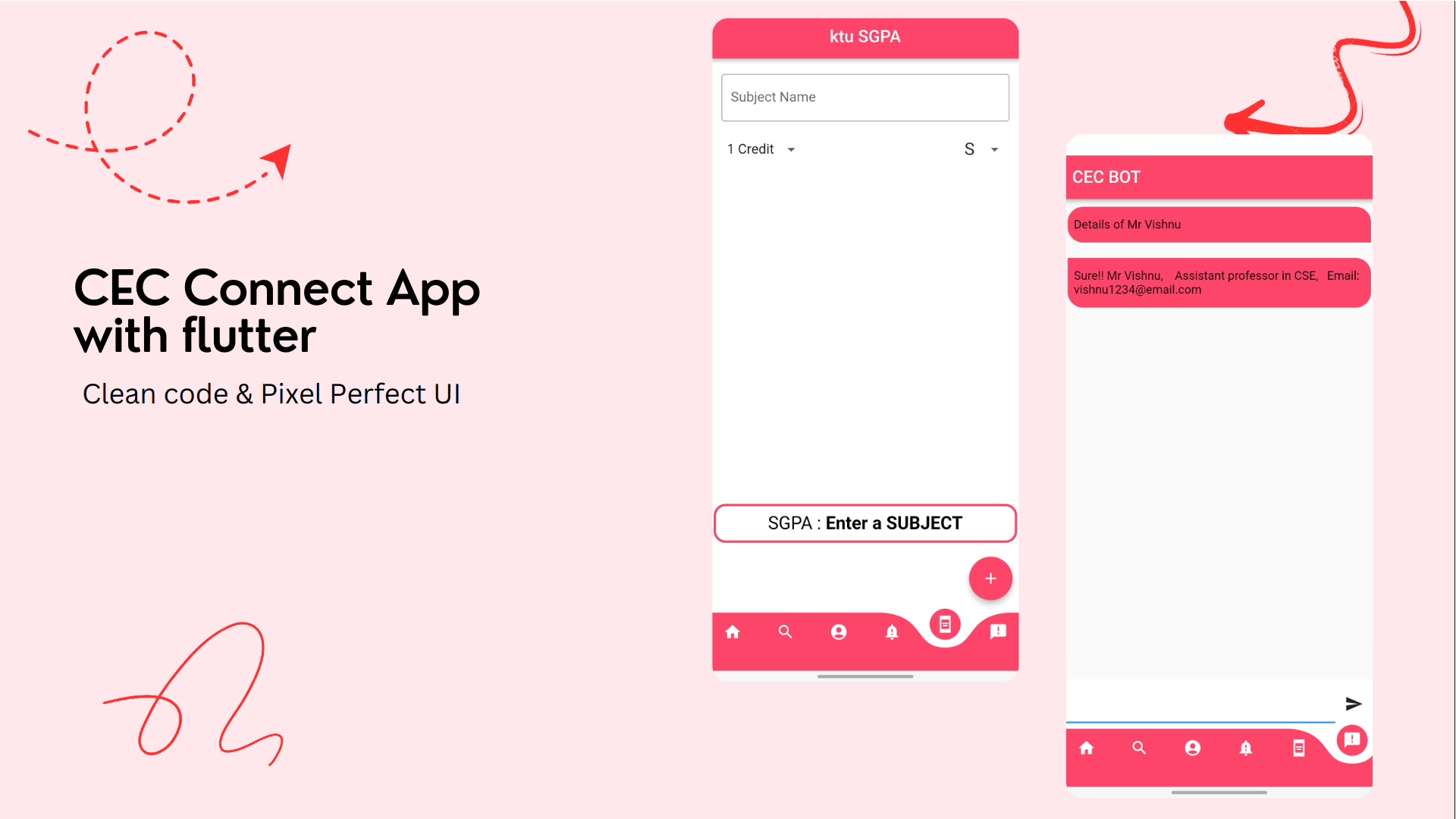
* calculate sgpa
* chat bot
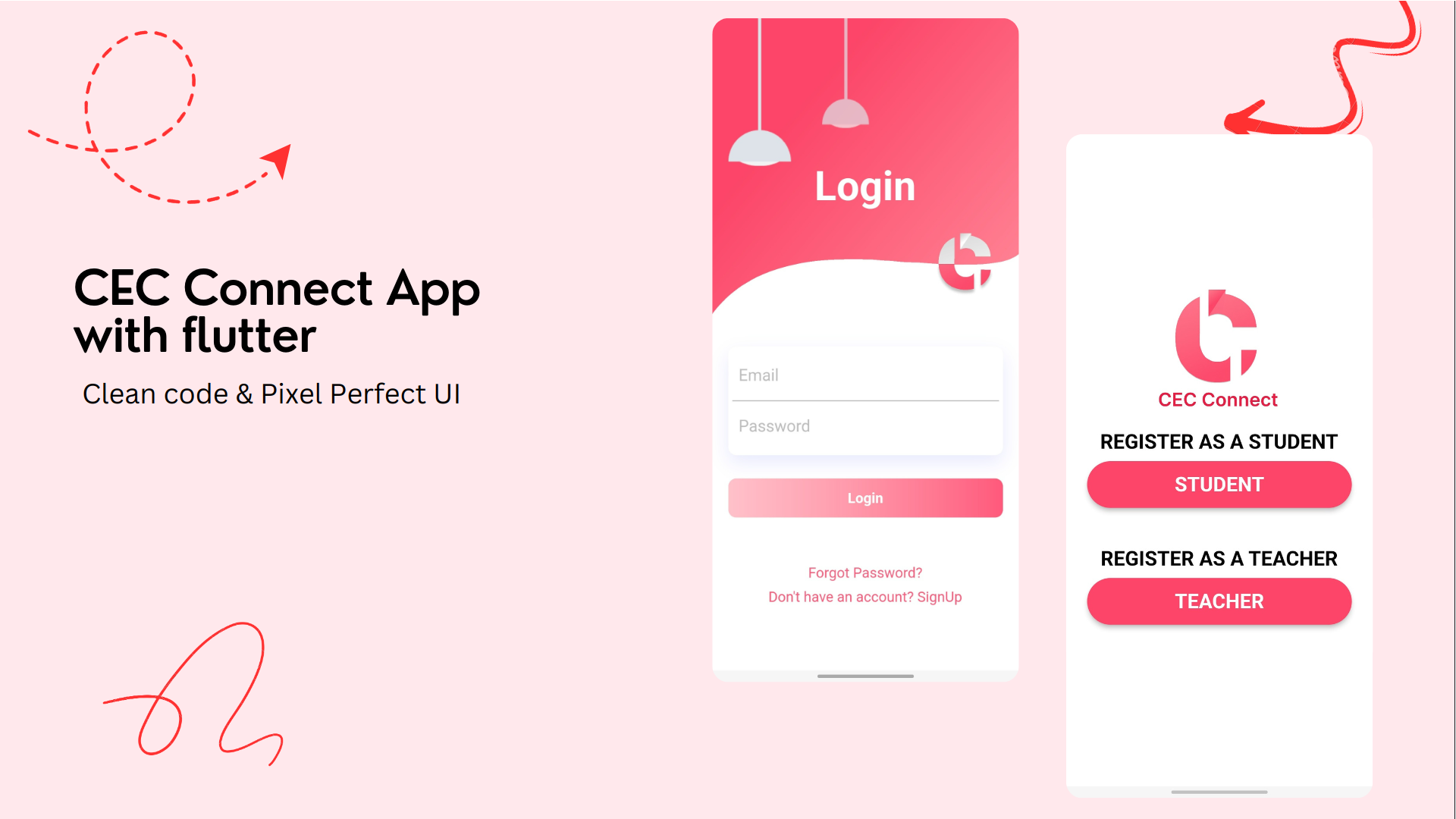
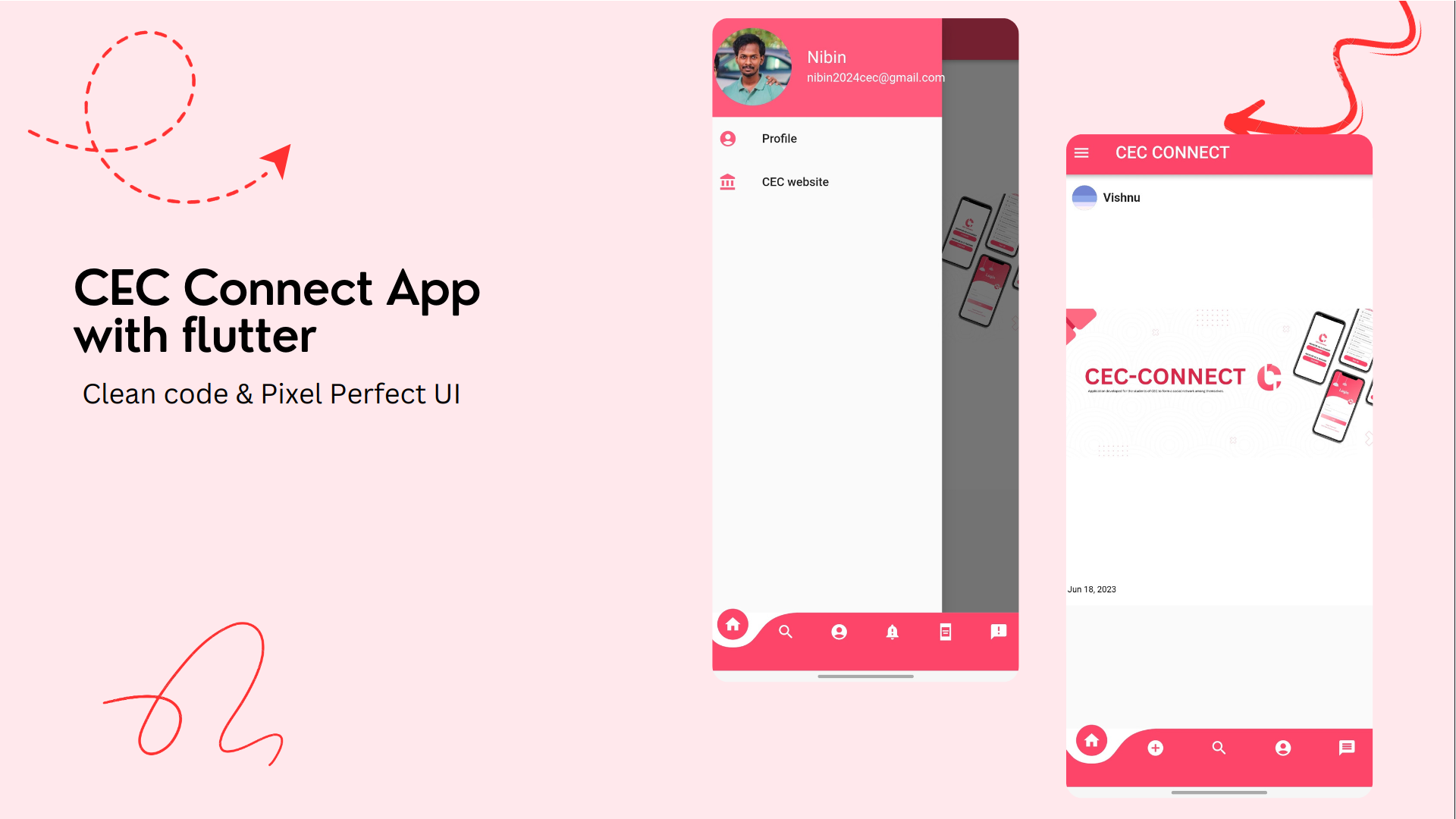
## Screenshots
## Installation
#### 1. [Setup Flutter](https://flutter.dev/docs/get-started/install)
#### 2. Clone the repo
#### 3. Setup the firebase app
- You'll need to create a Firebase instance. Follow the instructions
at https://console.firebase.google.com.
- Once your Firebase instance is created, you'll need to enable Google authentication.
* Go to the Firebase Console for your new instance.
* Click "Authentication" in the left-hand menu
* Click the "sign-in method" tab
* Click "Email and Password" and enable it
* Create an app within your Firebase instance for Android, with package name com.yourcompany.news
* Run the following command to get your SHA-1 key:
* In the Firebase console, in the settings of your Android app, add your SHA-1 key by clicking "Add
Fingerprint".
* Follow instructions to download google-services.json
* place `google-services.json` into `/android/app/`.
- (skip if not running on iOS)
* Create an app within your Firebase instance for iOS, with your app package name
* Follow instructions to download GoogleService-Info.plist
* Open XCode, right click the Runner folder, select the "Add Files to 'Runner'" menu, and select the
GoogleService-Info.plist file to add it to /ios/Runner in XCode
* Open /ios/Runner/Info.plist in a text editor. Locate the CFBundleURLSchemes key. The second item
in the array value of this key is specific to the Firebase instance. Replace it with the value for
REVERSED_CLIENT_ID from GoogleService-Info.plist
Double check install instructions for both
- Google Auth Plugin
- https://pub.dartlang.org/packages/firebase_auth
- Firestore Plugin
- https://pub.dartlang.org/packages/cloud_firestore
# What's Next?
- [] chating
- [] messaging
- [] Reels
- [] Sending and Uploading Videos(Video Compatibility)
## 🤓 Author(s)
**Nibin P Sreenivas