https://github.com/nichind/firstmail
Integrate firstmail.ltd emails into your Python applications with ease.
https://github.com/nichind/firstmail
firstmail
Last synced: 3 months ago
JSON representation
Integrate firstmail.ltd emails into your Python applications with ease.
- Host: GitHub
- URL: https://github.com/nichind/firstmail
- Owner: nichind
- Created: 2025-09-23T12:21:19.000Z (4 months ago)
- Default Branch: main
- Last Pushed: 2025-10-04T09:18:05.000Z (3 months ago)
- Last Synced: 2025-10-04T11:26:46.120Z (3 months ago)
- Topics: firstmail
- Language: Python
- Homepage: https://pypi.org/project/firstmail/
- Size: 14.6 KB
- Stars: 0
- Watchers: 0
- Forks: 0
- Open Issues: 0
-
Metadata Files:
- Readme: readme.md
- Funding: .github/FUNDING.yml
Awesome Lists containing this project
README
# firstmail
Integrate firstmail.ltd emails into your Python applications with ease.
[](https://pypi.org/project/firstmail/)[](https://github.com/nichind/firstmail/actions/workflows/build.yml) [](https://github.com/nichind/firstmail/actions/workflows/publish.yml)
## Server Info
- IMAP/POP3 host: `imap.firstmail.ltd`
- IMAP SSL: `993`, POP3 SSL: `995`
- IMAP non-SSL: `143`, POP3 non-SSL: `110`
- IP: `5.252.35.241`
### Installation
with pip
```shell
pip install firstmail
```
with [uv](https://pypi.org/project/uv/)
```shell
uv install firstmail
```
build from source
```shell
git clone https://github.com/nichind/firstmail.git
cd firstmail
pip install -e .
```
### Python Usage
Using the context manager (recommended)
```python
from firstmail import firstmail_client
with firstmail_client("your_email@firstmail.ltd", "your_password") as client:
# Get the most recent email
last_email = client.get_last_mail()
if last_email:
print(last_email.subject, last_email.sender)
# Get multiple emails (newest first)
emails = client.get_all_mail(limit=10)
print(f"Fetched {len(emails)} emails")
```
Manual resource management
```python
from firstmail import FirstMail
client = FirstMail("your_email@firstmail.ltd", "your_password")
try:
print(client.get_message_count())
finally:
client.close()
```
Watch for new emails
```python
from firstmail import firstmail_client
with firstmail_client("your_email@firstmail.ltd", "your_password") as client:
for new_email in client.watch_for_new_emails(check_interval=60):
print("New email:", new_email.subject)
# break # optionally exit after the first
```
### CLI
> [!NOTE]
> If the `firstmail` command isn't working in your terminal, use `python -m firstmail `, `uv run -m firstmail `, etc. instead.
Basic commands
```shell
# Read the most recent email
firstmail -e -p read-last
# Read all emails (limit to N)
firstmail -e read-all --limit 10 --full
# Watch for new emails
firstmail watch --interval 60 --show-body
# Count messages in inbox
firstmail count
```
You can also pass credentials explicitly:
```shell
firstmail -e your_email@firstmail.ltd -p your_password read-last
```
### Disclaimer
I'm not responsible for possible misuse of this software. Please use it in accordance with the law and respect the terms of service of the services you access.
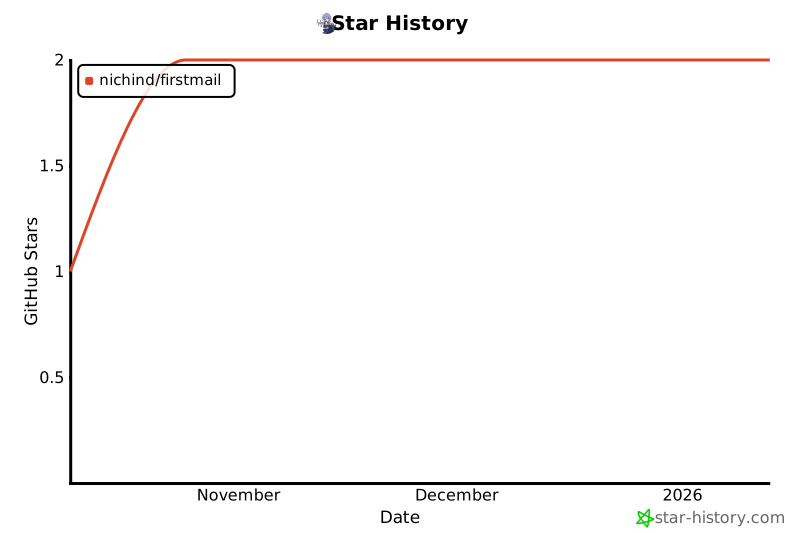
#### Consider leaving a star ⭐
[](https://github.com/nichind/firstmail)