https://github.com/nickymarino/cpu12-vscode
CPU12 Assembly Language Extension for Visual Studio Code
https://github.com/nickymarino/cpu12-vscode
assembly-language textmate vscode-extension
Last synced: 6 months ago
JSON representation
CPU12 Assembly Language Extension for Visual Studio Code
- Host: GitHub
- URL: https://github.com/nickymarino/cpu12-vscode
- Owner: nickymarino
- License: mit
- Created: 2017-09-02T14:55:37.000Z (almost 9 years ago)
- Default Branch: master
- Last Pushed: 2017-09-04T22:41:46.000Z (almost 9 years ago)
- Last Synced: 2024-10-24T06:30:45.078Z (over 1 year ago)
- Topics: assembly-language, textmate, vscode-extension
- Language: Assembly
- Size: 75.2 KB
- Stars: 1
- Watchers: 2
- Forks: 0
- Open Issues: 0
-
Metadata Files:
- Readme: README.md
- Changelog: CHANGELOG.md
- License: LICENSE.md
Awesome Lists containing this project
README
# cpu12-vscode
CPU12 assembly language support for Visual Studio Code
## Features
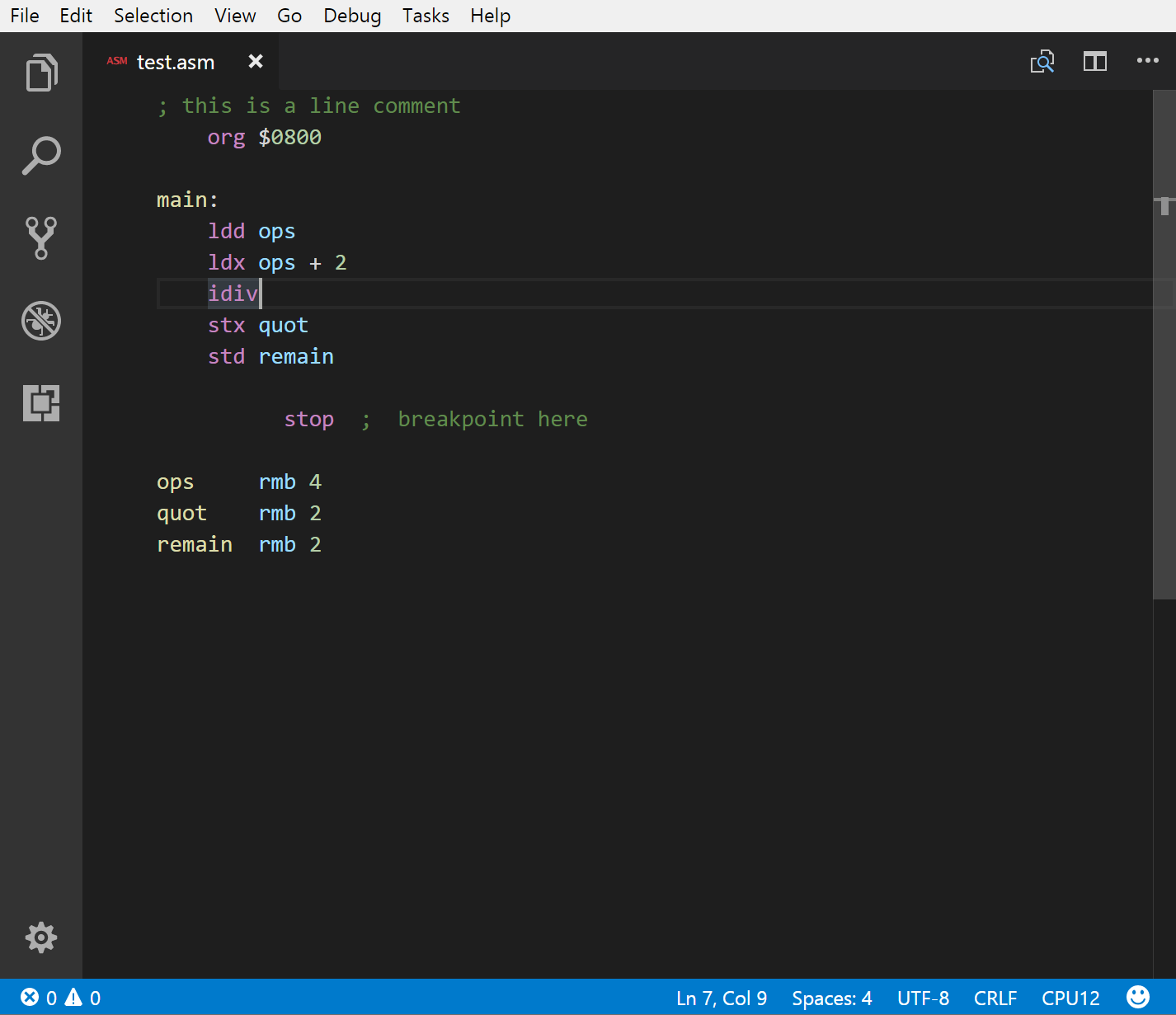
This package includes the grammar for the Motorola CPU12 core instruction set, defined in the [CPU12/CPU12RM manual](http://www.nxp.com/docs/en/reference-manual/CPU12RM.pdf).
Modified from Zachary Polikarpus' [Atom library](https://github.com/zpolygon95/language-cpu12).
## Creating a language extension
There's plenty of helpful examples in the Visual Code documentation. Start with their [extension example](https://code.visualstudio.com/docs/extensions/example-hello-world) and look at other tmLanguage.json files to get an idea of how to write them. The names in the grammar can be found in the [TextMate manual](https://manual.macromates.com/en/language_grammars). To debug your extension, press `F5` and load an example file. Use the `Developer: Inspect TM scopes` tool in the Command Pallete to debug your settings.