https://github.com/nilsenj/lablog
laravel 5.5 + angular4 blog for channel https://www.youtube.com/badCoder
https://github.com/nilsenj/lablog
angular angular4 jwt lablog laravel laravel55
Last synced: 8 months ago
JSON representation
laravel 5.5 + angular4 blog for channel https://www.youtube.com/badCoder
- Host: GitHub
- URL: https://github.com/nilsenj/lablog
- Owner: nilsenj
- Created: 2017-09-03T13:00:46.000Z (almost 9 years ago)
- Default Branch: master
- Last Pushed: 2017-09-19T14:57:30.000Z (almost 9 years ago)
- Last Synced: 2025-02-01T04:31:45.669Z (over 1 year ago)
- Topics: angular, angular4, jwt, lablog, laravel, laravel55
- Language: PHP
- Homepage:
- Size: 16.4 MB
- Stars: 10
- Watchers: 4
- Forks: 1
- Open Issues: 0
-
Metadata Files:
- Readme: README.md
Awesome Lists containing this project
README
# Lablog
For stream series! Channel https://www.youtube.com/badCoder
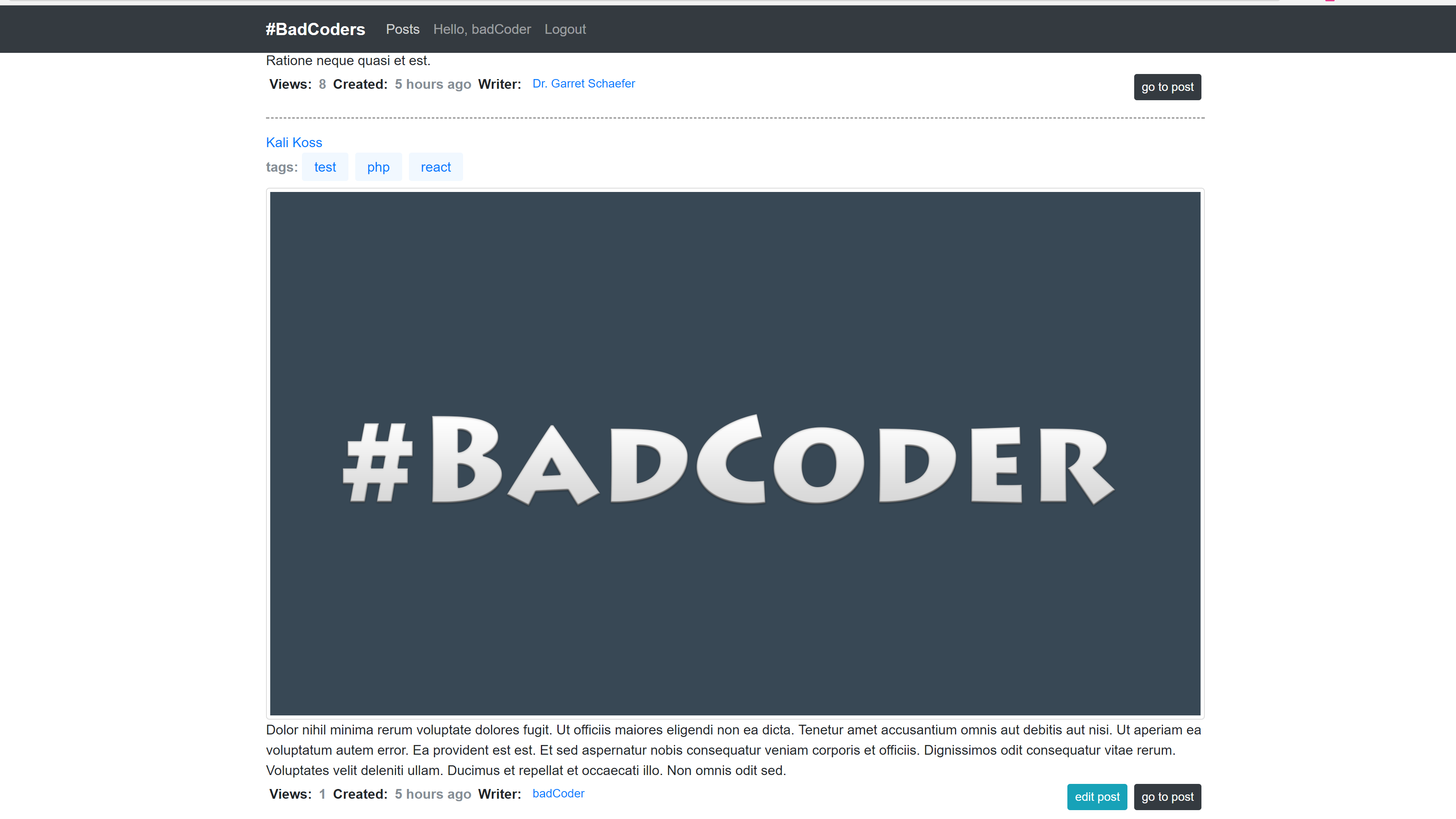
So guys! The stream is finished!
I have assignments for those who wanted to experiment with code))
This is for those who viewed Laravel + Angular4 stream series on my channel!
* Create admin panel!
* Create Rights & Privileges! I've done something similar in djinni.co clone "skillhire" on my channel.
* Users management from admin panel! Add, delete, ban, edit.
* Logs output from admin panel! You can use "arcanedev/log-viewer" package for that.
* Work with filesystem.
* Upload photos for posts!
You can use "plank/laravel-mediable" package.
* Write client for filesystem for admin panel!
* System commands through routes! For example dump database or make reset)) Or one button click go to maintenance mode. and etc.
* Posts management in admin panel! Posts pre moderation!
Delete, Update, create from admin panel!
#This is a full-stack combination of Laravel 5.4 and Angular4
to run it type `npm run serve`
and launch your laravel app.
It will build scripts and and watch for files changes! `hint` without live-reload
####or
`ng serve` will just launch client app from webpack/node server
# App
Angular part of the project was generated with [Angular CLI](https://github.com/angular/angular-cli) version 1.3.0.
##See jwt branch
If you want JWT Auth, Toastr notifications and small fixes
use jwt branch
## Development server
Run `ng serve` for a dev server. Navigate to `http://localhost:4200/`. The app will automatically reload if you change any of the source files.
## Code scaffolding
Run `ng generate component component-name` to generate a new component. You can also use `ng generate directive|pipe|service|class|guard|interface|enum|module`.
## Build
Run `ng build` to build the project. The build artifacts will be stored in the `dist/` directory. Use the `-prod` flag for a production build.
## Running unit tests
Run `ng test` to execute the unit tests via [Karma](https://karma-runner.github.io).
## Running end-to-end tests
Run `ng e2e` to execute the end-to-end tests via [Protractor](http://www.protractortest.org/).
Before running the tests make sure you are serving the app via `ng serve`.
## Further help
To get more help on the Angular CLI use `ng help` or go check out the [Angular CLI README](https://github.com/angular/angular-cli/blob/master/README.md).