https://github.com/nixified-ai/flake
A Nix flake for many AI projects
https://github.com/nixified-ai/flake
Last synced: 12 months ago
JSON representation
A Nix flake for many AI projects
- Host: GitHub
- URL: https://github.com/nixified-ai/flake
- Owner: nixified-ai
- License: agpl-3.0
- Created: 2023-02-11T19:43:07.000Z (about 3 years ago)
- Default Branch: master
- Last Pushed: 2025-02-15T22:34:36.000Z (about 1 year ago)
- Last Synced: 2025-03-10T18:20:01.689Z (12 months ago)
- Language: Nix
- Size: 27.9 MB
- Stars: 706
- Watchers: 19
- Forks: 76
- Open Issues: 45
-
Metadata Files:
- Readme: README.md
- Funding: .github/FUNDING.yml
- License: LICENSE
- Authors: AUTHORS
Awesome Lists containing this project
- stars - nixified-ai/flake
- awesome-starred - nixified-ai/flake - A Nix flake for many AI projects (Nix)
README

---
## Discussion
Anyone interested in discussing nixified.ai in realtime can join our matrix channel
- In a Matrix client you can type `/join #nixified.ai:matrix.org`
- Via the web you can join via https://matrix.to/#/#nixified.ai:matrix.org
## The Goal
The goal of nixified.ai is to simplify and make available a large repository of
AI executable code that would otherwise be impractical to run yourself, due to
package management and complexity issues.
The outputs run primarily on NixOS and-or Linux, but can also run on Windows via [NixOS-WSL](https://github.com/nix-community/NixOS-WSL). It is able to utilize the GPU of the Windows host automatically, as our wrapper script sets `LD_LIBRARY_PATH` to make use of the host drivers.
You can explore all this flake has to offer through the nix repl (tab-completion is your friend):
```
$ nix repl
nix-repl> :lf github:nixified-ai/flake
Added 26 variables.
nix-repl>
```
The main outputs of the `flake.nix` at the moment are as follows:
## [ComfyUI](https://github.com/comfyanonymous/ComfyUI) ( A modular, node-based Stable Diffusion WebUI )
(warning: this will give you an empty comfyui without custom_nodes or models, see [flake-modules/projects/comfyui/README.md](./flake-modules/projects/comfyui) for information on how to configure and use comfyui)
- `nix run github:nixified-ai/flake/2aeb76f52f72c7a242f20e9bc47cfaa2ed65915d#invokeai-nvidia`
- `nix run github:nixified-ai/flake/2aeb76f52f72c7a242f20e9bc47cfaa2ed65915d#invokeai-amd` (Broken due to lack of Nixpkgs ROCm support)

Deprecated Packages (Due to lack of funding)
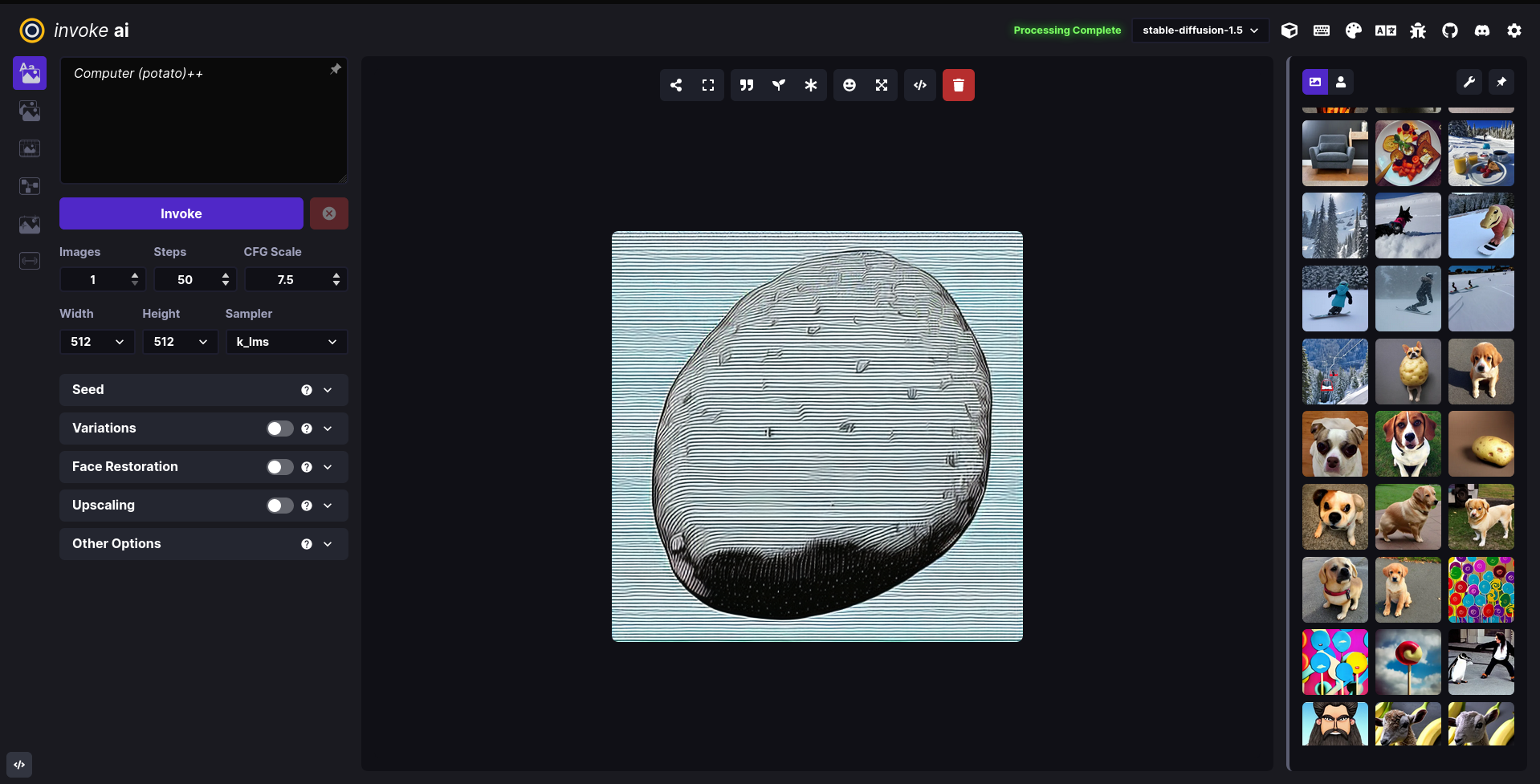
## [InvokeAI](https://github.com/invoke-ai/InvokeAI) ( A Stable Diffusion WebUI )
(warning: unmaintained - you have to use the last working commit in order to use it)
- `nix run github:nixified-ai/flake/2aeb76f52f72c7a242f20e9bc47cfaa2ed65915d#invokeai-amd`
- `nix run github:nixified-ai/flake/2aeb76f52f72c7a242f20e9bc47cfaa2ed65915d#invokeai-nvidia`
## [textgen](https://github.com/oobabooga/text-generation-webui) ( Also called text-generation-webui: A WebUI for LLMs and LoRA training )
(warning: unmaintained - you have to use the last working commit in order to use it)
- `github:nixified-ai/flake/2aeb76f52f72c7a242f20e9bc47cfaa2ed65915d .#textgen-amd`
- `github:nixified-ai/flake/2aeb76f52f72c7a242f20e9bc47cfaa2ed65915d .#textgen-nvidia`

## Enable binary cache
To make the binary substitution work and save you some time building packages, you need to tell nix to trust nixified-ai's binary cache.
On nixos you can do that by adding these 2 lines to `/etc/nixos/configuration.nix` and rebuilding your system:
nix.settings.trusted-substituters = ["https://ai.cachix.org"];
nix.settings.trusted-public-keys = ["ai.cachix.org-1:N9dzRK+alWwoKXQlnn0H6aUx0lU/mspIoz8hMvGvbbc="];
If you are on another distro, just add these two lines to `/etc/nix/nix.conf`. In fact the line `trusted-public-keys = ...` should already be there and you only need to append the key for ai.cachix.org.
trusted-substituters = https://ai.cachix.org
trusted-public-keys = cache.nixos.org-1:6NCHdD59X431o0gWypbMrAURkbJ16ZPMQFGspcDShjY= ai.cachix.org-1:N9dzRK+alWwoKXQlnn0H6aUx0lU/mspIoz8hMvGvbbc=