https://github.com/nordtheme/notepadplusplus
An arctic, north-bluish clean and elegant Notepad++ theme.
https://github.com/nordtheme/notepadplusplus
color-scheme color-theme colorscheme nord notepadplusplus syntax syntax-highlighting
Last synced: 6 months ago
JSON representation
An arctic, north-bluish clean and elegant Notepad++ theme.
- Host: GitHub
- URL: https://github.com/nordtheme/notepadplusplus
- Owner: nordtheme
- License: mit
- Created: 2016-12-14T20:24:32.000Z (over 9 years ago)
- Default Branch: develop
- Last Pushed: 2023-05-03T20:38:09.000Z (about 3 years ago)
- Last Synced: 2025-06-26T20:16:47.275Z (about 1 year ago)
- Topics: color-scheme, color-theme, colorscheme, nord, notepadplusplus, syntax, syntax-highlighting
- Language: JavaScript
- Homepage: https://www.nordtheme.com/ports/notepadplusplus
- Size: 1.61 MB
- Stars: 145
- Watchers: 6
- Forks: 55
- Open Issues: 9
-
Metadata Files:
- Readme: readme.md
- Changelog: changelog.md
- License: license
- Codeowners: .github/codeowners
Awesome Lists containing this project
README
![]()






An arctic, north-bluish clean and elegant Notepad++ color theme.
Designed for a fluent and clear workflow based on the Nord color palette.
## Getting started
### Installation
#### Manual
Copy the [`nord.xml`](https://github.com/nordtheme/notepadplusplus/tree/develop/src/xml/nord.xml) file into the `theme` directory located in the install directory of Notepad++.
The default path is `%AppData%\notepad++\themes` unless the _Don't use %APPDATA%_ option was set during setup. In this case, the default path would be `C:\ProgramFiles\Notepad++\themes` or `C:\Program Files(x86)\Notepad++\themes` depending on your OS architecture type.
### Activation
1. Restart Notepad++
2. Open the _Settings_ menu and select _Style Configurator_
3. Select `nord` from the theme drop-down box
4. Apply the change with the _Save & Close_ button
## Languages
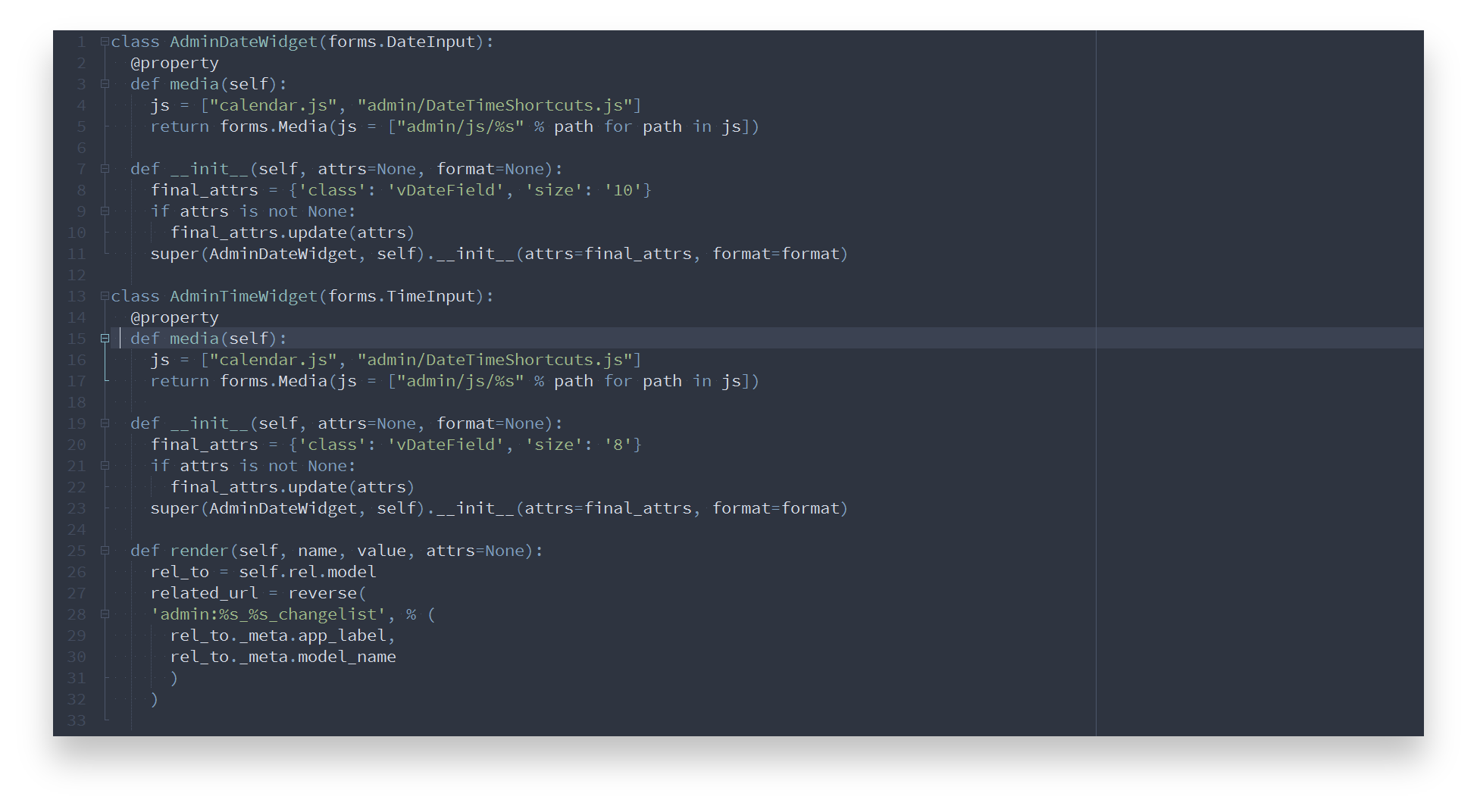
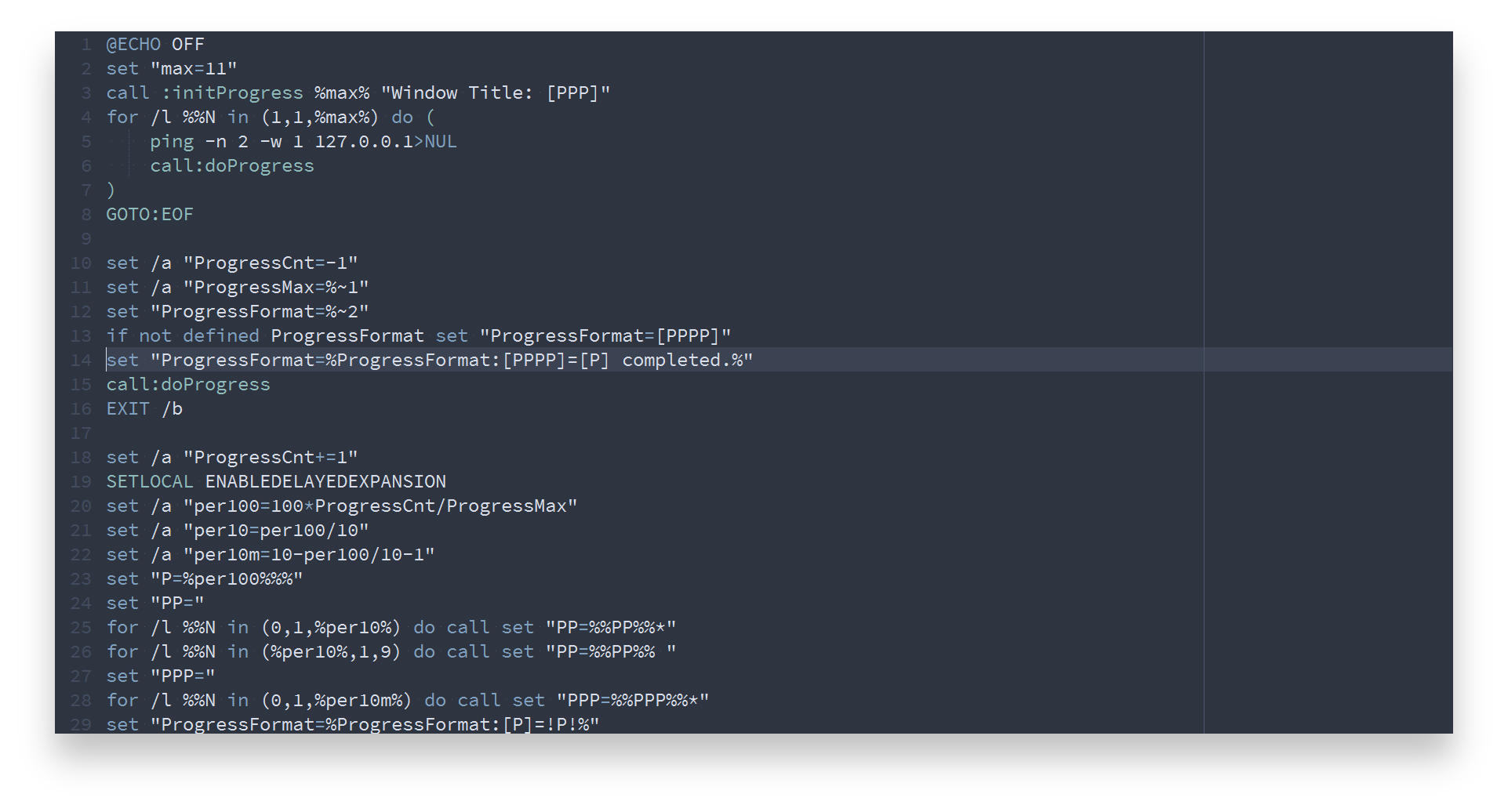
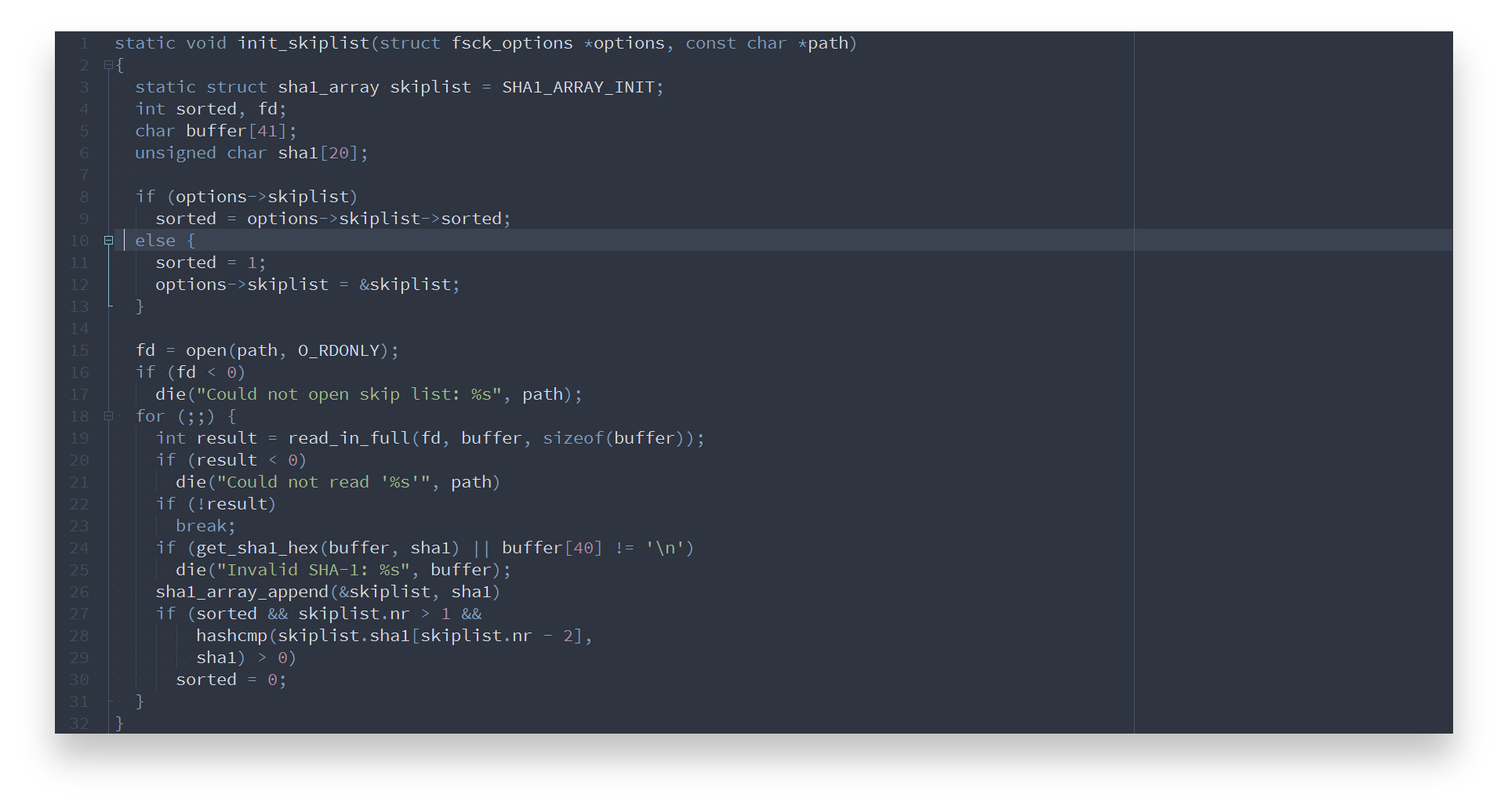
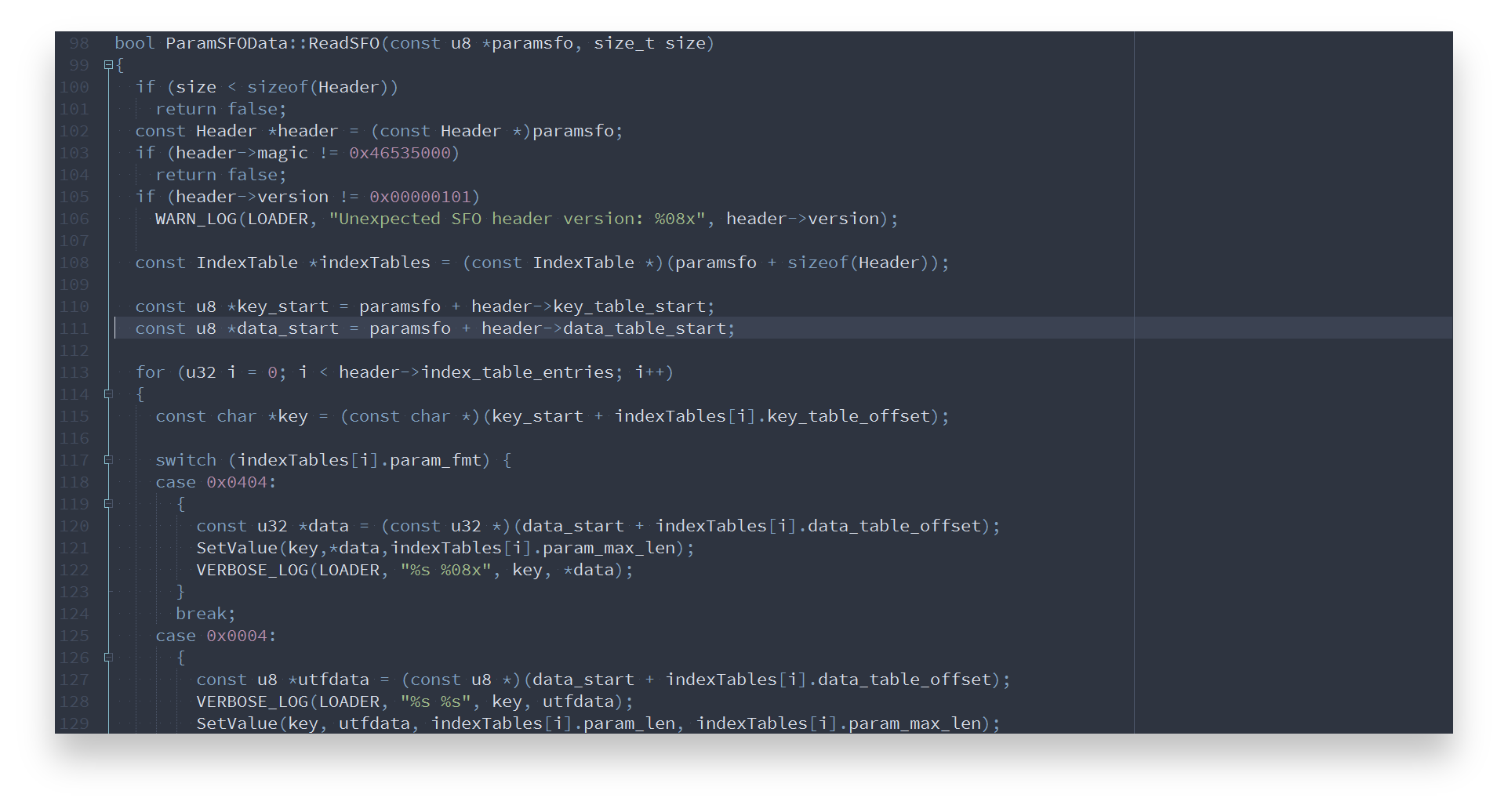
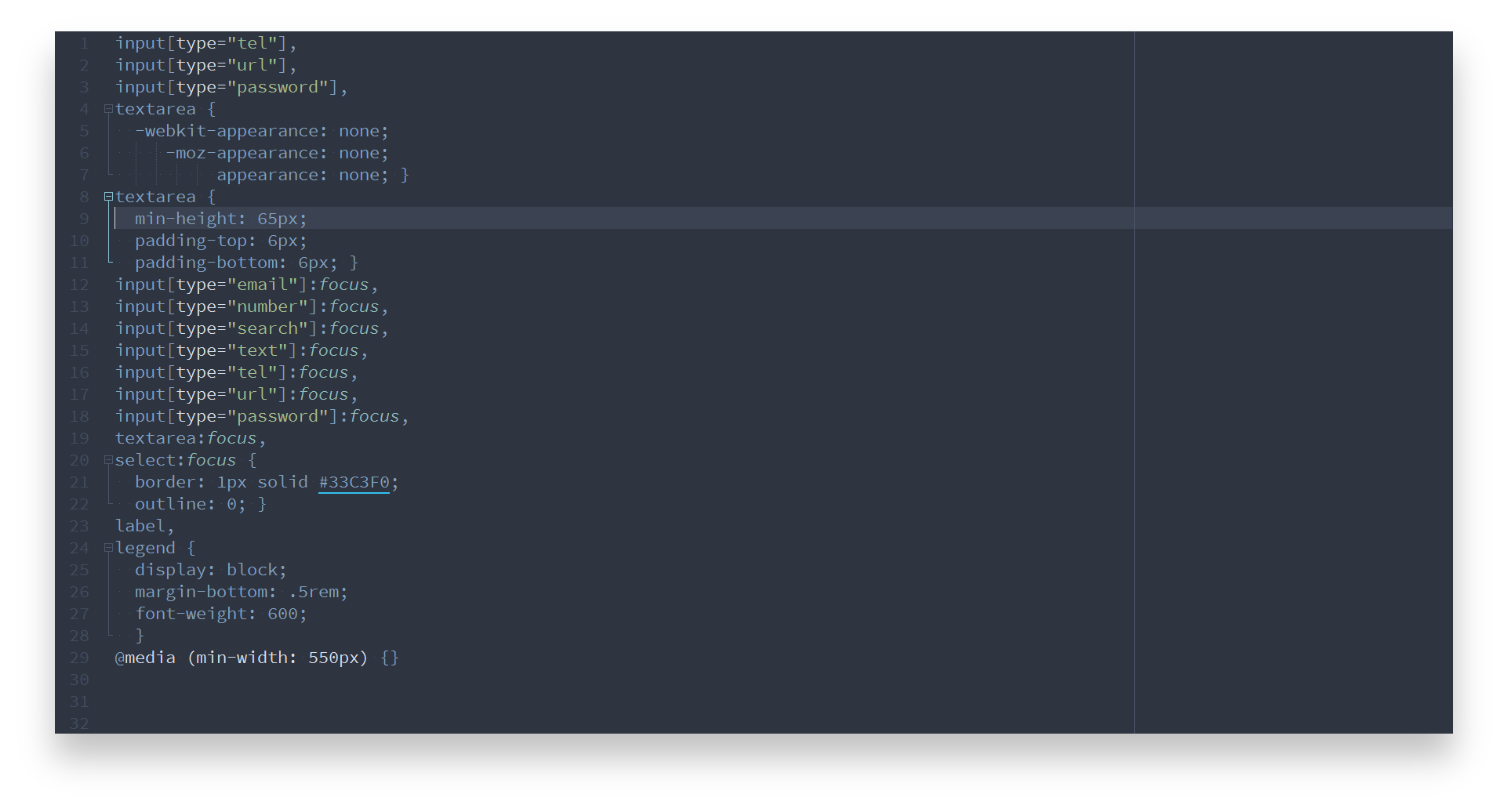
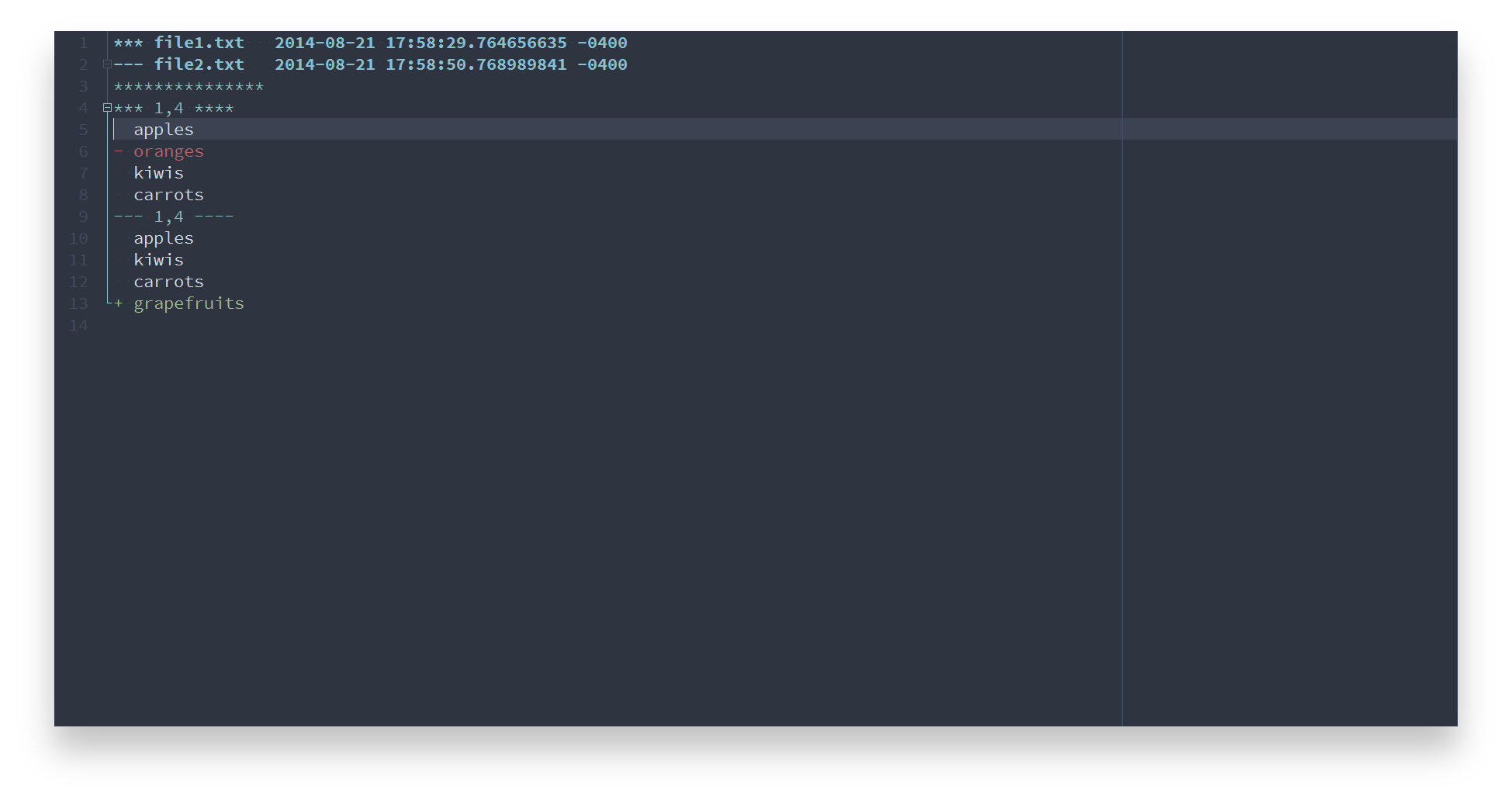
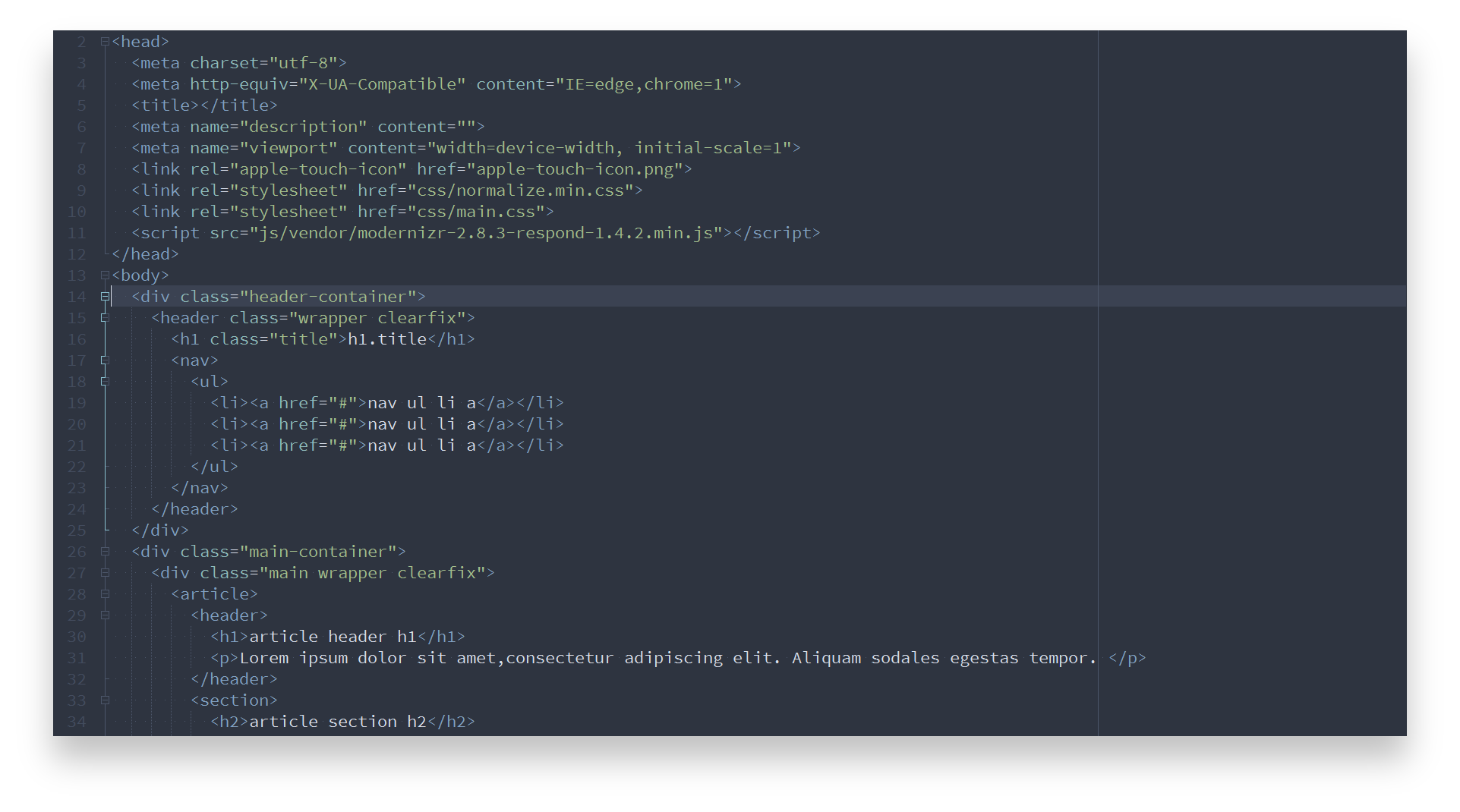
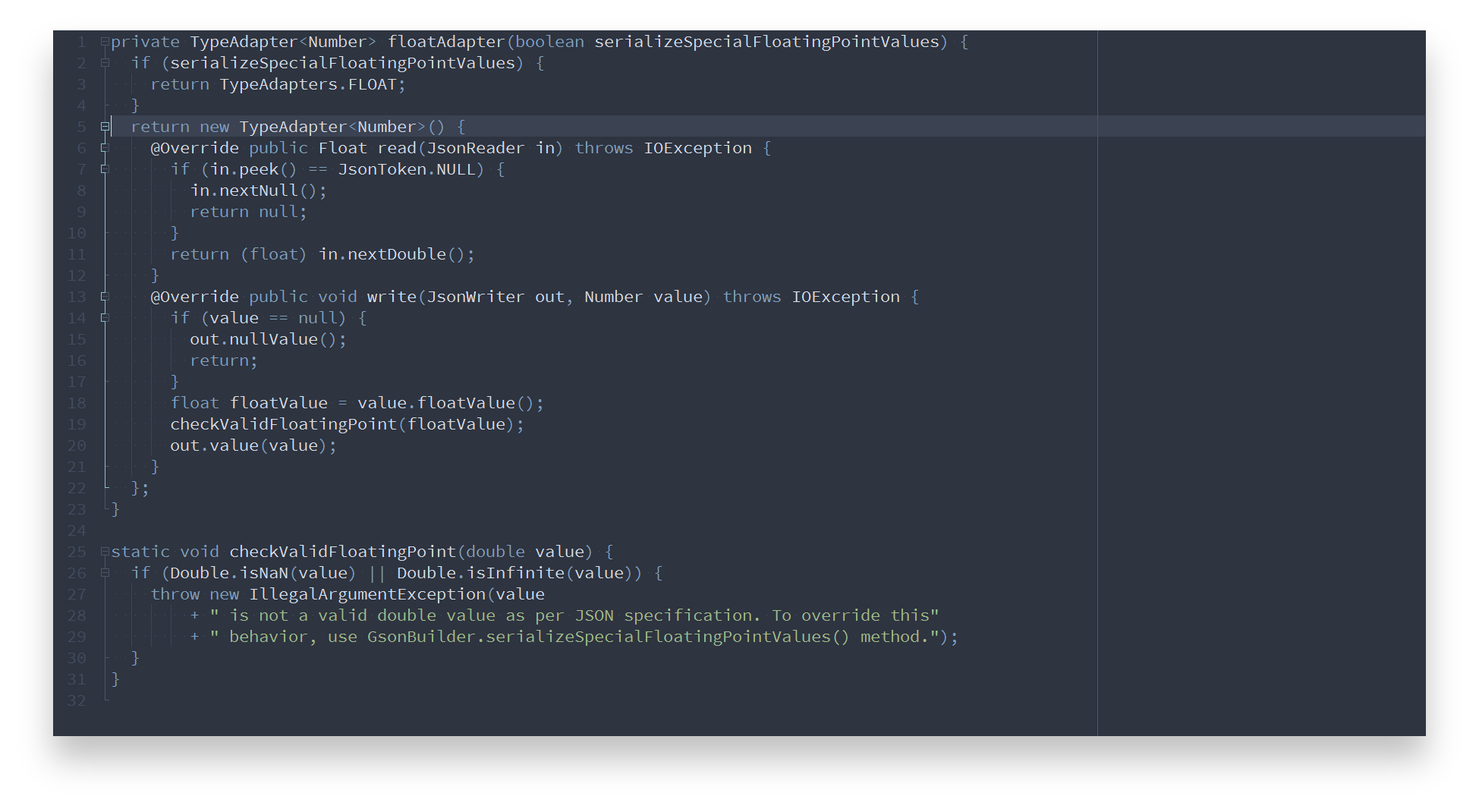
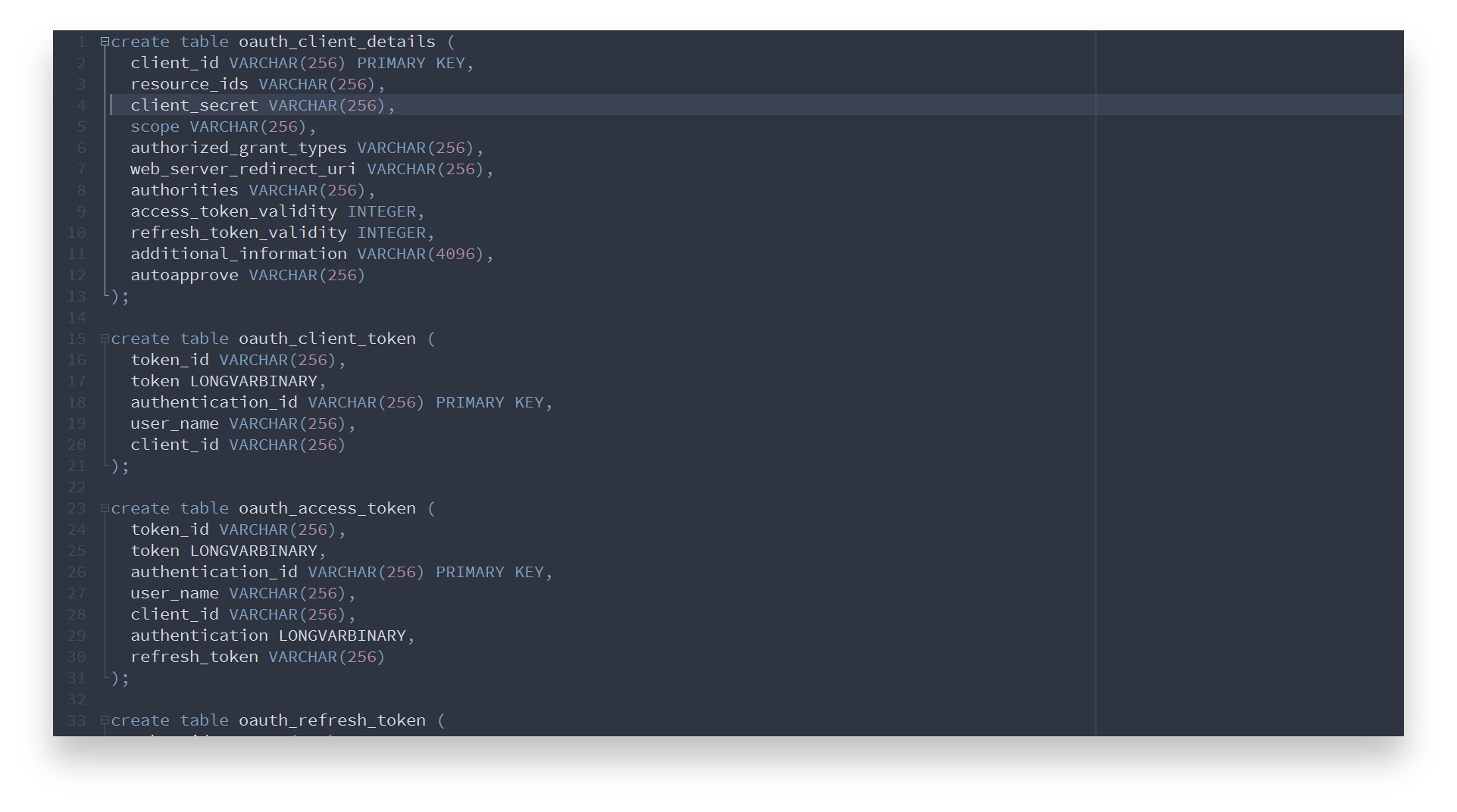
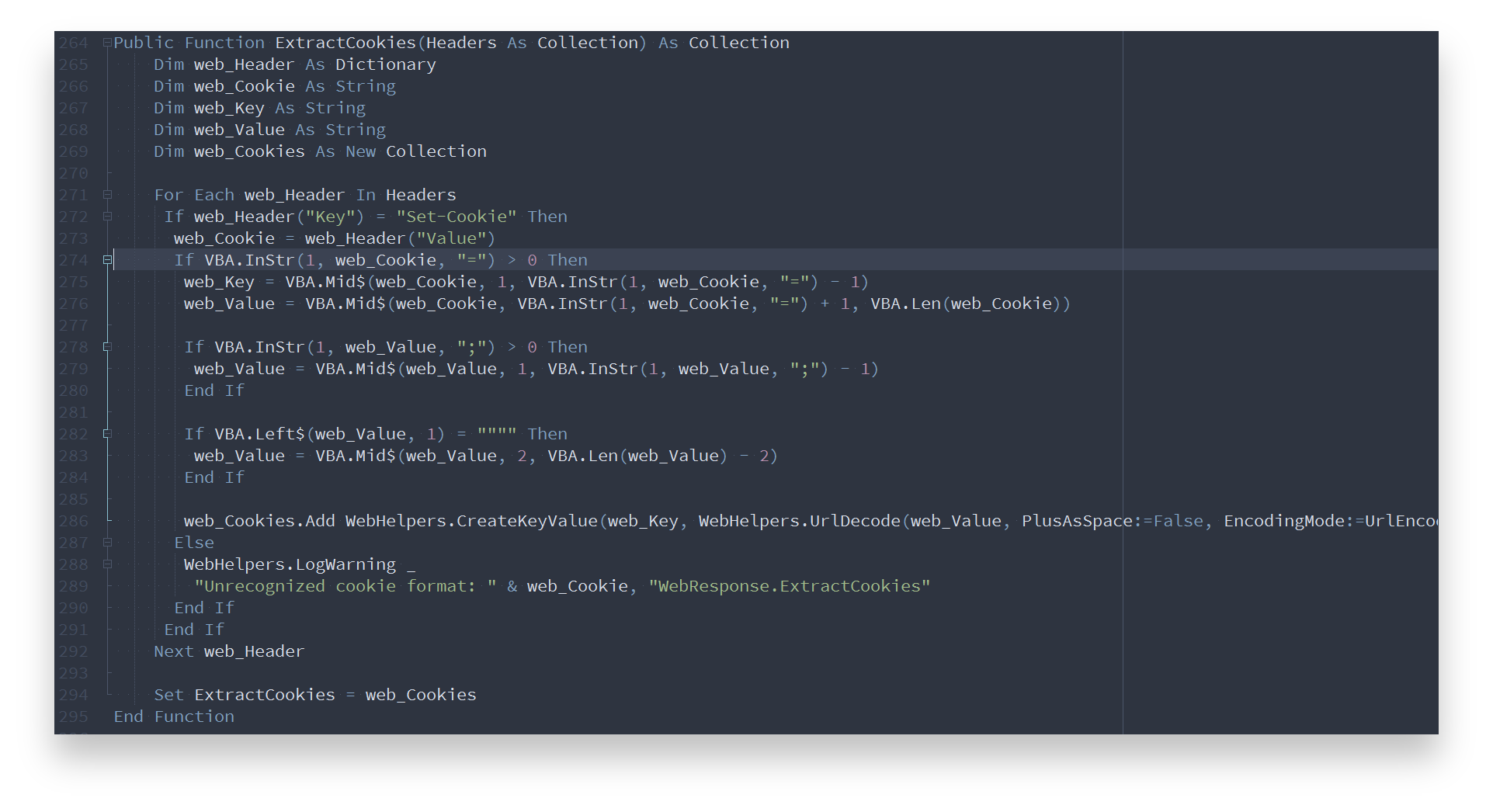
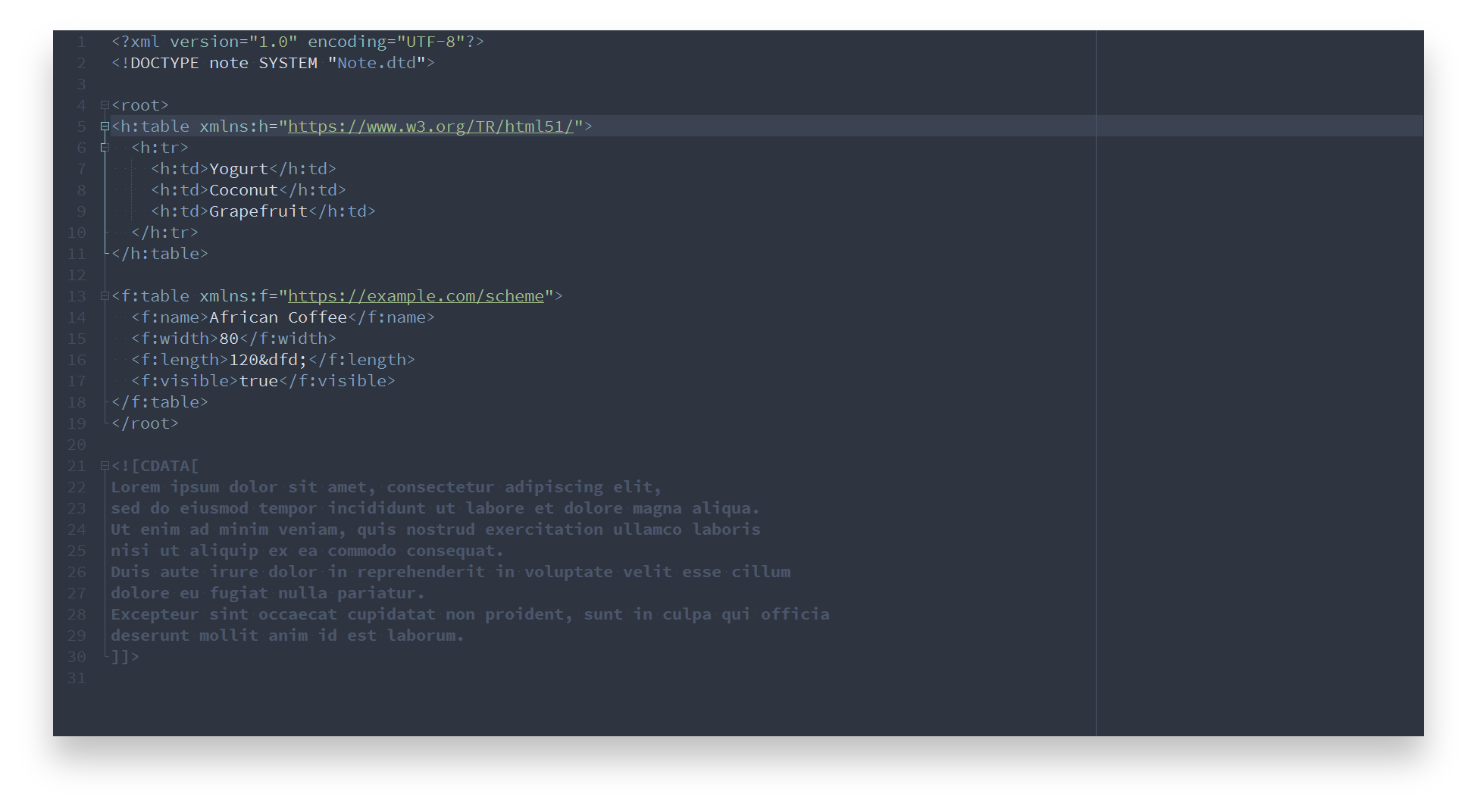
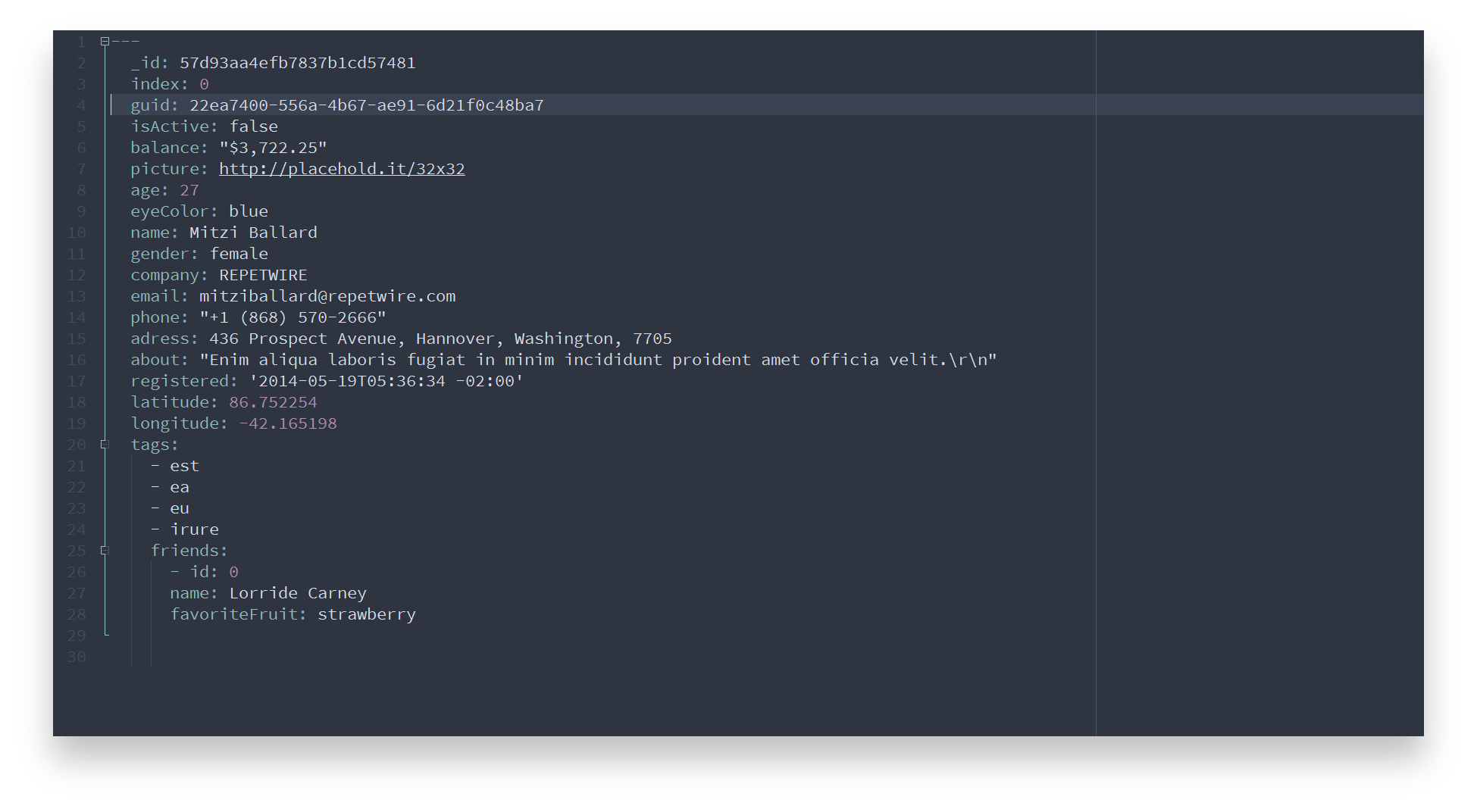
Nord Notepad++ contains optimized styles to achieve a consistent and uniform coloring across languages.
Batch
C
C++
CSS
diff
HTML
Java
JavaScript
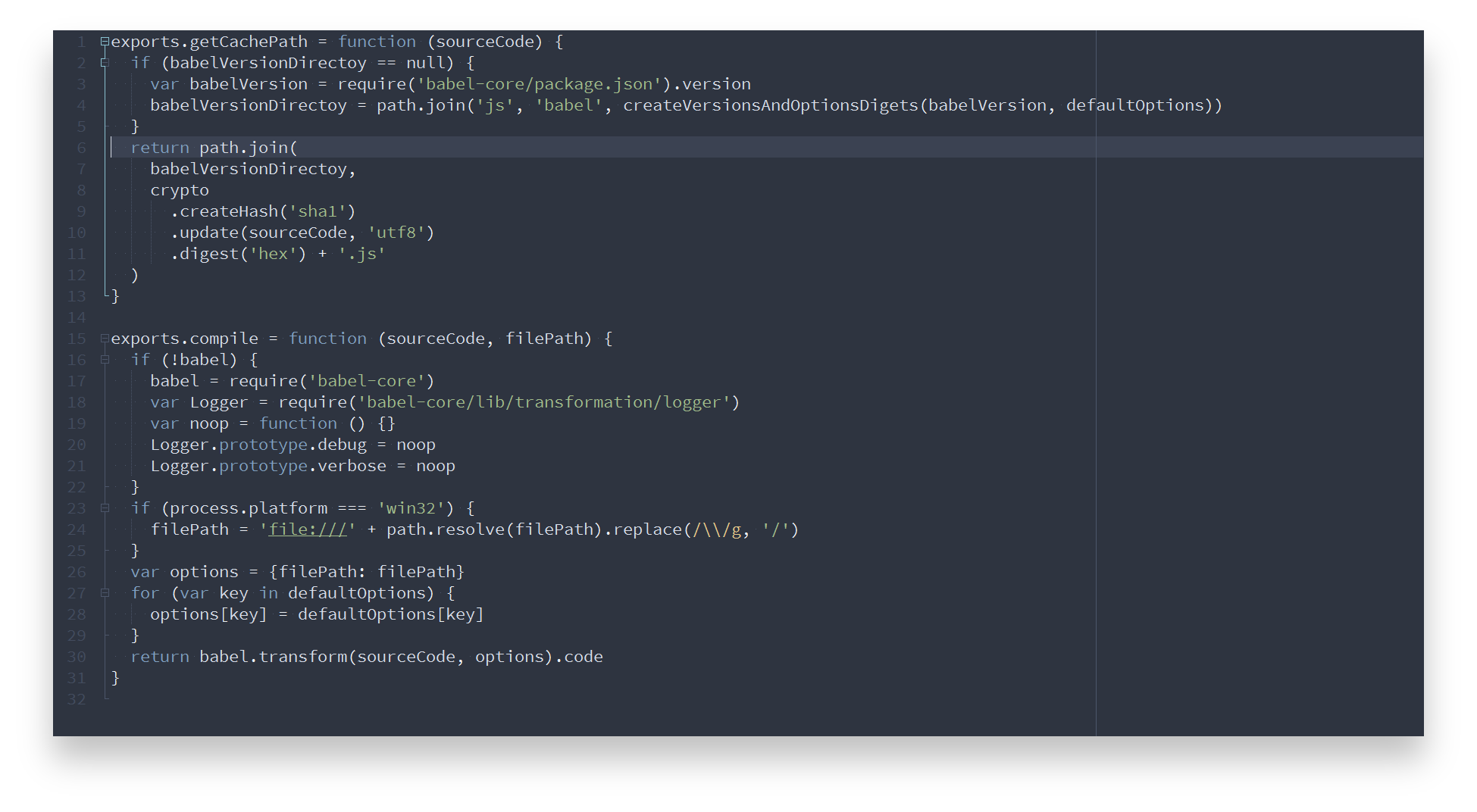
PHP
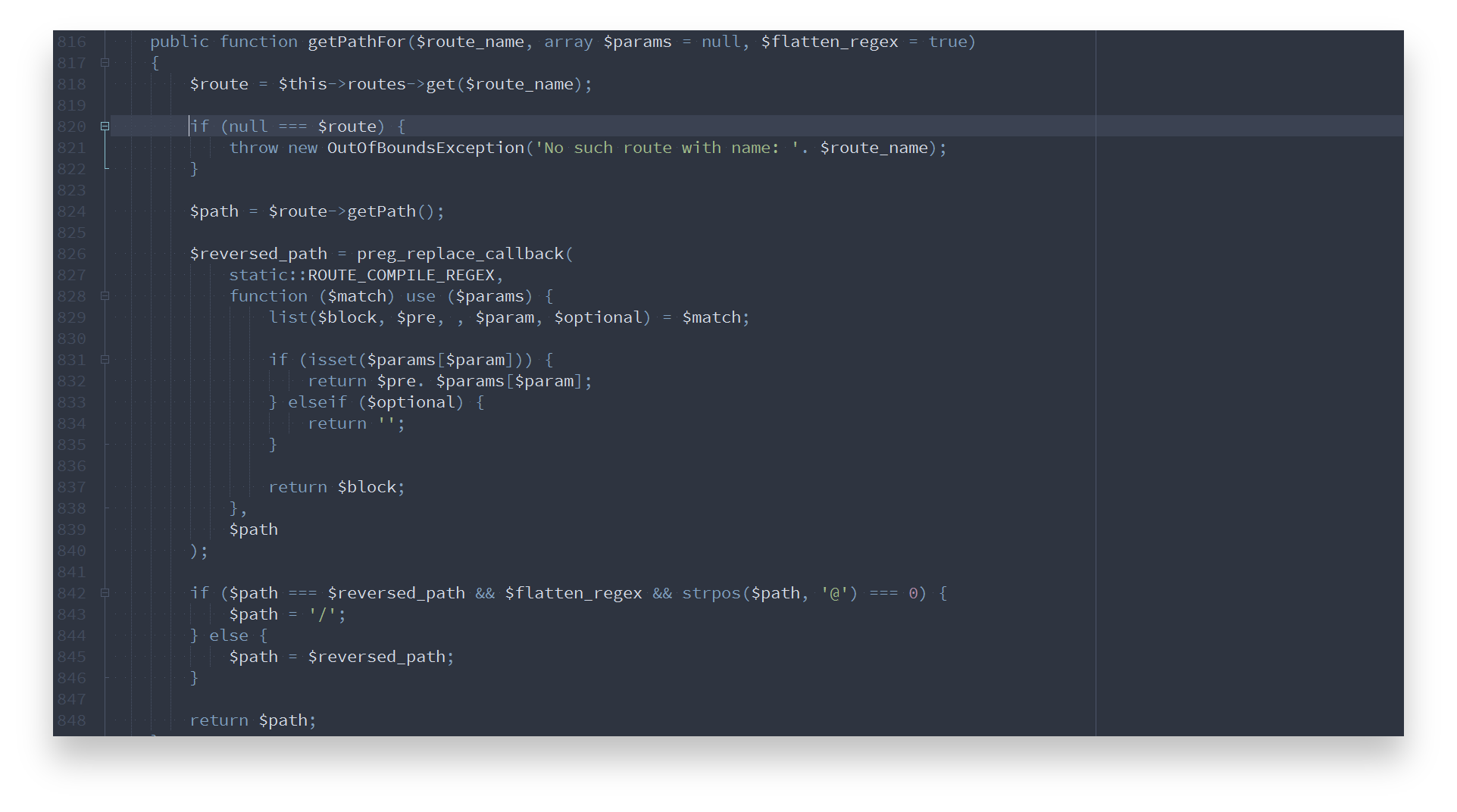
Python
Ruby
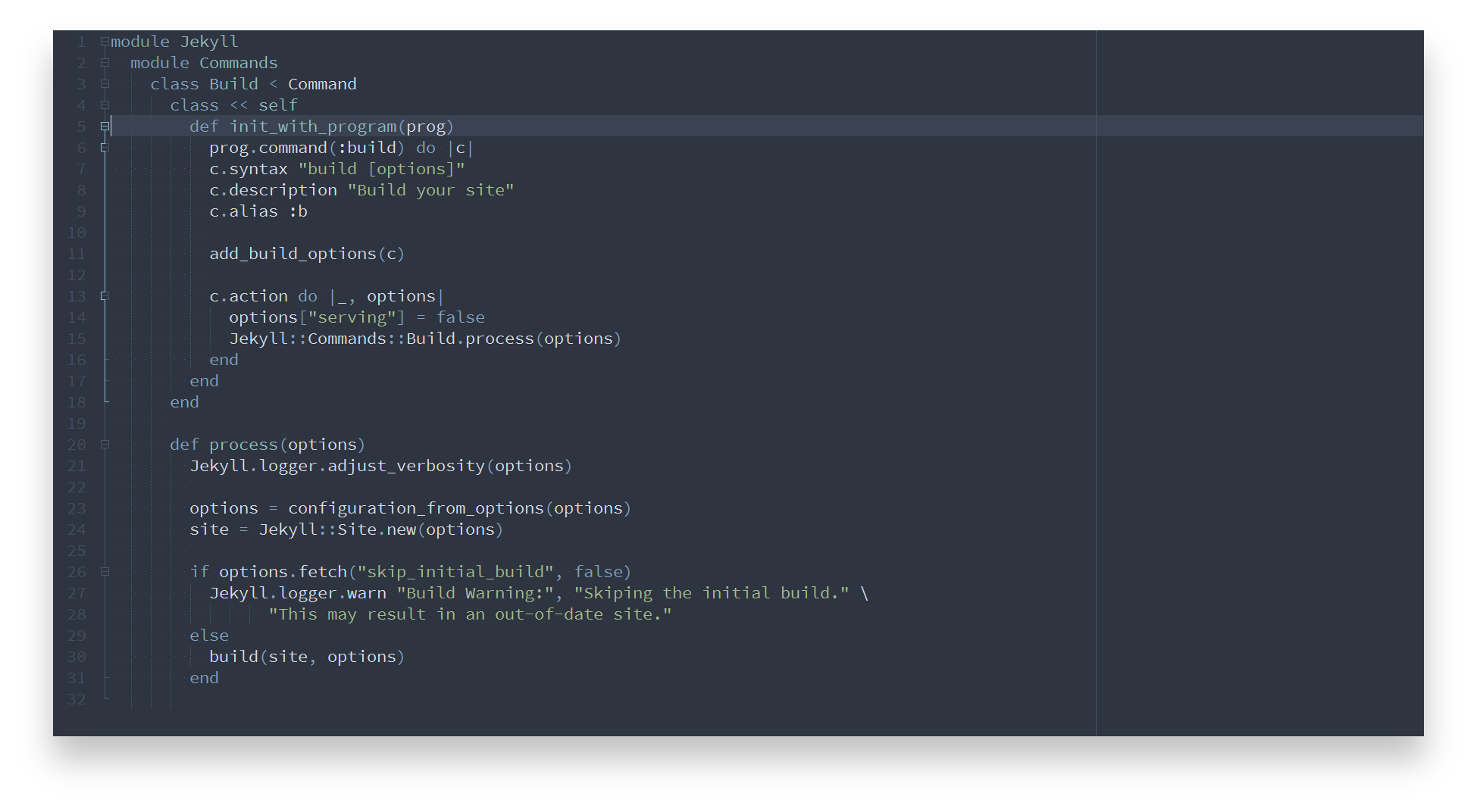
Shell
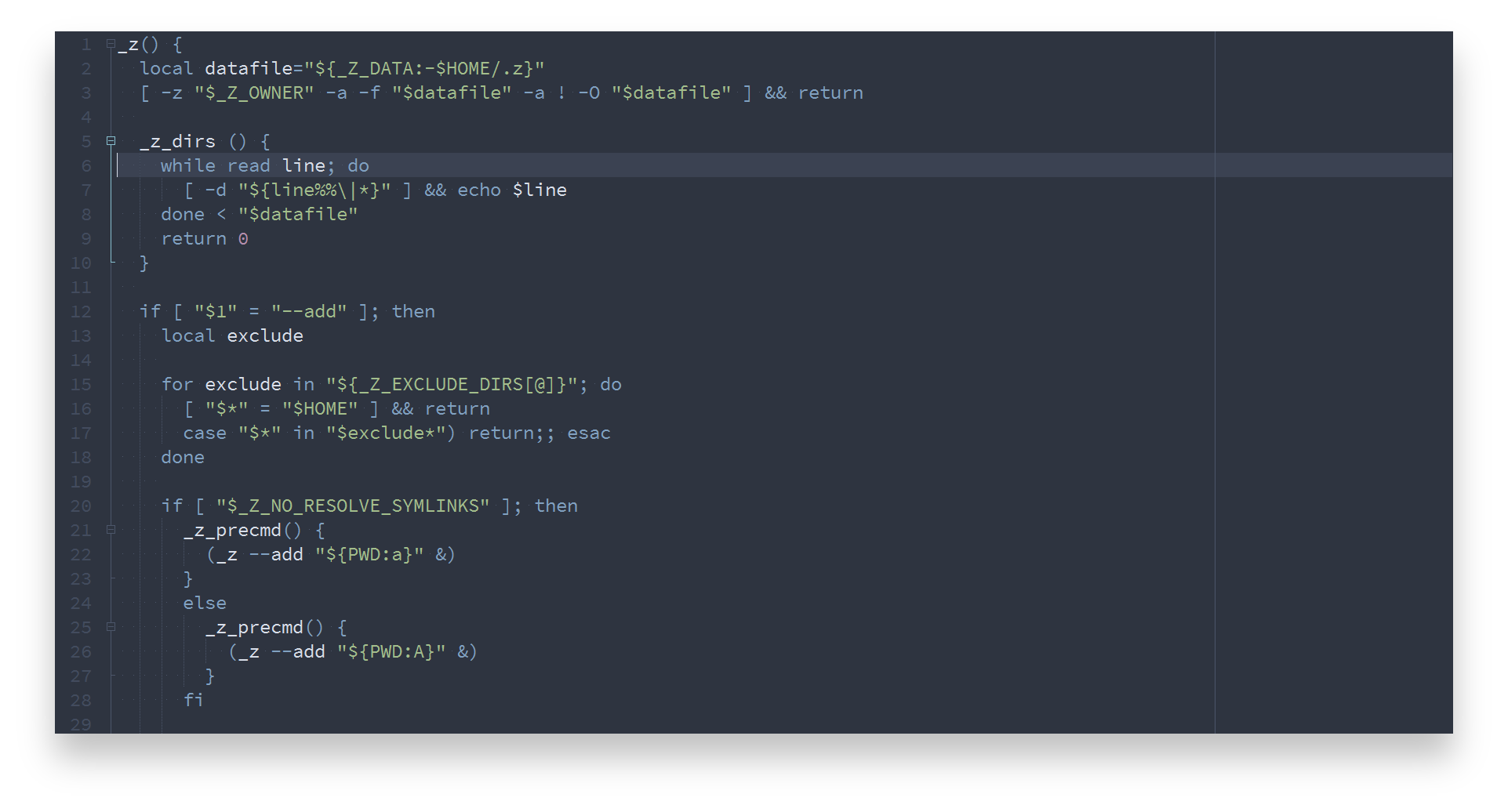
SQL
VB
XML
YAML
### Contribution
Please report issues/bugs, feature requests and suggestions for improvements to the [issue tracker](https://github.com/nordtheme/notepadplusplus/issues).

Copyright © 2016-present Sven Greb

