https://github.com/nucliweb/webperf-snippets-extension
https://github.com/nucliweb/webperf-snippets-extension
Last synced: 9 months ago
JSON representation
- Host: GitHub
- URL: https://github.com/nucliweb/webperf-snippets-extension
- Owner: nucliweb
- License: mit
- Created: 2023-03-22T22:53:45.000Z (about 3 years ago)
- Default Branch: main
- Last Pushed: 2023-06-19T06:07:25.000Z (almost 3 years ago)
- Last Synced: 2025-01-16T21:16:47.587Z (over 1 year ago)
- Language: TypeScript
- Size: 406 KB
- Stars: 1
- Watchers: 2
- Forks: 0
- Open Issues: 5
-
Metadata Files:
- Readme: README.md
- License: LICENSE
Awesome Lists containing this project
README

Chrome Extension Boilerplate with
React + Vite + TypeScript


> This project is listed in the [Awesome Vite](https://github.com/vitejs/awesome-vite)
## Table of Contents
- [Intro](#intro)
- [Features](#features)
- [Installation](#installation)
- [Procedures](#procedures)
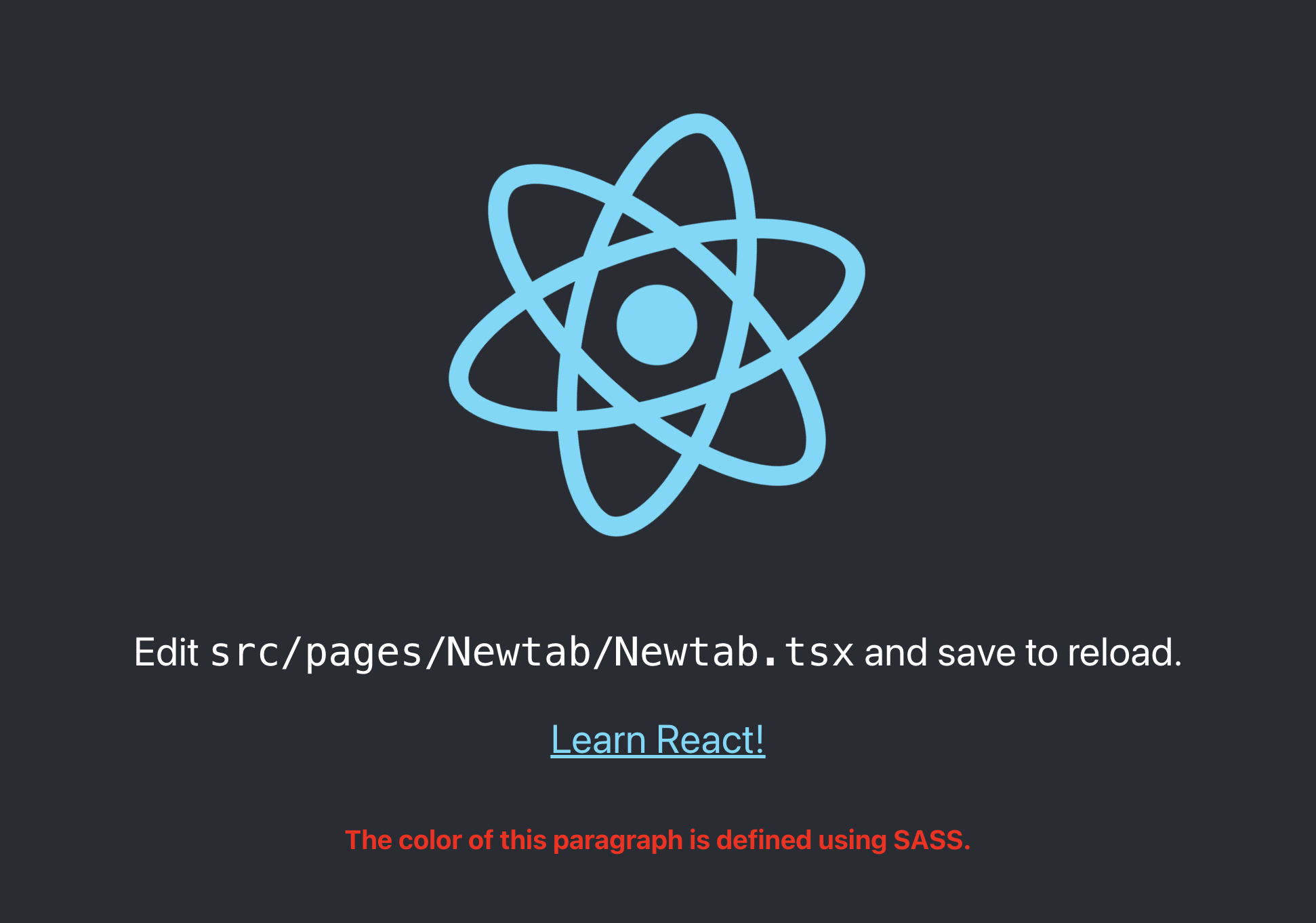
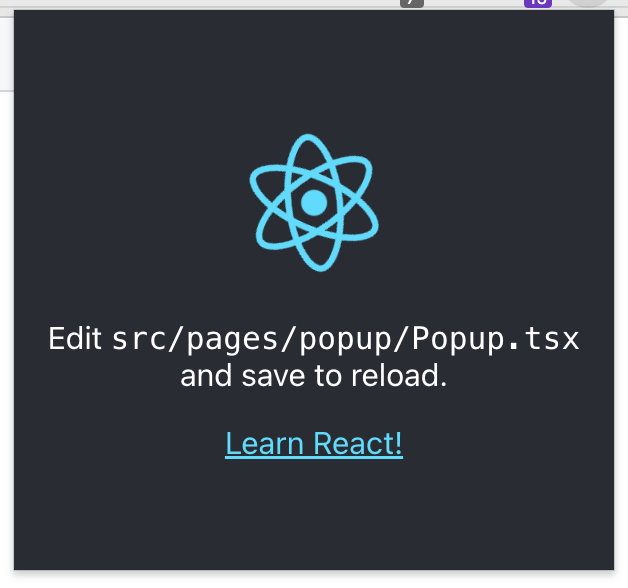
- [Screenshots](#screenshots)
- [NewTab](#newtab)
- [Popup](#popup)
- [Documents](#documents)
## Intro
This boilerplate is made for creating chrome extensions using React and Typescript.
> The focus was on improving the build speed and development experience with Vite.
## Features
- [React 18](https://reactjs.org/)
- [TypeScript](https://www.typescriptlang.org/)
- [Jest](https://jestjs.io/)
- [React Testing Library](https://testing-library.com/docs/react-testing-library/intro/)
- [Vite](https://vitejs.dev/)
- [SASS](https://sass-lang.com/)
- [ESLint](https://eslint.org/)
- [Prettier](https://prettier.io/)
- [Chrome Extension Manifest Version 3](https://developer.chrome.com/docs/extensions/mv3/intro/)
- HRR(Hot Rebuild & Refresh/Reload)
### Procedures
1. Clone this repository.
2. Change `name` and `description` in package.json => **Auto synchronize with manifest**
3. Run `yarn install` or `npm i` (check your node version >= 16.6, recommended >= 18)
4. Run `yarn dev` or `npm run dev`
5. Load Extension on Chrome
1. Open - Chrome browser
2. Access - chrome://extensions
3. Check - Developer mode
4. Find - Load unpacked extension
5. Select - `dist` folder in this project (after dev or build)
6. If you want to build in production, Just run `yarn build` or `npm run build`.
## Documents
- [Vite Plugin](https://vitejs.dev/guide/api-plugin.html)
- [ChromeExtension](https://developer.chrome.com/docs/extensions/mv3/)
- [Rollup](https://rollupjs.org/guide/en/)
- [Rollup-plugin-chrome-extension](https://www.extend-chrome.dev/rollup-plugin)
---
## Thanks To
| [Jetbrains](https://jb.gg/OpenSourceSupport) | [Jackson Hong](https://www.linkedin.com/in/j-acks0n/) |
|--------------------------------------------------------------------------------------------------------------------------------------------|--------------------------------------------------------------------------------------------------|
|  |
|  |
|
---
[Jonghakseo](https://nookpi.tistory.com/)