https://github.com/nukdokplex/tssp-nix
turing-smart-screen-python by mathoudebine on NixOS (linux only)
https://github.com/nukdokplex/tssp-nix
nix nix-flake nixos-module nixpkgs python turing-smart-screen
Last synced: 9 months ago
JSON representation
turing-smart-screen-python by mathoudebine on NixOS (linux only)
- Host: GitHub
- URL: https://github.com/nukdokplex/tssp-nix
- Owner: nukdokplex
- License: gpl-3.0
- Created: 2025-02-24T17:08:50.000Z (over 1 year ago)
- Default Branch: master
- Last Pushed: 2025-05-12T20:59:51.000Z (about 1 year ago)
- Last Synced: 2025-05-30T07:46:14.965Z (about 1 year ago)
- Topics: nix, nix-flake, nixos-module, nixpkgs, python, turing-smart-screen
- Language: Nix
- Homepage:
- Size: 38.1 KB
- Stars: 1
- Watchers: 1
- Forks: 0
- Open Issues: 0
-
Metadata Files:
- Readme: README.md
- License: LICENSE
Awesome Lists containing this project
README
# tssp-nix
turing-smart-screen-python by mathoudebine Nix package + NixOS module
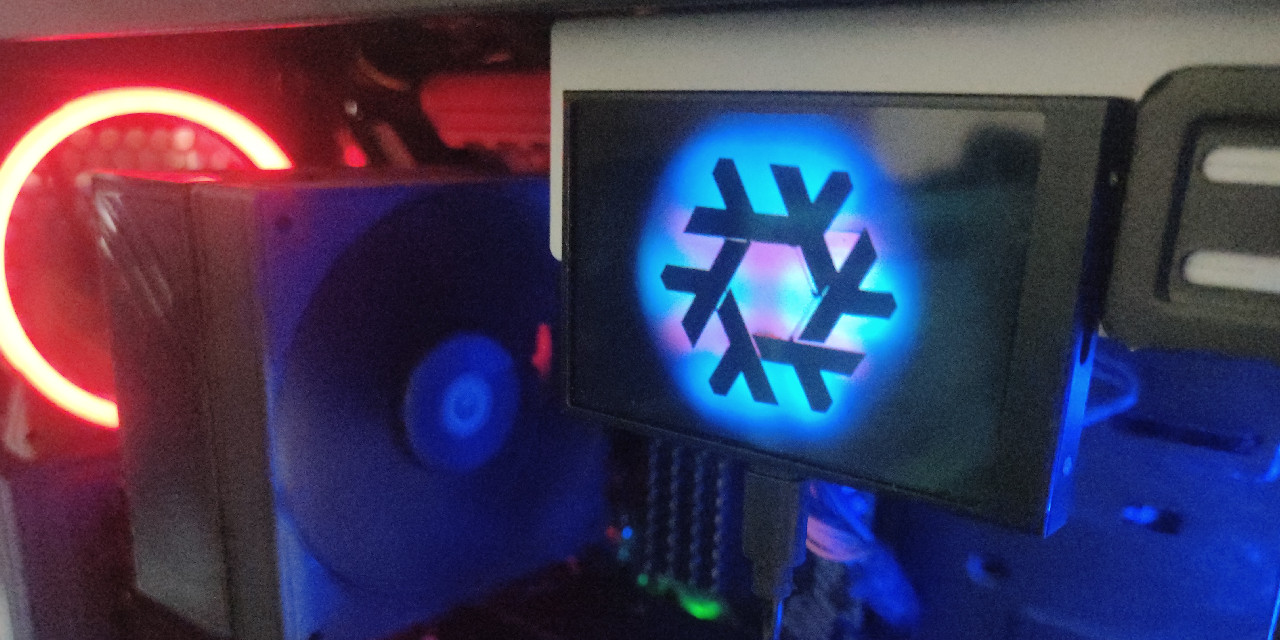
## Warning
This project have no support for macOS because I don't have any device with that OS. If you have [supported screen](https://github.com/mathoudebine/turing-smart-screen-python?tab=readme-ov-file#-supported-smart-screens-models) and device running macOS you can help this project with PR implementing darwin module and became maintainer.
## Installation
### With flakes
Just add `tssp-nix` to your flake's inputs and import NixOS module.
```nix
{
description = "My NixOS flake";
inputs = {
nixpkgs.url = "github:NixOS/nixpkgs/nixos-unstable";
tssp = {
url = "github:nukdokplex/tssp-nix";
inputs.nixpkgs.follows = "nixpkgs";
inputs.git-hooks-nix.follows = "";
};
};
outputs =
{ nixpkgs, tssp, ... }:
{
nixosConfigurations."«hostname»" = nixpkgs.lib.nixosSystem {
system = "x86_64-linux";
modules = [
tssp.nixosModules.default
./configuration.nix
];
};
};
}
```
### Without flakes
Somewhere in you host configuration:
```nix
let
tssp = pkgs.fetchFromGitHub {
owner = "nukdokplex";
repo = "tssp-nix";
rev = "...";
sha256 = "...";
};
in
{
imports = [ (import tssp).nixosModules.default ];
}
```
Note: tssp-nix is using flake-compat.
## Usage
Here is example configuration:
```nix
services.turing-smart-screen-python = {
enable = true;
fonts = with pkgs.tsspPackages.resources.fonts; [
geforce
generale-mono
jetbrains-mono
racespace
roboto
roboto-mono
];
themes = with pkgs.tsspPackages.resources.themes; [
LandscapeEarth
Landscape6Grid
];
settings = {
config = {
COM_PORT = "AUTO";
THEME = "Landscape6Grid";
HW_SENSORS = "PYTHON";
ETH = "enp42s0";
WLO = "enp5s0";
CPU_FAN = "AUTO";
};
display = {
REVISION = "A";
BRIGHTNESS = 20;
DISPLAY_REVERSE = false;
};
};
};
```