https://github.com/nulldev/dpro
:bar_chart: dPro Analytics and Statistics
https://github.com/nulldev/dpro
analytics bulme dpro htl htl-bulme nulldev statistics
Last synced: 4 months ago
JSON representation
:bar_chart: dPro Analytics and Statistics
- Host: GitHub
- URL: https://github.com/nulldev/dpro
- Owner: NullDev
- License: apache-2.0
- Created: 2018-01-11T13:22:39.000Z (over 8 years ago)
- Default Branch: master
- Last Pushed: 2021-01-18T10:56:51.000Z (over 5 years ago)
- Last Synced: 2026-02-14T05:06:38.785Z (6 months ago)
- Topics: analytics, bulme, dpro, htl, htl-bulme, nulldev, statistics
- Language: JavaScript
- Homepage: https://dpro.at/
- Size: 900 KB
- Stars: 1
- Watchers: 0
- Forks: 0
- Open Issues: 0
-
Metadata Files:
- Readme: README.md
- License: LICENSE
Awesome Lists containing this project
README
# dPro

:bar_chart: dPro Analytics and Statistics
## :information_source: About
This is/was a school project for the [HTL Bulme](http://bulme.at) where a water bottle with logging functionality was built.
The repository here includes the code for the software which reads out the data of the bottle.
**Website:** [https://dpro.at/](https://dpro.at/)
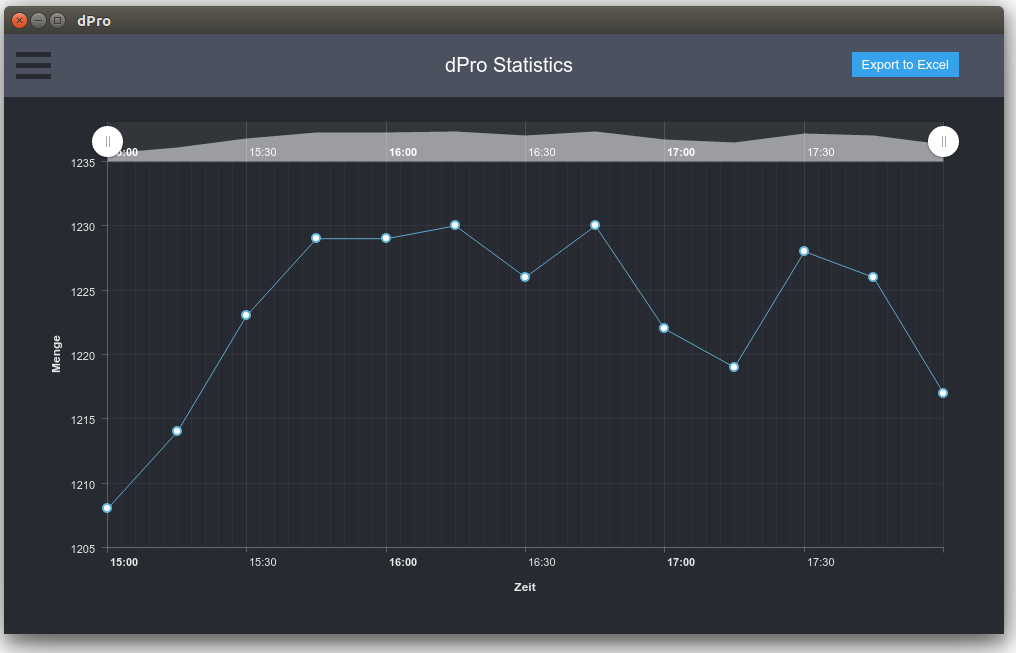
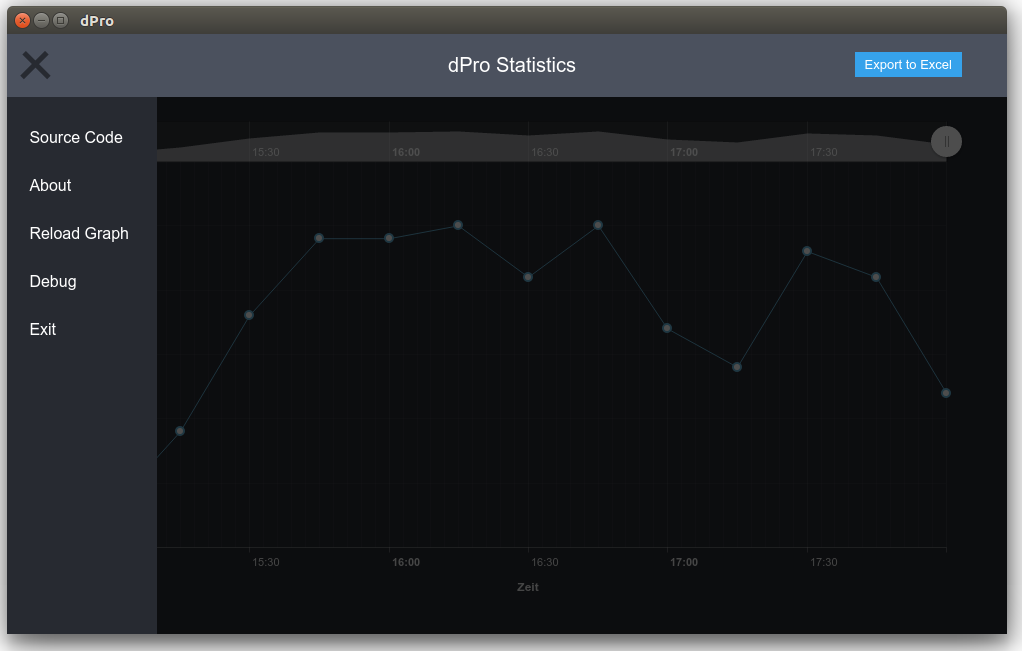
## :camera: Screenhots
## :bulb: Usage
**No** deployment version yet and you need [electron](https://electronjs.org/) installed.
0. Open up your terminal (and navigate somewhere you want to download the repository to)
1. Make sure you have nodejs installed. Test by entering
$ `node -v`
If this returns a version number, NodeJS is installed. **If not**, get NodeJS [here](https://nodejs.org/en/download/package-manager/).
2. Make sure electron is installed
$ `electron -v`
If this returns a version number, Electron is installed. **If not**, get it by typing
$ `sudo npm install -g electron`
3. Clone the repository and navigate to it. You can either download it [here](https://github.com/NullDev/dPro/archive/master.zip) or if you have Git installed, type
$ `git clone https://github.com/NullDev/dPro.git && cd dPro`
4. Install all dependencies
$ `npm install`
5. Wait for it to finish. After installation is done, run the programm with
$ `npm start`
6. (Optional): To enable debugging mode and skip the splash screen type
$ `npm test`
## :wrench: CLI Arguments
The script takes sever CommandLine Arguments
| Argument | Alias | Function |
| -------- | ----- | -------- |
| `--debug` | `-d` | Enables debugging features such as resizeable screen and "inspect elements". |
| `--skip-splash` | `-s` | Skips the splash screen and jumpts to the main window instantly. |
| `--low-res` | `-l` | Does not load some CSS definitions and animations. |
## :copyright: Copyright
`Copyright (c) NullDev`