https://github.com/nuno-vieira/xcode-theme-one-dusk
Xcode Theme - One Dusk (One Dark + Dusk) by Nuno Vieira
https://github.com/nuno-vieira/xcode-theme-one-dusk
xcode-theme
Last synced: 6 months ago
JSON representation
Xcode Theme - One Dusk (One Dark + Dusk) by Nuno Vieira
- Host: GitHub
- URL: https://github.com/nuno-vieira/xcode-theme-one-dusk
- Owner: nuno-vieira
- Created: 2016-02-10T16:49:42.000Z (over 10 years ago)
- Default Branch: master
- Last Pushed: 2016-07-28T09:37:47.000Z (almost 10 years ago)
- Last Synced: 2025-03-15T09:08:56.180Z (over 1 year ago)
- Topics: xcode-theme
- Homepage:
- Size: 567 KB
- Stars: 14
- Watchers: 1
- Forks: 3
- Open Issues: 0
-
Metadata Files:
- Readme: README.md
Awesome Lists containing this project
README
# Xcode Theme - **One Dusk** by Nuno Vieira
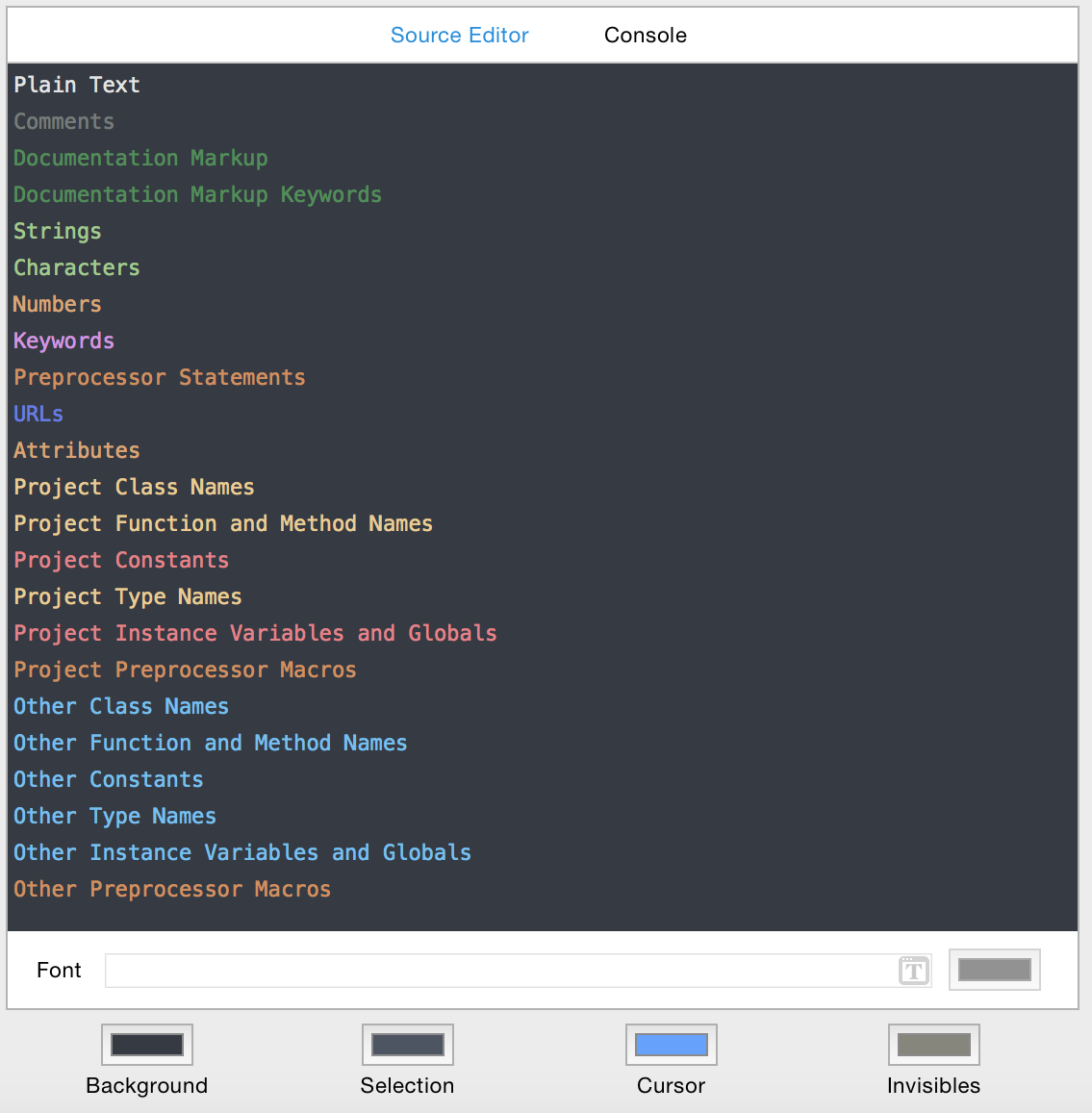
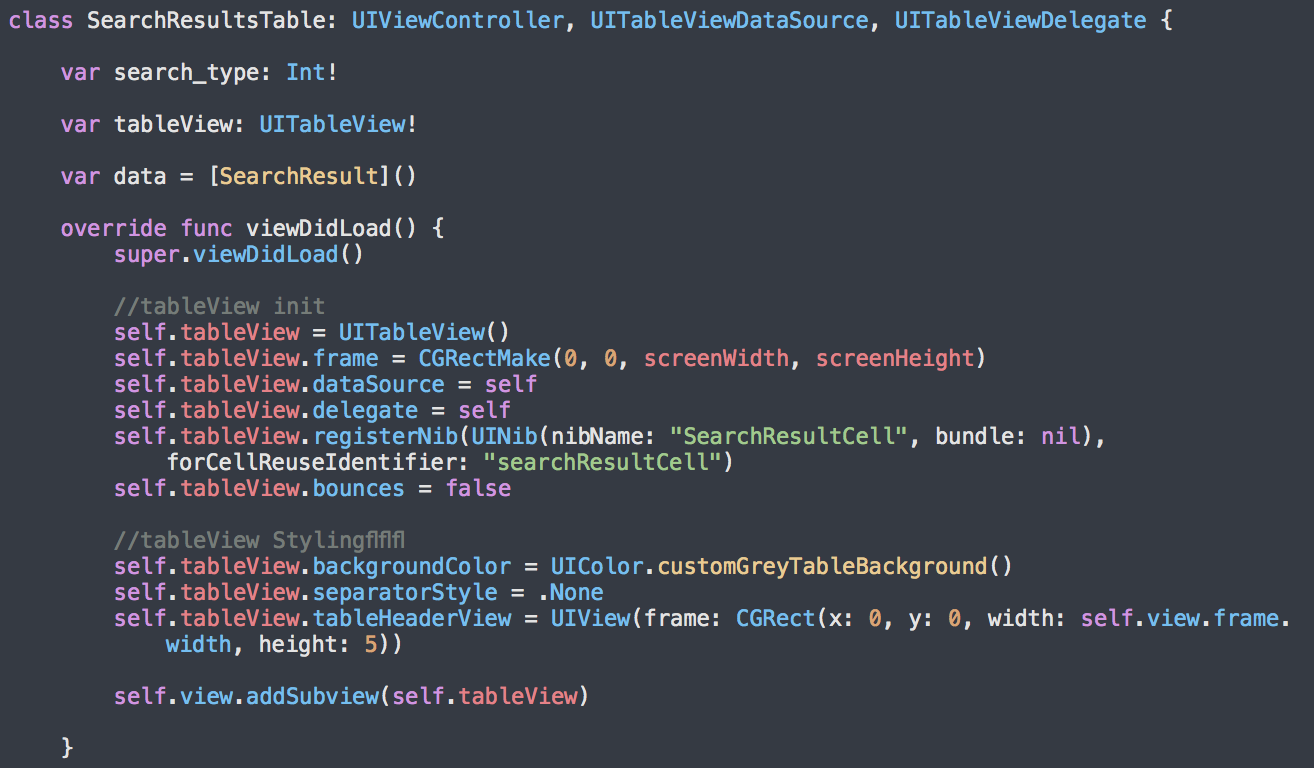
Decided to make a fusion of two themes, One Dark and Dusk. Basically it is a theme with One Dark Colors but with the Dusk idea of having different colors to distinguish iOS code from Custom code. In this case, all the **iOS** code has a blue color.
**One** Dark + **Dusk** = **One Dusk**
Hope you enjoy!
Screenshots
------------
Installation
------------
### Alcatraz - Xcode Package Manager
This theme is available on [Alcatraz](https://github.com/supermarin/Alcatraz).
Once you have Alcatraz installed, installing the theme is done in Xcode's menu `Window -> Package Manager`. Click on **Color Schemes** button, and search for "One Dusk" and click install. Then, restart Xcode.
### Manual Installation
Custom Color Schemes for Xcode are stored in the `~/Library/Developer/Xcode/UserData/FontAndColorThemes/` folder.
1. To open it, insert this lines into the terminal:
```
$ cd ~/Library/Developer/Xcode/UserData/FontAndColorThemes/
$ open .
```
2. Then put the `.dvtcolortheme` files to this folder
Special Thanks
------------
One Dark theme for Xcode: https://github.com/bojan/xcode-one-dark by **Bojan Dimovski**