https://github.com/nurmarvin/ableton-kick-tuner
Ableton Live Extension to easily pitch the tail of Hard Dance kicks to match the note progression of a MIDI clip.
https://github.com/nurmarvin/ableton-kick-tuner
ableton dance extension frenchcore hard hardcore hardstyle techno
Last synced: about 1 month ago
JSON representation
Ableton Live Extension to easily pitch the tail of Hard Dance kicks to match the note progression of a MIDI clip.
- Host: GitHub
- URL: https://github.com/nurmarvin/ableton-kick-tuner
- Owner: NurMarvin
- License: osl-3.0
- Created: 2026-06-02T19:31:29.000Z (about 2 months ago)
- Default Branch: mistress
- Last Pushed: 2026-06-02T20:02:16.000Z (about 2 months ago)
- Last Synced: 2026-06-19T03:20:19.689Z (about 1 month ago)
- Topics: ableton, dance, extension, frenchcore, hard, hardcore, hardstyle, techno
- Language: TypeScript
- Homepage:
- Size: 28.3 KB
- Stars: 0
- Watchers: 0
- Forks: 0
- Open Issues: 0
-
Metadata Files:
- Readme: README.md
- License: LICENSE
Awesome Lists containing this project
README
# Marvin's Kick Tuner for Ableton Live 12.5
Easily pitch the tail of your Hard Dance kicks to match the note progression of your bassline. It's basically as simple to use as Nimble Kick but you don't need anything more than Ableton Live 12.5. Additionally the pitched samples are directly in your arrangement view instead of in a separate plugin interface, so messing around with them is much more intuitive than bouncing it out from Nimble Kick and manually labelling the samples.
## Prerequisites
- Ableton Live 12.5 or later
- A Hard Dance kick sample with a long tail (so the plugin has enough material to work with when pitching)
## Installation
1. Download the latest release from the [Releases](https://github.com/NurMarvin/ableton-kick-tuner/releases) page.
2. Open Ableton Live and go to `Options > Settings > Extensions`.
3. Drag and drop the downloaded `.ablx` file into the Extensions window or click "Choose file" and select the `.ablx` file.
4. Restart Ableton Live to complete the installation.
## Usage
1. Place a kick sample on an audio track in your Ableton Live project.
2. Create a MIDI track and add a MIDI clip with the desired note progression for your bassline.
3. Right click on the audio clip of your kick sample and select `Extensions > Marvin's Kick Tuner: Tune Kick Tail to Bassline`.
4. The plugin shows you the waveform of your sample and asks you to select the region of the sample that contains the tail (the part that should be pitched). Click and drag to select the tail region.
5. Select the Root Key of your sample (the note that corresponds to the original pitch of the sample) as well as the octave. This is important for the plugin to correctly pitch the sample.
6. Select the MIDI clip that contains the note progression for your bassline.
7. Click "Tune Kick" and the plugin will create new audio clips for each note in the MIDI clip, pitch the selected tail region of the kick sample to match the notes, and place them in the arrangement view aligned with the MIDI notes.
## Demo
[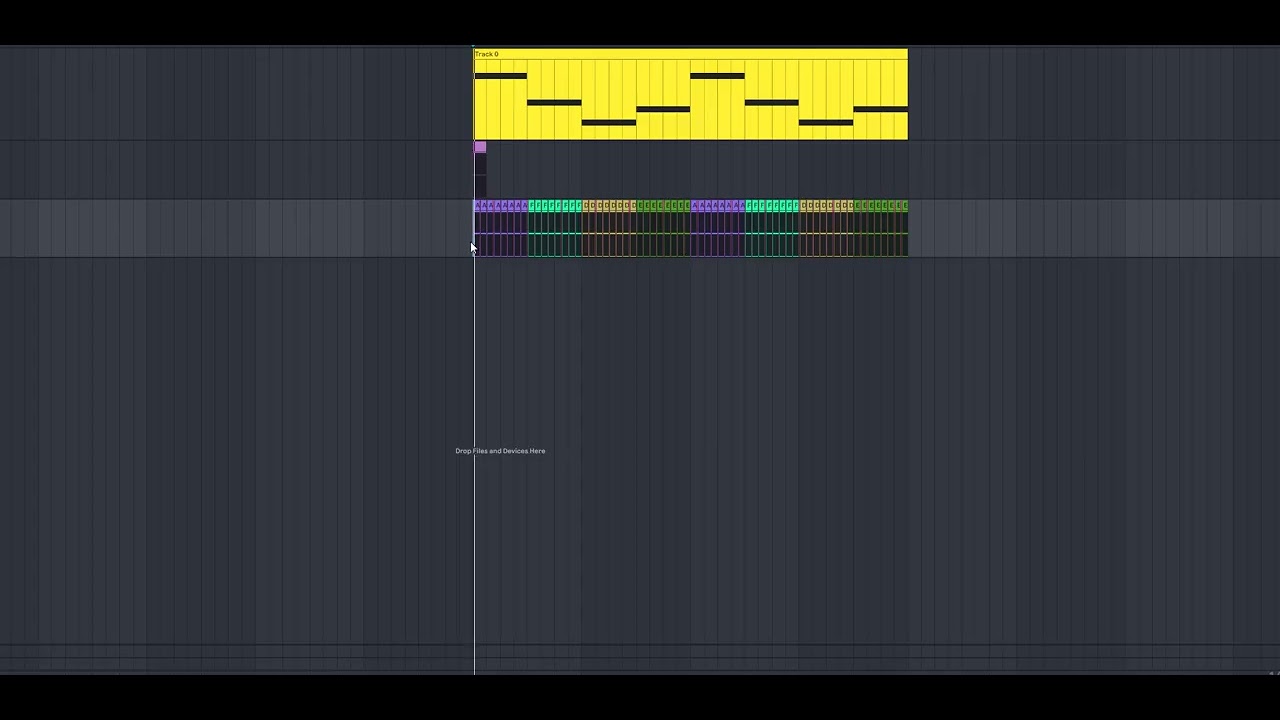](https://www.youtube.com/watch?v=SvlD6yJygZo)
## License
This project is licensed under the OSL-3.0 License. See the [LICENSE](LICENSE) file for details.