https://github.com/nuxy/slot-machine-gen
:slot_machine: Create an extremely biased, web-based slot machine game.
https://github.com/nuxy/slot-machine-gen
3d-cylinder animations games javascript modules plugins slots
Last synced: 4 months ago
JSON representation
:slot_machine: Create an extremely biased, web-based slot machine game.
- Host: GitHub
- URL: https://github.com/nuxy/slot-machine-gen
- Owner: nuxy
- License: mit
- Created: 2020-01-06T06:44:51.000Z (over 6 years ago)
- Default Branch: master
- Last Pushed: 2024-07-13T18:50:18.000Z (almost 2 years ago)
- Last Synced: 2025-01-07T17:14:11.716Z (over 1 year ago)
- Topics: 3d-cylinder, animations, games, javascript, modules, plugins, slots
- Language: JavaScript
- Homepage: https://slot-machine-gen.nuxy.dev
- Size: 4.16 MB
- Stars: 33
- Watchers: 3
- Forks: 21
- Open Issues: 0
-
Metadata Files:
- Readme: README.md
- Changelog: CHANGELOG.md
- License: LICENSE
- Security: SECURITY.md
Awesome Lists containing this project
README
# Slot Machine Generator
[](https://badge.fury.io/js/slot-machine-gen) [](https://www.npmjs.com/package/slot-machine-gen) [](https://packagephobia.com/result?p=slot-machine-gen) [](https://github.com/nuxy/slot-machine-gen/releases) [](https://github.com/nuxy/no-ai-badge)
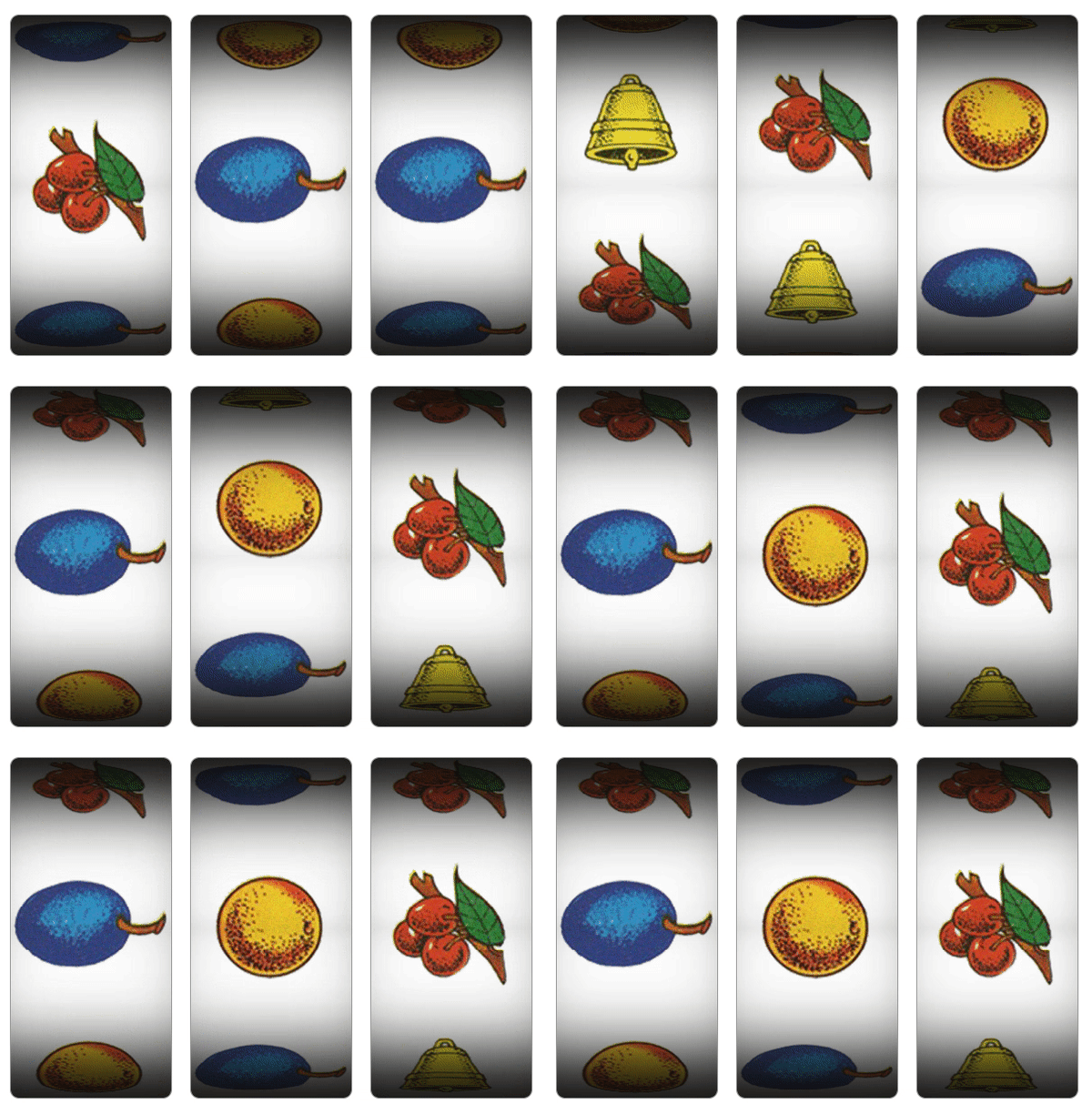
Create an extremely biased, web-based slot machine game.
## Features
- Faux-panoramic reel animations (**3D cylinder**, without ``)
- Support for single/multi-line reels and pay-lines.
- Pseudo-random selections by configured weight.
- Configurable RNG (to make it less biased)
- Configurable sound clips for reel animations.
- Easy to set-up and customize. **No dependencies**.
Checkout the [demo](https://nuxy.github.io/slot-machine-gen) for examples of use.
## Dependencies
- [Node.js](https://nodejs.org)
## Installation
Install the package into your project using [NPM](https://npmjs.com), or download the [sources](https://github.com/nuxy/slot-machine-gen/archive/master.zip).
$ npm install slot-machine-gen
### Alternative
To add to an existing [React](https://reactjs.org) or [Vue](https://vuejs.org) project you can install this package using [YARN](https://yarnpkg.com).
#### React
$ yarn add react-slot-machine-gen
#### Vue
$ yarn add vue-slot-machine-gen
## Usage
There are two ways you can use this package. One is by including the JavaScript/CSS sources directly. The other is by importing the module into your component.
### Script include
After you [build the distribution sources](#cli-options) the set-up is fairly simple..
```html
slotMachine(container, reels, callback, options);
```
### Module import
If your using a modern framework like [Aurelia](https://aurelia.io), [Angular](https://angular.io), [React](https://reactjs.org), or [Vue](https://vuejs.org)
```javascript
import SlotMachine from 'slot-machine-gen';
import 'slot-machine-gen/dist/slot-machine.css';
const slotMachine = new SlotMachine(container, reels, callback, options);
```
### HTML markup
```html
```
## Reels configuration
Outside of a reel image source, `symbols` must contain the following:
| Key | Description | Type |
|----------|---------------------------------------------------------|--------|
| title | Name of the strip symbol | String |
| position | Symbol center (in pixels) calculated from the strip top | Number |
| weight | Selection weight (>1 increases odds) | Number |
### Example
```javascript
const reels = [
{
imageSrc: 'path/to/image.png',
symbols: [
{
title: 'cherry',
position: 100,
weight: 2
},
{
title: 'plum',
position: 300,
weight: 6
},
{
title: 'orange',
position: 500,
weight: 5
},
{
title: 'bell',
position: 700,
weight: 1
},
{
title: 'cherry',
position: 900,
weight: 3
},
{
title: 'plum',
position: 1100,
weight: 5
}
}
},
// add more reels ...
]
```
## Methods
```javascript
slotMachine.play();
```
## Game options
Customization and overriding defaults can be done using the following options:
| Option | Description | Type | Default |
|------------|----------------------------------------------------|-----------|---------------|
| reelHeight | Reel background image height (in pixels) | Number | 1320 |
| reelWidth | Reel background image width. | Number | 200 |
| reelOffset | Reel background image vertical offset. | Number | 20 |
| slotYAxis | Slot vertical axis rotation (in degrees). | Number | 0 |
| animSpeed | Slot animation speed (in milliseconds) | Number | 1000 |
| click2Spin | Add event to display to spin reels | Boolean | true |
| rngFunc | Custom RNG between 0 (inclusive) and 1 (exclusive) | Function | `Math.random()` |
| sounds | Audio clip URLs for reels animation events | Object | `{reelsBegin, reelsEnd}` |
## Callback
This method returns an array of selected [reel symbols](#reels-configuration) that can be used to compute scoring, show animations, handle client interactions, etc..
```javascript
const callback = function(symbols) {
if (symbols[0].title === 'cherry' && symbols[1].title === 'cherry' && symbols[2].title === 'cherry') {
window.alert("You're a winner!");
}
};
```
## Customizing symbols
Creating a custom strip is fairly easy. What is most important is that each symbol, whether an image or blank space, contains a vertical `position` that can be measured by calculating the symbol center (in pixels) from the strip top. A [Photoshop example](https://raw.githubusercontent.com/nuxy/slot-machine-gen/master/images/reel-strip.psd) has been provided with this package for reference.
## Developers
### CLI options
Run [ESLint](https://eslint.org) on project sources:
$ npm run lint
Transpile ES6 sources (using [Babel](https://babeljs.io)) and minify to a distribution:
$ npm run build
## Contributions
If you fix a bug, or have a code you want to contribute, please send a pull-request with your changes. (Note: Before committing your code please ensure that you are following the [Node.js style guide](https://github.com/felixge/node-style-guide))
## Versioning
This package is maintained under the [Semantic Versioning](https://semver.org) guidelines.
## License and Warranty
This package is distributed in the hope that it will be useful, but without any warranty; without even the implied warranty of merchantability or fitness for a particular purpose.
_slot-machine-gen_ is provided under the terms of the [MIT license](http://www.opensource.org/licenses/mit-license.php)
## Author
[Marc S. Brooks](https://github.com/nuxy)