https://github.com/omarxkhalid/reactthreadsclone
MERN Stack Threads Clone + Advanced Chat App | Socket.io && JWT && Redux && Chakra UI
https://github.com/omarxkhalid/reactthreadsclone
chakra-ui jwt mongodb reactjs redux reduxjs-toolkit socket-io web webhooks
Last synced: 2 months ago
JSON representation
MERN Stack Threads Clone + Advanced Chat App | Socket.io && JWT && Redux && Chakra UI
- Host: GitHub
- URL: https://github.com/omarxkhalid/reactthreadsclone
- Owner: OMARxKHALID
- Created: 2024-03-03T20:01:56.000Z (over 2 years ago)
- Default Branch: main
- Last Pushed: 2024-03-23T17:09:53.000Z (over 2 years ago)
- Last Synced: 2025-04-05T23:27:41.792Z (about 1 year ago)
- Topics: chakra-ui, jwt, mongodb, reactjs, redux, reduxjs-toolkit, socket-io, web, webhooks
- Language: JavaScript
- Homepage: https://reactthreadsclone.onrender.com
- Size: 1010 KB
- Stars: 1
- Watchers: 1
- Forks: 0
- Open Issues: 0
-
Metadata Files:
- Readme: README.md
Awesome Lists containing this project
README
# Threads Clone with Real-Time Chat Functionality
Welcome to MERN Stack THread Clone! This is a social media platform built using the MERN (MongoDB, Express.js, React.js, Node.js) stack, Socket.io for real-time communication, and Chakra UI for the user interface. It offers various features including authentication, post creation, deletion, liking/unliking posts, commenting, following/unfollowing users, account freezing, dark/light mode, and a responsive design. Additionally, it includes a chat application with image support, seen/unseen status for messages, and notification sounds.
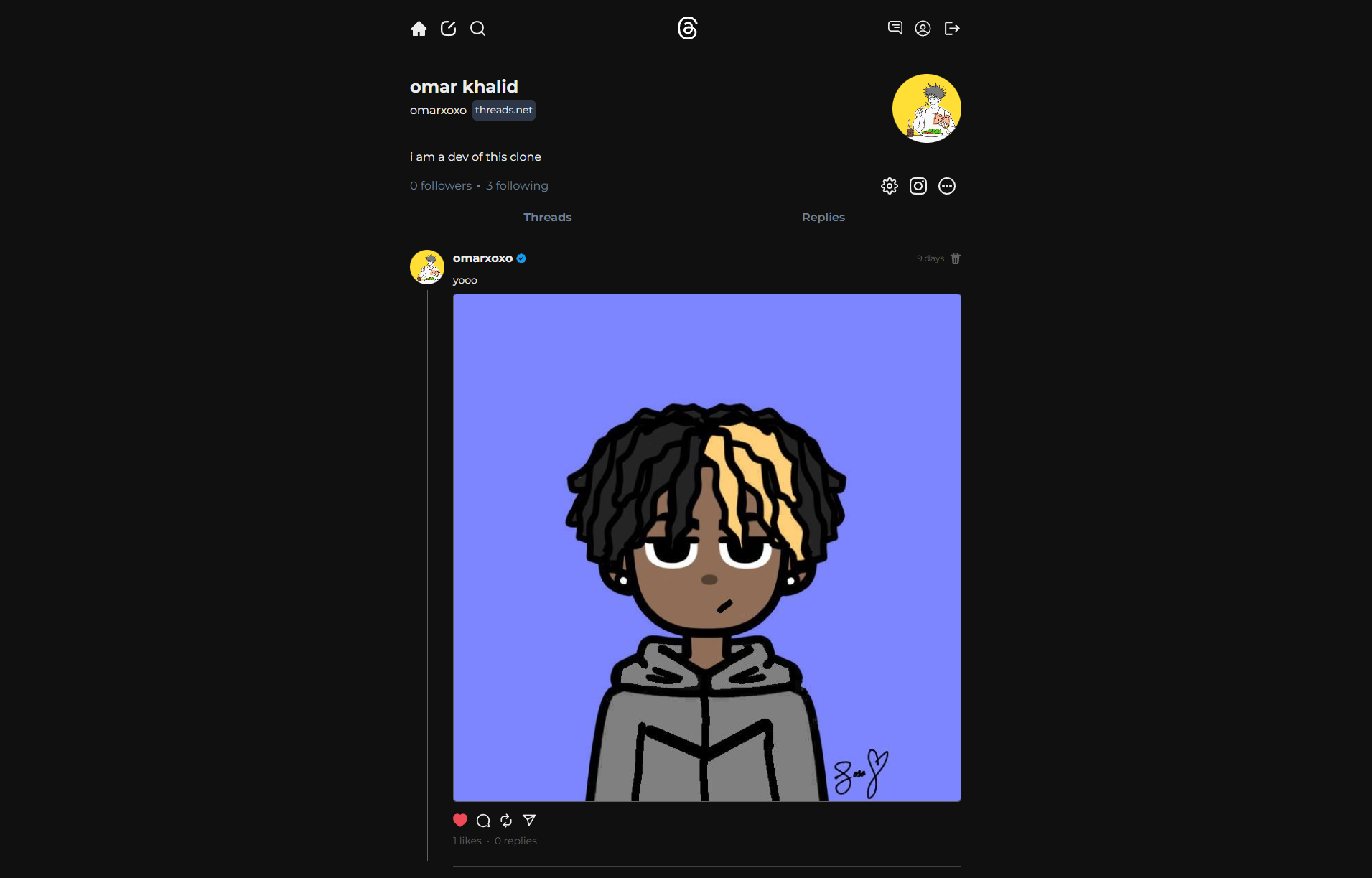
Feature List:
- 🌟 Tech stack: MERN + Socket.io + Chakra UI
- 🎃 Authentication & Authorization with JWT
- 📝 Create Post
- 🗑️ Delete Post
- ❤️ Like/Unlike Post
- 💬 Comment to a Post
- 👥 Follow/Unfollow Users
- ❄️ Freeze Your Account
- 🌓 Dark/Light Mode
- 📱 Completely Responsive
- 💬 Chat App With Image Support
- 👀 Seen/Unseen Status for Messages
- 🔊 Notification sounds
- ⭐ Deployment for FREE
### Setup .env file
```js
PORT=...
MONGO_URI=...
JWT_SECRET=...
CLOUDINARY_CLOUD_NAME=...
CLOUDINARY_API_KEY=...
CLOUDINARY_API_SECRET=...
```
### Build the app
```shell
npm run build
```
### Start the app
```shell
npm start
```