https://github.com/onmotion/yii2-gallery
blueimp gallery in your Yii2 application
https://github.com/onmotion/yii2-gallery
blueimp-gallery gallery yii2-extension yii2-gallery yii2-modules
Last synced: about 1 year ago
JSON representation
blueimp gallery in your Yii2 application
- Host: GitHub
- URL: https://github.com/onmotion/yii2-gallery
- Owner: onmotion
- License: gpl-3.0
- Created: 2016-04-05T14:27:19.000Z (about 10 years ago)
- Default Branch: master
- Last Pushed: 2021-08-22T00:47:26.000Z (almost 5 years ago)
- Last Synced: 2025-04-12T22:55:11.984Z (about 1 year ago)
- Topics: blueimp-gallery, gallery, yii2-extension, yii2-gallery, yii2-modules
- Language: PHP
- Homepage:
- Size: 608 KB
- Stars: 13
- Watchers: 3
- Forks: 11
- Open Issues: 3
-
Metadata Files:
- Readme: README.md
- License: LICENSE
Awesome Lists containing this project
README
Yii2 Gallery module
===================
blueimp gallery in your Yii2 application with fileupload
[](https://packagist.org/packages/onmotion/yii2-gallery)
[](https://packagist.org/packages/onmotion/yii2-gallery)
[](https://packagist.org/packages/onmotion/yii2-gallery)
[](https://packagist.org/packages/onmotion/yii2-gallery)
Installation
------------
The preferred way to install this extension is through [composer](http://getcomposer.org/download/).
Either run
```
php composer.phar require --prefer-dist onmotion/yii2-gallery "*"
```
or add
```
"onmotion/yii2-gallery": "*"
```
to the require section of your `composer.json` file.
Usage
-----
1. You must add to your config:
```
'modules' => [
//...
'gallery' => [
'class' => 'onmotion\gallery\Module',
],
//...
]
```
1. Apply migration, run:
```
php yii migrate --migrationPath=@vendor/onmotion/yii2-gallery/migrations
```
1. Go to your application in your browser
```
http://your-host/gallery
```
If you want change the view, you can add to your config:
```
'components' => [
//...
'view' => [
'theme' => [
'pathMap' => [
'@vendor/onmotion/yii2-gallery/views/default' => '@app/views/gallery', // example: @app/views/gallery/default/index.php
],
],
],
//...
],
```
then you need to copy directory 'default' from @vendor/onmotion/yii2-gallery/views to @app/views/gallery and change it as you want.
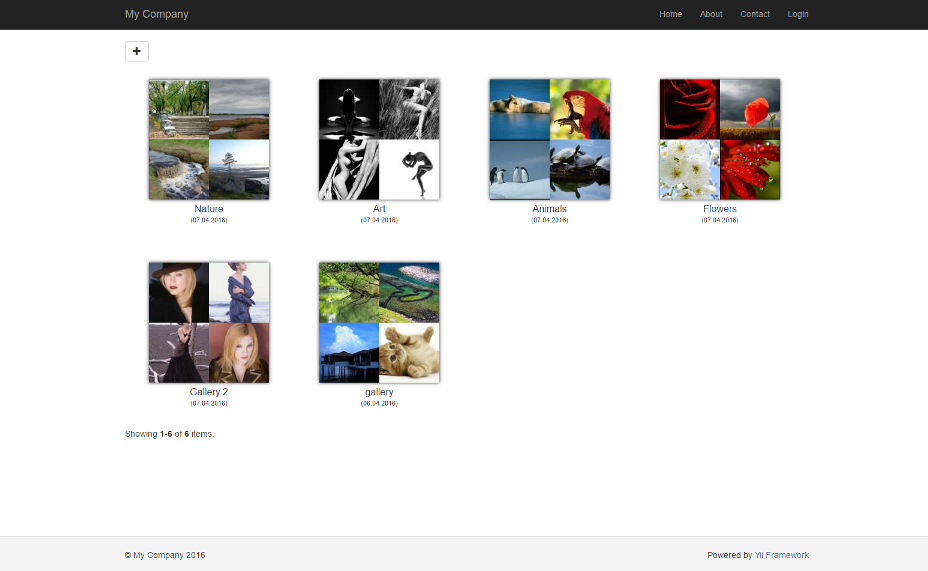
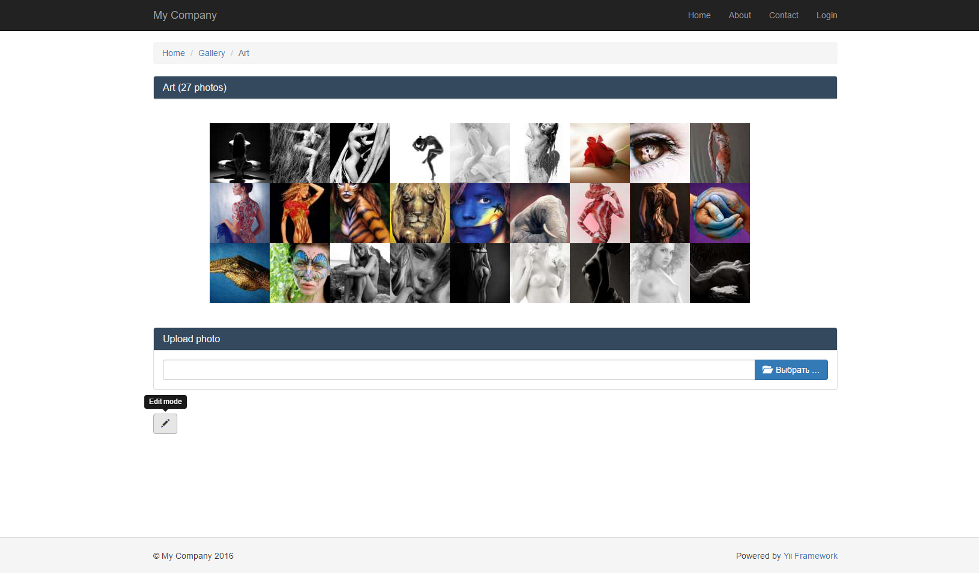
More samples how it works you can see at [blueimp gallery page](https://github.com/blueimp/Gallery/blob/master/README.md)