https://github.com/openbankproject/obp-hola
A Java / Springboot application to demonstrate and test open banking OAuth2, mTLS, JWS, consent creation and usage flows. Supports UK, Berlin Group and Open Bank Project consents.
https://github.com/openbankproject/obp-hola
banking consents open security
Last synced: about 1 year ago
JSON representation
A Java / Springboot application to demonstrate and test open banking OAuth2, mTLS, JWS, consent creation and usage flows. Supports UK, Berlin Group and Open Bank Project consents.
- Host: GitHub
- URL: https://github.com/openbankproject/obp-hola
- Owner: OpenBankProject
- License: agpl-3.0
- Created: 2021-05-12T13:41:43.000Z (about 5 years ago)
- Default Branch: develop
- Last Pushed: 2025-03-19T13:03:41.000Z (over 1 year ago)
- Last Synced: 2025-04-13T21:06:37.163Z (about 1 year ago)
- Topics: banking, consents, open, security
- Language: JavaScript
- Homepage:
- Size: 1.8 MB
- Stars: 8
- Watchers: 5
- Forks: 9
- Open Issues: 1
-
Metadata Files:
- Readme: README.md
- License: LICENSE
Awesome Lists containing this project
README
# OBP-Hola
The Open Bank Project *Hola App* is a reference implementation of the OAuth2 authentication and consent flow. It demonstrates and tests OBP authentication, consent creation and data access via OBP API. It supports UK, Berlin Group, and OBP styles. Hola is written in Java / Spring Boot.
Besides OBP API, Hola App depends on [Ory Hydra](https://www.ory.sh/hydra) and [OBP Hydra Identity Provider](https://github.com/OpenBankProject/OBP-Hydra-Identity-Provider).
A working Hola App setup can be used to drive automatic tests using [OBP Selenium](https://github.com/OpenBankProject/OBP-Selenium).
## Build with maven
Check out the code from this repository and build it by running `mvn clean package` inside the main folder.
The resulting JAR file of Hola App will be in the `target` folder.
## Prepare truststore
Assuming OBP-API server URL is: `apisandbox.openbankproject.com`
Assuming Hydra server URL is: `oauth2.openbankproject.com`
- retrieve OBP API and Hydra server certificates:
`openssl s_client -servername apisandbox.openbankproject.com -connect apisandbox.openbankproject.com:443 /dev/null | openssl x509 -inform PEM -outform DER -out obp-api.cer`
`openssl s_client -servername oauth2.openbankproject.com -connect oauth2.openbankproject.com:443 /dev/null | openssl x509 -inform PEM -outform DER -out hydra.cer`
- import both certificates to truststore.jks:
`keytool -import -alias api -keystore truststore.jks -file obp-api.cer`
`keytool -import -alias hydra -keystore truststore.jks -file hydra.cer`
## Prepare keystore
If mTLS is enabled on the OBP API instance, the client key needs to be signed by OBP API client CA. Else, any self-signed certificate will do. Continuing assuming you have `client.key` and `client.crt`:
- convert client key and cert to client-cert.p12:
`openssl pkcs12 -export -in client.crt -inkey client.key -certfile user.crt -out client-cert.p12`
- import client-cert.p12 to keystore.jks:
`keytool -importkeystore -srckeystore client-cert.p12 -srcstoretype pkcs12 -destkeystore keystore.jks`
## Adjust application.properties file
Create `application.properties` according to `application.properties.example`:
* `oauth2.public_url` is the URL of the OAuth2 server of the OBP instance.
* `obp.base_url` is the main URL of the OBP instance.
* Fill in the locations and passphrases of the previously created keystore and truststore into `mtls.keyStore` and `mtls.trustStore` props
* Register a new API key on the OBP instance, e.g. https://apisandbox.openbankproject.com/consumer-registration and copy and paste all props below "OAuth2:" into `application.properties`:
* `oauth2.client_id`
* `oauth2.redirect_uri`
* `oauth2.client_scope`
* `oauth2.jws_alg`
* `oauth2.jwk_private_key`
* All other props can be left at default values.
## Run
`java -jar obp-hola-app-0.0.29-SNAPSHOT.jar`
While the app is running, point your browser to the configured port on localhost (e.g. `http://localhost:8087`) to start the consent flow.
## Build and Run in Docker/Kubernetes
The included Dockerfile will build Hola using Maven and create an image.
Please see `application.properties.docker` for all vars to pass to the container for configuration.
## Screenshots of the app
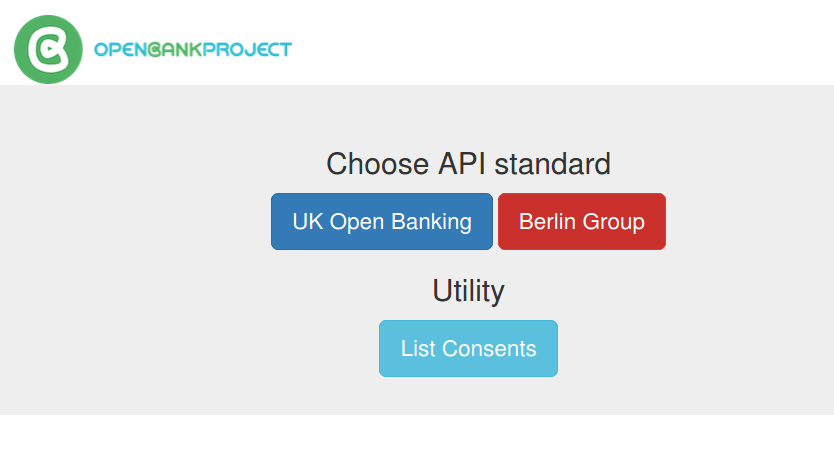
### Landing page
### Berlin Group Flow

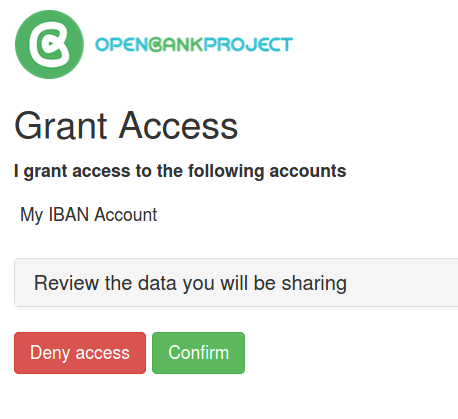
### Consents
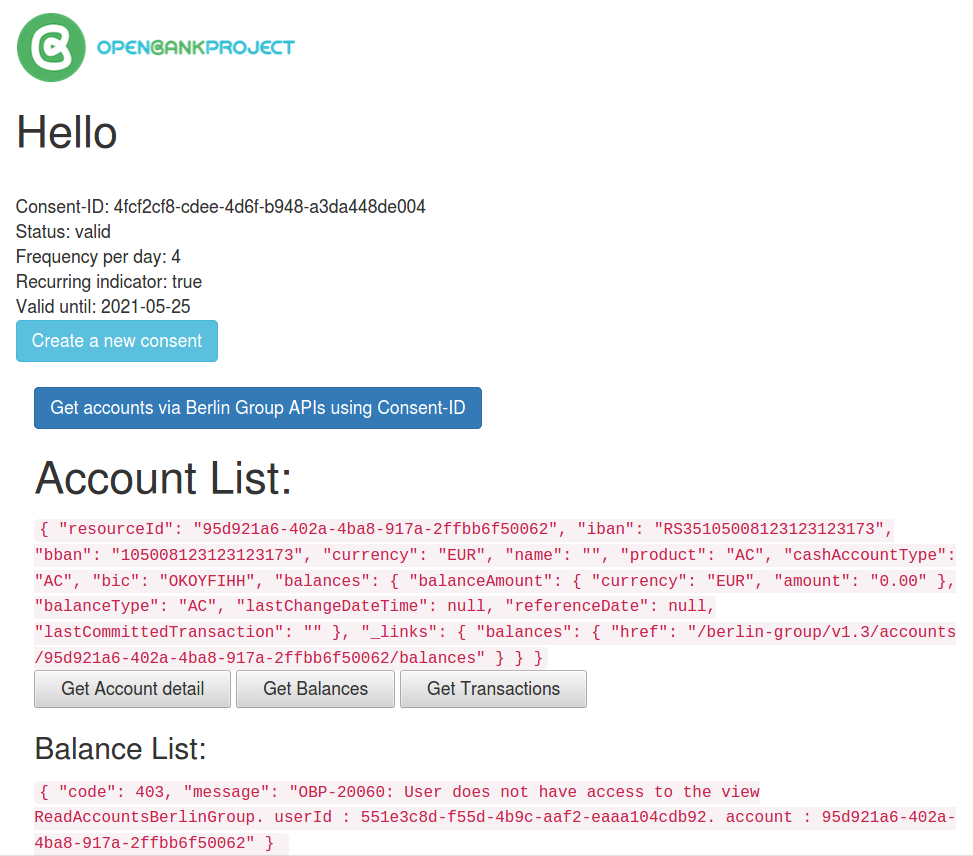
### Get Accounts, Balances and Transactions
Copyright TESOBE GmbH 2020