https://github.com/openbase/jeoparnaire
An opensource network voting game based on the idea of jeopardy and who wants to be a millionaire.
https://github.com/openbase/jeoparnaire
game jeopardy network voting-system who-want-to-be-a-millionaire
Last synced: 4 months ago
JSON representation
An opensource network voting game based on the idea of jeopardy and who wants to be a millionaire.
- Host: GitHub
- URL: https://github.com/openbase/jeoparnaire
- Owner: openbase
- License: gpl-3.0
- Created: 2017-10-26T18:19:53.000Z (over 8 years ago)
- Default Branch: dev
- Last Pushed: 2024-10-22T22:09:20.000Z (over 1 year ago)
- Last Synced: 2025-09-03T06:35:57.795Z (10 months ago)
- Topics: game, jeopardy, network, voting-system, who-want-to-be-a-millionaire
- Language: Java
- Size: 3.42 MB
- Stars: 2
- Watchers: 3
- Forks: 0
- Open Issues: 0
-
Metadata Files:
- Readme: README.md
- License: LICENSE.txt
Awesome Lists containing this project
README
# Jeoparnaire
[](https://travis-ci.org/openbase/jeoparnaire?branch=master)
[](https://travis-ci.org/openbase/jeoparnaire?branch=latest-stable)
An open source network voting game based on the idea of jeopardy and who wants to be a millionaire.
Perfect for birthday and christmas parties, anniversary celebrations or just for having fun with friends.
## Features
* Questions are individually configurable via config file
* Plain text questions
* Images
* Videos (e.g. vlc used as player)
* Include any external application
* Java based display server
* Java based voting client
* Up to 50 clients can be connected for voting
## Preview
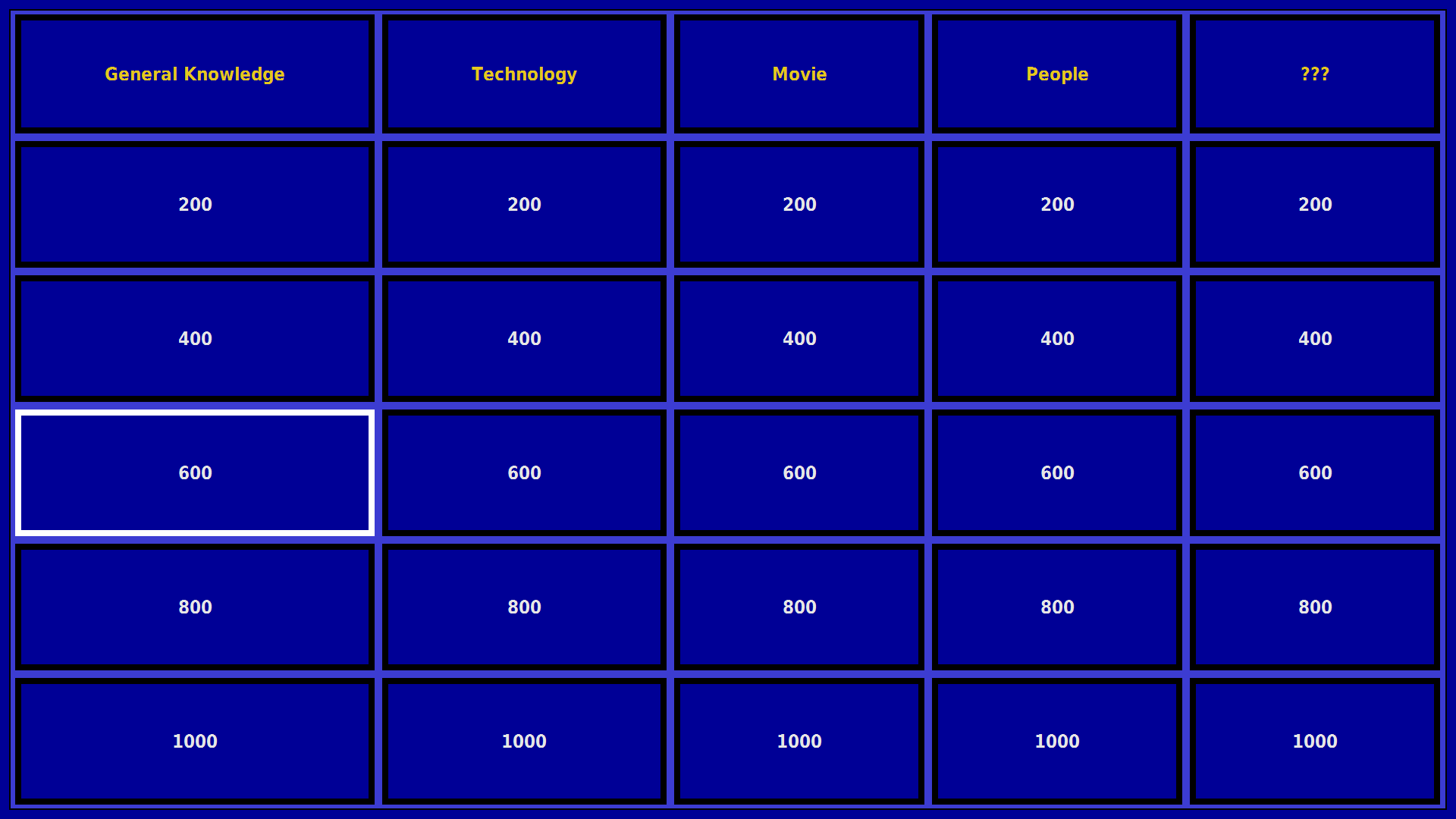
**Select a category or use the random generator to select a quest:**
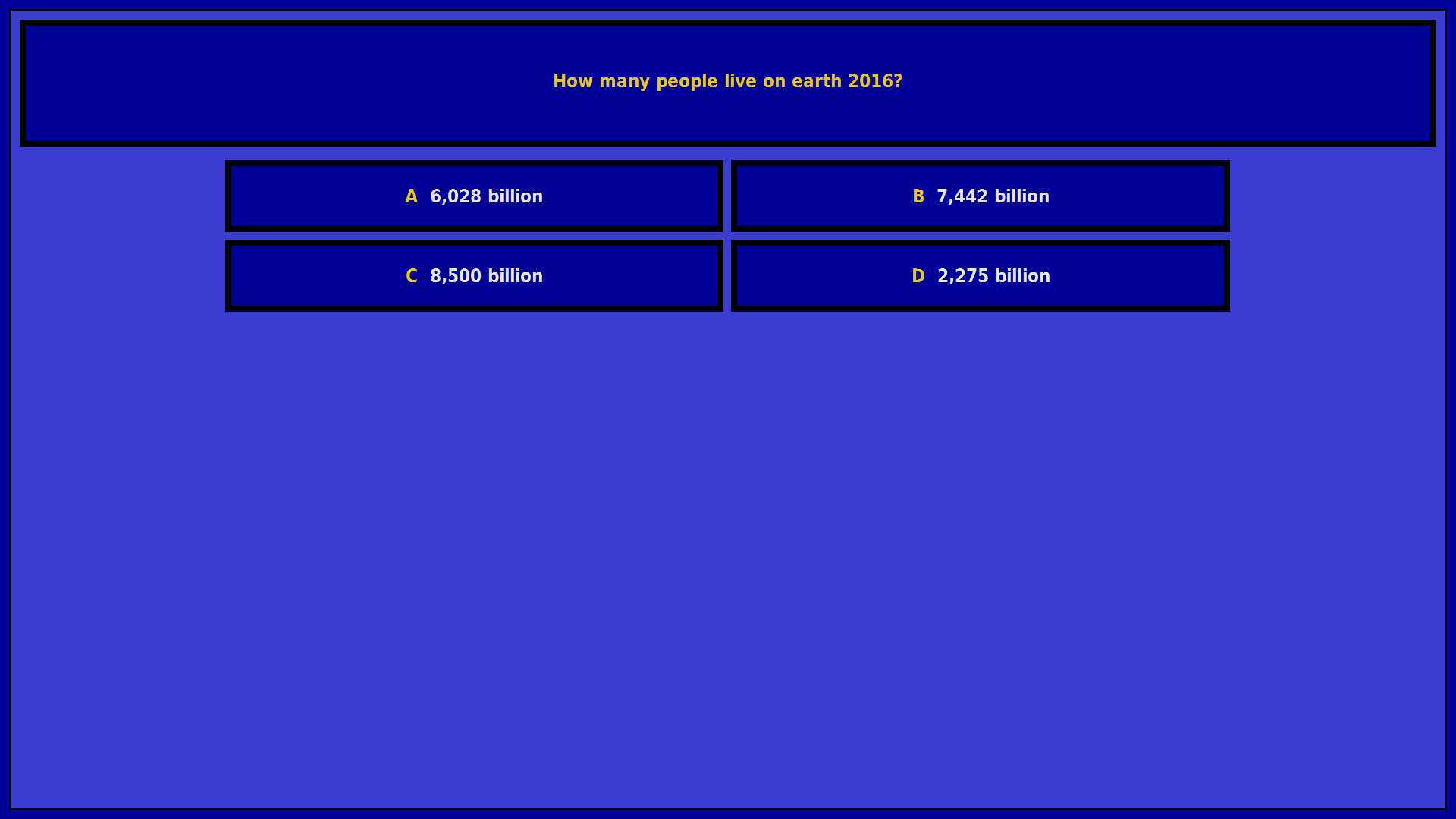
**The quest will be displayed:**
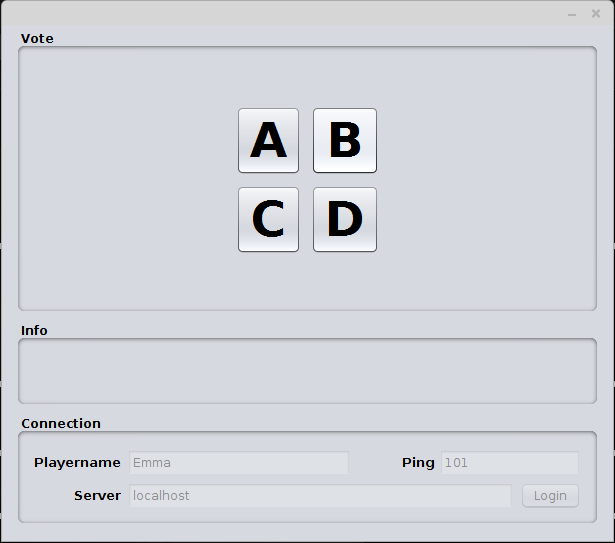
**All connected clients can vote now:**
**After the voting is finished the quest results are displayed:**
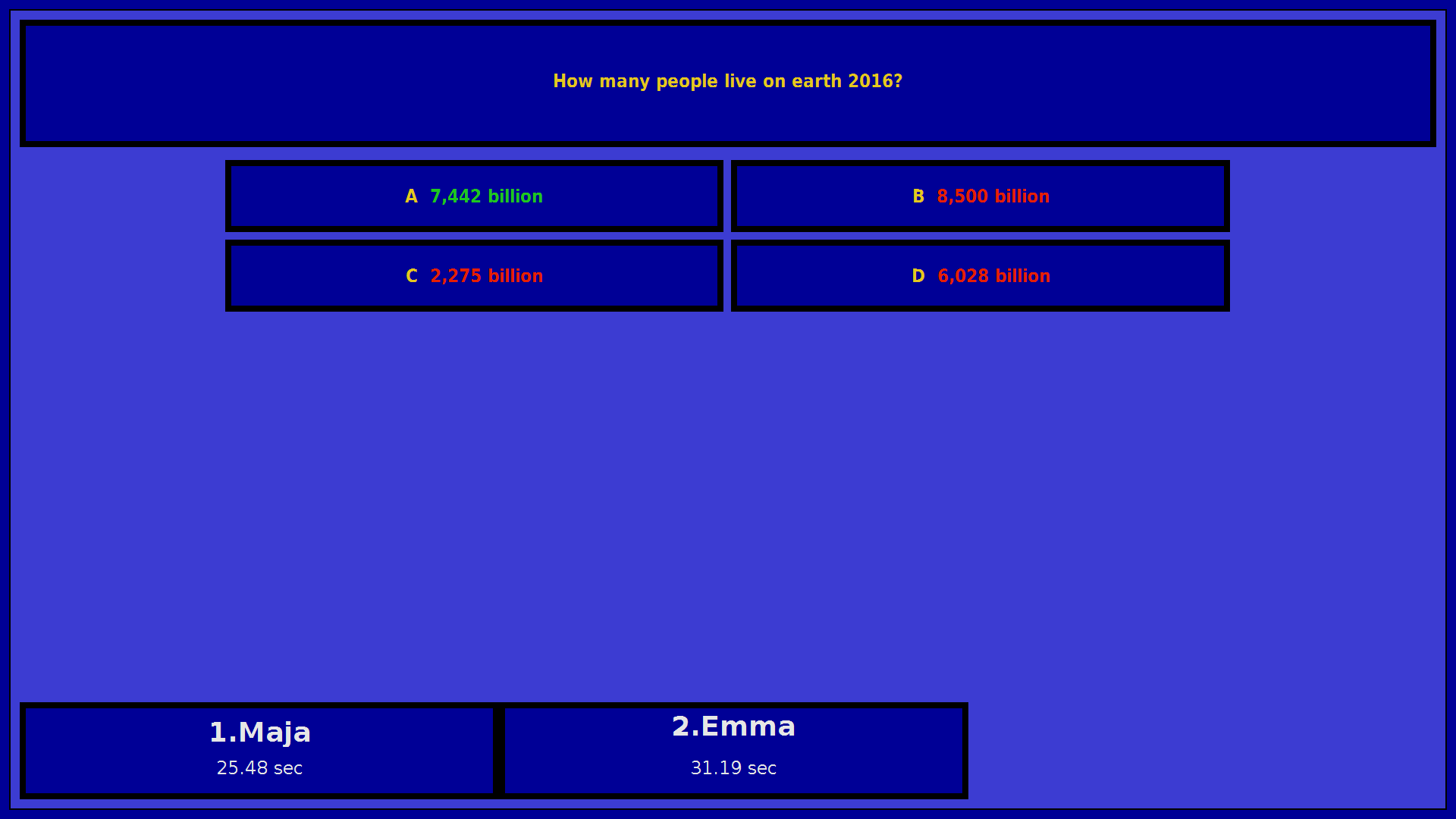
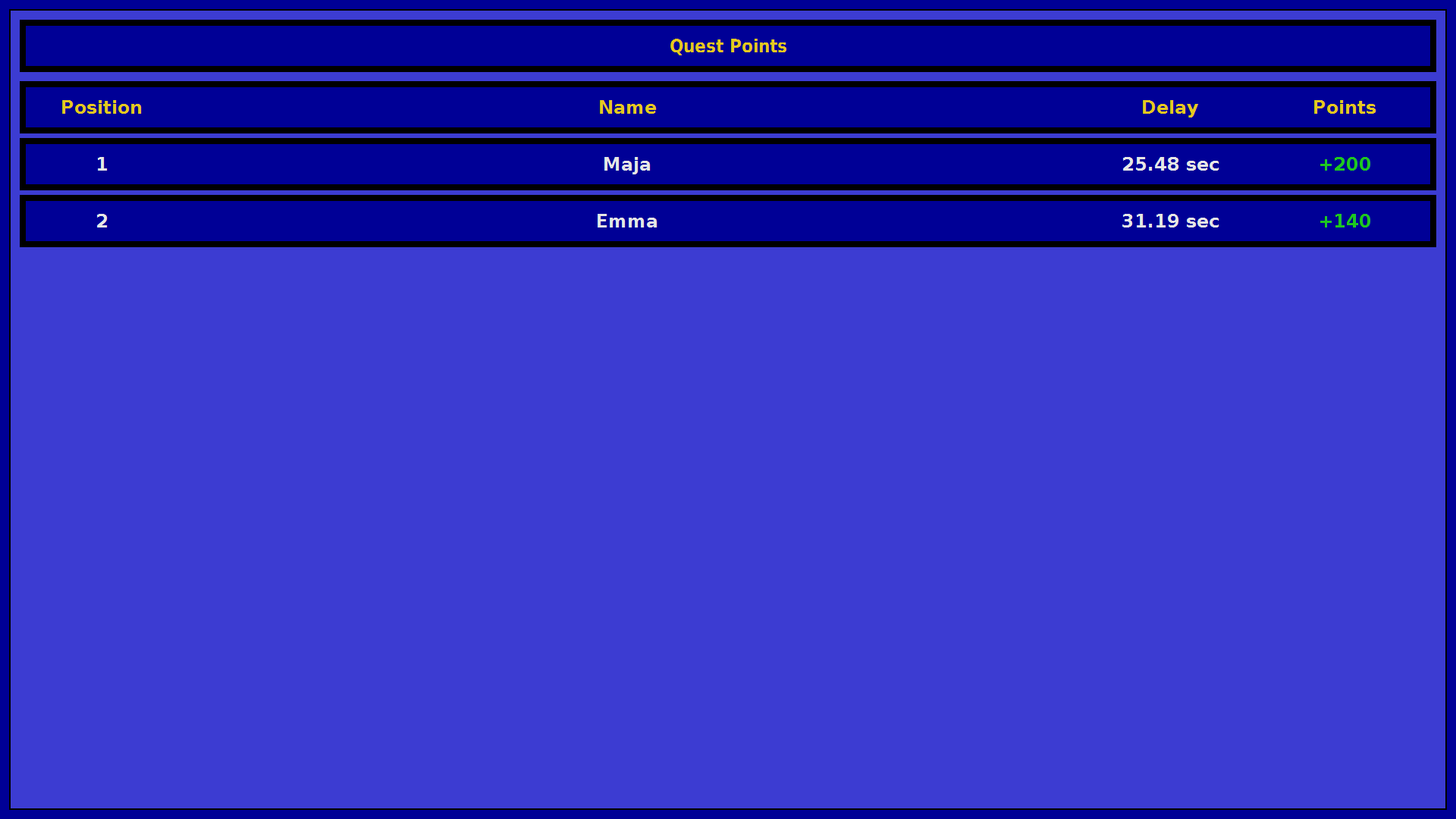
**Followed by the resulting points:**
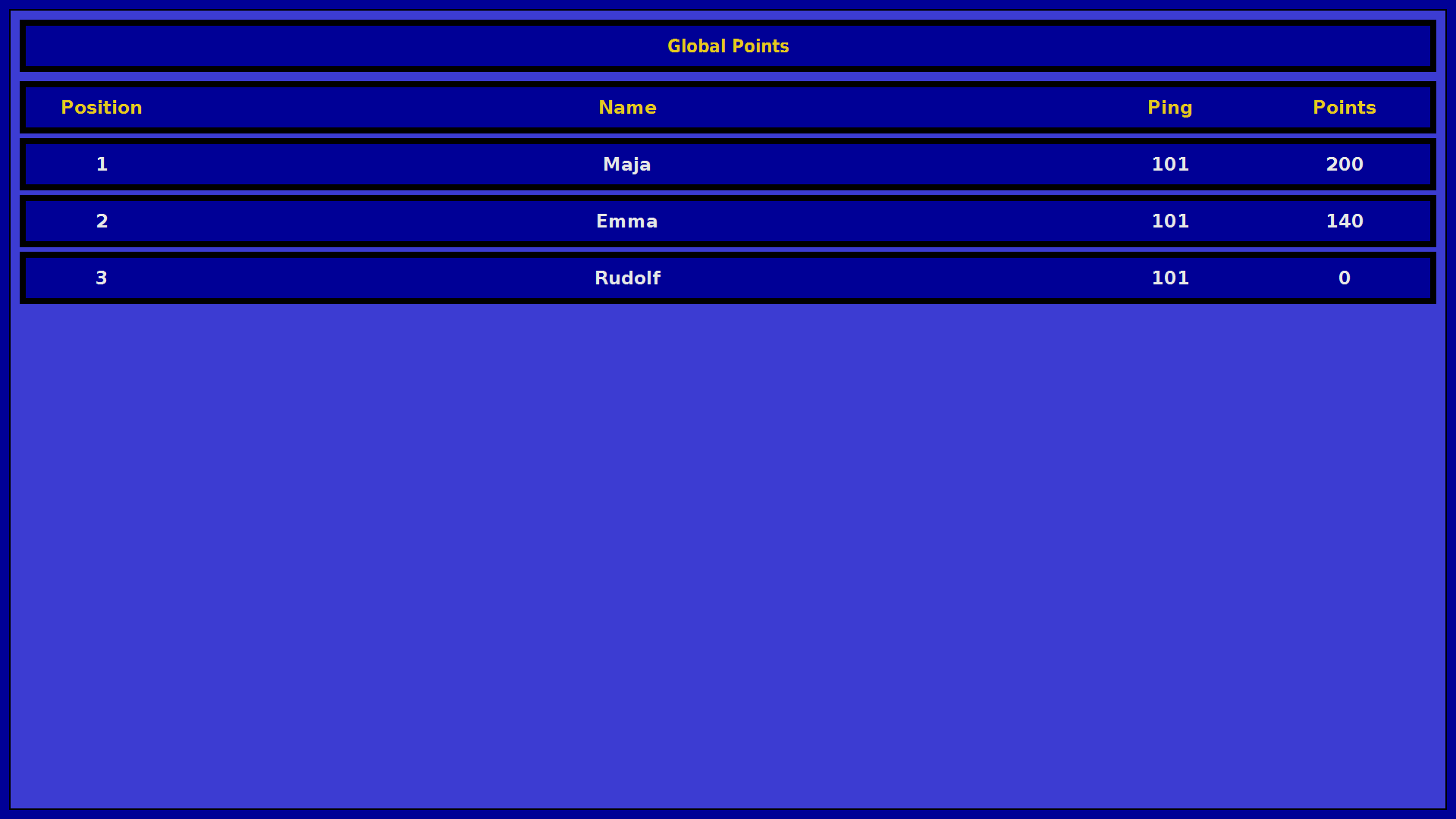
**Finally the global raning of all voter is shown:**
## Voting hints
* Parallel voting, first vote first win
* The first 10 correct votes earn points
* Negative points (25% of quest points) for wrong votes
## Controlling
### Server
* `Enter` Confirm Quest / Next
* Note: During the voting you need to confirme more than ones by pressing `Enter` if the vote is not finished yet.
* Not finished means in this case there are still some points left for correct votes.
* `Space` Random quest selection in the overview
* `Mouse` Can be used to select a quest in the overview
Note: A hand "presenter" to control the server is supported as well.
### Client
* Vote via the W-A-S-D keys on your keyboard which are mapped to A-B-C-D votes
* `W` is mapped to answer A
* `E` is mapped to answer B
* `S` is mapped to answer C
* `D` is mapped to answer D
## Requirements
A Java 11 (or higher) Runtime Environment (JRE) is required on the server and on each client machine:
* https://jp.azul.com/downloads/zulu-community/?&version=java-11-lts&architecture=x86-64-bit&package=jre
## Installation
1. Create a new game folder (e.g. jeoparnaire)
2. Download the client and server binaries into the game folder:
* server: https://github.com/openbase/jeoparnaire/releases/download/v1.0.0/jeoparnaire-1.0.0.jar
* client: https://github.com/openbase/jeoparnaire/releases/download/v1.0.0/jeoparnaire-client-1.0.0.jar
3. Create a new `JeoparnaireResource` folder within the game folder and place here all images and videos you want to use for the game.
4. Download the game configuration template and store it in the `JeoparnaireResource` folder as well:
* https://raw.githubusercontent.com/openbase/jeoparnaire/master/src/main/resources/JeoparnaireGameConfig.xml
* Download via link menu -> "Save link as..."
## Configuration
Modify the JeoparnaireGameConfig.xml file:
* Add our categories, quest and answers.
* Link your images and videos
``` xml
```
## Startup
### Windows
* Just execute ``jeoparnaire-x.x.x.jar`` to start the server.
* Just execute ``jeoparnaire-client-x.x.x.jar`` to start the voting client.
### Linux
* server: ``java -jar jeoparnaire-x.x.x.jar``
* client: ``java -jar jeoparnaire-client-x.x.x.jar``
## Contribution
* Feel free to report [new Issues](https://github.com/openbase/jeoparnaire/issues/new)!
* If you are developer and you want to contribute to Jeoparnaire
* Fork Jeoparnaire apply your features or fixes and create pull requests.
* For long term contribution just apply for an openbase membership via support@openbase.org