https://github.com/opengeekslab/react-native-fluid-slider
Cross-platform, customized React-Native slider.
https://github.com/opengeekslab/react-native-fluid-slider
android cross-platform crossplatform ios javascript modules react-native
Last synced: 12 months ago
JSON representation
Cross-platform, customized React-Native slider.
- Host: GitHub
- URL: https://github.com/opengeekslab/react-native-fluid-slider
- Owner: openGeeksLab
- Created: 2018-09-20T07:31:39.000Z (almost 8 years ago)
- Default Branch: master
- Last Pushed: 2018-10-04T07:58:55.000Z (almost 8 years ago)
- Last Synced: 2025-07-11T08:07:42.040Z (12 months ago)
- Topics: android, cross-platform, crossplatform, ios, javascript, modules, react-native
- Language: JavaScript
- Homepage: https://opengeekslab.com
- Size: 334 KB
- Stars: 13
- Watchers: 2
- Forks: 2
- Open Issues: 0
-
Metadata Files:
- Readme: README.md
Awesome Lists containing this project
README







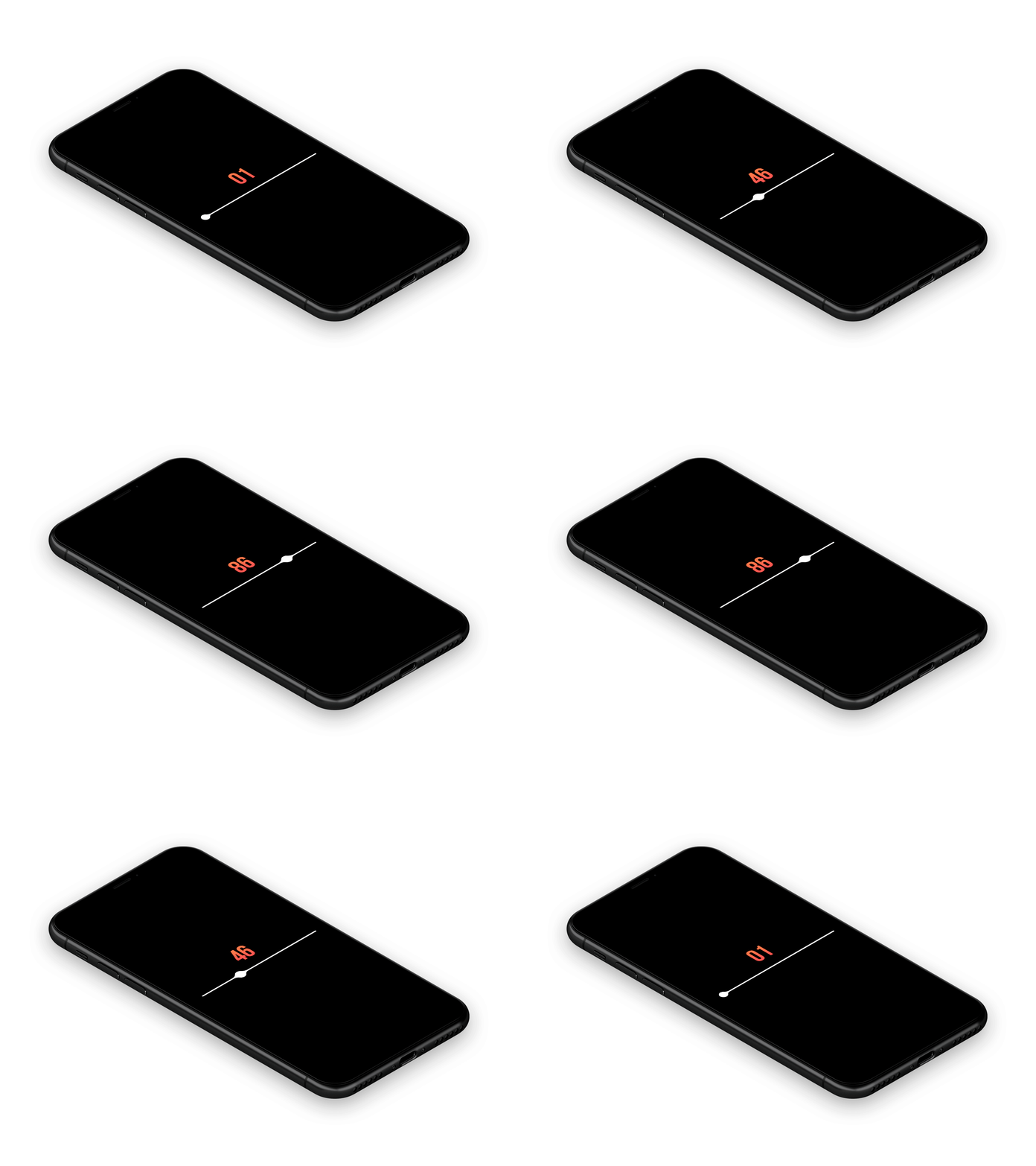
# About
Our company provides custom UI design and development solutions for mobile applications and websites.
Need a team to create a project?
This project is developed and maintained by openGeeksLab LLC.

# react-native-fluid-slider
## Requirements
- React Native 0.50+
- iOS 9.0+
- Android 4.2+
## Installation
Just run:
- npm i react-native-fluid-slider
## Basic usage
```javascript
import React, { Component } from 'react';
import {
StyleSheet,
Text,
View,
} from 'react-native';
import Slider from 'react-native-fluid-slider';
export default class App extends Component {
state = { value: 40 }
render() {
return (
{this.state.value.toFixed()}
this.setState({ value })}
onSlidingComplete={(value) => { console.warn('Sliding Complete with value: ', value) }}
/>
);
}
}
const styles = StyleSheet.create({
container: {
flex: 1,
justifyContent: 'center',
backgroundColor: '#000',
paddingHorizontal: 70,
},
sliderContainer: {
width: '100%',
},
valueText: {
fontSize: 40,
textAlign: 'center',
margin: 10,
color: '#ee6d51',
},
});
```
## Properties
`value` - is the value of the slider.
`step` - is the slider step.
`minimumValue` - is the minimum value.
`maximumValue` - is the maximum value.
`onValueChange` - it is called when the value of the slider is changed and getting the new slider value parameter.
`onSlidingComplete` - is called when the slider is almost dragged(when the user releases the slider) The function can get one parameter, it's the value at the time of completion.
`thumbTintColor` - is the slider color.
`minimumTrackTintColor` - is the color of the slider track on the left of the slider.
`maximumTrackTintColor` - is the color of the slider track on the right of the slider.
# Contact us if interested.
# Licence
Expanding is released under the MIT license.
Inspired by @Virgil Pana