https://github.com/opennms/backshift
Time series graphing on the client side
https://github.com/opennms/backshift
Last synced: about 1 year ago
JSON representation
Time series graphing on the client side
- Host: GitHub
- URL: https://github.com/opennms/backshift
- Owner: OpenNMS
- Created: 2015-10-28T16:00:01.000Z (over 10 years ago)
- Default Branch: master
- Last Pushed: 2023-06-06T21:05:55.000Z (about 3 years ago)
- Last Synced: 2024-04-15T15:36:05.412Z (about 2 years ago)
- Language: JavaScript
- Homepage: http://issues.opennms.org/browse/BSHIFT
- Size: 3.25 MB
- Stars: 9
- Watchers: 36
- Forks: 4
- Open Issues: 12
-
Metadata Files:
- Readme: README.md
Awesome Lists containing this project
README
# Backshift [](https://circleci.com/gh/OpenNMS/backshift)
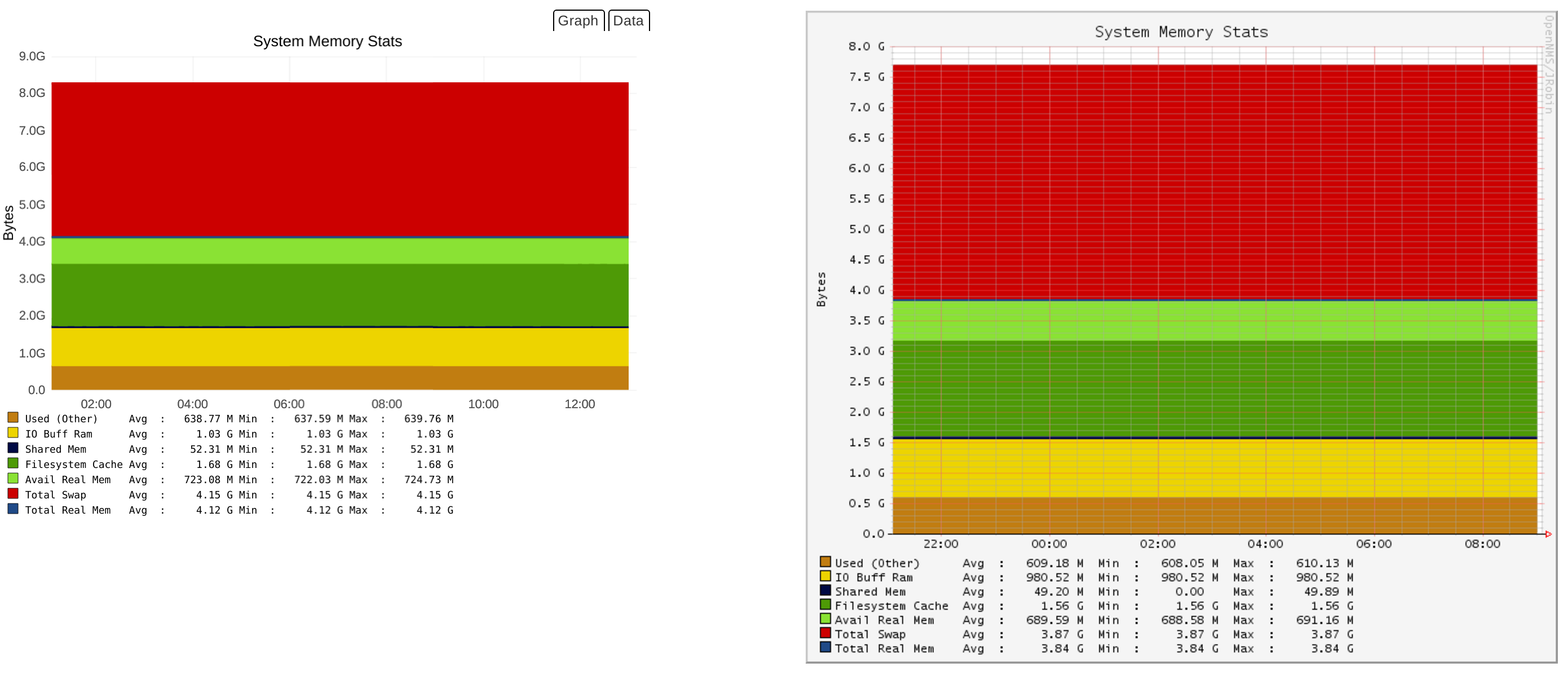
This library was built as an alternative to [rrdgraph](http://oss.oetiker.ch/rrdtool/doc/rrdgraph.en.html) for use in [OpenNMS](https://github.com/OpenNMS/opennms).
## Motivation
As our needs grew, we began investigating alternative time series databases.
One of the initial barriers to integrating these within OpenNMS was graphing: we needed a way for our users to visualize the metrics similar to how they were previously shown using *rrdgraph*.
The system already contained a large number of [prefabricated graphs](http://www.opennms.org/wiki/Prefabricated_Standard_Graphs) defined using *rrdgraph* commands and any suitable alternative needed to a way of rendering these.
And thus Backshift was born at [DevJam 2014](http://www.opennms.org/wiki/Dev-Jam_2014).
## Design
Backshift provides the glue between data sources and charting APIs.
Charts and data sources are made accessible via a consistent API, allowing these to be easily interchanged.
The actual rendering of the charts is performed by third party libraries i.e. [c3.js](http://c3js.org/) built to this end.
## Getting Started
### Building
Install the dependencies and build the minified scripts:
```
npm install
npx grunt
```
### Running the examples
Run the development web server:
```
npm start
```
Now browse to the examples at `http://localhost:8000/examples/`.