https://github.com/optimus-code/litedbexplorer
https://github.com/optimus-code/litedbexplorer
Last synced: 11 months ago
JSON representation
- Host: GitHub
- URL: https://github.com/optimus-code/litedbexplorer
- Owner: optimus-code
- License: mit
- Created: 2024-08-01T17:30:47.000Z (almost 2 years ago)
- Default Branch: master
- Last Pushed: 2024-08-01T23:39:08.000Z (almost 2 years ago)
- Last Synced: 2025-07-24T02:36:44.603Z (11 months ago)
- Language: C#
- Size: 372 KB
- Stars: 1
- Watchers: 1
- Forks: 0
- Open Issues: 0
-
Metadata Files:
- Readme: README.md
- License: LICENSE
Awesome Lists containing this project
README
# Only supports LiteDB version 4 files!
#  LiteDb Explorer
Graphical editor for [LiteDB](https://github.com/mbdavid/LiteDB) databases. Writter in .NET and WPF.
### Features in current Alpha release:
* View and edit existing documents
* Add new items to database including files
* Preview files (images and text files)
* Export database documents (as JSON) and files
* Change password in protected databases
* Shrink database
* Open multiple databases at the same time
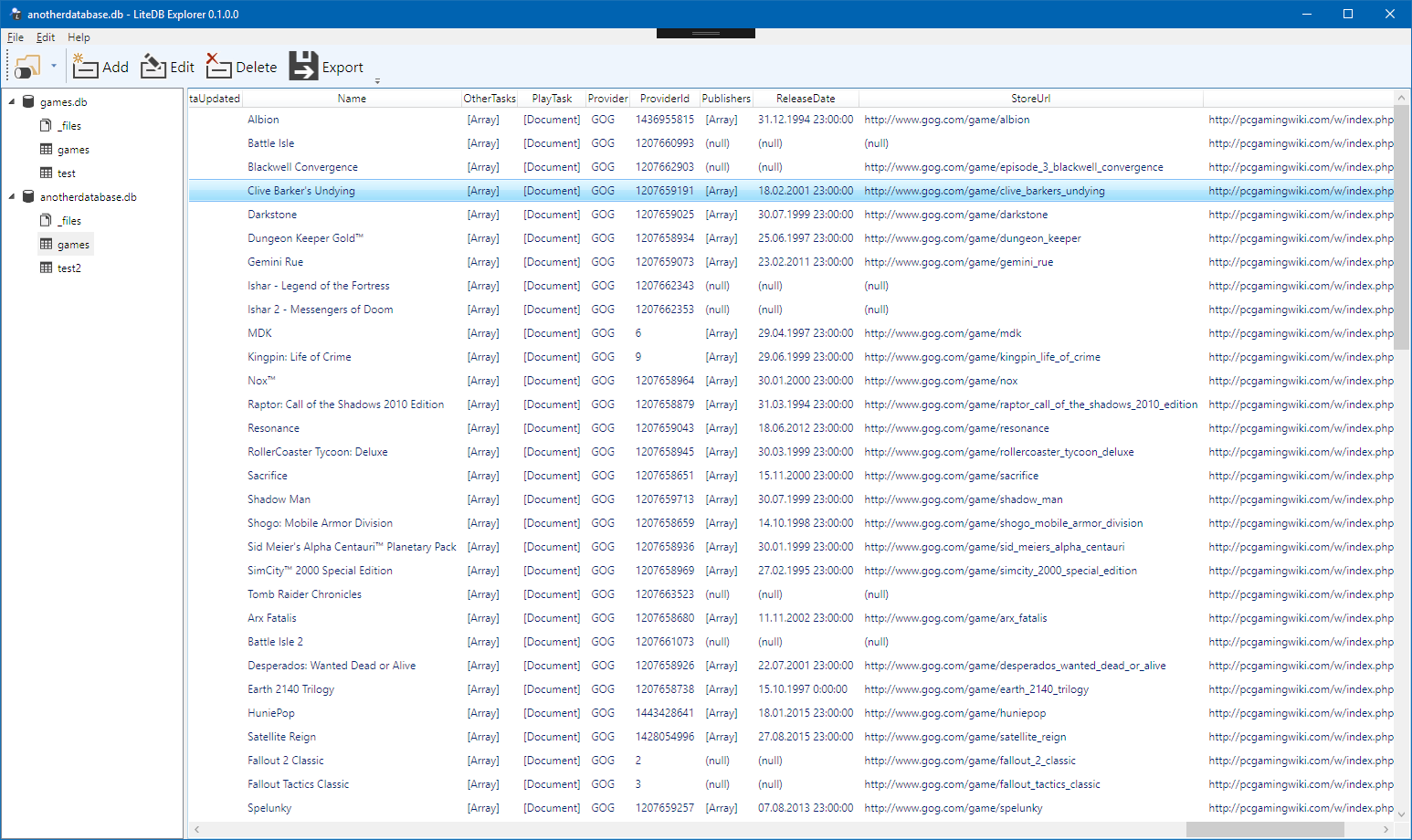
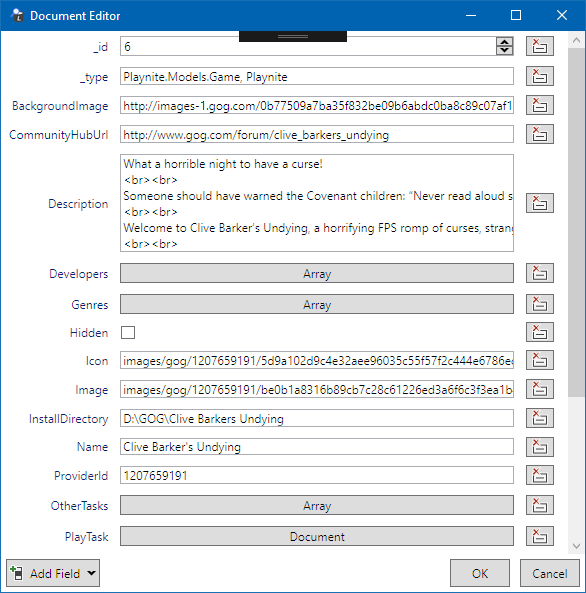
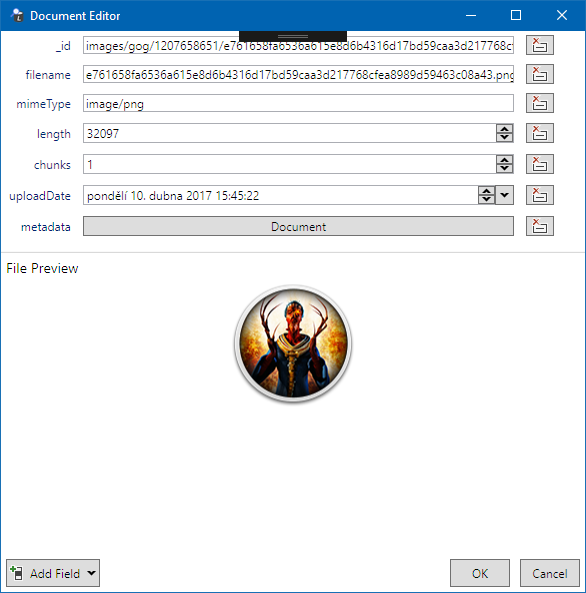
Download
---------
Grab latest build from [releases](https://github.com/JosefNemec/LiteDbExplorer/releases) page.
Application will automatically notify about new version when released.
Requirements: Windows 7, 8 or 10 and [.Net 4.6](https://www.microsoft.com/en-us/download/details.aspx?id=53344)
Building
---------
To build from cmdline run **build.ps1** in PowerShell. Script builds Release configuration by default into the same directory. Script accepts *Configuration*, *OutputPath*, *Portable* (creates zip package) and *SkipBuild* parameters.
Contributions
---------
All contributions are welcome!
Regarding code styling, there are only a few major rules:
* private fields and properties should use camelCase (without underscore)
* all methods (private and public) should use PascalCase
* use spaces instead of tabs with 4 spaces width
* always encapsulate with brackets:
```
if (true)
{
DoSomething()
}
```
instead of
```
if (true)
DoSomething()
```