https://github.com/orta/redxcode
When Xcode is being ran in a debugger, make it obvious that it's in dev mode by turning it red and adding a cool banner.
https://github.com/orta/redxcode
Last synced: 3 months ago
JSON representation
When Xcode is being ran in a debugger, make it obvious that it's in dev mode by turning it red and adding a cool banner.
- Host: GitHub
- URL: https://github.com/orta/redxcode
- Owner: orta
- License: mit
- Created: 2014-07-21T08:33:53.000Z (almost 12 years ago)
- Default Branch: master
- Last Pushed: 2018-03-12T02:48:48.000Z (over 8 years ago)
- Last Synced: 2025-03-30T13:34:12.880Z (about 1 year ago)
- Language: Objective-C
- Homepage:
- Size: 1.85 MB
- Stars: 91
- Watchers: 5
- Forks: 8
- Open Issues: 0
-
Metadata Files:
- Readme: README.md
- License: LICENSE
Awesome Lists containing this project
README
RedXcode
========
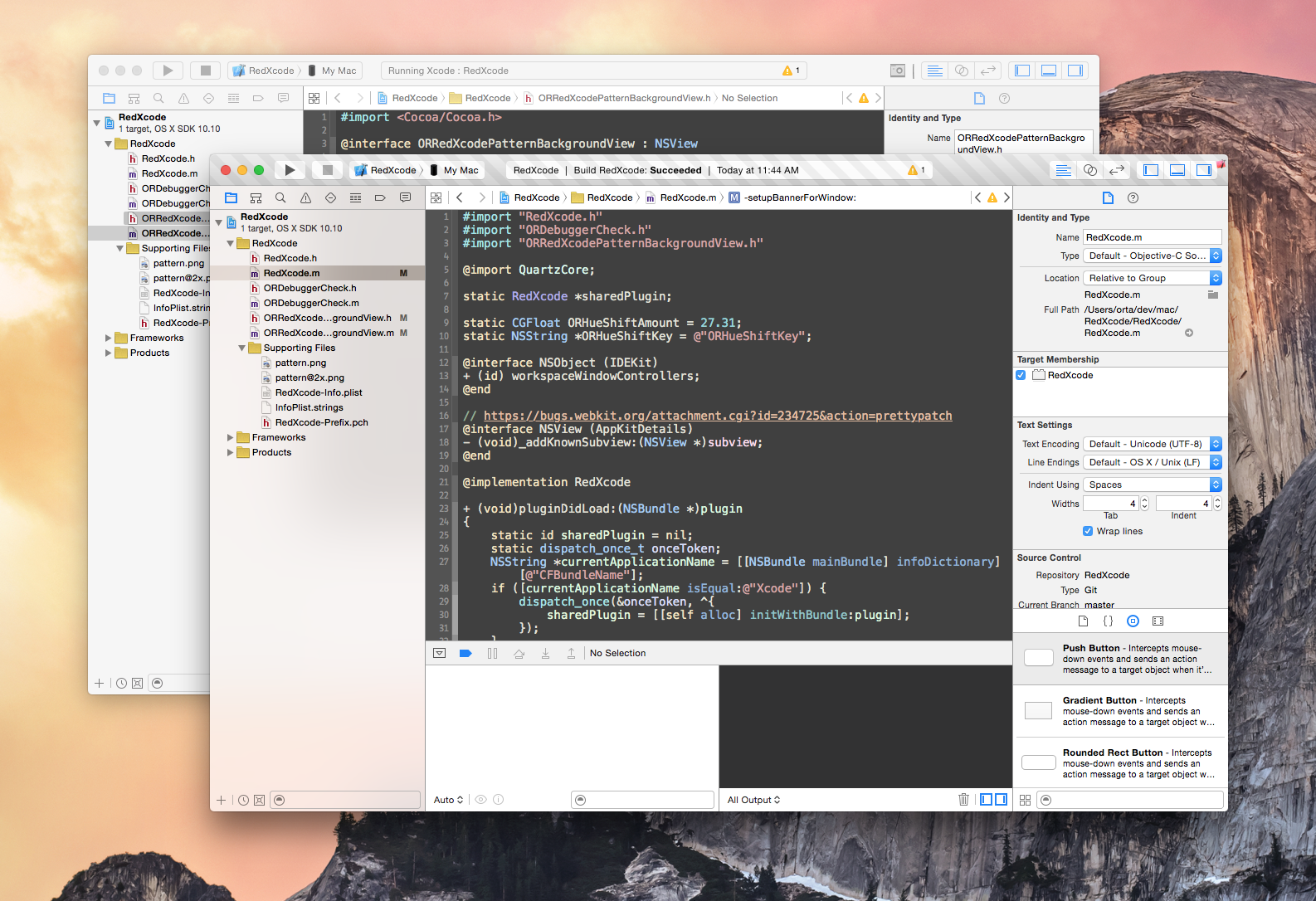
When Xcode is being ran in a debugger, make it obvious that it's in dev mode.
#### Features
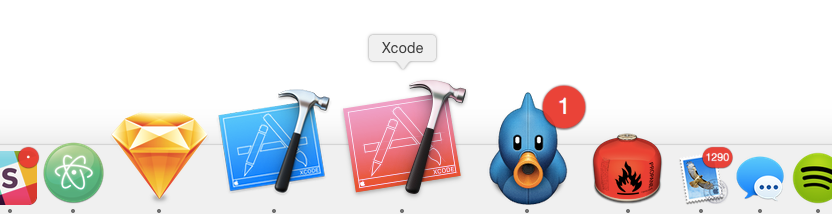
* Hue shifts the app icon when running Xcode in a debugger
* Adds the icon to the top right corner in Xcode 6.
* Hue shift value can be changed by `defaults write com.apple.dt.Xcode ORHueShiftKey [number]`
#### Installation
Install [Alcatraz](http://alcatraz.io/). In Xcode choose Window, Package Manager and search for "RedXcode". Alternatively, clone this repo and hit build, then restart Xcode. Alcatraz is better, you get updates with no effort.
#### Usage
In the ‘Run’ section of your plugin’s scheme:
* Set Xcode.app to be the ‘Executable’ to launch from the ‘Info’ tab.
* Disable ‘View Debugging’ from the ‘Options’ tab.
#### Contributing
It's actually _way_ easier to work on Plugins than you think. Hitting run in Xcode on this project will open a new Xcode with a working lldb instance and you can work on it like any other app. Contributions are extremely welcome of course, large visual design changes should probably be talked about in an issue first FWIW.