https://github.com/oscarknagg/wurm
Massively multiagent reinforcement learning in a slither.io like environment
https://github.com/oscarknagg/wurm
Last synced: over 1 year ago
JSON representation
Massively multiagent reinforcement learning in a slither.io like environment
- Host: GitHub
- URL: https://github.com/oscarknagg/wurm
- Owner: oscarknagg
- Created: 2019-01-24T19:41:59.000Z (over 7 years ago)
- Default Branch: master
- Last Pushed: 2022-12-08T05:07:37.000Z (over 3 years ago)
- Last Synced: 2025-03-21T15:12:26.525Z (over 1 year ago)
- Language: Python
- Homepage:
- Size: 903 KB
- Stars: 24
- Watchers: 3
- Forks: 3
- Open Issues: 4
-
Metadata Files:
- Readme: README.md
Awesome Lists containing this project
README
# wurm
Vectorised and massively scalable implementation of a snake-like game
as a reinforcement learning environment. The environment is highly
customisable and can be run in either single-agent (classic snake)
or multi-agent (gridworld http://slither.io/) mode.
### Multi-agent
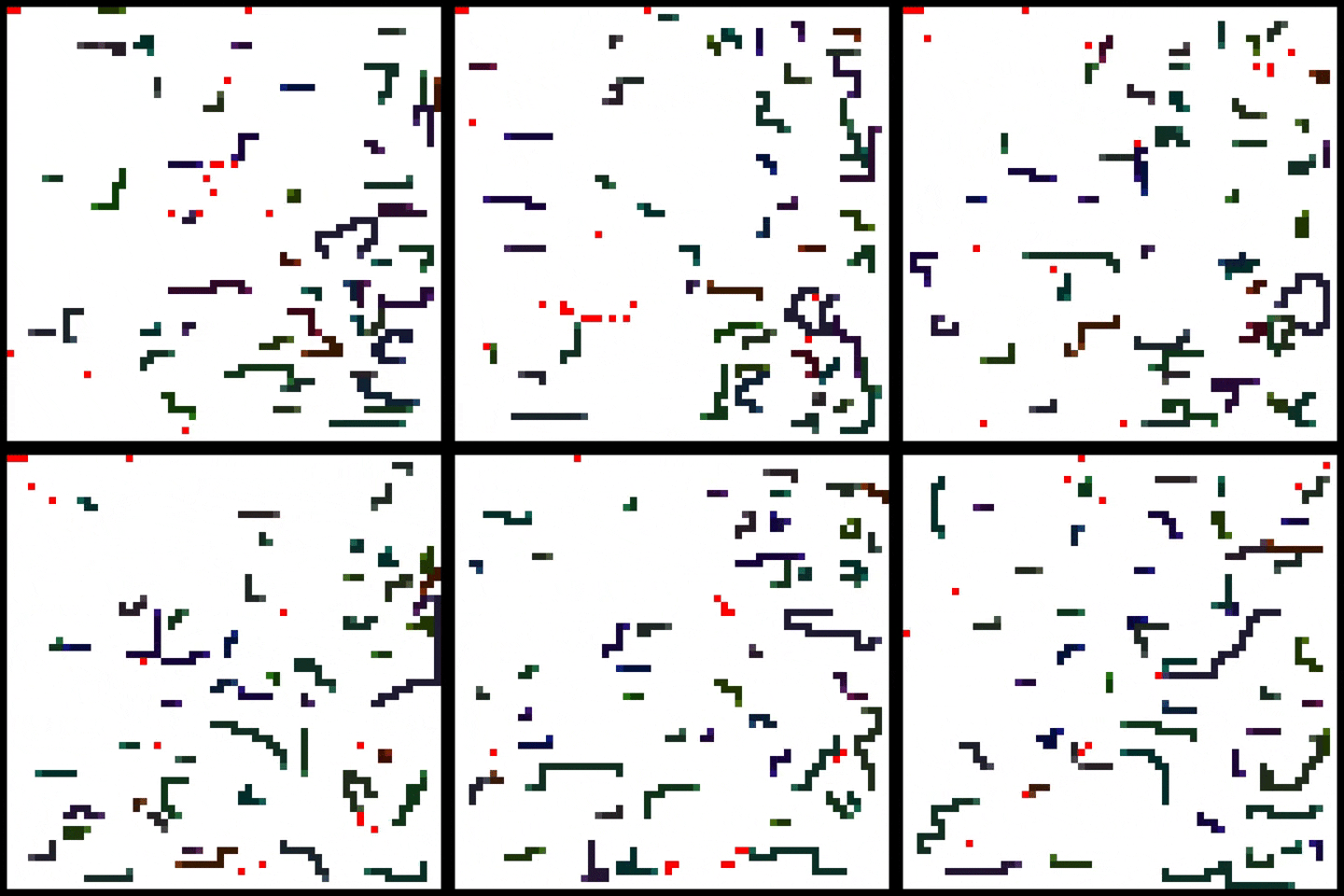
Experiments ongoing! Here are some prelimiary results.
### Single agent
See this Medium article for a discussion of how to solve the single
agent mode of this environment.
https://medium.com/@oknagg/learning-to-play-snake-at-1-million-fps-4aae8d36d2f1
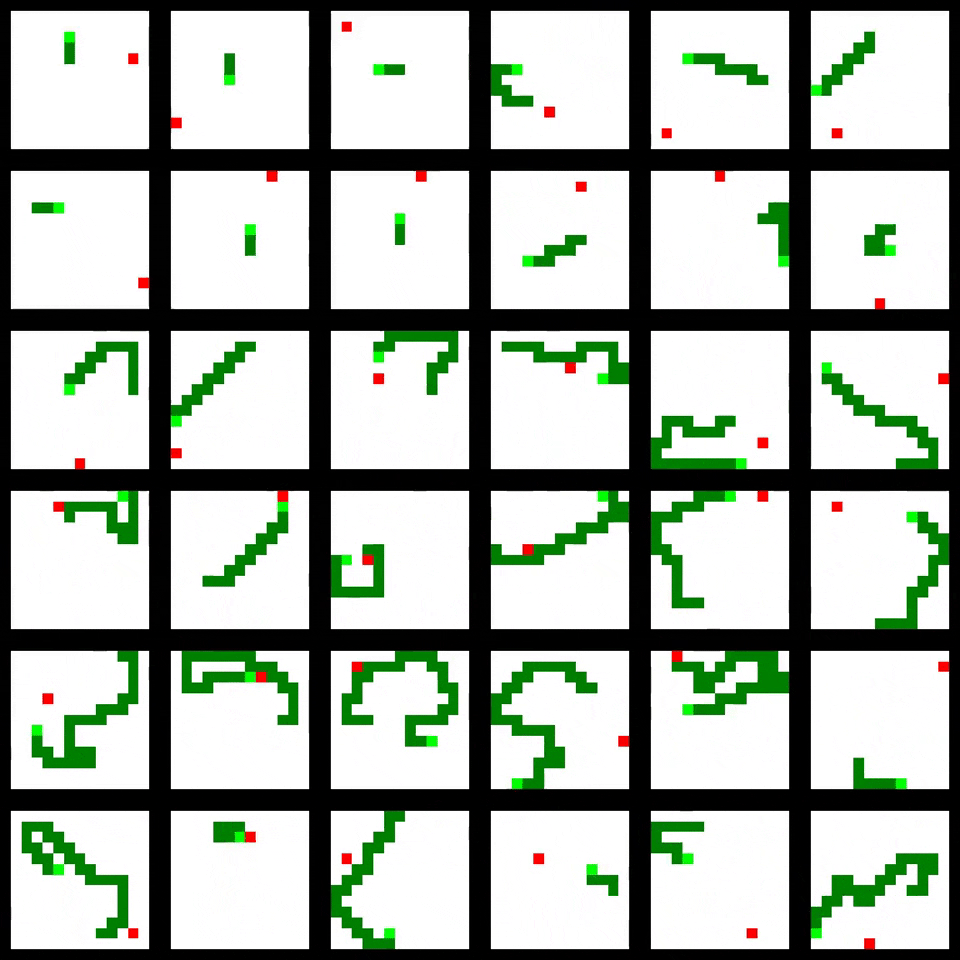
Some training results are shown below
## Setup
Clone this project, create a Python 3.6 virtualenv and install
from `requirements.txt`.
```
git clone https://github.com/oscarknagg/wurm.git
cd wurm
virtualenv -p python3.6 venv
source venv/bin/activate
pip install -r requirements.txt
```
## Usage
### main.py
`main.py` is the entry point for training and visualising agents. Below
is a list of arguments.
* env: What environment to run. Choose from {snake, gridworld}
- gridworld: Simple gridworld containing only a single agent pixel
and a reward pixel that respawns in a random location when reached.
Useful for debugging as is solved very quickly.
- snake: Clone of the classic mobile game snake.
* num-envs: How many environments to run in parallel.
* size: Size of environment in pixels
* agent: Either the agent architecture to use or a filepath to a
pretrained model.
- random: performs random actions only.
- convolutional: 4 convolutional layers.
- relational: 2 convolutional layers and 2 spatial self-attention layers.
- feedforward: 2 feedforward layers.
relational, feedforward}
* train: Whether to train the agent with A2C or not
* observation: What observation type to use.
- default: RGB image
- raw: 3 channel image (head, food, body)
- partial_n: Flattened version of the environment within n pixels of the
head of each snake. Makes the environment partially observable
* coord-conv: Whether or not to add 2 channels indicating the (x, y) position
of the pixel to the input.
* render: Whether or not to render the environment in a human visible way
* render-window-size: Size of each rendered environment in pixels
* render-{rows, cols}: Number of environments to render in each direction.
Defaults to (1, 1). Using larger values will render multiple envs
simultaneously provided num-envs is large enough.
* lr: Learning rate.
* gamma: Discount.
* update-steps: Length of trajectories to use when calculating value and
policy loss.
* entropy: Entropy regularisation coefficient.
* total-{steps, episodes}: Total number of environment steps or episodes
to run before exiting.
* save-location: Where to save results such as logs, models and videos.
These will save in `logs/$SAVE_LOCATION.csv`, `models/$SAVE_LOCATION.pt`
and `videos/$SAVE_LOCATION/$EPISODE.mp4` respectively. If left blank a
save location will be automatically generated based on model parameters.
* save-{logs, models, video}: Whether or not to save the specified objects.
* device: Device to run model and environment.
### Example 1 - Training an agent from scratch
Run the following command from the root of this directory to train an
agent with A2C. It should achieve an
average length of 10 in around 10 million steps. This takes about four
minutes on a 1080 Ti. If this command requires too much memory reduce the
num-envs argument.
```
python -m experiments.main --agent feedforward --env snake --num-envs 512 --size 9 \
--observation partial_2 --update-steps 40 --entropy 0.01 --total-steps 10e6 \
--save-logs True --save-model True --lr 0.0005 --gamma 0.99
```
Training curve should look something like this (1 run).

Run this command to visualise the results
```
python -m experiments.main \
--agent env=snake__num_envs=512__size=9__agent=feedforward__observation=partial_2__coord_conv=True__lr=0.0005__gamma=0.99__update_steps=40__entropy=0.01__total_steps=10000000.0.pt \
--env snake --num-envs 1 --size 9 --total-episodes 5 --save-model False --save-logs False --render True --train False
```